Skip to content
Pinterest Twitter
Worldeka

Worldeka

  • Essentials
  • In-Depth Insights
  • Lore & Universe
  • Pro-Builds & Meta
  • Tech Support & Fixes
Worldeka
Worldeka
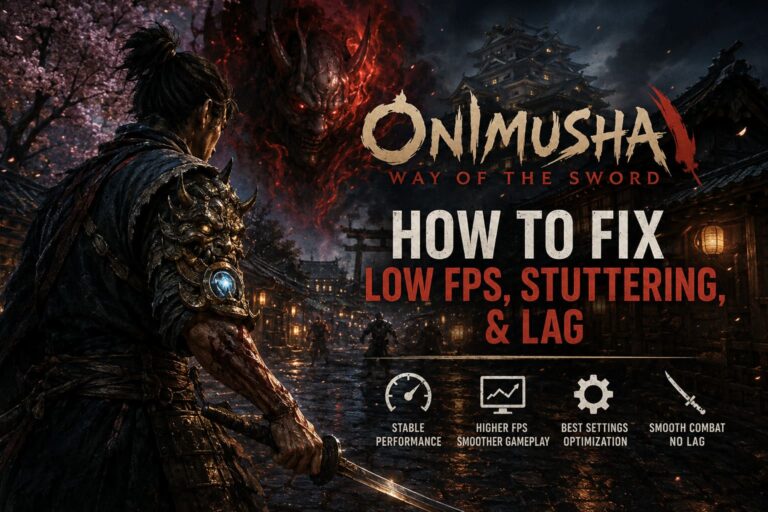
  • How to Fix Low FPS, Stuttering, and Lag in Onimusha: Way of the Sword (PC Performance Guide)
    Tech Support & Fixes

    How to Fix Low FPS, Stuttering, and Lag in Onimusha: Way of the Sword (PC Performance Guide)

    Byworldeka September 4, 2026September 4, 2026

    There are some games where a little stutter is annoying, and then there are games like Onimusha: Way of the Sword, where a tiny performance hiccup can completely ruin the moment. When you’re waiting for the perfect opening to deflect an enemy attack, a sudden frame-time spike is the last thing you want to see….
    Read More How to Fix Low FPS, Stuttering, and Lag in Onimusha: Way of the Sword (PC Performance Guide)Continue

  • How to Fix Onimusha Way of the Sword Low FPS and Micro Stuttering on PC
    Tech Support & Fixes

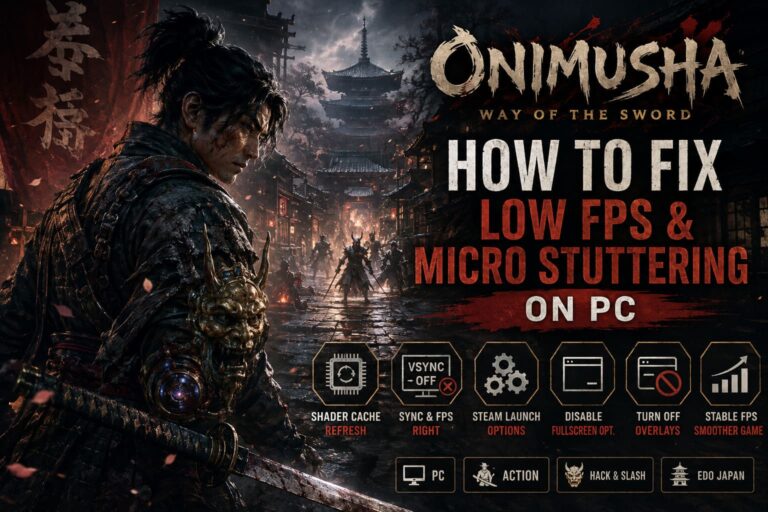
    How to Fix Onimusha Way of the Sword Low FPS and Micro Stuttering on PC

    Byworldeka September 4, 2026September 4, 2026

    There is a lot to love about Onimusha: Way of the Sword. After waiting two decades for a proper mainline return, getting back into the shoes of a demon-slaying warrior in a corrupted Edo-period Kyoto should feel special. And when the combat clicks, it absolutely does. Musashi’s swordplay has that wonderfully aggressive rhythm where a…

    Read More How to Fix Onimusha Way of the Sword Low FPS and Micro Stuttering on PCContinue

  • The Blood of Dawnwalker GTX 1060 Optimization Guide: How to Get 60 FPS on Budget PCs
    Tech Support & Fixes

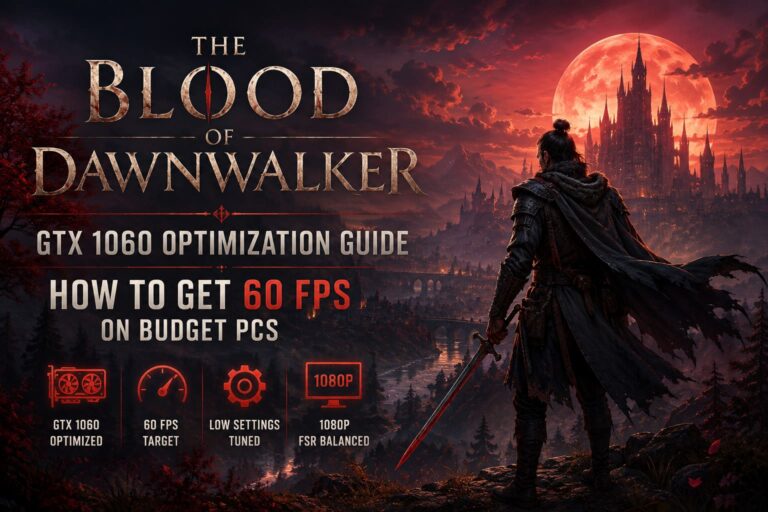
    The Blood of Dawnwalker GTX 1060 Optimization Guide: How to Get 60 FPS on Budget PCs

    Byworldeka September 3, 2026September 3, 2026

    I’ll be honest: when I first saw the PC requirements for The Blood of Dawnwalker, my immediate reaction was, “Okay, this is going to destroy older GPUs.” The game looks absolutely massive, and it is running on Unreal Engine 5, which has already earned a reputation for being brutal on aging hardware. But after spending…

    Read More The Blood of Dawnwalker GTX 1060 Optimization Guide: How to Get 60 FPS on Budget PCsContinue

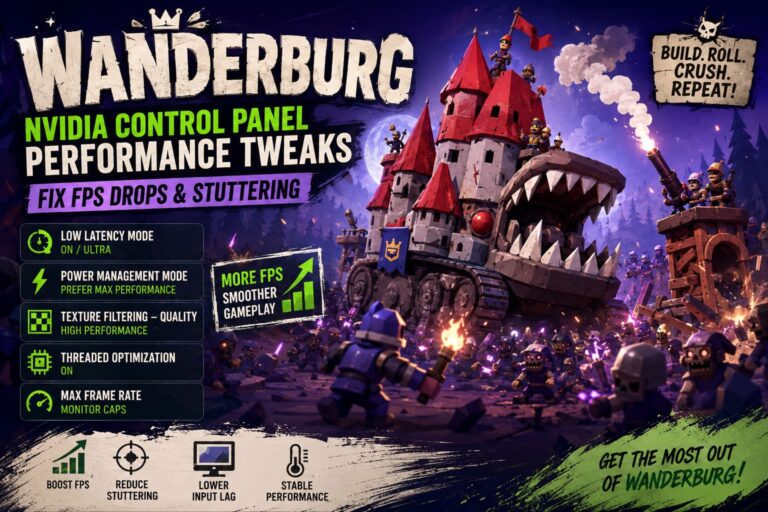
  • Wanderburg NVIDIA Control Panel Performance Tweaks: Fix FPS Drops & Stuttering
    Tech Support & Fixes

    Wanderburg NVIDIA Control Panel Performance Tweaks: Fix FPS Drops & Stuttering

    Byworldeka September 2, 2026September 2, 2026

    Wanderburg is one of those PC games that looks deceptively simple until you actually start playing it. Randwerk’s rolling fortress concept is brilliant: you build a ridiculous medieval machine, push it across a hostile procedural world, and watch everything around you collapse under the weight of your increasingly overpowered creation. It has a fantastic gameplay…

    Read More Wanderburg NVIDIA Control Panel Performance Tweaks: Fix FPS Drops & StutteringContinue

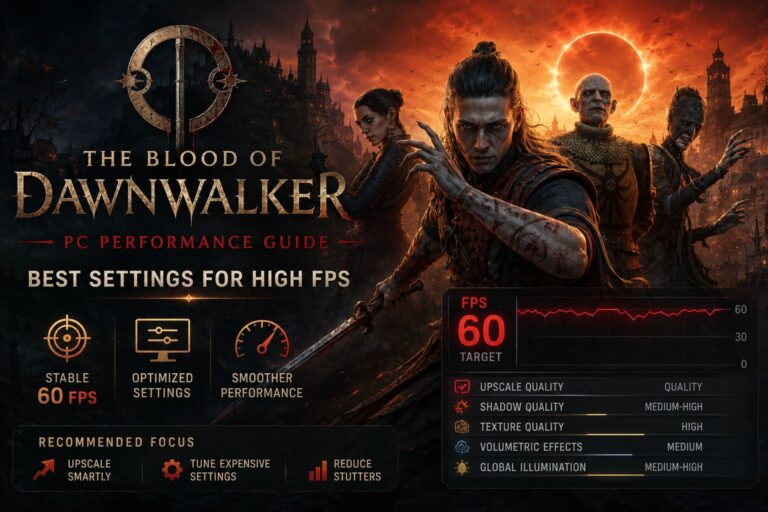
  • The Blood of Dawnwalker PC Performance Guide: Best Settings for High FPS
    Tech Support & Fixes

    The Blood of Dawnwalker PC Performance Guide: Best Settings for High FPS

    Byworldeka September 1, 2026September 1, 2026

    The Blood of Dawnwalker is one of those games where I found myself constantly torn between staring at the scenery and staring at the FPS counter. Rebel Wolves has built a seriously atmospheric dark fantasy world, and the combination of medieval settlements, vampires, dense forests, dynamic lighting, fog, NPC crowds, and Unreal Engine 5 effects…

    Read More The Blood of Dawnwalker PC Performance Guide: Best Settings for High FPSContinue

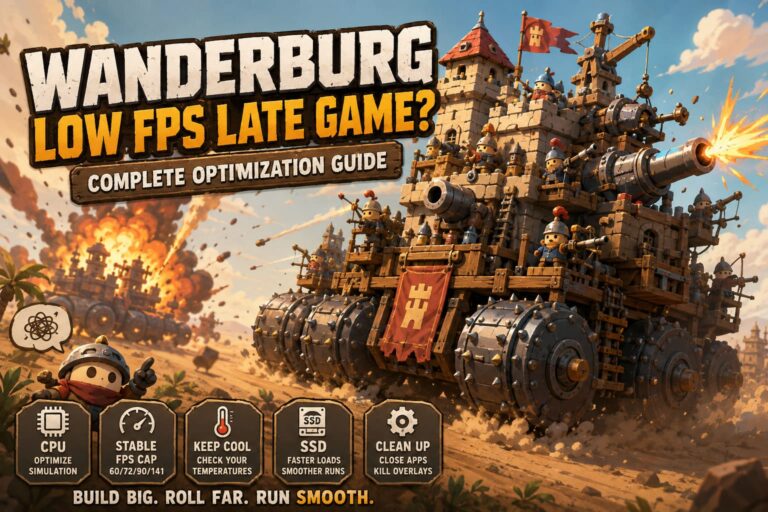
  • How to Fix Wanderburg Low FPS Late Game: Complete Optimization Guide
    Tech Support & Fixes

    How to Fix Wanderburg Low FPS Late Game: Complete Optimization Guide

    Byworldeka September 1, 2026September 1, 2026

    If there is one thing that can ruin an otherwise fantastic roguelite run, it is watching your FPS slowly collapse just when your rolling fortress becomes truly ridiculous. Wanderburg has a brilliant concept: you build and control a gigantic medieval castle on wheels, roll through procedurally generated landscapes, tear apart settlements, collect resources, and fight…

    Read More How to Fix Wanderburg Low FPS Late Game: Complete Optimization GuideContinue

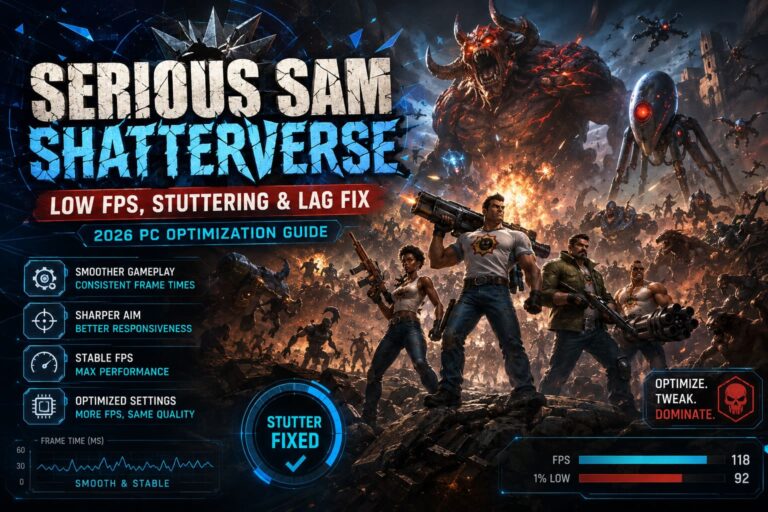
  • Serious Sam Shatterverse Low FPS, Stuttering & Lag Fix: 2026 PC Optimization Guide
    Tech Support & Fixes

    Serious Sam Shatterverse Low FPS, Stuttering & Lag Fix: 2026 PC Optimization Guide

    Byworldeka August 30, 2026August 30, 2026

    Serious Sam Shatterverse is exactly the kind of shooter where performance problems become impossible to ignore. When the game is running properly, the sheer scale of the battles is fantastic: enemies are coming from every direction, explosions are filling the screen, and you are constantly moving instead of hiding behind cover. But when the frame…

    Read More Serious Sam Shatterverse Low FPS, Stuttering & Lag Fix: 2026 PC Optimization GuideContinue

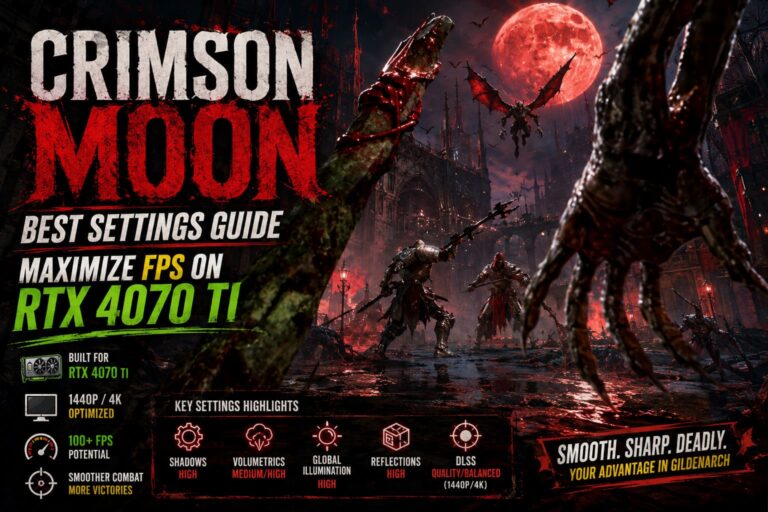
  • Crimson Moon Best Settings Guide: Maximize FPS on RTX 4070 Ti
    Tech Support & Fixes

    Crimson Moon Best Settings Guide: Maximize FPS on RTX 4070 Ti

    Byworldeka August 30, 2026August 30, 2026

    If you are playing Crimson Moon on an RTX 4070 Ti, you are sitting on a graphics card that can handle this gothic action RPG extremely well. The question is not whether the GPU can run the game, but how much visual quality you can keep before the frame rate starts falling apart during the…

    Read More Crimson Moon Best Settings Guide: Maximize FPS on RTX 4070 TiContinue

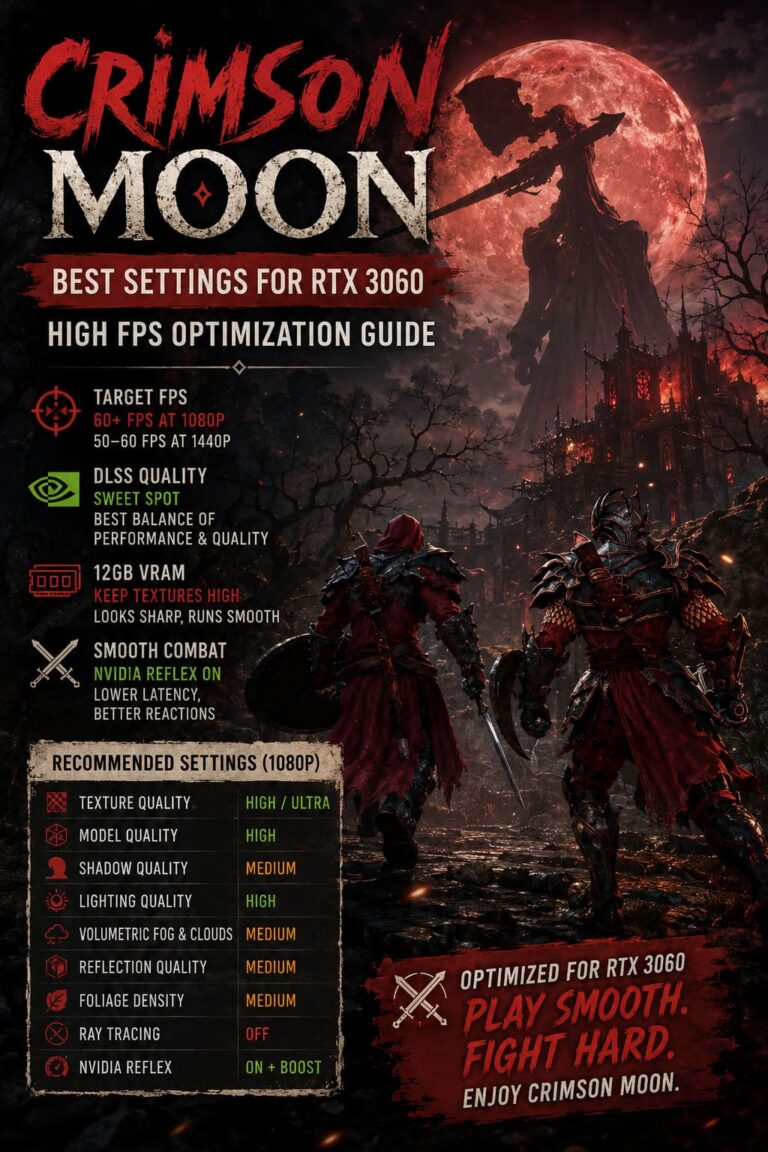
  • Crimson Moon Best Settings for RTX 3060: High FPS Optimization Guide
    Tech Support & Fixes

    Crimson Moon Best Settings for RTX 3060: High FPS Optimization Guide

    Byworldeka August 30, 2026August 30, 2026

    If you are playing Crimson Moon on an RTX 3060, I would not immediately reach for the Ultra preset and call it a day. On paper, the RTX 3060 still looks like a very capable 1080p card, especially with its 12GB of VRAM, but modern games can be brutally uneven when you push every graphics…

    Read More Crimson Moon Best Settings for RTX 3060: High FPS Optimization GuideContinue

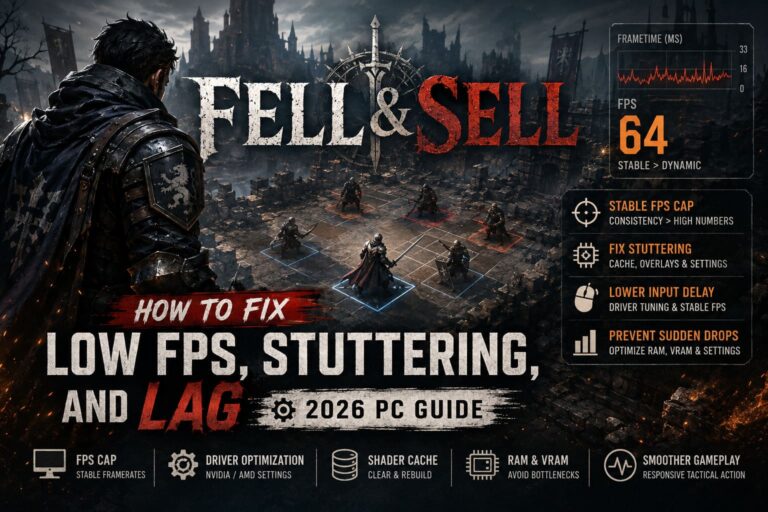
  • How to Fix Fell & Sell Low FPS, Stuttering, and Lag (2026 PC Guide)
    Tech Support & Fixes

    How to Fix Fell & Sell Low FPS, Stuttering, and Lag (2026 PC Guide)

    Byworldeka August 29, 2026August 29, 2026

    Fell & Sell is the kind of game where performance problems become noticeable almost immediately. When everything is running properly, the tactical gameplay feels responsive and the action moves at a steady pace. When the frame rate starts bouncing around, though, even simple camera movement can feel strangely heavy. I’ve spent a ridiculous amount of…

    Read More How to Fix Fell & Sell Low FPS, Stuttering, and Lag (2026 PC Guide)Continue

Page navigation

Previous PagePrevious 1 2 3 4 … 9 Next PageNext
  • About
  • Privacy Policy

WORLDEKA

Explore the game.
Know the meta.
Achieve the win.

© 2026 Worldeka

Pinterest Twitter
  • Essentials
  • In-Depth Insights
  • Lore & Universe
  • Pro-Builds & Meta
  • Tech Support & Fixes
Search