How to Fix Bluetooth Audio Sync Delay in hololive Dreams (2026 Mobile Guide)
I’ve spent years playing rhythm games on both mobile and console. Titles like Project SEKAI, BanG Dream!, Arcaea, Cytus II, and osu!lazer taught me one thing very quickly: if the music and your taps aren’t perfectly synchronized, even the best gameplay mechanics fall apart.
That was exactly my first impression after launching hololive Dreams with a pair of Bluetooth earbuds.
The game itself feels fantastic. The song selection is huge, the performances are polished, and the rhythm system is surprisingly responsive. Unfortunately, my first few songs were filled with mysterious “Great” and “Good” judgments despite hitting notes exactly on the beat—or at least that’s what it felt like.
After switching to wired headphones, my accuracy instantly improved.
That confirmed what I suspected: Bluetooth latency, not my timing, was the real problem.
If you’re struggling with delayed music, late tap sounds, or inconsistent combo performance, don’t worry. Most of these issues can either be corrected or greatly reduced without buying a new phone.
Why Bluetooth Audio Is Always Behind
Many players assume something is wrong with the game itself.
In reality, this is simply how wireless audio works.
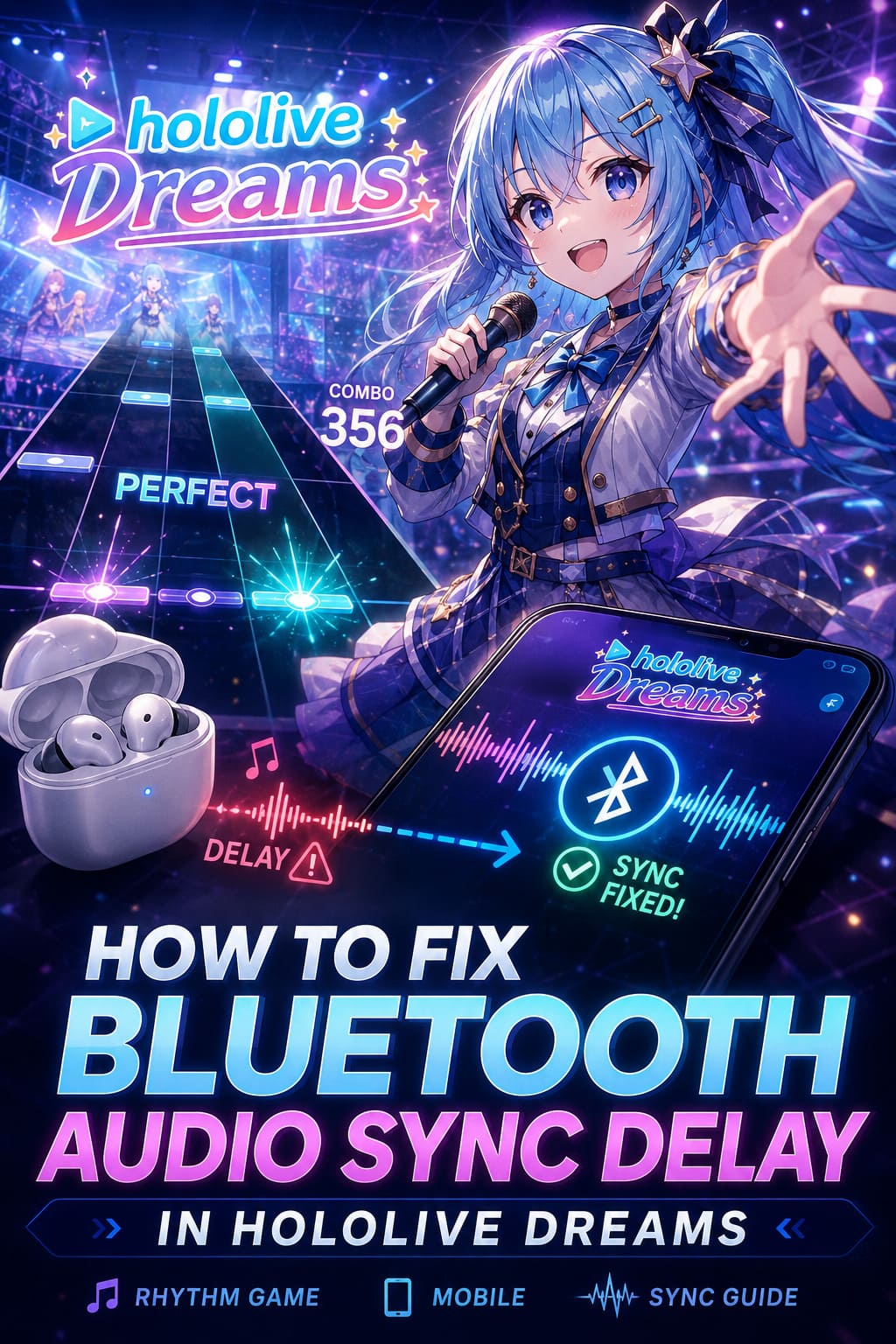
Whenever your phone sends music to Bluetooth headphones, the audio must:
- Compress the sound.
- Encode it.
- Transmit it wirelessly.
- Decode it inside the earbuds.
- Finally play it through the speakers.
That entire process usually adds somewhere around 100-200 milliseconds of delay.
For watching YouTube or Netflix, your phone secretly delays the video so everything still looks synchronized.
Games don’t have that luxury.
Every tap must register immediately, meaning the visuals stay responsive while the music arrives slightly later.
That’s why rhythm games expose Bluetooth latency more than almost any other genre.
My First Recommendation: Calibrate Before Changing Anything
The biggest mistake I see players make is immediately changing Android developer settings or reinstalling the game.
Instead, start with what the developers already provide.
Most rhythm games include a timing calibration system, and hololive Dreams is no exception.
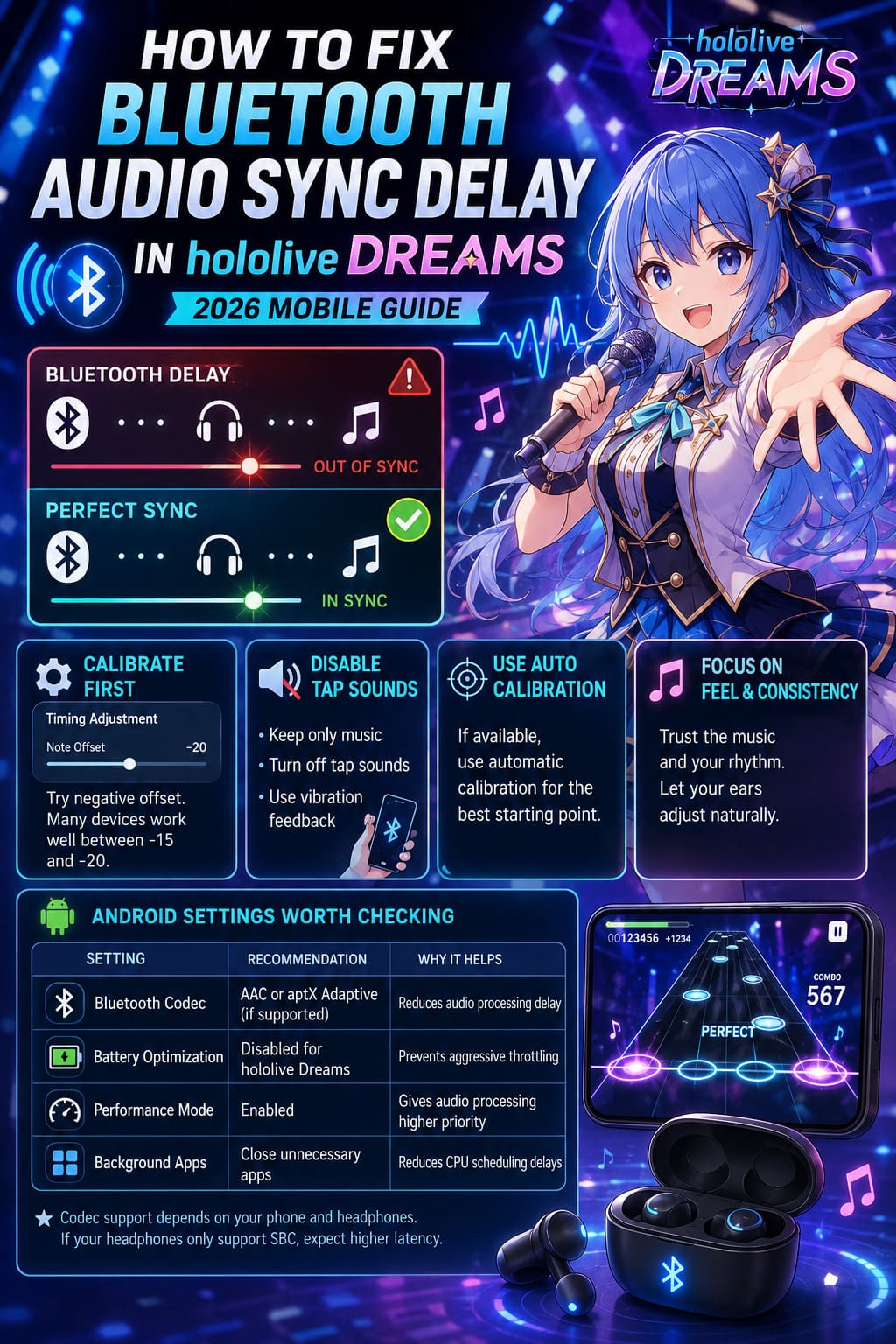
Open the game’s settings and look for the timing adjustment or note offset option.
Rather than guessing random numbers, spend five minutes experimenting.
For my own earbuds, I found a negative offset produced much more consistent results.
Many Bluetooth devices seem to work well somewhere between -15 and -20, although every headset behaves differently.
If automatic calibration is available, use it first.
It gives you a much better starting point than manually sliding values around.
Disable Tap Sounds If You’re Playing Wirelessly
This advice surprises many players.
I actually recommend turning tap sounds completely off.
Here’s why.
Those satisfying click effects are generated the instant your finger touches the screen.
But Bluetooth doesn’t play them instantly.
Instead, every hit sound arrives a fraction of a second after you’ve already moved to the next note.
Your brain begins hearing delayed confirmation while your eyes follow perfectly timed notes.
Eventually, both signals compete for attention.
The result is inconsistent timing and unnecessary mistakes.
Instead:
- Keep only the music playing.
- Disable tap sound effects.
- Enable vibration feedback if your device supports it.
Personally, this change alone made long combo chains feel significantly more natural.
Android Settings Worth Checking
If you’re using Android, you have more control than iPhone users.
Developer Options include several Bluetooth settings that can improve latency depending on your phone and headphones.
Here’s what I’d verify.
| Setting | Recommendation | Why It Helps |
|---|---|---|
| Bluetooth Codec | AAC or aptX Adaptive (if supported) | Lower processing delay |
| Battery Optimization | Disabled for hololive Dreams | Prevents aggressive throttling |
| Performance Mode | Enabled | Gives audio processing higher priority |
| Background Apps | Close unnecessary apps | Reduces CPU scheduling delays |
Not every device supports advanced codecs.
If your headphones only support SBC, don’t expect miracles.
Codec support depends on both your smartphone and your earbuds.
Don’t Ignore Your Headphone Firmware
This is something many players overlook.
Wireless earbuds are basically tiny computers.
Manufacturers frequently release firmware updates that improve:
- Connection stability.
- Battery efficiency.
- Audio synchronization.
- Bluetooth compatibility.
Whenever I buy new earbuds, updating the firmware is one of the first things I do.
It only takes a few minutes using the manufacturer’s companion app and can solve surprisingly annoying issues.
iPhone Users Still Have Options
Apple doesn’t let users manually switch Bluetooth codecs like Android does.
That doesn’t mean you’re out of luck.
The easiest fixes include:
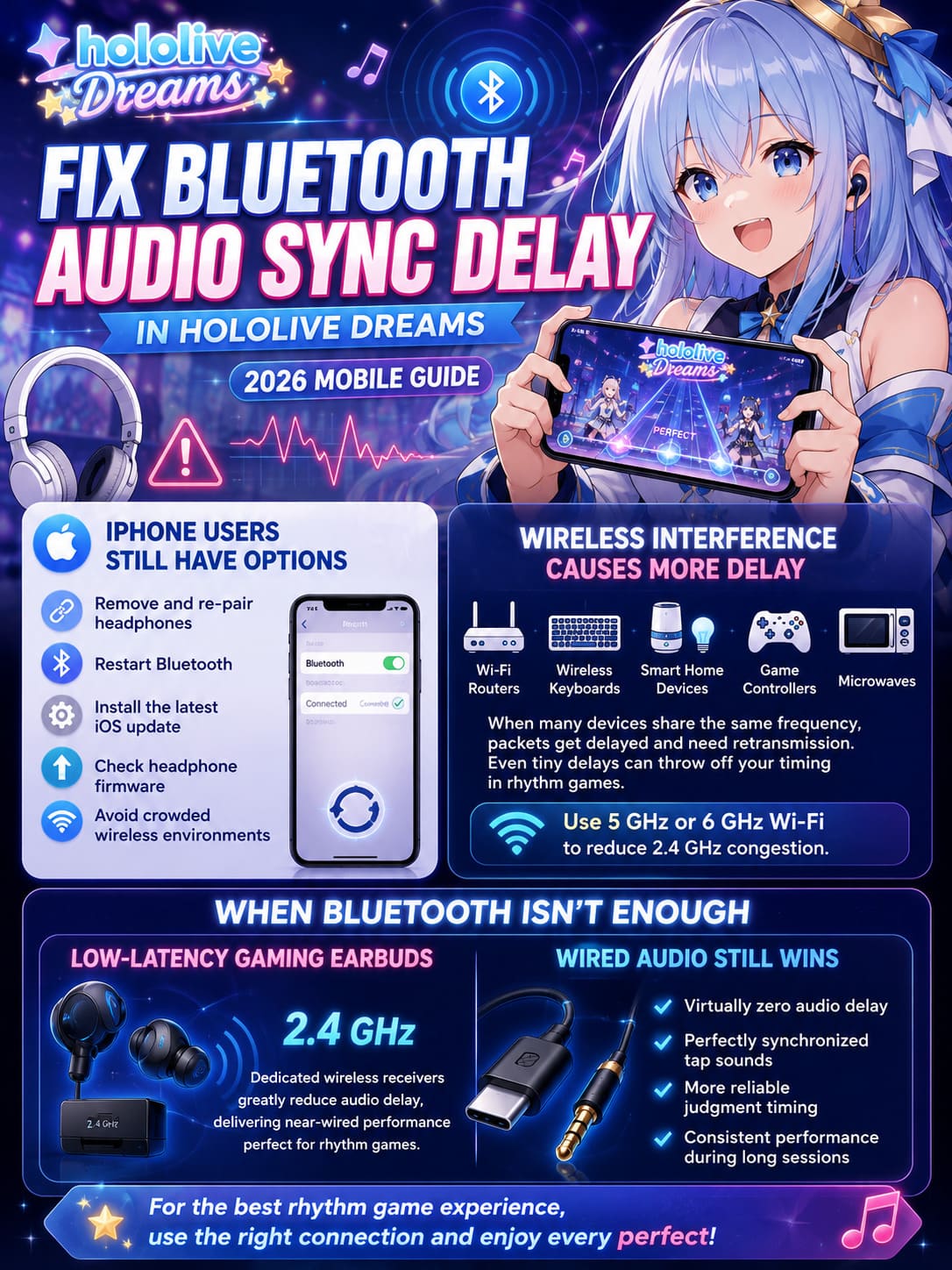
- Removing and pairing the headphones again.
- Restarting Bluetooth completely.
- Installing the latest iOS update.
- Checking headphone firmware.
- Avoiding crowded wireless environments.
I’ve also noticed that moving away from busy 2.4 GHz Wi-Fi networks sometimes improves connection stability, especially in apartment buildings filled with dozens of nearby routers.
Wireless Interference Is More Common Than People Think
Bluetooth shares radio frequencies with many everyday devices.
Some examples include:
- Wi-Fi routers.
- Wireless keyboards.
- Smart home devices.
- Game controllers.
- Microwaves.
When dozens of devices compete for the same spectrum, packets occasionally need retransmission.
Every retransmission introduces tiny delays.
Individually they’re almost invisible.
During a fast rhythm game, however, those tiny delays can accumulate into noticeable timing inconsistencies.
Whenever possible, I recommend connecting your phone to a 5 GHz or 6 GHz Wi-Fi network, leaving the crowded 2.4 GHz band less congested.
When Bluetooth Simply Isn’t Enough
After years of rhythm gaming, I’ve accepted one reality.
Bluetooth has limits.
No matter how much software tweaking you perform, standard Bluetooth was designed primarily for convenience—not competitive timing.
If you’re serious about chasing full combos on difficult charts, consider better hardware.
Low-Latency Gaming Earbuds
Several gaming-focused earbuds use dedicated 2.4 GHz wireless receivers instead of traditional Bluetooth.
These systems dramatically reduce transmission delay, often approaching wired performance.
For rhythm games, the difference is immediately noticeable.
Wired Audio Still Wins
Even in 2026, nothing beats a cable.
Using a quality USB-C or Lightning audio adapter removes wireless transmission from the equation entirely.
Benefits include:
- Virtually zero audio delay.
- Perfectly synchronized tap sounds.
- More reliable judgment timing.
- Consistent performance during long sessions.
Whenever I’m attempting difficult charts or trying to improve personal scores, I always switch back to wired headphones.
The difference is obvious after only a few songs.
Common Mistakes Players Make
I’ve seen many posts blaming the game for problems that actually originate elsewhere.
Here are the most common mistakes.
- Leaving tap sounds enabled while using Bluetooth.
- Constantly changing offset values after every song.
- Playing in Battery Saver mode.
- Using outdated earbud firmware.
- Assuming every Bluetooth headset performs the same.
Patience matters.
Spend a little time finding the correct calibration once instead of adjusting it every session.
How to Fix Low FPS and Rhythm Mode Lag in hololive Dreams (2026 Performance Guide)
My Personal Experience After Testing Multiple Setups
I experimented with several different headphones while playing hololive Dreams over multiple sessions.
The difference wasn’t subtle.
Cheap Bluetooth earbuds consistently introduced enough delay to affect harder songs.
Premium models performed noticeably better, especially those supporting newer wireless technologies.
Wired headphones, however, remained the easiest way to achieve reliable accuracy.
After calibrating the game properly and disabling tap sounds, Bluetooth became perfectly enjoyable for casual play.
But when I wanted consistent Full Combos or attempted expert-level charts, I always preferred a wired connection.
That has been true for nearly every rhythm game I’ve played, and hololive Dreams is no exception.
Hololive Dreams Walkthrough: Original Story Mode Complete Guide & Chapter Walkthrough (2026)
Final Thoughts
hololive Dreams delivers an excellent rhythm experience, but like nearly every mobile rhythm title, it exposes the weaknesses of traditional Bluetooth audio.
Fortunately, the problem usually isn’t the game itself.
A combination of proper timing calibration, disabling delayed tap sounds, checking Bluetooth settings, keeping firmware updated, and using lower-latency hardware can dramatically improve your experience.
If you’re just enjoying your favorite hololive songs, Bluetooth is more than good enough after a little tweaking.
If you’re chasing perfect accuracy and high leaderboard placements, though, a wired headset is still the benchmark.
In rhythm games, every millisecond matters—and once you’ve experienced truly synchronized gameplay, it’s hard to go back.