IRON NEST Heavy Turret Simulator Steam Deck Compatibility Update: Performance & Best Settings Guide
I have spent a ridiculous amount of time with tactical simulators that try to make every button press matter, but IRON NEST: Heavy Turret Simulator is one of those games that immediately grabs you because it understands something many modern games forget: immersion comes from interaction. You are not a super soldier running across a battlefield with unlimited weapons. You are a crew member trapped inside a massive dieselpunk war machine, relying on instruments, calculations, and communication from command to survive.
Developed by Nick Nieuwoudt and Dominik Latos, IRON NEST is scheduled for its full release on August 6, 2026, after an extremely successful demo period during Steam Next Fest. The game received an impressive 98% positive rating from players, and the biggest question from the community was not about gameplay depth or atmosphere. It was simple: Can this complicated artillery simulator actually work on Steam Deck?
After the latest compatibility updates, the answer is looking much more positive. Valve’s handheld is not the obvious platform for a game filled with tiny interface elements, coordinate calculations, and mechanical controls, but the developers have clearly put serious effort into making the experience comfortable outside a traditional PC setup.
Iron Nest Triangulation Guide: How to Target, Aim, and Fire (Map Tools Tutorial)
Why IRON NEST Is A Unique Challenge For Steam Deck
The entire appeal of IRON NEST comes from the feeling that you are operating a giant armored machine during a desperate war. The gameplay loop is completely different from standard shooters. You are sitting inside a heavily protected turret where every action requires attention.
Instead of aiming through a normal scope, you receive orders through a teleprinter, analyze battlefield coordinates, adjust mechanical systems, and manually prepare devastating artillery strikes. The game creates tension through patience and precision rather than explosions every few seconds.
Players on Reddit and YouTube have compared the experience to titles like HighFleet, mainly because of the incredible attention to physical controls and tactical decision-making. Every switch, dial, and instrument feels like it exists for a reason.
That same complexity creates problems on Steam Deck. A seven-inch screen and controller inputs are not exactly ideal for a game designed around reading maps, entering coordinates, and clicking small mechanical interfaces.
Steam Deck Compatibility Updates Changed The Experience
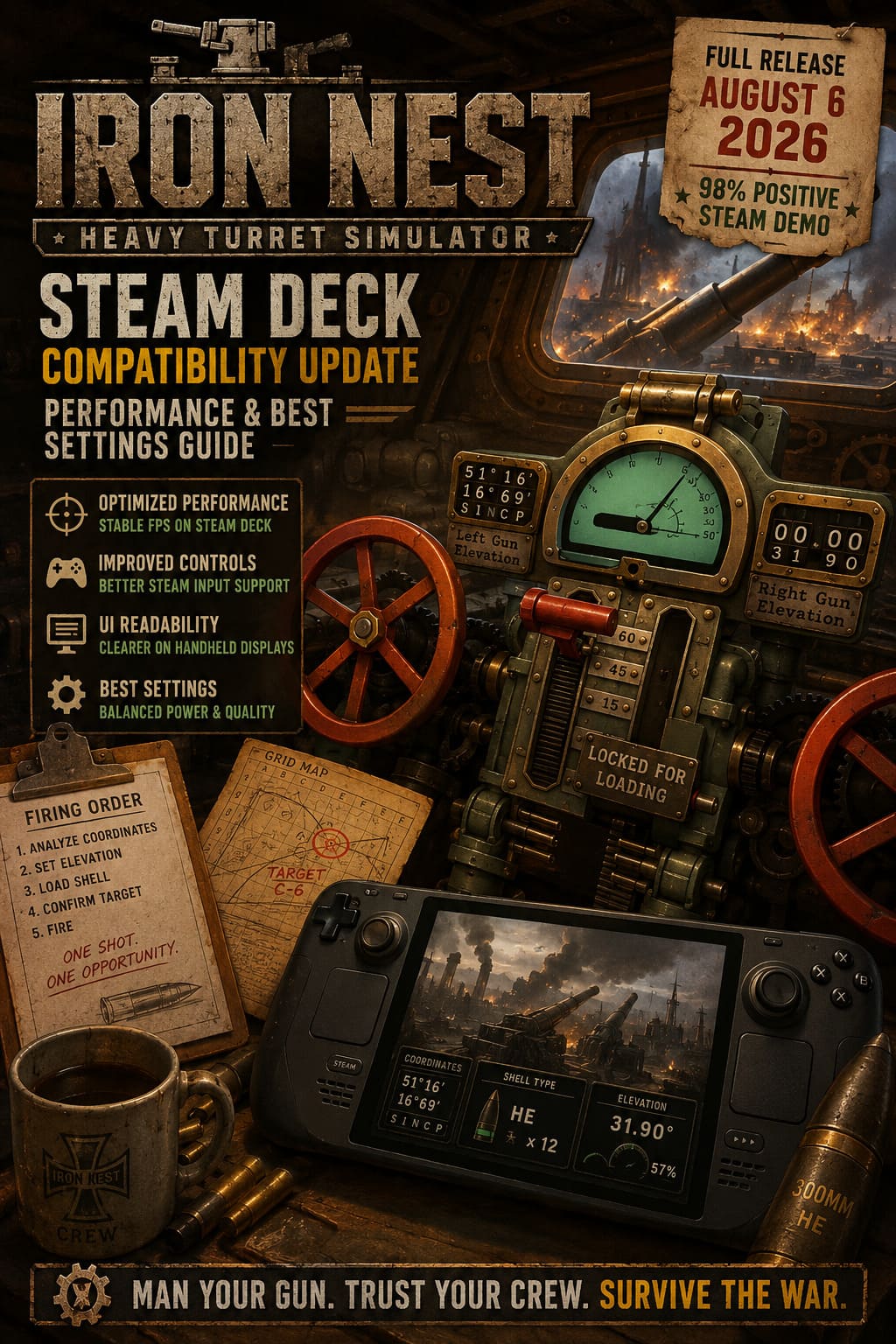
The first demo version of IRON NEST was playable through Proton, but early testers noticed several problems. Performance could slowly decline during longer missions, controller support was incomplete, and some interface elements felt designed exclusively for mouse and keyboard.
The developers listened to the community and started improving the handheld experience before launch. The newest compatibility updates focus on making the game more stable and easier to control.
| Update | Steam Deck Improvement |
|---|---|
| Performance Optimization | Better FPS stability on Valve’s custom AMD APU |
| Memory Improvements | Reduced performance drops during extended missions |
| Controller Updates | Improved Steam Input support and gamepad layouts |
| UI Improvements | Better readability for smaller handheld screens |
The biggest improvement is the removal of the gradual FPS degradation issue that appeared during longer operations. This was a major problem because IRON NEST is exactly the kind of game where players can spend hours inside one campaign session.
A tactical simulator losing performance halfway through a mission destroys the atmosphere. Thankfully, the latest updates appear to have addressed this problem.
How Does IRON NEST Feel On Steam Deck?
The Steam Deck version is not going to replace a full desktop setup for hardcore players who want maximum efficiency. A keyboard and mouse will always be faster when entering coordinates or managing detailed interfaces.
However, after the latest controller improvements, the handheld version feels much more natural. There is a learning curve, but once you customize Steam Input and memorize the controls, operating the turret becomes surprisingly satisfying.
The right trackpad is probably the most important feature for Steam Deck players. Mapping it as a mouse gives you much better precision when adjusting settings, selecting map locations, or interacting with complicated machinery.
The experience reminds me of playing a strategy game on a handheld device. At first, everything feels slower. After an hour or two, your brain adapts, and suddenly the controls start feeling like part of the machine itself.
Best IRON NEST Steam Deck Settings For Performance
If you want the best balance between image quality, battery life, and stable performance, these settings provide a strong starting point.
Recommended In-Game Graphics Settings
| Setting | Recommended Option |
|---|---|
| Resolution | 1280×800 Native |
| Display Mode | Fullscreen |
| Graphics Preset | Medium |
| Textures | Medium or High |
| Shadows | Low |
| Anti-Aliasing | TAA or FXAA |
The game itself is not extremely demanding because most of the experience happens inside the turret. The biggest performance gains come from reducing unnecessary shadow calculations.
Keeping textures at Medium or High is completely reasonable because IRON NEST has a relatively small installation size and does not aggressively consume VRAM.
SteamOS Performance Settings
| Steam Deck Setting | Recommended Value |
|---|---|
| FPS Limit | 40 FPS or 30 FPS |
| Refresh Rate | 40Hz for smoother gameplay |
| TDP Limit | 10W-12W |
| Proton Version | Proton Experimental or Proton 10.0-3 |
A locked 40 FPS feels excellent for this type of simulator because the gameplay is slower and more deliberate. You do not need competitive shooter-level frame rates.
For players planning long artillery campaigns, a locked 30 FPS is also a great option because it significantly improves battery life.
Interface Scaling Is Extremely Important
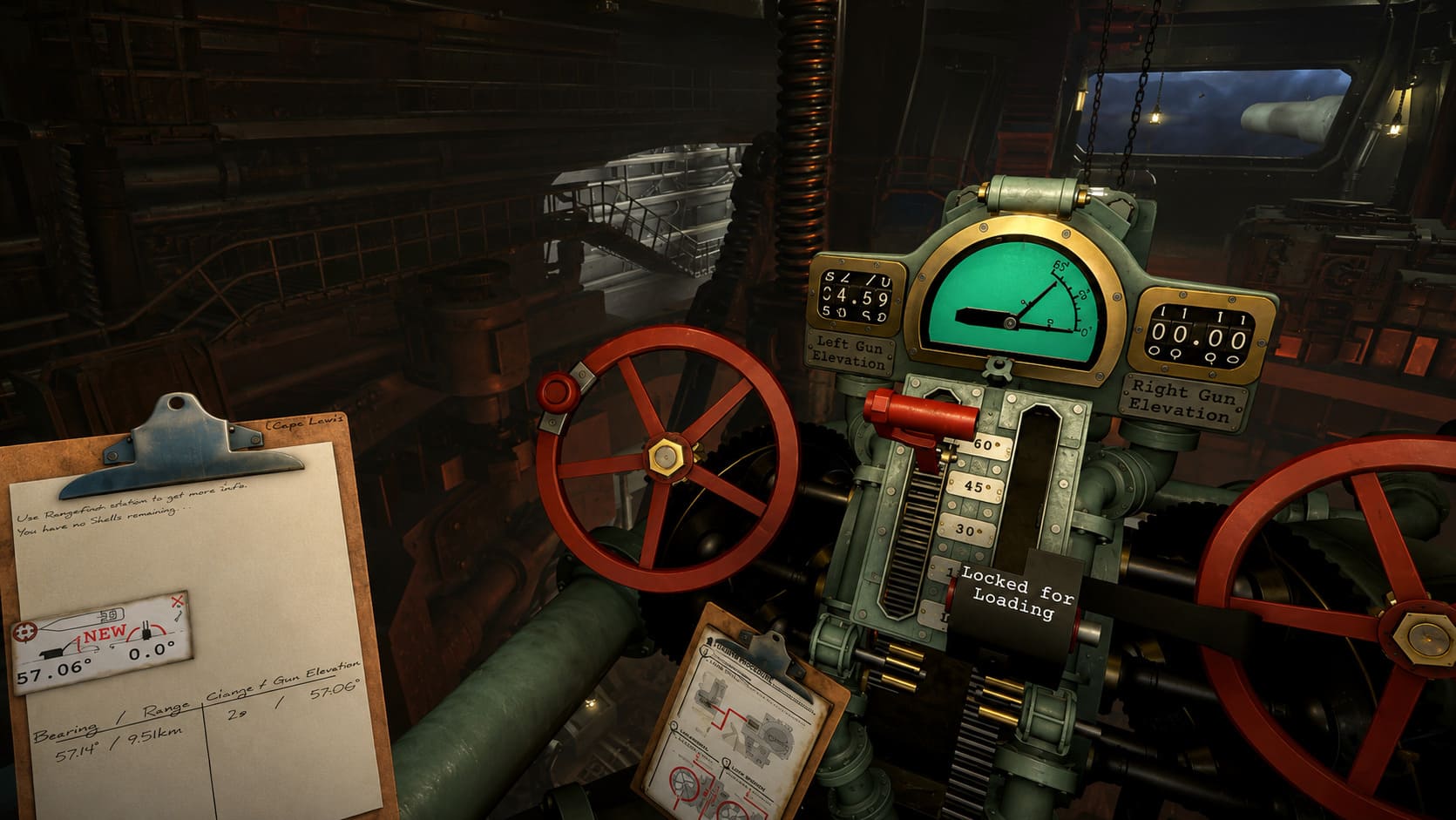
The biggest factor separating a good Steam Deck experience from a frustrating one is interface readability.
IRON NEST contains lots of small details: coordinates, instruments, timers, messages from command, and mechanical controls. If text is difficult to read, the entire gameplay loop suffers.
The developers introduced readability improvements specifically for smaller displays. These changes make important information clearer without destroying the immersive cockpit feeling.
Still, I strongly recommend experimenting with Steam Deck controller layouts. A hybrid setup works best:
- Left stick for movement between menus and systems.
- Buttons for common actions.
- Right trackpad as mouse input for precision tasks.
This setup gives you the speed of a PC interface while keeping the comfort of handheld gaming.
Future Updates, Console Versions, And Multiplayer Plans
The August 2026 launch is only the beginning for IRON NEST. The developers have already discussed expanding the project beyond the initial PC release.
Console versions are planned, and VR support has been heavily discussed by the team. A game built around physical interaction and mechanical controls could actually be a perfect fit for virtual reality.
The most interesting future possibility is multiplayer. The developers have talked about creating a separate multiplayer experience based on IRON NEST’s foundation, focusing on cooperative artillery crews.
Imagine one player handling navigation, another managing targeting calculations, and another controlling ammunition systems. That kind of teamwork could turn IRON NEST from a great simulator into something completely unique.
Final Thoughts: Is IRON NEST Worth Playing On Steam Deck?
After seeing the improvements made by Nick Nieuwoudt and Dominik Latos, IRON NEST: Heavy Turret Simulator looks like one of those rare games that can successfully move from desktop to handheld without losing its identity.
The Steam Deck version will not be perfect for everyone. Players who want the fastest possible controls will still prefer mouse and keyboard. But for those who enjoy relaxing on the couch while operating a giant dieselpunk artillery machine, this handheld experience could be surprisingly addictive.
The combination of performance patches, improved controller support, readable interfaces, and customizable Steam Input makes Steam Deck a legitimate way to experience the game.
Load the shells, check the coordinates, prepare the firing sequence, and get ready. IRON NEST: Heavy Turret Simulator launches on August 6, 2026, and Steam Deck players finally have a reason to join the artillery crew.