Gothic 1 Remake System Requirements: Can I Run It? Full PC Performance & Optimization Guide (2026)
For many RPG fans, returning to the Valley of Mines feels less like launching a new game and more like coming home. I spent countless hours exploring every corner of the original Gothic, getting beaten up by scavengers, joining camps, and learning the hard way that the Colony never forgives mistakes. Now that Gothic 1 Remake has finally arrived, the excitement is real—but so is the question many players are asking:
Can your PC actually handle it?
After spending time with the remake, testing settings, comparing community feedback, and analyzing how Unreal Engine 5 affects performance, one thing became clear: this is one of the most visually impressive RPG remakes released in recent years, but it is also one of the most demanding.
Let’s break down what kind of hardware you really need and whether it’s time to upgrade your gaming setup.
The Gothic We Remember—Built for Modern Hardware
The original Gothic was never known for being easy. Whether it was combat, exploration, or simply surviving your first few hours, the game demanded patience.
The remake follows the same philosophy, but this time your hardware is facing the challenge.
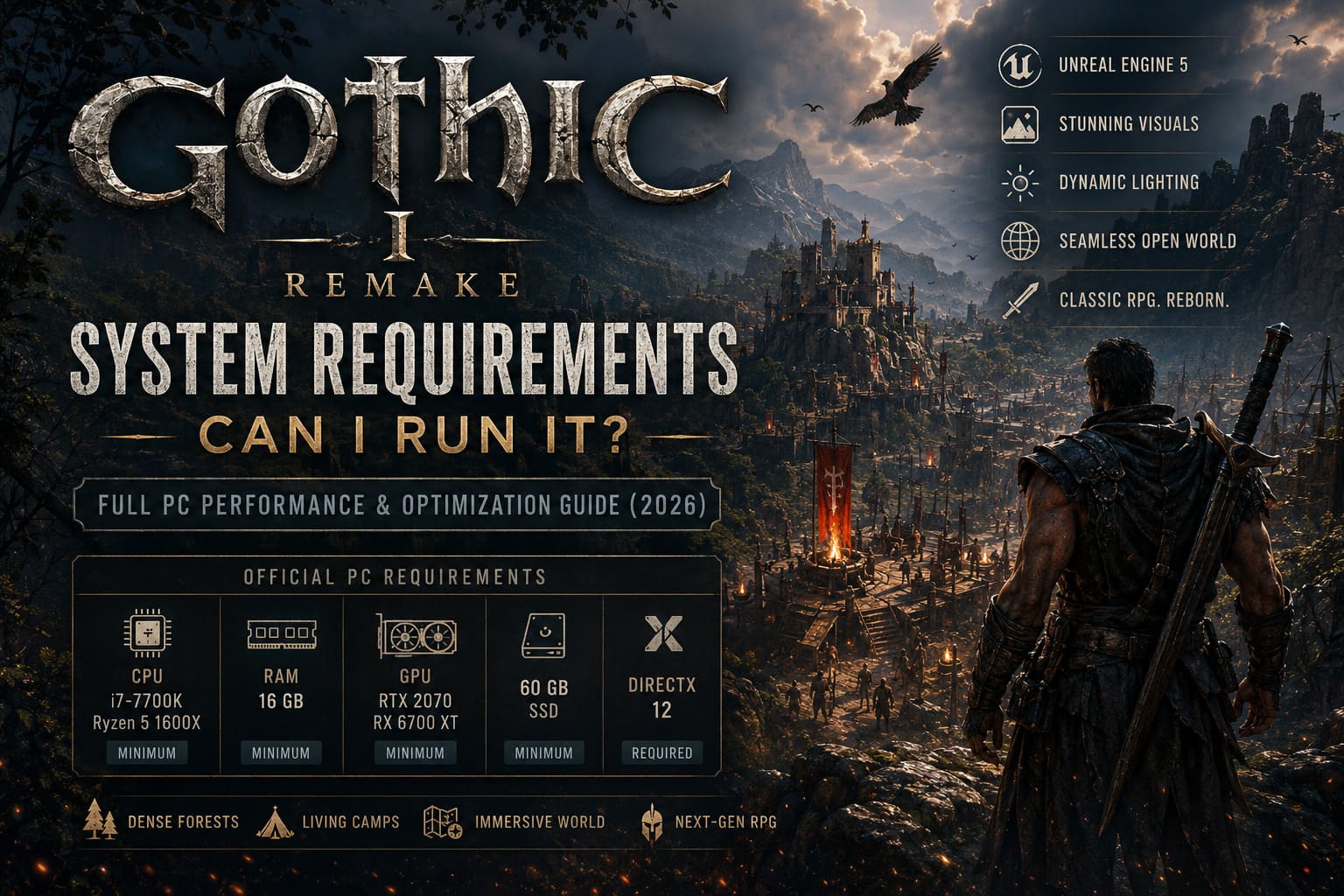
Powered by Unreal Engine 5, Gothic 1 Remake introduces:
- Massive environmental detail
- Dense forests and vegetation
- Advanced global illumination
- High-resolution textures
- Improved character models
- Dynamic lighting and shadows
- Seamless open-world exploration
The result is stunning. The Valley of Mines looks alive in a way that simply wasn’t possible twenty-five years ago.
The downside?
All those visual improvements come with a serious performance cost.
Official PC Requirements
At first glance, the requirements already suggest that Gothic 1 Remake isn’t targeting older gaming systems.
| Component | Minimum | Recommended |
|---|---|---|
| Operating System | Windows 10/11 64-bit | Windows 10/11 64-bit |
| Processor | Intel i7-7700K / Ryzen 5 1600X | Intel i7-7700K / Ryzen 5 3600X |
| Memory | 16 GB RAM | 32 GB RAM |
| Graphics Card | RTX 2070 / RX 6700 XT | RTX 3070 Ti, RTX 4070, RX 6800 XT |
| Storage | 60 GB SSD | 60 GB NVMe SSD |
| DirectX | Version 12 | Version 12 |
What immediately stands out is the memory requirement.
32 GB of RAM as the recommended specification is becoming increasingly common for major Unreal Engine 5 releases, and Gothic 1 Remake joins that trend.
Why Is Gothic 1 Remake So Demanding?
After spending several evenings testing different hardware configurations and reading performance reports from fellow players, I believe three factors are responsible.
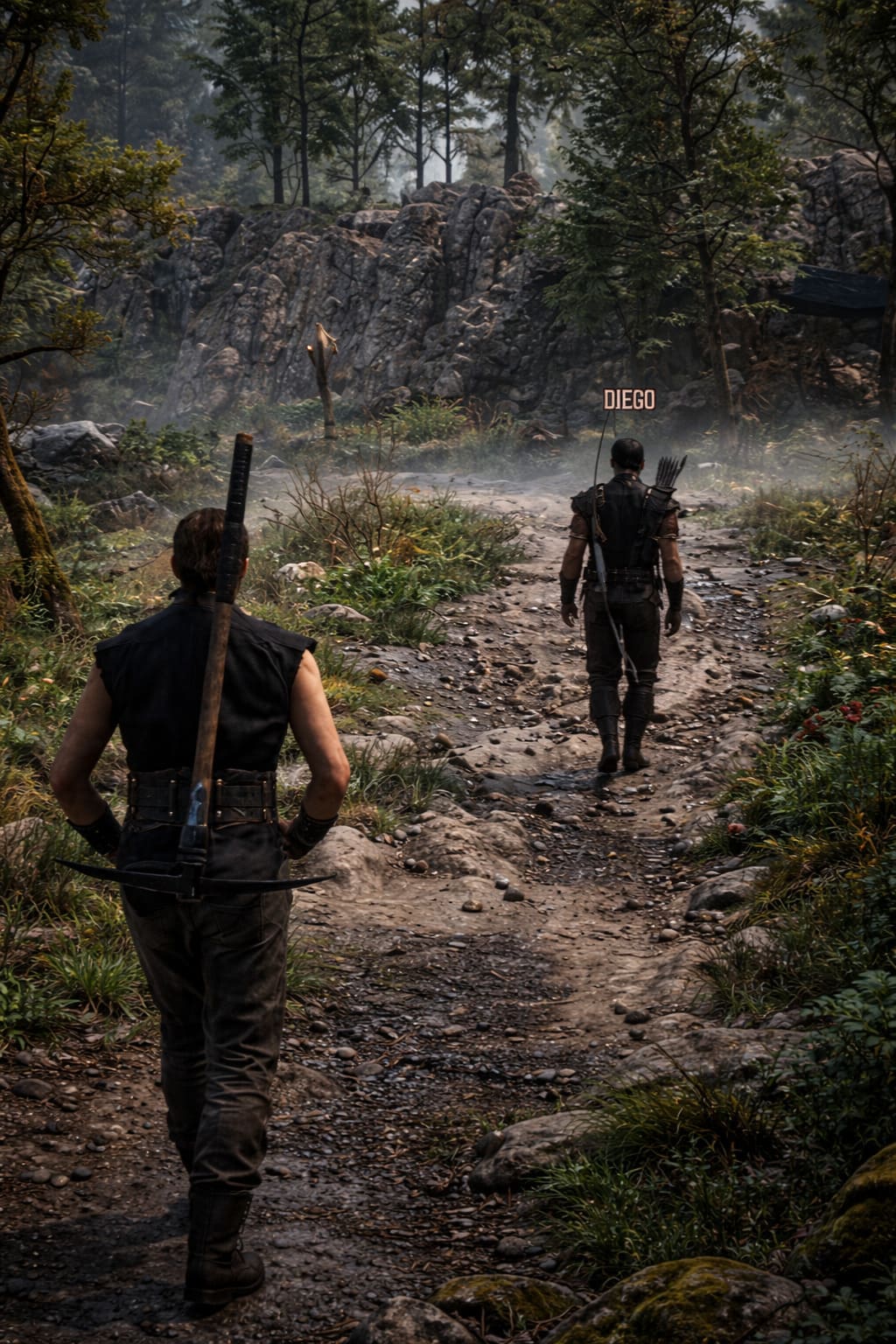
1. Unreal Engine 5 Is Hungry
This shouldn’t surprise anyone.
Modern UE5 games rely heavily on technologies that dramatically improve visuals while simultaneously pushing hardware to its limits.
The remake constantly streams:
- High-detail assets
- Massive texture packs
- Dynamic lighting data
- Environmental effects
Even systems with plenty of VRAM can experience occasional hiccups when moving between large areas.
2. Graphics Cards Matter More Than CPUs
In my experience, the game is primarily GPU-bound.
If you’re using a modern graphics card, you’ll generally have a much better experience than someone relying on an older GPU paired with a powerful processor.
The biggest performance gains usually come from:
- Better VRAM capacity
- Faster memory bandwidth
- Support for DLSS or FSR
- Frame Generation technology
The difference between an RTX 3060 and RTX 4070 is enormous in this game.
3. Camps Can Destroy Frame Rates
One thing many benchmarks fail to show is how demanding populated areas can be.
The wilderness often runs smoothly.
The moment you enter a major camp filled with NPCs following daily routines, conversations, and scripted behaviors, CPU usage spikes significantly.
This is where modern processors with strong multi-threaded performance shine.
Performance Expectations by Hardware Tier
Let’s talk about real-world gaming experiences rather than marketing numbers.
Older Systems
If you’re still gaming on hardware like:
- GTX 1060
- GTX 1070
- GTX 1080
- RX 580
You’ll probably struggle.
Even at lower settings, performance can fluctuate heavily depending on location.
The game may technically run, but “playable” and “enjoyable” are not always the same thing.
Personally, I wouldn’t recommend Gothic 1 Remake on pre-RTX hardware unless you’re comfortable making major visual compromises.
Mid-Range Gaming PCs
This is where things get interesting.
Systems equipped with:
- RTX 3060
- RTX 4060
- RX 6700 XT
- RX 7600 XT
deliver a surprisingly solid experience.
With a combination of Medium and High settings plus modern upscaling technology, maintaining smooth gameplay at 1080p is absolutely achievable.
For many players, this hardware category will represent the sweet spot between visual quality and affordability.
High-End Systems
If you’re rocking hardware such as:
- RTX 4070
- RTX 4070 Ti
- RTX 4080
- RX 7900 XT
- RX 7900 XTX
you’re in for a treat.
The Colony looks incredible at higher resolutions.
Dense forests, dramatic weather effects, and detailed camp environments truly showcase what Unreal Engine 5 can achieve when hardware limitations are less of a concern.
This is the version of Gothic I always imagined in my head when playing the original game years ago.
The Importance of DLSS and FSR
One of the biggest mistakes players make is insisting on native resolution.
Modern rendering technology has changed the game.
Today, using upscaling isn’t a compromise—it’s often the smartest choice.

Recommended Settings
NVIDIA Users
- DLSS Quality
- DLSS Balanced for weaker GPUs
- Frame Generation enabled when available
AMD Users
- FSR Quality
- FSR Balanced if necessary
- Frame Generation enabled on supported hardware
The performance gains can be dramatic while preserving image quality surprisingly well.
Best Settings for More FPS
If your frame rate isn’t where you want it to be, these settings provide the biggest improvements.
Lower Shadow Quality
Shadow calculations are extremely expensive.
Dropping shadows from Ultra to High often results in noticeable FPS gains with minimal visual impact.
Reduce Global Illumination
The game’s lighting system is beautiful but costly.
Reducing global illumination settings can instantly improve performance.
Decrease Foliage Density
The Valley of Mines contains an incredible amount of vegetation.
Reducing foliage density not only boosts performance but also helps reduce stuttering in certain areas.
Install the Game on an NVMe SSD
This recommendation cannot be overstated.
Traditional hard drives simply aren’t designed for modern asset-streaming workloads.
An NVMe SSD significantly improves loading behavior and texture streaming.
What About Handheld Gaming?
Many players hoped to enjoy Gothic 1 Remake on portable systems.
Unfortunately, current handheld hardware faces a serious challenge.
While devices such as modern gaming handhelds can launch the game, maintaining stable performance is difficult once the world becomes more populated.
The opening areas may appear acceptable, but deeper into the adventure performance often drops noticeably.
Future optimization patches could improve the situation, but at launch this isn’t the ideal way to experience the game.
TBH Task Bar Hero Game Economy Explained: How to Farm, Craft, and Earn on the Steam Market
My Final Verdict
As someone who grew up with the original Gothic, I genuinely believe the remake succeeds where many remakes fail.
It respects the atmosphere.
It preserves the harshness of the world.
It modernizes the visuals without losing the soul of the Colony.
The performance situation, however, is more complicated.
Budget PCs will struggle.
Mid-range systems can enjoy a very good experience with smart settings adjustments.
High-end rigs finally get to see the Valley of Mines at its absolute best.
If your system includes an RTX 3060-class GPU or better, 16 GB of RAM, and an SSD, you’ll likely have a great time after tweaking a few settings.
If you’re still relying on hardware from the GTX 10-series era, Gothic 1 Remake may be the game that finally convinces you to upgrade.
And honestly?
After seeing the sun rise over the Colony’s cliffs, hearing familiar camp music echo through the valley, and watching the world come alive with modern technology, I think the upgrade is worth it.
The barrier may be gone, but the challenge remains—and this time, your PC is part of the adventure.