Skip to content
Pinterest Twitter
Worldeka

Worldeka

  • Essentials
  • In-Depth Insights
  • Lore & Universe
  • Pro-Builds & Meta
  • Tech Support & Fixes
Worldeka
Worldeka
  • The Blood of Dawnwalker PS5 60FPS Performance Mode: Best Graphics Settings Guide
    Tech Support & Fixes

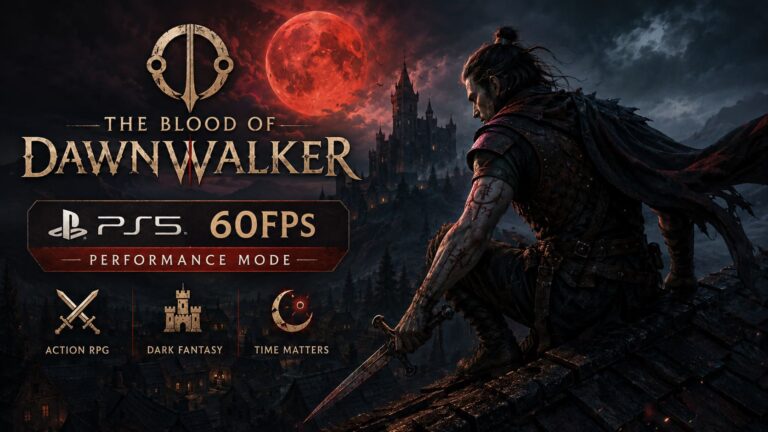
    The Blood of Dawnwalker PS5 60FPS Performance Mode: Best Graphics Settings Guide

    Byworldeka September 3, 2026September 3, 2026

    There are few things I appreciate more in a modern action RPG than responsive combat. Beautiful graphics are great, massive open worlds are impressive, and Unreal Engine 5 can make almost anything look spectacular. But when a game asks me to block attacks from specific directions, react to enemies quickly, and move through a dangerous…
    Read More The Blood of Dawnwalker PS5 60FPS Performance Mode: Best Graphics Settings GuideContinue

  • Divinum Steam Deck Performance Guide: Best Settings for Stable 60 FPS
    Tech Support & Fixes

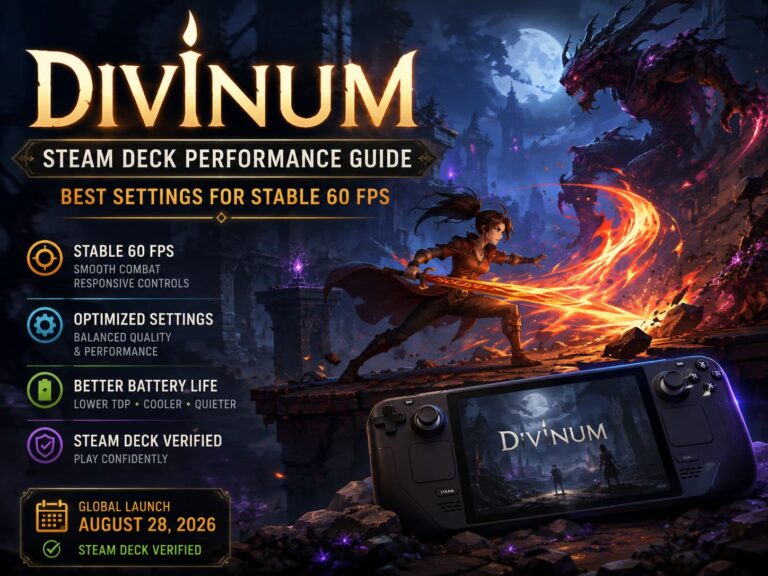
    Divinum Steam Deck Performance Guide: Best Settings for Stable 60 FPS

    Byworldeka August 28, 2026August 28, 2026

    There are some games where a few random frame drops are annoying. Then there are games like Divinum, where a tiny hitch at the wrong moment can absolutely wreck your flow. This 2D dark fantasy action-adventure is built around speed. You are not standing around waiting for an opening. You are jumping, parrying, blocking, dashing…

    Read More Divinum Steam Deck Performance Guide: Best Settings for Stable 60 FPSContinue

  • Resonance: A Plague Tale Legacy Best Settings for Stable 60FPS on PC
    Essentials

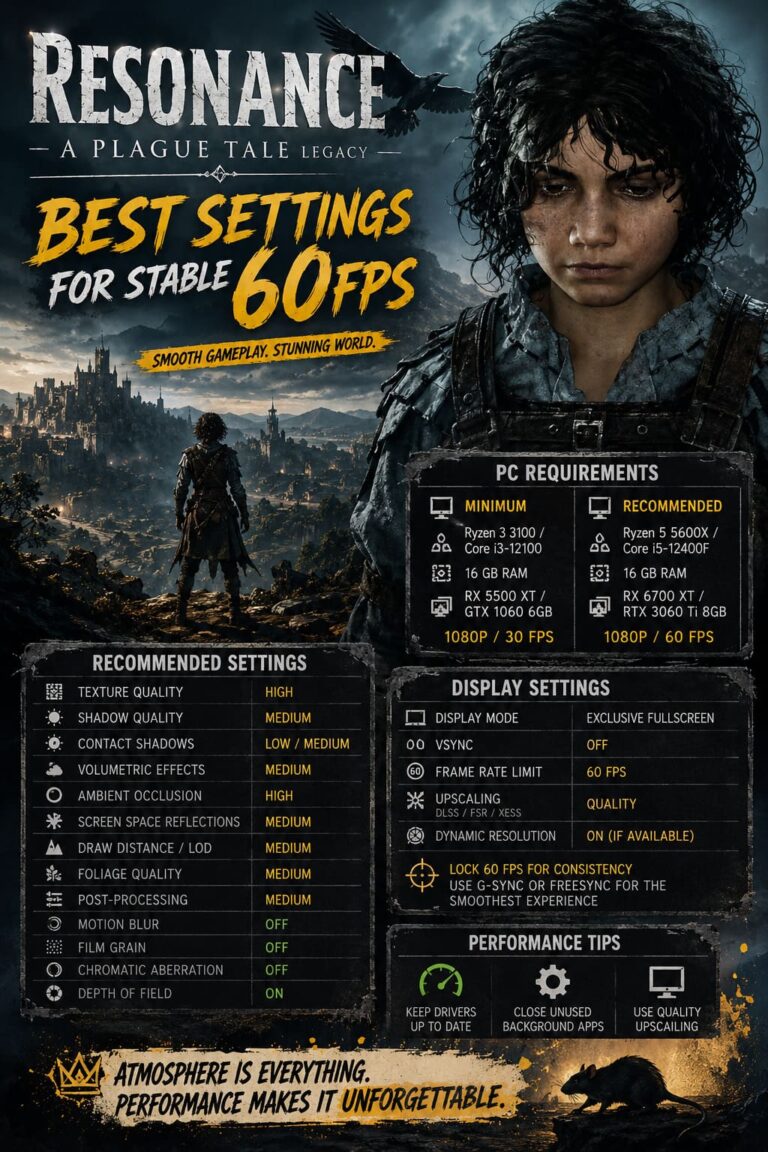
    Resonance: A Plague Tale Legacy Best Settings for Stable 60FPS on PC

    Byworldeka August 26, 2026August 26, 2026

    If there is one thing I have learned from spending way too many hours tweaking PC games, it is that a gorgeous game can become a nightmare when its graphics menu is left completely untouched. Resonance: A Plague Tale Legacy is exactly that kind of game. Asobo Studio has built another visually ambitious adventure packed…

    Read More Resonance: A Plague Tale Legacy Best Settings for Stable 60FPS on PCContinue

  • Echoes of Mystralia Steam Deck Best Settings: How to Get Perfect 60 FPS Performance
    Tech Support & Fixes

    Echoes of Mystralia Steam Deck Best Settings: How to Get Perfect 60 FPS Performance

    Byworldeka August 10, 2026August 10, 2026

    Echoes of Mystralia is exactly the kind of action roguelite that feels tailor-made for the Steam Deck. Fast combat, ridiculous spell combinations, colorful environments, and constant movement make it incredibly easy to lose an hour without even noticing. There is one problem, though: when the screen gets absolutely buried in projectiles, explosions, magical effects, and…

    Read More Echoes of Mystralia Steam Deck Best Settings: How to Get Perfect 60 FPS PerformanceContinue

  • Ascend to Zero Steam Deck Performance Guide: Optimal Graphics Settings for Stable 60 FPS
    Tech Support & Fixes

    Ascend to Zero Steam Deck Performance Guide: Optimal Graphics Settings for Stable 60 FPS

    Byworldeka July 11, 2026

    When I first launched Ascend to Zero on the Steam Deck, I honestly expected compromises. Fast-paced roguelites packed with flashy visual effects usually push Valve’s handheld harder than many people expect, especially when dozens of enemies, projectiles, and particle effects flood the screen. Flyway Games and KRAFTON have built something that looks deceptively simple thanks…

    Read More Ascend to Zero Steam Deck Performance Guide: Optimal Graphics Settings for Stable 60 FPSContinue

  • About
  • Privacy Policy

WORLDEKA

Explore the game.
Know the meta.
Achieve the win.

© 2026 Worldeka

Pinterest Twitter
  • Essentials
  • In-Depth Insights
  • Lore & Universe
  • Pro-Builds & Meta
  • Tech Support & Fixes
Search