Approximately Up Beginner’s Guide: Tips, Tricks, and Spaceship Building Strategies (2026)
When I first launched Approximately Up, I honestly expected another physics sandbox where I’d spend an hour laughing at exploding rockets before moving on to something else. Instead, I lost an entire weekend. Every failed launch made me want to redesign my ship just one more time, and every successful landing felt genuinely earned.
I’ve spent years playing games like Kerbal Space Program, Space Engineers, Stormworks, Stationeers, and dozens of other engineering-focused titles. Approximately Up somehow manages to take ideas from all of them while still feeling like its own game. It isn’t trying to hold your hand. Instead, it hands you a pile of metal parts, wires, engines, and sensors, then quietly waits for you to either become an engineer… or create the funniest disaster imaginable.
If you’re just getting started, don’t worry. Your first ship probably won’t survive. Mine certainly didn’t.
Here’s everything I wish someone had explained before I wasted hours rebuilding the same mistakes.
Why Approximately Up Feels Different
Most building games reward creativity.
Approximately Up rewards good engineering.
Those are two very different things.
You can build an incredible-looking spaceship, but if your center of mass is wrong or your power network has a single weak point, the entire craft can fail before leaving the launchpad.
That sounds frustrating at first, but it’s exactly why every successful mission feels satisfying.
Instead of following a strict progression system, the game encourages experimentation. You accept missions, build something, watch it fail, improve the design, and slowly understand how every mechanical system works together.
After a while you stop blaming the game and start asking yourself:
“Why did my ship flip?”
That mindset is where the fun really begins.
Don’t Rush Your First Ship
One mistake almost every new player makes is building far too much.
My first spacecraft looked impressive.
It also weighed so much that the engines barely lifted it.
Eventually I learned something simple:
Smaller ships teach you faster.
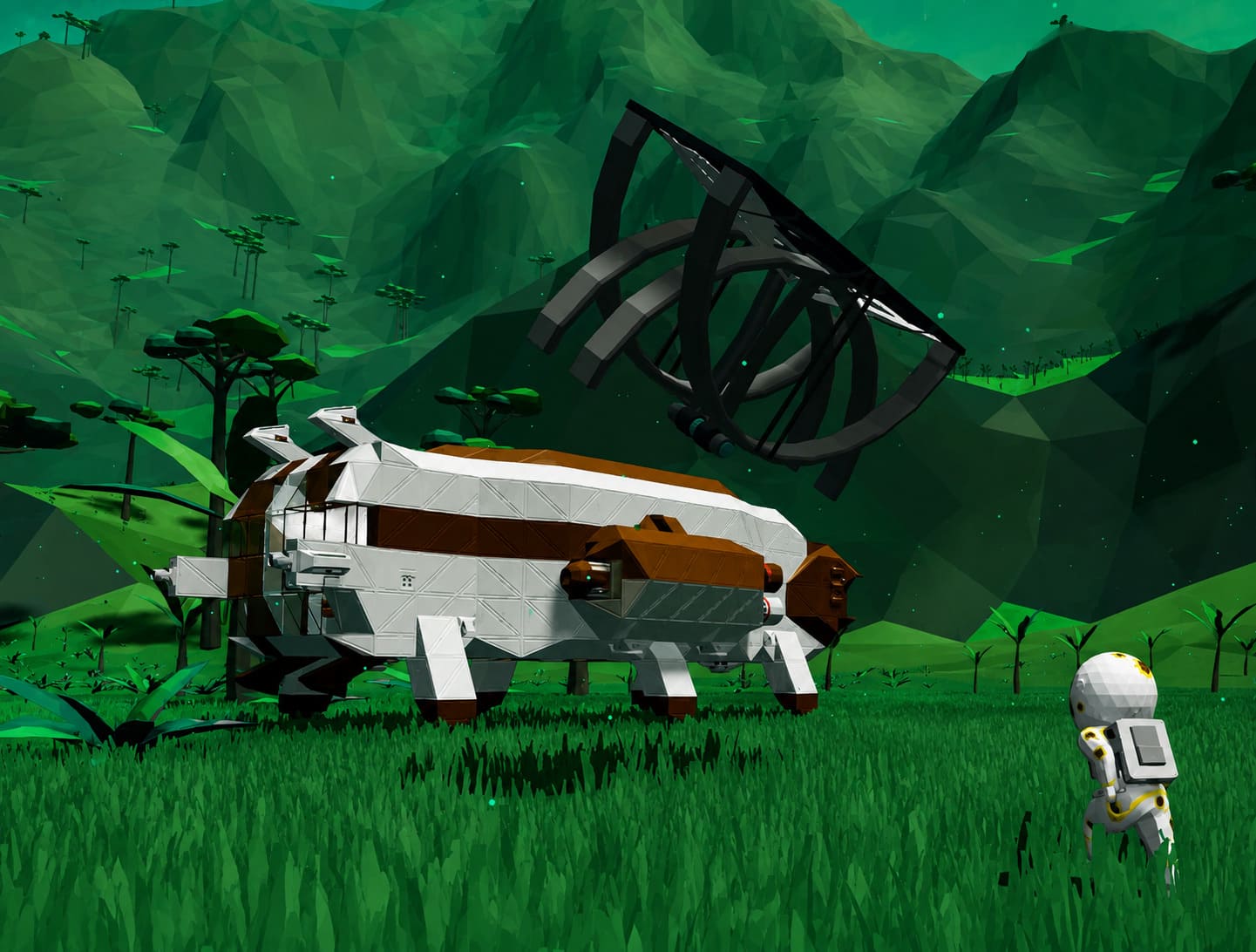
A compact design lets you understand every component because every block actually matters.
Focus on building:
- A stable frame
- One reliable power source
- Basic maneuvering thrusters
- Simple landing gear
- Enough fuel for testing
Forget fancy interiors until you consistently reach orbit.
Learn These Building Shortcuts Early
Approximately Up hides several incredibly useful construction shortcuts that save countless hours.
The ones I use constantly are:
- G for selecting large sections of a ship
- Middle Mouse Button to instantly copy existing parts
- C for duplicating selected structures
- Alt + Right Click to quickly remove unwanted blocks
- Mouse Wheel to adjust vertical placement while building
These shortcuts seem minor at first, but once your ship becomes more complicated they dramatically speed up redesigns.
Build Your Frame Like an Engineer
One lesson carried over from almost every engineering game I’ve played:
Heavy doesn’t mean strong.
New players often create giant solid walls because they assume thicker armor equals better protection.
Usually it just creates unnecessary mass.
Instead, I recommend building upward from a strong base.
Your lower section should contain most of the heavy equipment:
| Ship Section | Recommended Components | Priority |
|---|---|---|
| Bottom | Batteries, fuel, landing gear | High |
| Center | Generators, wiring hubs, storage | High |
| Upper Deck | Cockpit, cameras, navigation | Medium |
| Exterior | Sensors and utility equipment | Medium |
This naturally improves stability while making maintenance much easier.
Your Power Grid Is More Important Than Your Engines
A spaceship without electricity is just expensive scrap metal.
The first time I wired my ship, I connected every component using one long cable.
It worked…
Until one tiny collision disconnected a single block.
Half my ship instantly shut down.
That was an unforgettable lesson.
Today I always build multiple power branches instead of relying on one giant circuit.
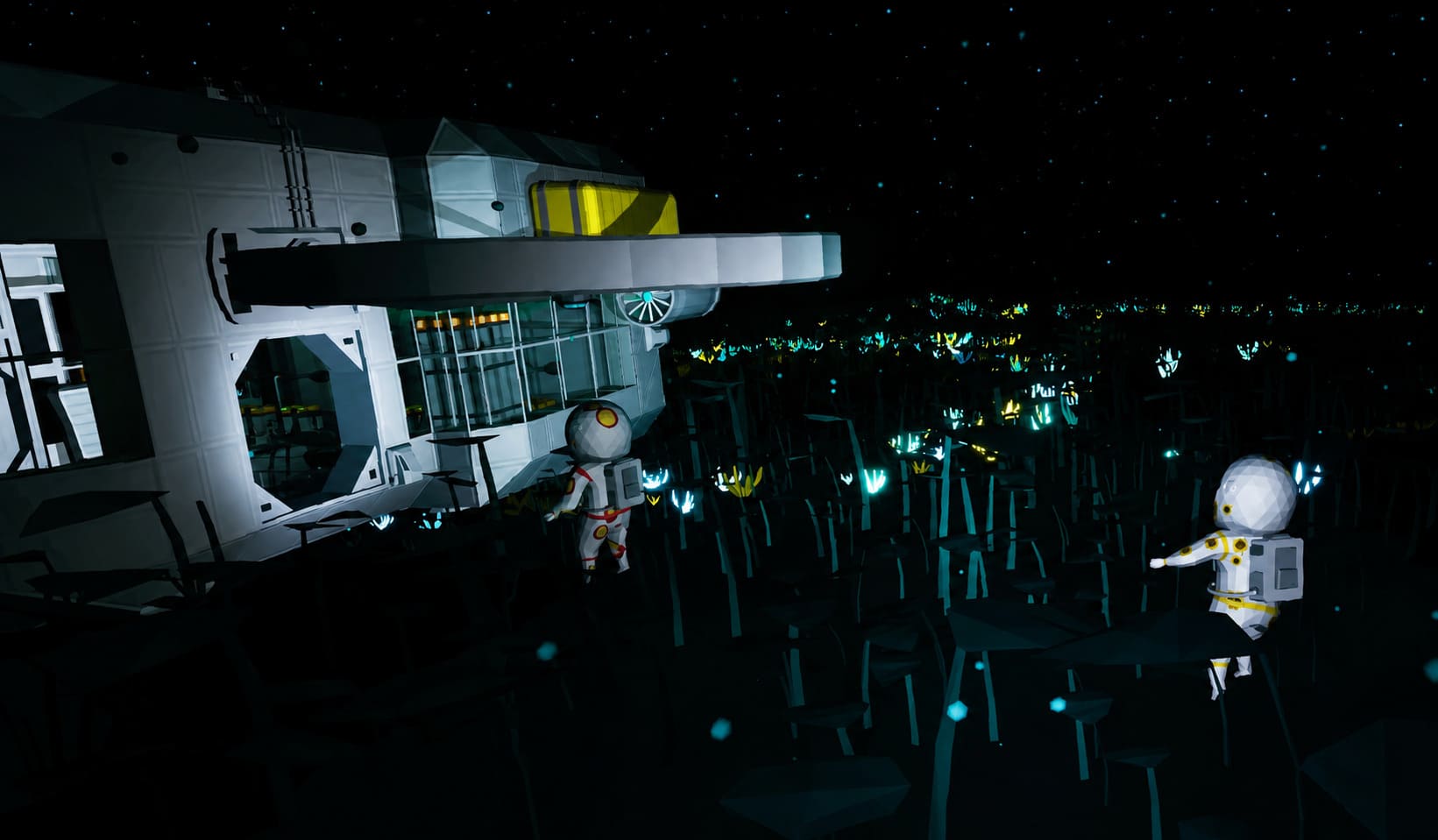
Think of your electrical network like city infrastructure.
If one district loses power, the rest of the city should continue operating.
The same philosophy applies here.
Whenever possible:
- Keep generators near the center.
- Split power into separate zones.
- Avoid unnecessarily long cable routes.
- Protect important wiring inside structural frames.
The extra effort pays off during difficult missions.
Data Networks Deserve Just as Much Attention
Power only supplies energy.
Data tells your ship what to do.
Every thruster, door, sensor, camera, or steering system depends on proper signal routing.
One thing I particularly enjoy about Approximately Up is how approachable its logic system becomes after a few hours.
You don’t need to build complicated automation immediately.
Start with simple controls.
For example:
- Buttons for lights
- Switches for landing gear
- Levers for engine output
- Sensors for automatic safety systems
Later, once you’re comfortable, logic gates open an entirely new layer of creativity.
I’ve seen players build automatic docking systems, emergency airlock controls, self-balancing hovercraft, and even semi-autonomous mining vehicles.
The possibilities grow surprisingly quickly.
Stable Flight Is Mostly About Balance
One of the funniest moments during my first session happened when my ship successfully launched…
…before immediately rotating upside down and smashing into the ground.
The engines weren’t the problem.
The weight distribution was.
If your center of mass isn’t balanced with your thrust, no amount of extra engines will save you.
Eventually I began using downward-facing distance sensors together with basic math logic for hover stabilization.
It isn’t complicated, but it makes flying dramatically smoother.
Even if you prefer manual control, basic stabilization reduces many beginner mistakes.
Atmospheric Engines Aren’t Enough
This catches nearly everyone once.
Atmospheric thrusters work brilliantly close to the ground.
Then they suddenly stop being useful.
I made it into orbit during one mission only to discover my spacecraft couldn’t move anymore.
I had forgotten to install vacuum propulsion.
Since then, every serious ship I build includes both:
- Atmospheric engines for launch and landing
- Vacuum thrusters for orbital travel
- Enough battery or fuel reserves for extended missions
Planning for both environments saves an incredible amount of frustration later.
My Biggest Advice Before Visiting the Moon
Your first lunar mission feels intimidating, but it’s actually an excellent learning experience.
The Moon gives you room to recover from mistakes because gravity is forgiving.
Before leaving your home planet, double-check:
- Battery reserves
- Fuel supply
- Six-direction maneuvering thrusters
- Landing gear
- Navigation cameras
- Repair tools
When descending, resist the temptation to rush.
Slow, controlled landings almost always succeed.
Fast landings usually become repair projects.
Seven Tips That Made Me a Better Builder
- Carry Spare Tools. Losing an important tool halfway through a mission is surprisingly common. Backups save time.
- Monitor Environmental Conditions. Always check atmosphere, temperature, and pressure before leaving your ship. A beautiful planet can still be extremely dangerous.
- Hide Important Wiring. External cables look convenient, but they’re also easy to destroy. Internal routing is almost always safer.
- Install Multiple Cameras. Large ships develop blind spots quickly. External camera feeds make docking and landing significantly easier.
- Reduce Weight Whenever Possible. Every decorative block costs performance. If something serves no purpose, remove it.
- Design for Failure. One damaged thruster shouldn’t end your mission. Redundancy is good engineering.
- Play Co-op If You Can. Approximately Up becomes a completely different experience with friends. Having separate crew members managing piloting, engineering, navigation, and landing procedures makes larger ships feel like real spacecraft instead of oversized vehicles.
Is Approximately Up Worth Learning?
Absolutely—but only if you enjoy solving problems.
This isn’t a casual building game where everything magically works.
You’ll make wiring mistakes.
You’ll forget fuel.
You’ll install engines backwards.
You’ll accidentally disconnect half your electrical grid.
And you’ll probably laugh every time your newest creation explodes in a completely unexpected way.
That’s the charm.
The game constantly rewards curiosity rather than perfection.
Every failed mission teaches something useful, and every rebuilt ship becomes noticeably better than the last.
Few sandbox games manage to create that feeling so consistently.
Final Thoughts
Approximately Up has quickly become one of my favorite engineering sandboxes in recent years because it trusts players to figure things out instead of forcing scripted solutions. That freedom creates memorable stories that no mission objective could ever replicate.
If you’re new, don’t obsess over building the perfect spacecraft immediately. Build something simple, launch it, watch what breaks, and improve it one system at a time. Before long, concepts like power routing, logic circuits, weight balance, and orbital transfers will feel surprisingly natural.
Most importantly, embrace failure. Every spectacular crash is simply another blueprint waiting for its next revision, and that’s exactly what makes Approximately Up so addictive.