How to Fix The Severed Gods Crashing on Launch: Complete PC Troubleshooting Guide
I’ll be honest: The Severed Gods was exactly the kind of game I wanted to see this year. Dark fantasy, tactical combat, huge bosses, weird builds, and that slightly grim atmosphere that makes you want to play “just one more run” at 2 AM.
So when the game refused to launch properly on my PC, it was pretty frustrating.
I hit Play through Steam and expected the usual intro. Instead, I got a black screen, a crash, or absolutely nothing useful happening. Not exactly the heroic beginning I had in mind.
If you’re dealing with The Severed Gods crashing on launch, you’re probably looking for something more useful than “update Windows and try again.” I went through the usual PC troubleshooting routine and put together the fixes that are actually worth trying.
Some of these are simple. Others take a few minutes. You don’t need to perform every step immediately, though. Start at the top and work downward, testing the game after each major change.
The Severed Gods PC Launch Problems at a Glance
Before getting into the individual fixes, here are the problems these steps are designed to address:
| Problem | Most Likely Fix |
|---|---|
| Game crashes immediately | Verify game files, update GPU drivers |
| Black screen after launching | Windowed mode, DirectX launch options |
| Fatal error message | Visual C++ repair, driver cleanup |
| Game closes before the menu | Disable overlays and background tools |
| Endless loading or freezing | Shader cache reset |
| Windows blocks the executable | Administrator rights, antivirus exception |
The good news is that most of these problems don’t mean your PC is incapable of running the game.
1. Check Your PC Before Changing Anything
Let’s start with the boring stuff because it can save you a lot of time.
The Severed Gods needs a 64-bit Windows environment, and your hardware needs to be somewhere around the game’s minimum specification. If you’re trying to run a modern release on an aging system that barely meets the requirements, troubleshooting software won’t magically turn it into a new gaming rig.
The minimum target listed for the game is:
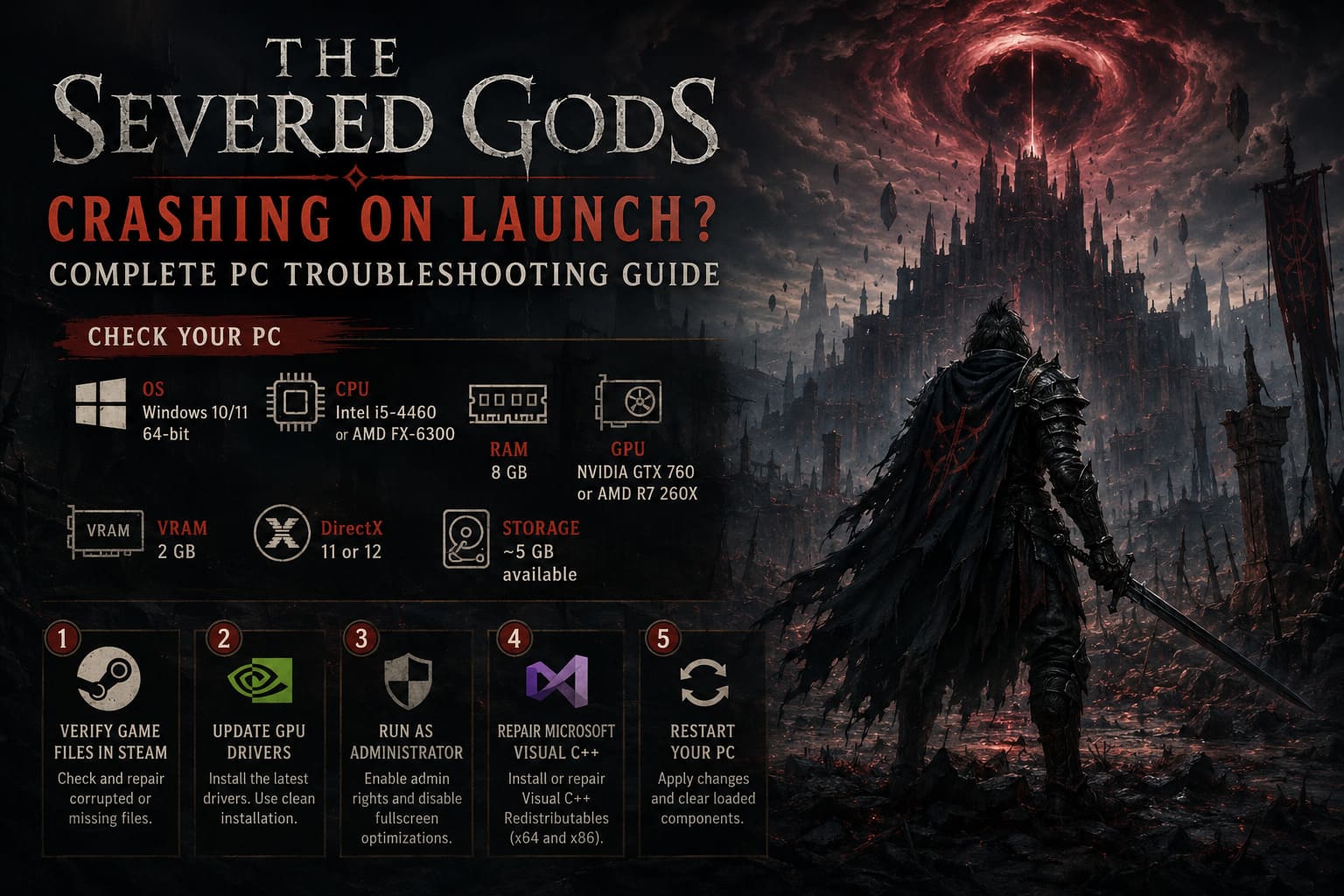
- OS: Windows 10/11 64-bit
- CPU: Intel Core i5-4460 or AMD FX-6300
- RAM: 8 GB
- GPU: NVIDIA GTX 760 or AMD Radeon R7 260X
- VRAM: 2 GB minimum
- DirectX: Version 11 or 12
- Storage: Around 5 GB
I’d also make sure you have some extra free space beyond that requirement. Games don’t always behave nicely when the drive they’re installed on is almost completely full.
If you’re comfortably above the minimum requirements, move on. There’s no reason to spend hours tweaking Windows before checking whether the installation itself is broken.
2. Verify The Severed Gods Game Files in Steam
This is probably the first fix I’d try.
A game installation can become damaged for all sorts of boring reasons. A failed download, interrupted update, disk error, or Steam deciding to have a bad afternoon can leave you with files that look installed but aren’t actually usable.
Fortunately, you don’t need to reinstall the entire game.
How to verify the installation
- Open Steam.
- Go to your Library.
- Find The Severed Gods.
- Right-click it and choose Properties.
- Open Installed Files.
- Select Verify Integrity of Game Files.
- Wait for Steam to finish.
Steam will compare your local installation against the files it expects to see. If something is missing or damaged, it should download the necessary replacement files.
Afterward, restart Steam and launch the game again.
This is a five-minute troubleshooting step that can potentially save you a full reinstall, so I wouldn’t skip it.
3. Update Your GPU Drivers — Preferably Cleanly
Graphics drivers are one of those things you don’t notice until something breaks.
A new game can expose problems that never appeared in older titles, particularly during the first moments when the engine initializes the renderer.
If The Severed Gods crashes before showing the main menu, your GPU driver is absolutely worth investigating.
NVIDIA users
If you’re running a GeForce card:
- Open the NVIDIA driver software.
- Check for the latest Game Ready Driver.
- Download the current version.
- Choose Custom Installation if available.
- Select the clean installation option.
- Restart Windows when finished.
AMD users
For Radeon hardware:
- Open AMD Software: Adrenalin Edition.
- Check for a current driver.
- Install the latest compatible package.
- If you suspect the existing driver is corrupted, use AMD’s official cleanup utility before reinstalling.
I personally prefer a clean driver installation when a game is crashing during graphics initialization. A normal update is usually enough, but if you’ve been carrying the same driver installation through several GPU updates, cleaning things out can make a difference.
4. Run the Game as Administrator
This isn’t the first thing I’d do, but it’s easy enough to test.
Sometimes Windows permissions interfere with a game trying to create configuration files, access folders, or initialize components during startup.
To try administrator mode:
- Open your Steam Library.
- Right-click The Severed Gods.
- Choose Manage → Browse Local Files.
- Find the game’s main executable.
- Right-click the
.exefile. - Select Properties.
- Open the Compatibility tab.
- Enable Run this program as an administrator.
- You can also test Disable fullscreen optimizations.
- Click Apply.
Launch the game again.
If this changes nothing, simply undo the setting. I wouldn’t recommend permanently running every game as administrator unless there’s an actual reason for it.
5. Repair Microsoft Visual C++ Runtime Files
This is one of those Windows problems that can be invisible until a game suddenly refuses to start.
Modern PC games often depend on Microsoft runtime components. If the required Visual C++ files are missing or damaged, the game may crash before you ever see a proper menu.
Install or repair the current Microsoft Visual C++ Redistributable packages, including both x64 and x86 versions where applicable.
If the installer detects an existing installation, choose Repair when that option is available.
Afterward, restart your PC.
Don’t underestimate the restart here. Windows loves keeping old components loaded in memory, and I’ve had plenty of supposedly “fixed” PC problems disappear only after an actual reboot.
6. Disable Steam, Discord, and GPU Overlays
This is another big one, especially if you stream or record games.
I use overlays all the time, but they aren’t completely harmless. Anything injecting itself into a game’s rendering process can potentially create compatibility problems.
For troubleshooting, temporarily disable:
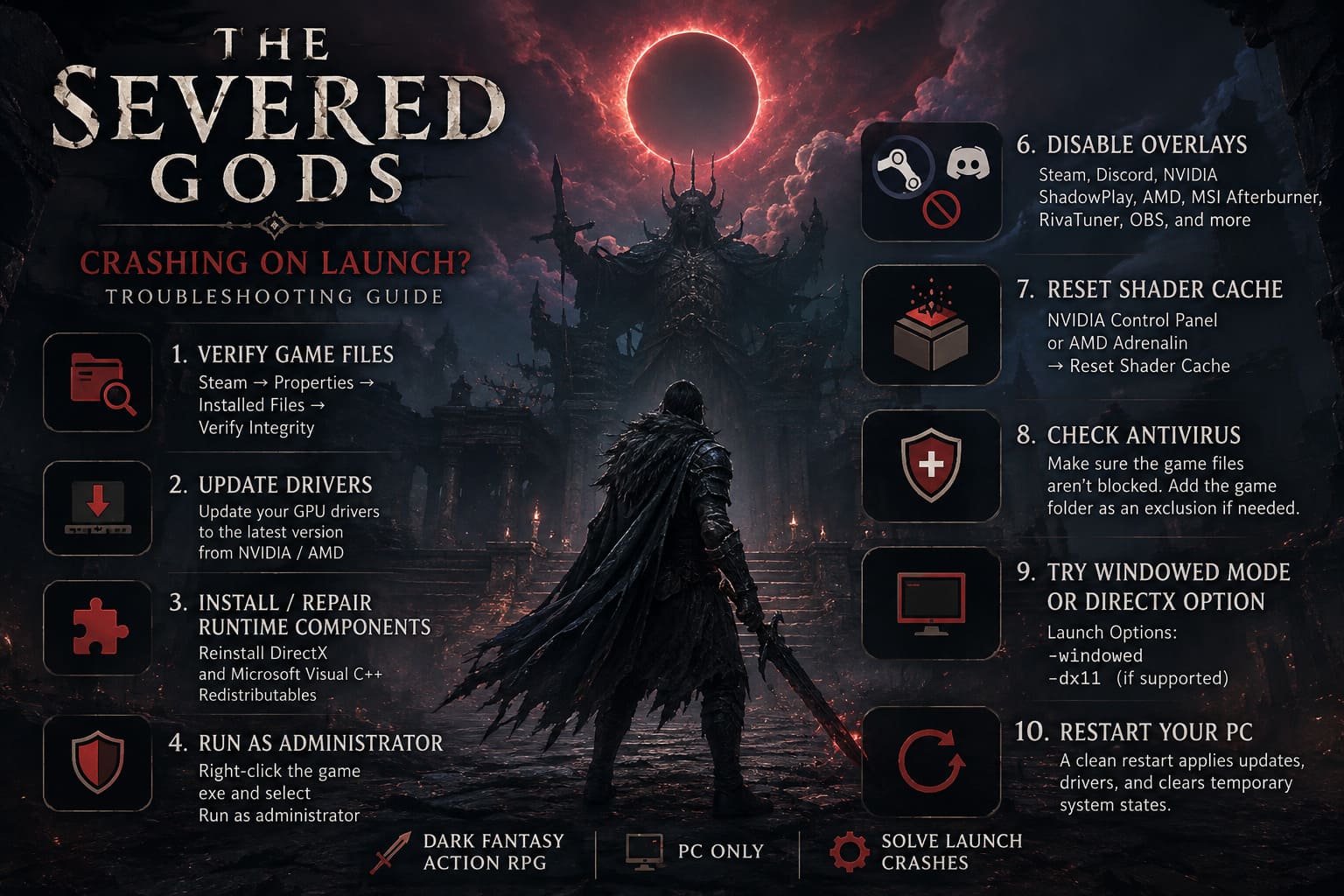
- Steam Overlay
- Discord Overlay
- NVIDIA ShadowPlay
- AMD recording features
- MSI Afterburner
- RivaTuner Statistics Server
- OBS game capture
- Razer Cortex and similar optimization utilities
You don’t necessarily need to uninstall anything.
Just close the applications and test the game with as little running in the background as possible.
Why streamers should pay particular attention
If you use OBS, Discord, browser windows, monitoring software, and GPU recording simultaneously, you’re giving the game a much more complicated environment to initialize.
For troubleshooting, I like to create a “clean launch”:
Steam + The Severed Gods only.
If the game launches normally in that state, start enabling your usual software one application at a time until you find the offender.
7. Reset Your Shader Cache
A corrupted shader cache can cause some extremely strange behavior.
You might see a black screen, freezing during startup, or a crash shortly after launching. The game doesn’t necessarily tell you that the shader cache is the problem, which makes this one particularly annoying.
NVIDIA
Open the NVIDIA Control Panel and look under Manage 3D Settings.
Depending on your driver version, you’ll find shader-related cache controls there. Temporarily disabling the shader cache, applying the setting, restarting your PC, and then returning the option to its normal/default setting can force the cache to rebuild.
AMD
Open AMD Software: Adrenalin Edition and look through the Graphics settings for the Reset Shader Cache option.
After resetting it, restart the game.
The first launch afterward may take slightly longer while shaders are rebuilt. That’s normal.
8. Check Windows Defender and Your Antivirus
Security software occasionally gets a little too enthusiastic.
A newly released game executable can be flagged incorrectly, especially when the installation contains unfamiliar executable files or supporting components.
Before adding any permanent exception, check your antivirus quarantine/history to see whether it actually blocked something.
For Windows Security, you can find the exclusion controls under:
Windows Security → Virus & Threat Protection → Manage Settings → Exclusions
If the game executable has genuinely been blocked, adding the game’s installation folder as an exception may solve the launch problem.
I’d only do this after confirming the file is legitimate and that security software is actually responsible.
Don’t blindly whitelist random executables just because someone on a forum told you to.
9. Try Windowed Mode or a Different DirectX Launch Option
This is the fix I’d try when the game technically starts but immediately gives me a black screen.
Some startup problems are related to fullscreen initialization, resolution settings, or the graphics API being used.
Steam lets you experiment with launch parameters.
Go to:
Steam → Library → The Severed Gods → Properties → General → Launch Options
You can test:
-windowedIf supported by the game’s build, you can also experiment with:
-dx11The important part here is test one parameter at a time.
Don’t throw ten launch commands into the box because a random forum comment said they worked. You want to know which change actually fixed your system.
If -windowed gets you into the game, you can then change the resolution and display mode from inside the settings.
10. Give Your PC a Clean Restart
This sounds almost too simple, but it’s worth mentioning.
If you’ve installed:
- a GPU driver,
- Visual C++ runtimes,
- Windows updates,
- antivirus changes,
- or multiple game patches,
restart Windows before testing again.
Don’t just close Steam and reopen it.
A proper restart clears temporary system states and reloads drivers and runtime components. It’s not glamorous troubleshooting, but sometimes that’s exactly what fixes the problem.
The Severed Gods Guide: Virtue vs Sin Choices and Reincarnation Loop Mechanics Explained
What I’d Try First
If I were sitting at my own PC and The Severed Gods suddenly stopped launching, I wouldn’t go through all ten fixes immediately.
I’d use this order:
- Restart the PC
- Verify Steam game files
- Update GPU drivers
- Disable Steam/Discord/GPU overlays
- Try
-windowed - Repair Visual C++ runtimes
- Reset the shader cache
- Check antivirus history
- Test administrator mode
That order gives you the easiest and least invasive solutions first.
The Severed Gods Build Guide: Best Starter Builds and Meta Synergy Squads
Final Thoughts
The Severed Gods is the kind of PC game I want to spend time with, not troubleshoot for an entire evening. When a new release crashes before the opening screen, it’s easy to assume the installation is completely broken, but that’s often not the case.
Corrupted files, graphics drivers, overlays, shader caches, Windows runtimes, and fullscreen initialization can all interfere with startup.
The good thing is that most of these problems are fixable without reinstalling Windows or replacing your hardware.
If you’re still getting a crash after trying everything above, pay attention to the exact behavior. A crash before the splash screen, a black screen followed by audio, a fatal error message, and an instant return to the Steam Library can point toward completely different causes.
And that’s where I’d stop randomly changing settings and start looking at the actual error information.
For me, the biggest lesson with PC releases is simple: don’t assume a launch crash means the game is fundamentally broken. Sometimes one corrupted file or one badly behaved overlay is enough to ruin the first launch.
Get that out of the way, and you can finally get back to what matters — building ridiculous combinations, cutting down enormous bosses, and figuring out what The Severed Gods is hiding behind its dark fantasy world.