BlazBlue Entropy Effect X Xbox Controller Not Working? How to Fix Gamepad Issues on PC
After spending serious time with BlazBlue Entropy Effect X, I can confidently say that this is one of those games where your controller is not just a simple accessory — it is a huge part of the entire experience. The combat system is built around speed, accuracy, and instant reactions. One missed dodge, a delayed dash, or a broken attack input can easily destroy an otherwise perfect run.
Developed by 91Act under the license of Arc System Works, BlazBlue Entropy Effect X delivers fast 2D roguelite action with stylish combat, deep character builds, and a gameplay loop that rewards players who master every movement option. The problem is that many PC players have encountered a frustrating issue: Xbox controllers randomly stop working or fail to register inputs correctly.
Some players launch the game and their Xbox Series X|S controller works without any problems. Others connect their gamepad and get absolutely nothing — no menu navigation, no button response, no attacks during gameplay. The worst cases happen when the controller works perfectly inside Steam but completely disappears once BlazBlue Entropy Effect X starts.
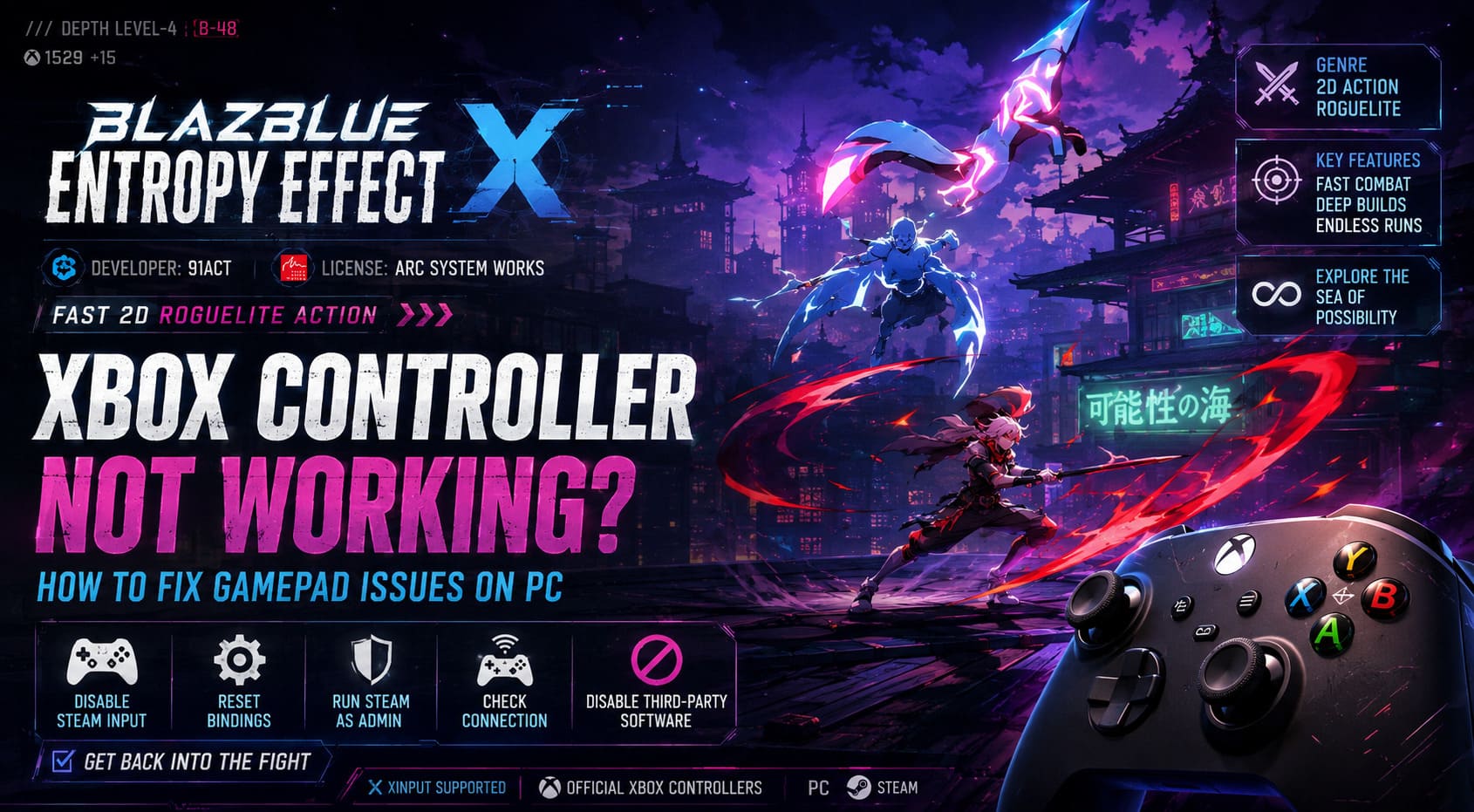
This is a classic PC gaming headache. Most of the time, your controller is not broken. The issue usually comes from Steam Input conflicts, Windows detection problems, corrupted controller settings, or another program interfering with the game. The good news is that several reliable solutions can restore your gamepad and get you back into the action.
BlazBlue Entropy Effect X Platinum Update Xbox Game Pass Guide How to Get It Free
Why Is BlazBlue Entropy Effect X Not Detecting Xbox Controllers?
Before changing random settings, it helps to understand why this problem happens. BlazBlue Entropy Effect X uses native XInput support, which means official Xbox controllers should work naturally on Windows. However, Steam adds its own controller system called Steam Input, and sometimes these two systems simply do not cooperate.
When Steam tries to translate controller inputs while the game is already handling the device directly, both systems can fight for control. The result is missing buttons, delayed inputs, broken menus, or a completely invisible controller.
Common Causes of Controller Problems
- Steam Input conflicting with the game’s native controller support.
- Corrupted controller configuration files after updates.
- Outdated Xbox controller firmware.
- Third-party controller programs creating virtual devices.
- Windows permissions blocking input access.
- Bluetooth connection problems.
These issues are not unique to BlazBlue Entropy Effect X. Many PC games experience similar controller problems, but fast action games make them much more noticeable because every input matters.
Quick Controller Fix Checklist
| Problem | Recommended Fix |
|---|---|
| Controller not detected at all | Reconnect USB cable or repair Bluetooth connection. |
| Buttons do nothing in-game | Disable Steam Input for BlazBlue Entropy Effect X. |
| Only some buttons work | Reset controller bindings. |
| Controller works in Steam but not the game | Run Steam as administrator. |
| Third-party controller problems | Disable virtual controller software. |
Fix 1: Disable Steam Input for BlazBlue Entropy Effect X
This is the solution that fixes the problem for the majority of players. Since BlazBlue Entropy Effect X already supports Xbox controllers directly, Steam Input can sometimes create duplicate commands and confuse the game.
Instead of allowing Steam to translate your controller signals, you want the game itself to handle the device.
How to Disable Steam Input
- Completely close BlazBlue Entropy Effect X.
- Open your Steam Library.
- Right-click BlazBlue Entropy Effect X.
- Select Properties.
- Open the Controller section.
- Find Override for BlazBlue Entropy Effect X.
- Change the option to Disable Steam Input.
- Restart the game and test your controller.
For many players, this instantly restores all controller functions. However, PC setups are different, and some users have reported the opposite situation. If disabling Steam Input does not help, try switching it back to enabled.
The goal is not finding one universal magic setting. The goal is finding which input system works correctly with your specific hardware configuration.
Fix 2: Reset BlazBlue Entropy Effect X Controller Bindings
Sometimes the controller is detected correctly, but certain buttons simply stop responding. A common example is when movement works, menus work, but the main attack button does absolutely nothing.
This usually means your local controller profile has become corrupted. After major game updates, old configuration files can sometimes conflict with new input systems.
How to Reset Controller Settings
- Launch the game using your keyboard.
- Open the main menu.
- Enter Controller Settings or Keybind Configuration.
- Select Reset to Default.
- Remove custom layouts if available.
- Save the changes.
- Restart the game.
- Reconnect your Xbox controller.
This forces BlazBlue Entropy Effect X to rebuild its controller profile and recognize every button again.
Fix 3: Check Steam Controller Settings and Big Picture Mode
If changing Steam Input does not solve the problem, Steam itself may not be communicating correctly with your controller. This can happen after Steam updates or when switching between wired and wireless connections.
Check Steam Controller Detection
- Open Steam.
- Go to Steam → Settings.
- Select the Controller menu.
- Check if your Xbox controller appears under detected devices.
- Test buttons and calibration settings.
After checking your controller, try launching the game through Steam Big Picture Mode. This mode uses a different controller interface and can sometimes bypass standard desktop input problems.
Launch Through Big Picture Mode
- Open Steam Big Picture Mode.
- Select BlazBlue Entropy Effect X from your library.
- Launch the game.
This method sounds simple, but it has solved many strange Steam controller issues. Sometimes forcing Steam to rebuild the connection between the device and the game is enough.
Fix 4: Run Steam as Administrator
Windows security permissions can sometimes prevent games from accessing external devices properly. This happens more often when players use custom drivers, controller software, or modified setups.
Steps to Run Steam as Administrator
- Exit Steam completely.
- Right-click your Steam shortcut.
- Select Run as administrator.
- Launch BlazBlue Entropy Effect X again.
Administrator mode gives Steam additional access rights and may allow the game to communicate with your controller without Windows blocking the connection.
Fix 5: Disable Third-Party Controller Software
One of the biggest causes of controller conflicts is having multiple programs trying to control the same device. BlazBlue Entropy Effect X expects a standard XInput controller, which is the same system used by official Xbox gamepads.
If another program creates a fake Xbox controller while your real controller is connected, the game may select the wrong device or receive duplicate inputs.
Programs That Can Cause Conflicts
- DS4Windows
- reWASD
- X360CE
- Virtual controller drivers
- Macro and remapping software
Close these programs completely, restart your PC, connect your Xbox controller normally, and launch the game again.
For official Xbox controllers, checking firmware updates through the Xbox Accessories application is also a good idea. An outdated controller firmware version can create unexpected compatibility problems.
Wired vs Wireless Xbox Controller Problems
The connection method itself can sometimes be the reason behind controller issues. A wired connection is usually the most reliable option for competitive action games because it removes possible Bluetooth interference.
USB Controller Tips
- Try another USB port.
- Avoid USB hubs.
- Test another cable if possible.
A damaged cable can still power your controller while failing to transmit proper data.
Bluetooth Controller Tips
- Remove the controller from Windows Bluetooth settings.
- Pair the controller again.
- Disable nearby Bluetooth devices temporarily.
For a game like BlazBlue Entropy Effect X, where timing and reactions are everything, a stable wired connection is often the safest choice.
Final Thoughts: Get Back Into the Fight
A broken controller in BlazBlue Entropy Effect X is incredibly frustrating because this game was clearly designed around responsive controls. The combat feels amazing when every movement, combo, and dodge happens exactly when you press the button. When your controller stops responding, it completely destroys the rhythm.
The most effective solutions are simple: disable Steam Input first, reset controller bindings, check Steam detection settings, run Steam as administrator, and remove conflicting controller software.
In most cases, one of these methods will bring your Xbox controller back to life. Keep your game updated, avoid unnecessary background controller programs, and you will be ready to return to the Sea of Possibility without fighting your own hardware before fighting enemies.