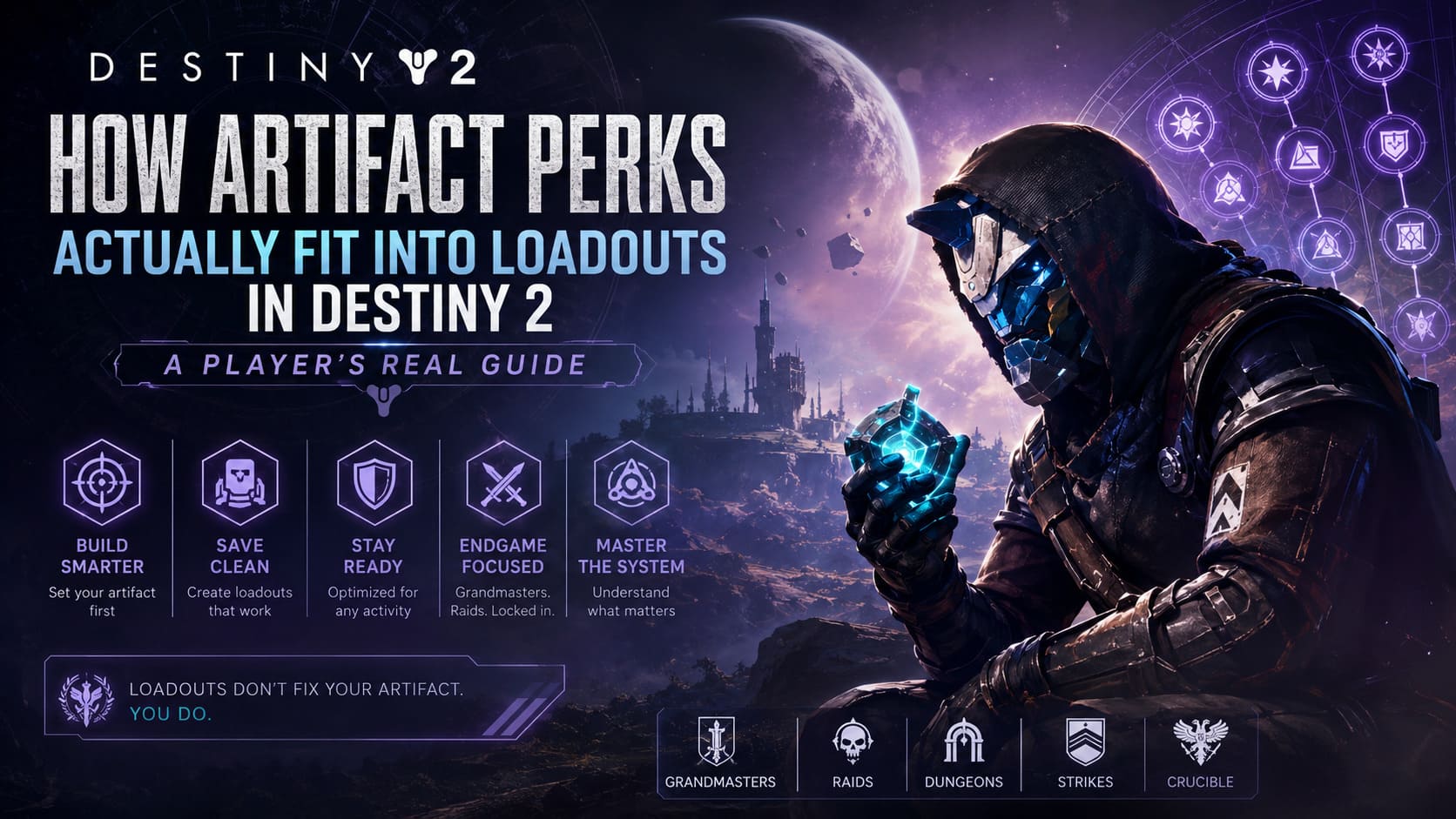
How Artifact Perks Actually Fit Into Loadouts in Destiny 2 (A Player’s Real Guide)
If you’ve spent any serious time in Destiny 2 endgame content, you already know that buildcrafting is only half the battle. The other half is figuring out why your perfectly tuned setup suddenly feels useless after one small change in your artifact perks.
This is something every long-time player runs into sooner or later: you save a loadout, everything looks perfect, and then you jump into a Grandmaster or Raid only to realize your damage, survivability, or champion control is completely off.
Not because your gear is wrong, but because your artifact setup didn’t carry over the way you expected.
Destiny 2 Tier 5 Weapons Guide: My Real Experience Upgrading Crafted God Rolls
The Real Problem With Artifact Perks and Loadouts
For a long time, Destiny 2 loadouts did everything except properly respect seasonal artifact configurations. You could save weapons, armor, subclass setups, and mods, but artifact perks remained in a strange separate layer of the system.
That created a frustrating loop for players who frequently swapped builds:
You’d go from a Void-focused GM build to a Raid DPS setup, and suddenly realize your anti-champion tools or passive buffs weren’t active anymore. The game simply didn’t treat artifact perks as part of the loadout snapshot.
In practice, that meant constant manual reconfiguration, which broke the flow of gameplay and punished experimentation.
How the System Works Today
The modern system is better, but it’s important to understand what actually changed and what didn’t. Artifact perks are now more closely tied to your character state, but they are still not fully embedded into loadouts in the same way as weapons or armor.
Destiny 2 Tier 5 Exotic Armor Upgrade Guide – What It Really Means for Endgame Builds
Instead, loadouts behave more like a snapshot of your current configuration, assuming your artifact is already set correctly at the time of saving. This subtle difference is what confuses many players.
In simple terms: loadouts don’t reliably “fix” your artifact. They expect it to already be correct.
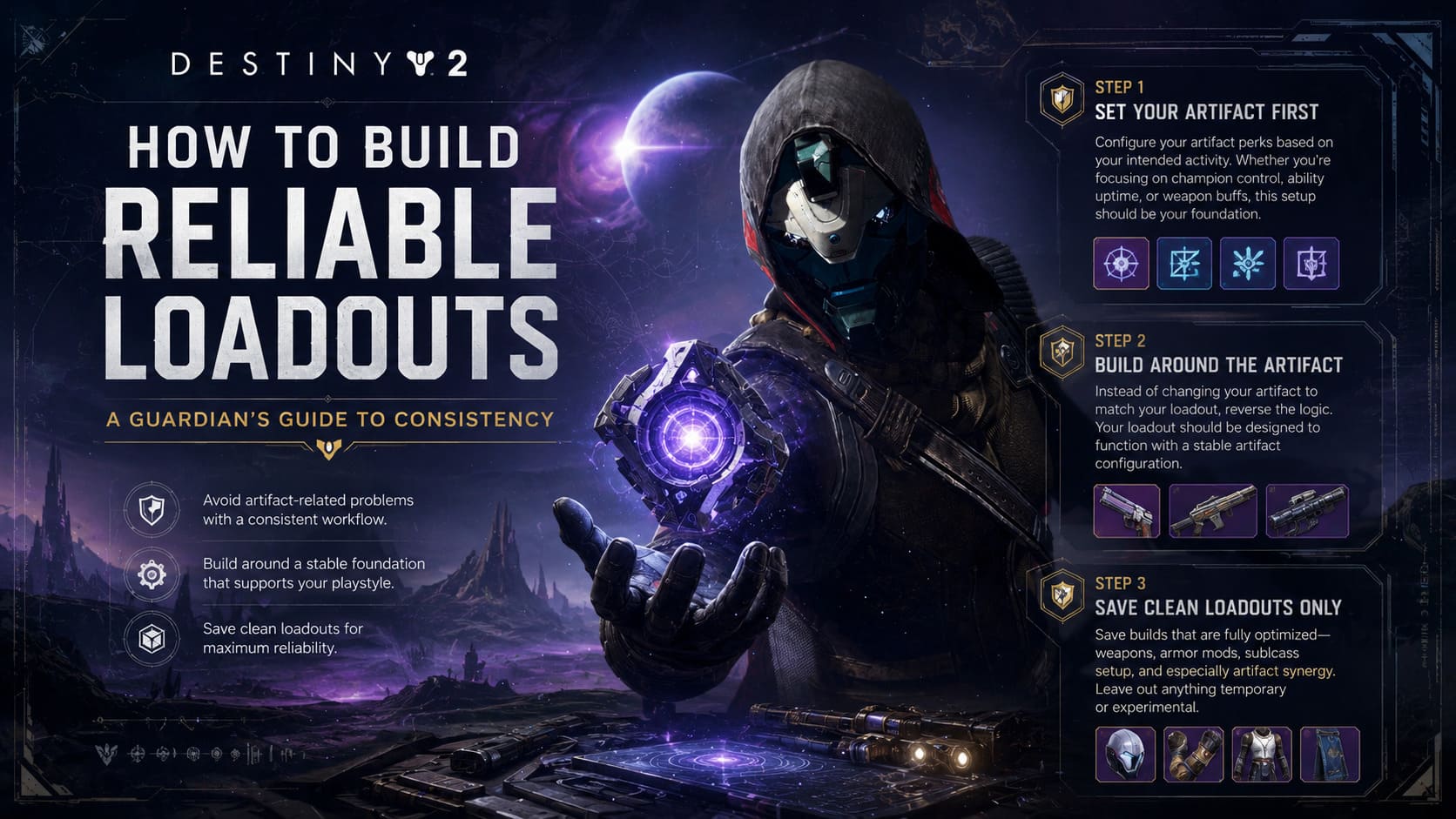
How to Build Reliable Loadouts
After a lot of trial and error in endgame content, most experienced players settle into a consistent workflow that avoids artifact-related problems entirely.
Step 1: Set Your Artifact First
Before saving anything, configure your artifact perks based on your intended activity. Whether you’re focusing on champion control, ability uptime, or weapon buffs, this setup should be your foundation.
Think of the artifact as your seasonal baseline. Everything else is built on top of it.
Step 2: Build Around the Artifact
Instead of constantly changing your artifact to match your loadout, reverse the logic. Your loadout should be designed to function with a stable artifact configuration.
This reduces inconsistencies and prevents situations where a saved build relies on perks you no longer have active.
Step 3: Save Clean Loadouts Only
When saving a build, make sure everything is fully optimized at that moment. That includes weapons, armor mods, subclass setup, and especially artifact synergy.
If anything is temporary or experimental, it shouldn’t be part of a saved loadout.
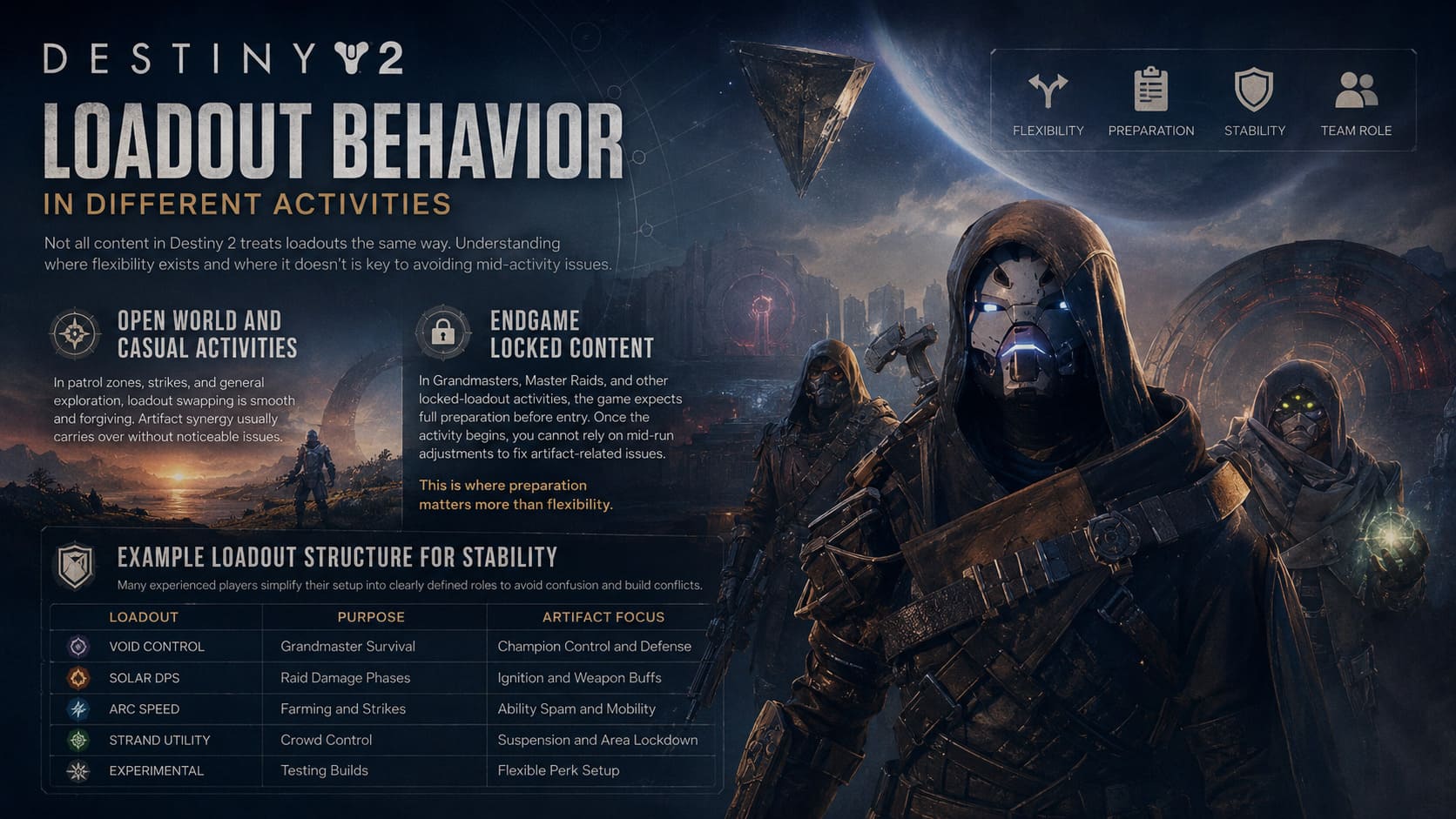
Loadout Behavior in Different Activities
Not all content in Destiny 2 treats loadouts the same way. Understanding where flexibility exists and where it doesn’t is key to avoiding mid-activity issues.
Open World and Casual Activities
In patrol zones, strikes, and general exploration, loadout swapping is smooth and forgiving. Artifact synergy usually carries over without noticeable issues.
Endgame Locked Content
In Grandmasters, Master Raids, and other locked-loadout activities, the game expects full preparation before entry. Once the activity begins, you cannot rely on mid-run adjustments to fix artifact-related issues.
This is where preparation matters more than flexibility.
Example Loadout Structure for Stability
Many experienced players simplify their setup into clearly defined roles to avoid confusion and build conflicts.
| Loadout | Purpose | Artifact Focus |
|---|---|---|
| Void Control | Grandmaster Survival | Champion Control and Defense |
| Solar DPS | Raid Damage Phases | Ignition and Weapon Buffs |
| Arc Speed | Farming and Strikes | Ability Spam and Mobility |
| Strand Utility | Crowd Control | Suspension and Area Lockdown |
| Experimental | Testing Builds | Flexible Perk Setup |
Why External Tools Still Matter
Even with improvements to the in-game system, third-party tools like Destiny Item Manager remain widely used because they eliminate friction from build management.
These tools make it easier to:
- – Swap complete builds instantly
- – Manage vault items efficiently
- – Optimize armor stats across loadouts
- – Share builds with other players
They don’t replace the in-game system, but they significantly improve how quickly you can move between optimized setups.
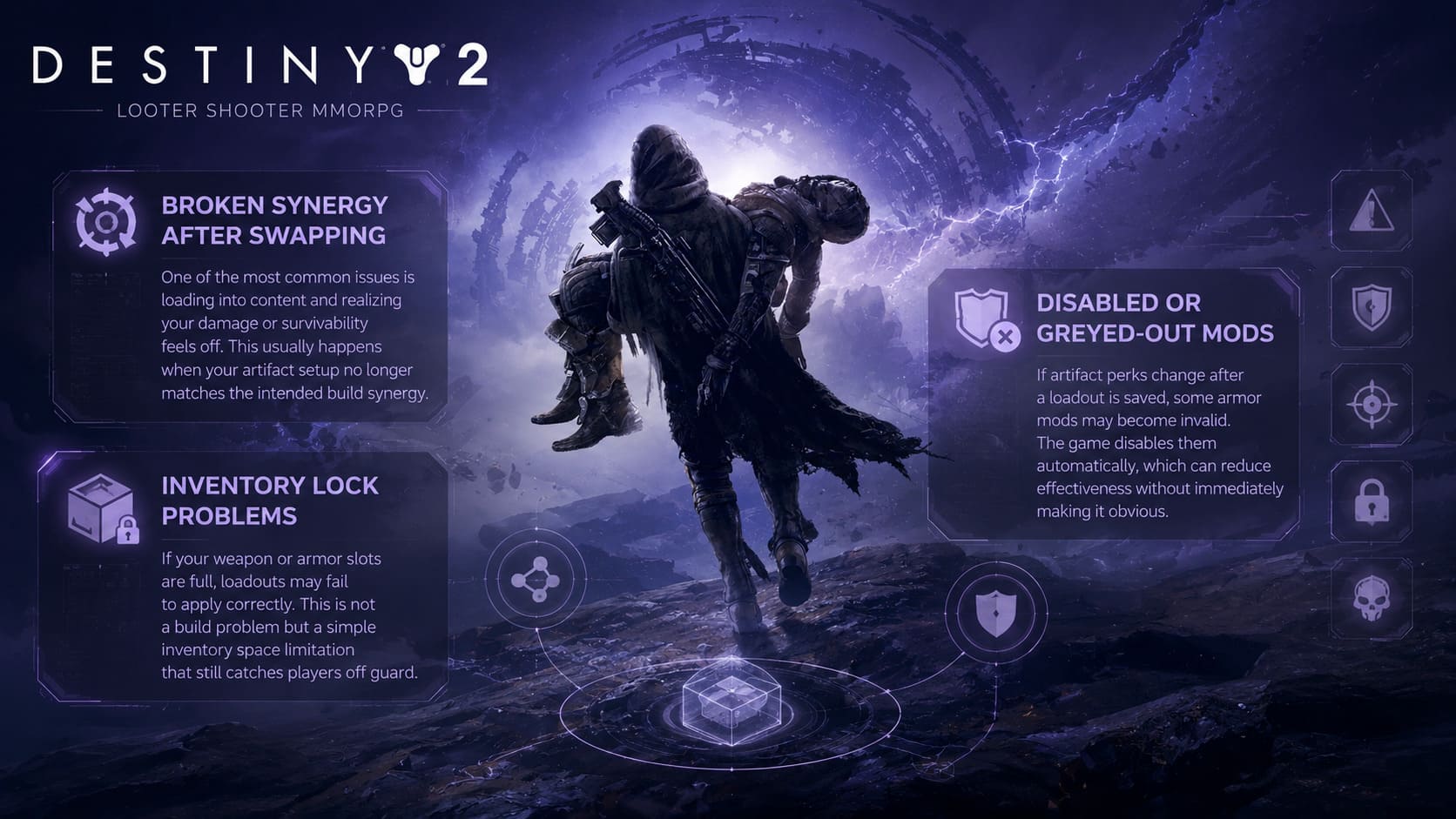
Common Loadout and Artifact Issues
Broken Synergy After Swapping
One of the most common issues is loading into content and realizing your damage or survivability feels off. This usually happens when your artifact setup no longer matches the intended build synergy.
Disabled or Greyed-Out Mods
If artifact perks change after a loadout is saved, some armor mods may become invalid. The game disables them automatically, which can reduce effectiveness without immediately making it obvious.
Inventory Lock Problems
If your weapon or armor slots are full, loadouts may fail to apply correctly. This is not a build problem but a simple inventory space limitation that still catches players off guard.
Final Thoughts
Destiny 2 loadouts are powerful, but they are not fully autonomous systems. The artifact remains a semi-independent layer that requires attention and consistency from the player.
The most reliable approach is simple: set your artifact first, build around it, and treat loadouts as structured snapshots rather than dynamic rebuilders.
Once you stop expecting the system to handle everything automatically, buildcrafting becomes smoother, faster, and honestly more enjoyable. That’s when Destiny 2 feels like it’s working with you instead of against you.