Tyr Matchmaking Fix: How to Lower Long PvP Queue Times in 2026
Tyr has a lot going for it. Stoke Games clearly isn’t trying to build another brainless armored-vehicle shooter where whoever clicks first wins. The tactical positioning, distinct vehicle classes, deliberate engagements, and brutal single-life matches give every encounter real weight. When a match finally starts, Tyr can be ridiculously tense in the best possible way.
The problem is getting there.
If you’ve spent 10, 15, or even more minutes staring at a matchmaking timer, you’re definitely not alone. Long PvP queues, matchmaking timeouts, endless lobby searches, and players getting kicked back to the main menu have become some of the most annoying issues surrounding Tyr in 2026.
And honestly, nothing kills the competitive mood faster than making a coffee, checking Discord, coming back to your PC, and realizing you’re still waiting for a match.
The good news is that extremely long queues don’t always mean the servers are completely dead. Tyr’s matchmaking environment is affected by scheduled testing periods, regional population, party size, progression brackets, network conditions, and occasional matchmaking bugs.
I’ve put together the fixes and practical tricks that make the biggest difference, from basic server selection to knowing exactly when it’s smarter to cancel a frozen queue instead of stubbornly waiting for it to pop.
Why Are Tyr PvP Queue Times So Long?
Before changing random settings, it’s important to understand how Tyr matchmaking currently works.
Tyr is still developing its multiplayer infrastructure, and that makes its matchmaking system considerably more sensitive to player population than the systems found in long-established competitive shooters.
A queue can become painfully slow for several reasons:
| Possible Cause | What It Means |
|---|---|
| Server Window | Matchmaking may be restricted to active playtest periods |
| Low Population | Too few players are searching in your region |
| Party Size | Large premade groups can have difficulty finding suitable matches |
| Region Lock | Your selected server may have too few available players |
| Queue Bug | The matchmaking instance may simply be stuck |
| Progression Bracket | Your account or vehicle pool may limit potential opponents |
That distinction matters. Waiting longer isn’t always the solution. Sometimes you’re simply sitting inside a broken queue instance that isn’t going to recover on its own.
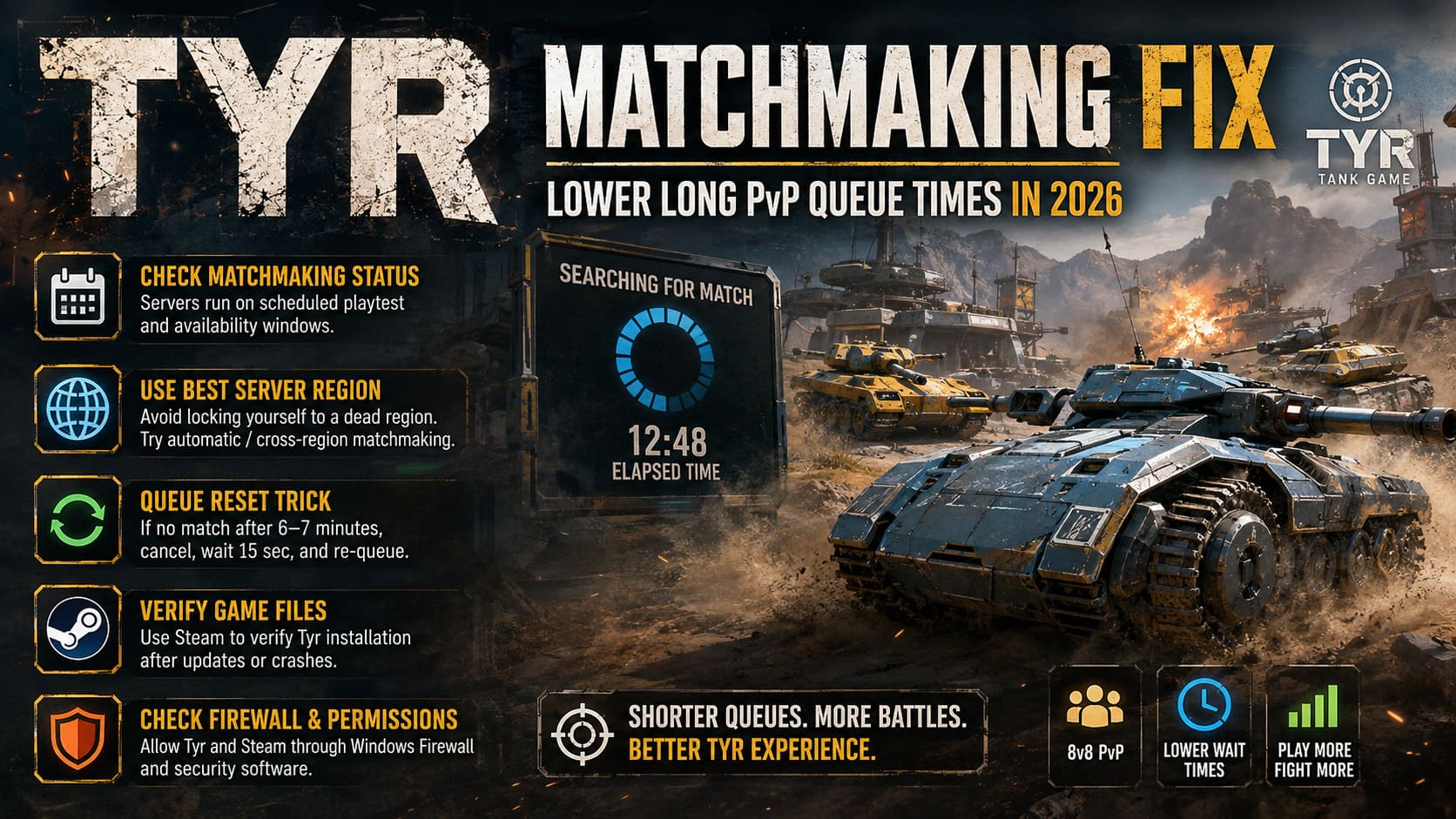
1. Check Whether Tyr Matchmaking Is Actually Active
This is the first thing I’d check before touching your firewall, DNS, or Steam installation.
Tyr’s development model relies heavily on scheduled playtest and server availability windows. That’s fundamentally different from jumping into a mature live-service game where matchmaking is expected to run 24/7.
If you launch Tyr outside an active matchmaking window, the client can give you the impression that it’s searching normally while actually having very few—or zero—appropriate matchmaking shards available.
This can produce some particularly confusing behavior:
- The matchmaking timer continues climbing.
- Lobby music keeps playing indefinitely.
- The game appears to be searching but never finds enough players.
- Eventually, you may get dumped back into the main menu.
- Repeated attempts produce exactly the same result.
Don’t immediately assume your PC is broken.
Before troubleshooting locally, check the latest announcements from Stoke Games, including the developer’s Steam announcements and official Tyr channels. Server availability and playtest schedules can change as the game progresses through development.
This is especially important during special events. A queue that works perfectly on Saturday can be practically useless during an off-window weekday session.
Watch Out for Full Premade Squads
There’s another wrinkle: large premade groups.
Tyr’s 8v8 format creates an obvious matchmaking challenge when an entire team attempts to enter as a coordinated eight-player stack. Depending on the active event or matchmaking configuration, full-stack queues can be restricted or significantly harder to place.
If you’re playing with a large group and the queue seems completely dead, try searching with a smaller party.
Sometimes the fastest matchmaking fix is simply not entering the queue with seven friends attached to you.
2. Stop Locking Yourself to a Dead Server Region
This is probably the most underrated Tyr matchmaking fix.
If you’ve manually selected a specific North American region, you may be unintentionally shrinking your matchmaking pool.
For example, US East might be busy while you’re playing, but US West could have a much healthier population—or the situation could be reversed. Regional server populations can change dramatically depending on the time of day.
If Tyr provides automatic or cross-region matchmaking options in your current build, use them.
The goal isn’t necessarily to find the server with the absolute lowest theoretical ping. The goal is to find a server that gives you a playable connection and enough players to actually start a match.
Try Automatic Server Selection
Look through Tyr’s network or server settings for automatic region selection.
An automatic option can allow the matchmaking system to search across suitable data centers instead of forcing your client to remain attached to one potentially underpopulated location.
For competitive players, there’s obviously a balance here. Nobody wants to trade a 30 ms connection for a 180 ms disaster.
But if you’re sitting at 12 minutes in an empty queue, shaving 20 ms off your ping isn’t helping anyone.
3. Use the Queue Reset Trick Instead of Waiting Forever
This is the simple trick I would recommend trying first when the matchmaking timer starts looking ridiculous.
Don’t blindly wait 15 or 20 minutes.
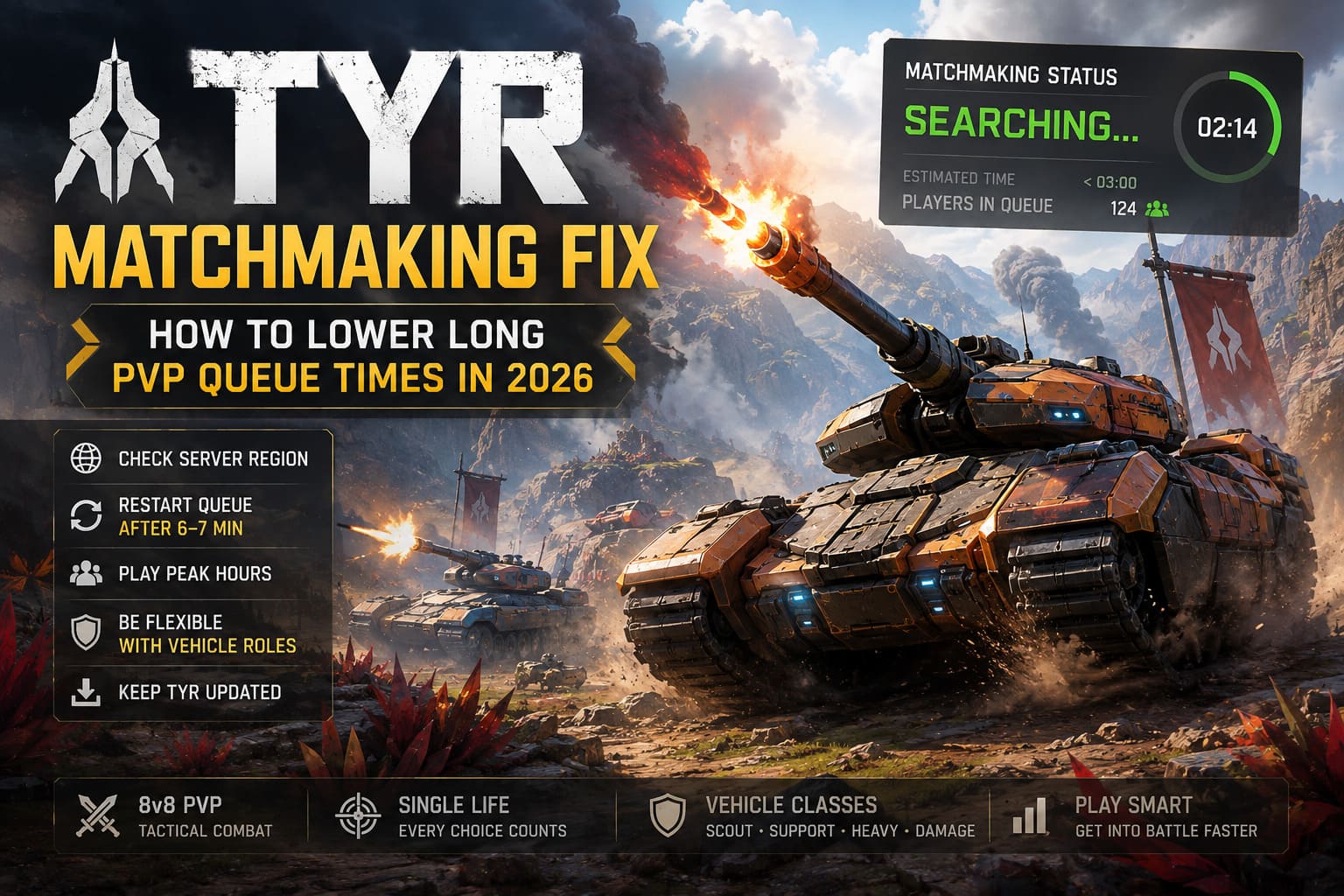
Community troubleshooting around Tyr has repeatedly pointed toward a practical reset approach: if the queue hasn’t produced a match after roughly 6–7 minutes, cancel the search.
Then:
- Cancel matchmaking.
- Wait around 15 seconds.
- Start matchmaking again.
- Give the new queue a few minutes to populate.
If the first queue instance was stuck, the second attempt can immediately behave normally.
I’ve always considered this one of those classic multiplayer-game rules: if the matchmaking timer looks cursed, don’t negotiate with it. Kill the queue and restart it.
Waiting until nine, ten, or fifteen minutes simply because you’ve already invested time into the queue is sunk-cost thinking.
A fresh search can be considerably faster.
4. Verify Your Tyr Installation Through Steam
Not every matchmaking problem is caused by server-side issues.
A damaged local installation can cause strange communication failures, authentication problems, broken manifests, or client-side errors that interfere with connecting to backend services.
Steam makes checking this relatively painless.
Open your Tyr installation through Steam and use the Verify Integrity of Game Files option.
This allows Steam to compare your local files against the expected installation and replace damaged or missing data when necessary.
It’s especially worth trying after:
- A major Tyr update
- A hotfix
- An interrupted download
- A crash during patching
- Unexpected launcher behavior
- A matchmaking problem that started immediately after an update
Don’t expect file verification to magically fix an empty server population. It can’t.
But if your client is suffering from corrupted files, it’s one of the easiest things to eliminate from the troubleshooting list.
5. Check Windows Firewall and Network Permissions
Tyr needs to communicate with its online infrastructure constantly. If Windows Firewall or third-party security software is interfering with the game executable, you can end up with connection failures that aren’t always obvious.
Make sure Tyr and Steam are allowed through Windows Firewall.
If you’re running aggressive third-party antivirus or firewall software, temporarily check whether it is interfering with the game.
You don’t need to start opening random ports just because someone on a forum told you to. That’s not how I’d approach troubleshooting this.
Instead, start with the basics:
- Allow Tyr through Windows Firewall.
- Allow Steam through Windows Firewall.
- Check third-party security software exceptions.
- Restart Steam after changing permissions.
- Restart Tyr and test matchmaking again.
If your connection works normally in other multiplayer games but Tyr consistently fails to establish matchmaking sessions, firewall or client-specific network restrictions become more interesting suspects.
6. Restart Your Router and Flush DNS
Yes, it’s an old troubleshooting cliché.
Yes, it still works often enough that you shouldn’t ignore it.
Your router can retain temporary network information, stale connections, or problematic DHCP/IP state. DNS issues can also cause unnecessary delays when your system is resolving online services.
Before doing anything extreme, simply restart your networking equipment.
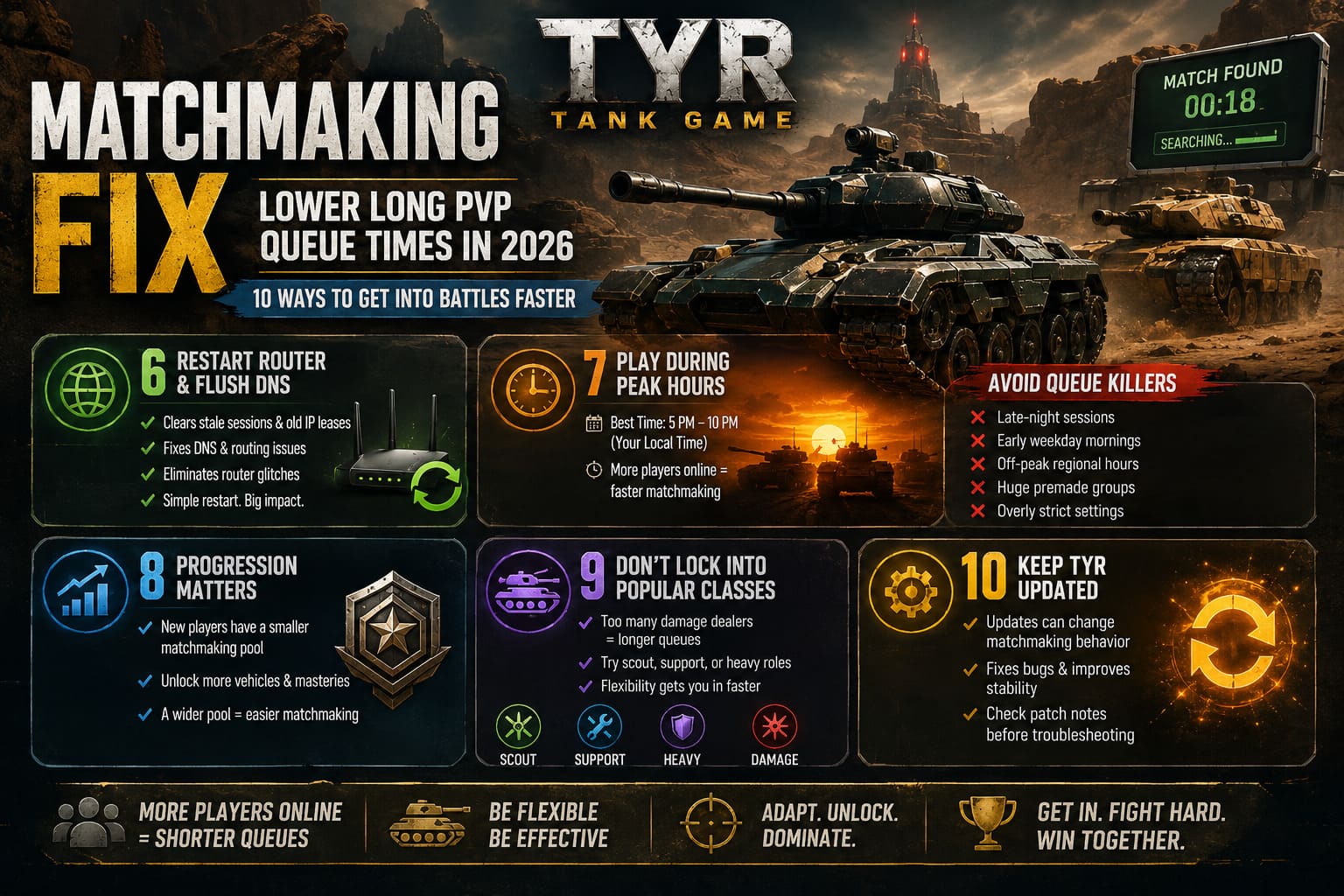
A clean restart can eliminate:
- Stale network sessions
- Temporary routing problems
- Old IP leases
- DNS-related connection issues
- Router-side glitches
You can also flush the Windows DNS cache if you’ve been experiencing broader connection weirdness.
If Tyr suddenly starts matchmaking normally afterward, you’ve learned something useful: the problem was likely somewhere in your local network path rather than the game itself.
7. Play During Peak Hours
This one sounds obvious, but it has a massive impact on games with a smaller player base.
If you’re playing Tyr at 3 AM on a Tuesday, don’t expect the same matchmaking speed as someone jumping online at 7 PM.
For North American players, the most reliable period will generally be the evening, roughly around 5 PM to 10 PM local time, when more players are actively searching.
The exact peak naturally changes by region and day, but the principle remains the same.
Avoid These Queue Killers
- Very late-night sessions
- Early weekday mornings
- Off-peak regional hours
- Immediately after a playtest window closes
- Unusually large premade groups
- Extremely restrictive matchmaking settings
This is particularly important because Tyr isn’t dealing with the gigantic player pools of games such as Counter-Strike or Call of Duty.
When the population is smaller, every matchmaking restriction matters more.
8. Progression Can Affect Your Matchmaking Pool
Tyr’s matchmaking isn’t simply a giant bucket containing every player currently online.
The system can use progression, vehicle availability, skill-related factors, and matchmaking ratings to create appropriate games.
For newer players, this can mean being placed into a more restricted matchmaking pool.
If you’re consistently struggling to find games early in your Tyr progression, keep playing and unlock more of the available vehicle options and masteries.
There’s an important practical advantage here beyond simply becoming stronger.
A broader vehicle pool can make you easier to place into a balanced team.
If everyone wants the same popular damage-dealing vehicle class, the matchmaker has to solve a much more complicated puzzle.
If you’re willing to switch roles, you give the system more options.
9. Don’t Always Lock Into the Most Popular Vehicle Class
This is where Tyr’s class-based design can directly influence queue speed.
Imagine a lobby where most players are trying to fill the same aggressive damage-dealer role.
The matchmaker isn’t just looking for 16 random humans anymore. It needs to create teams that make sense within the game’s vehicle ecosystem.
A player willing to jump into a scout, light vehicle, support-oriented role, or heavy frontline machine may be significantly easier to place.
I’m a big believer in this approach even when queue times aren’t terrible.
Learning multiple vehicle classes makes you a better player anyway. You’re forced to understand how different vehicles move, where they want to fight, and what weaknesses they expose when they’re caught out of position.
And when the queue is struggling?
Being flexible can get you into the action faster.
10. Keep Tyr Updated
Stoke Games is still actively developing Tyr, which means matchmaking behavior can change considerably between updates.
A hotfix can solve one problem while unintentionally exposing another. Server infrastructure can be adjusted. Queue rules can change. UI bugs can disappear. New matchmaking restrictions can be tested.
Recent technical updates have also targeted issues involving things such as audio startup problems, UI freezes, and matchmaking-related loops.
So if Tyr suddenly starts behaving strangely after an update, don’t immediately start rebuilding your entire network configuration.
First ask:
Did the game just receive a patch?
If yes, check the latest developer announcements and patch notes before going nuclear with troubleshooting.
Best Tyr Matchmaking Fixes at a Glance
| Problem | Best Solution |
|---|---|
| 10+ Minute Queue | Cancel And Re-Queue |
| Empty Regional Pool | Enable Automatic Server Selection |
| Matchmaking Outside Active Hours | Check Official Playtest Schedule |
| Connection Timeouts | Check Firewall And Network Permissions |
| Suspicious Post-Patch Behavior | Verify Steam Game Files |
| Overnight Queues | Play During Regional Peak Hours |
| Large Premade Queue | Try A Smaller Party |
| Restricted Vehicle Pool | Unlock More Vehicles And Masteries |
| Role Bottleneck | Queue With A Different Vehicle Class |
Tyr Tank Shooter Beginner Guide: Best Tips, Tricks, and Strategies (2026)
Final Verdict: Don’t Let the Queue Beat You
Tyr’s long matchmaking times are frustrating, especially because the actual gameplay can be so good once you’re finally in a match. There’s a strange irony to having a tactical shooter built around careful positioning and single-life combat, only to spend half your evening staring at a matchmaking timer.
But there’s a difference between a genuinely low player population and a broken or badly configured queue.
If I were troubleshooting Tyr on my own PC, I’d work through the problem in this order:
Check the active server/playtest window → enable automatic or broader region selection → cancel and restart any queue stuck around 6–7 minutes → verify Steam files → check firewall permissions → restart the router → play during peak hours → experiment with party size and vehicle classes.
Don’t sit there watching a 15-minute timer hoping the matchmaker suddenly develops a conscience.
If the queue looks frozen, reset it.
If your region is empty, broaden it.
If you’re playing during dead hours, come back when the player base is awake.
And if you’re consistently selecting the same oversubscribed vehicle role, try something different.
Tyr is still evolving, and its matchmaking infrastructure will likely continue changing throughout 2026. As Stoke Games expands server availability, refines matchmaking rules, and moves toward more consistent operational windows, some of today’s queue problems should become less common.
Until then, a little flexibility goes a surprisingly long way.
Because when Tyr finally throws you into an 8v8 match after a reasonable queue, the last thing you want is to realize you’ve spent twenty minutes waiting for a game that could have started five minutes ago.