Wanderburg PC System Requirements: Storage Size and Spec Analysis for 2026’s Best Indie Roguelike
Wanderburg is one of those indie games that immediately makes me stop scrolling through my Steam library and think, okay, this is weird enough that I need to play it. A medieval castle rolling across the landscape, collecting resources, adding weapons, fighting other mobile fortresses and dealing with a world that constantly changes around it? That is exactly the kind of strange idea that can become either a forgettable experiment or an absolute addiction.
Developed by Randwerk and published by Sidekick Publishing, Wanderburg launches into Steam Early Access on September 8, 2026. The game has already attracted serious attention, with more than 400,000 Steam wishlists reportedly accumulated before release and over 300,000 players trying the demo.
But there is another reason PC players are paying attention: Wanderburg is surprisingly lightweight from a hardware perspective.
The developers have even pushed the idea that the game is “Ready for potato.” As someone who spends far too much time tweaking graphics settings, checking frame times and wondering whether another 5 FPS is worth sacrificing image quality for, that immediately caught my attention.
So, how demanding is Wanderburg really? What PC do you need, how much storage does it occupy, and what should you realistically expect from the minimum and recommended hardware?
Let’s break it down.
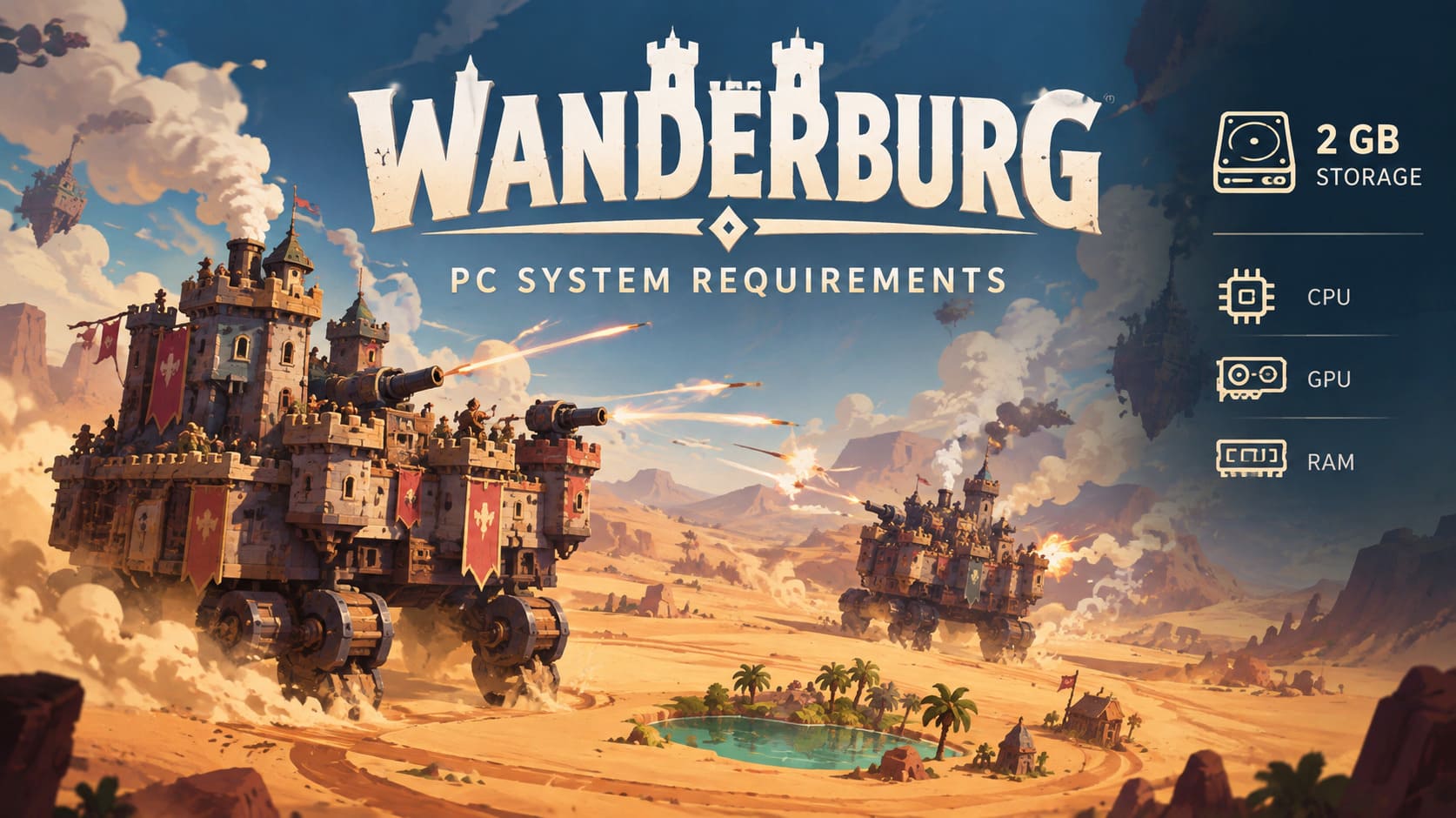
Wanderburg PC System Requirements
The official specifications are unusually friendly for a 2026 release. The most surprising number isn’t even the GPU requirement — it’s the 2 GB storage requirement.
| Specification | Minimum | Recommended |
|---|---|---|
| OS | Windows 10 or newer, 64-bit | Windows 10/11, 64-bit |
| CPU | Intel Core i5 10th Gen or AMD equivalent | Intel Core i5 10th Gen / Ryzen 5 or better |
| RAM | 4 GB | 8 GB |
| GPU | GTX 1660 Ti or AMD equivalent | GTX 1660 Ti or newer / RX 5600 XT |
| DirectX | DirectX 11 | DirectX 12 |
| Storage | 2 GB | 2 GB, SSD recommended |
On paper, this is a very approachable game. You don’t need an RTX 4070, 32 GB of RAM or a gigantic NVMe drive just to get started.
And honestly, I love seeing this.
The PC gaming industry has become accustomed to games demanding ridiculous amounts of storage. When I see a modern title asking for 100 GB or more, I don’t even react anymore. Wanderburg asking for only 2 GB feels almost refreshing.
Why Is Wanderburg Only 2 GB?
The first question most PC players will probably ask is simple: how can a modern open-world roguelike be only 2 GB?
The answer comes down largely to the game’s artistic direction and technical design.
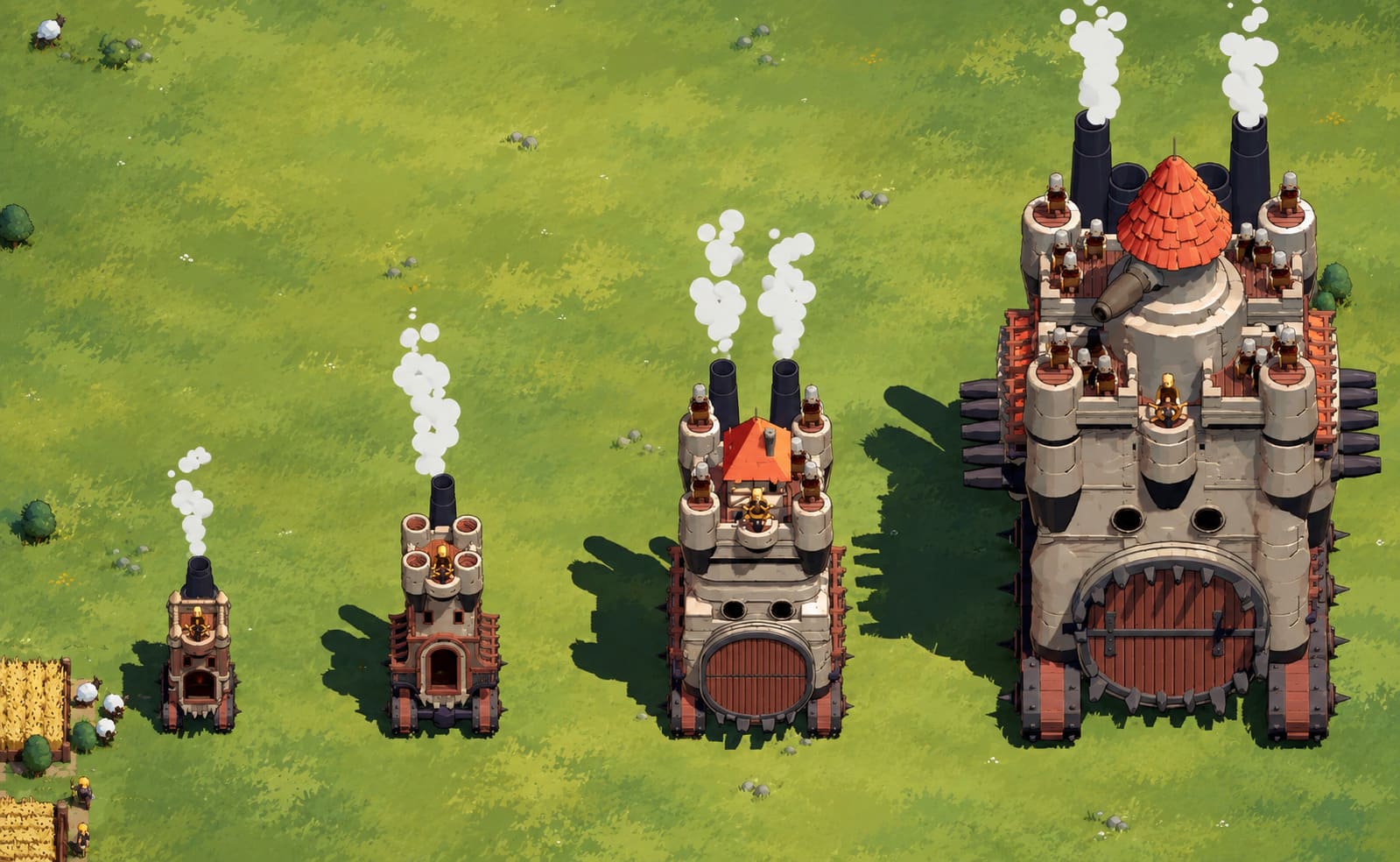
Wanderburg doesn’t attempt photorealism. Its world uses a stylized, minimalist aesthetic that allows the developers to avoid the enormous collection of ultra-high-resolution textures found in many modern AAA games.
That makes a huge difference.
A game doesn’t necessarily become visually interesting because every surface has a 4K texture. Wanderburg gets much of its personality from shape, movement, color, animation and scale. A giant fortress rolling over a landscape can look spectacular without requiring hundreds of gigabytes of texture data.
Procedural generation also plays a major role.
Instead of storing every possible variation of its world as massive prebuilt data, Wanderburg can generate much of its environment algorithmically. Villages, resources, terrain layouts and other world elements can be constructed from reusable systems.
That’s a smart approach for a roguelike.
The same philosophy appears in the fortress-building mechanics. Rather than requiring completely unique assets for every possible castle configuration, the game can reuse modular components. Cannons, towers, defensive structures and other parts can appear in different combinations without requiring an entirely separate collection of assets each time.
The result is a game that can create a surprisingly complex experience without eating your entire SSD.
Is the GTX 1660 Ti Really Necessary?
This is probably the most interesting part of the Wanderburg PC requirements.
At first glance, seeing a GTX 1660 Ti as the minimum GPU might seem strange. The game has a low-poly visual style, so why isn’t the minimum graphics card something considerably older?
Because graphics quality isn’t the only thing that determines GPU load.
Your fortress can eventually become a ridiculous moving pile of weapons, machinery and magical nonsense. We’re talking about multiple cannons, towers, projectiles, explosions, effects, enemies and environmental activity happening simultaneously.
That’s where things can become demanding.
Imagine your castle has grown into a huge rolling war machine. You’re fighting another fortress while projectiles fly across the battlefield, structures are being destroyed, particle effects are filling the screen and the environment is changing around you.
Suddenly, the minimalist art style doesn’t mean the GPU has nothing to do.
The GTX 1660 Ti is a sensible baseline for 1080p gaming in this situation. It isn’t a modern powerhouse, but it still has enough performance to handle a game like Wanderburg without making the minimum specification absurdly low.
If you’re using an older graphics card, I’d expect the first compromises to be resolution, shadows, effects and overall visual quality.
For players targeting a stable 60 FPS, I’d much rather have a GTX 1660 Ti paired with a reasonable CPU than attempt to force the game onto ancient integrated graphics.
CPU Performance Could Become More Important Later
Here’s where the hardware requirements become more interesting.
Wanderburg isn’t just rendering objects. It’s simulating a world filled with moving entities.
Villages move.
Flocks move.
Enemies move.
Fortresses move.
Weapons fire.
Structures collide.
And eventually, several giant mobile castles can turn the battlefield into complete chaos.
That kind of situation can put significant pressure on the CPU.
The Intel Core i5 10th Generation requirement makes sense as a baseline. These processors aren’t cutting-edge anymore, but they remain perfectly capable gaming CPUs.
The interesting part is what happens during the late game.
Early Wanderburg sessions should be relatively easy for a decent modern PC. The real test comes when the screen is packed with activity.
That’s when CPU frame times become more important than simply looking at average FPS.
If you’re building a PC specifically for games like this, I’d prioritize a modern six-core processor rather than obsessing over an expensive graphics card. A balanced system makes much more sense here.
4 GB RAM Works, But I Wouldn’t Recommend It
Wanderburg lists 4 GB of RAM as the minimum, and technically that’s impressively low.
But there’s a difference between the game can run with 4 GB and 4 GB is what I’d choose for playing it.
I wouldn’t.
Windows itself needs memory. Steam needs memory. Background applications need memory. Your browser probably has approximately 900 tabs open because you’re a normal PC gamer.
Once all of that is combined, 4 GB can become uncomfortable very quickly.
I’d consider 8 GB the practical starting point, while 16 GB gives you much more breathing room.
This becomes especially relevant during longer roguelike sessions. If you’re playing for hours, moving through increasingly complex areas and building a massive fortress, having additional system memory can help prevent unnecessary stuttering caused by memory pressure.
So while the minimum specification is impressive, 8 GB should be considered the realistic target for a comfortable experience.
DirectX 11 vs DirectX 12
Another interesting detail in the Wanderburg system requirements is the difference between DirectX 11 and DirectX 12.
The minimum configuration lists DirectX 11, while the recommended specification moves to DirectX 12.
That doesn’t automatically mean DirectX 12 will double your frame rate. It doesn’t work that way.
However, newer APIs can provide developers with more control over how rendering workloads are distributed. In a game featuring procedural environments, dynamic effects and lots of moving objects, that additional flexibility can be useful.
If your hardware supports DirectX 12 properly, that’s the API I’d choose.
I wouldn’t downgrade to DirectX 11 simply because you’re chasing a theoretical performance gain. The better option is to test both if the game gives you the choice and see which produces the more stable frame times on your specific system.
What About SSD Storage?
The official storage requirement is only 2 GB, which is almost comically small compared with modern AAA games.
You don’t technically need a huge SSD for Wanderburg.
Still, I would install it on an SSD if possible.
The game relies on procedural world generation and transitions between different environments, so faster storage can potentially help with loading and asset streaming.
We’re not talking about a game where an SSD suddenly turns 40 FPS into 120 FPS. That’s not how storage works.
The benefit is more about responsiveness and loading consistency.
And considering how little space Wanderburg actually requires, there is almost no reason to install it on a slow mechanical drive unless you’re working with an older PC.
The Desert Biome Shows Why Performance Matters
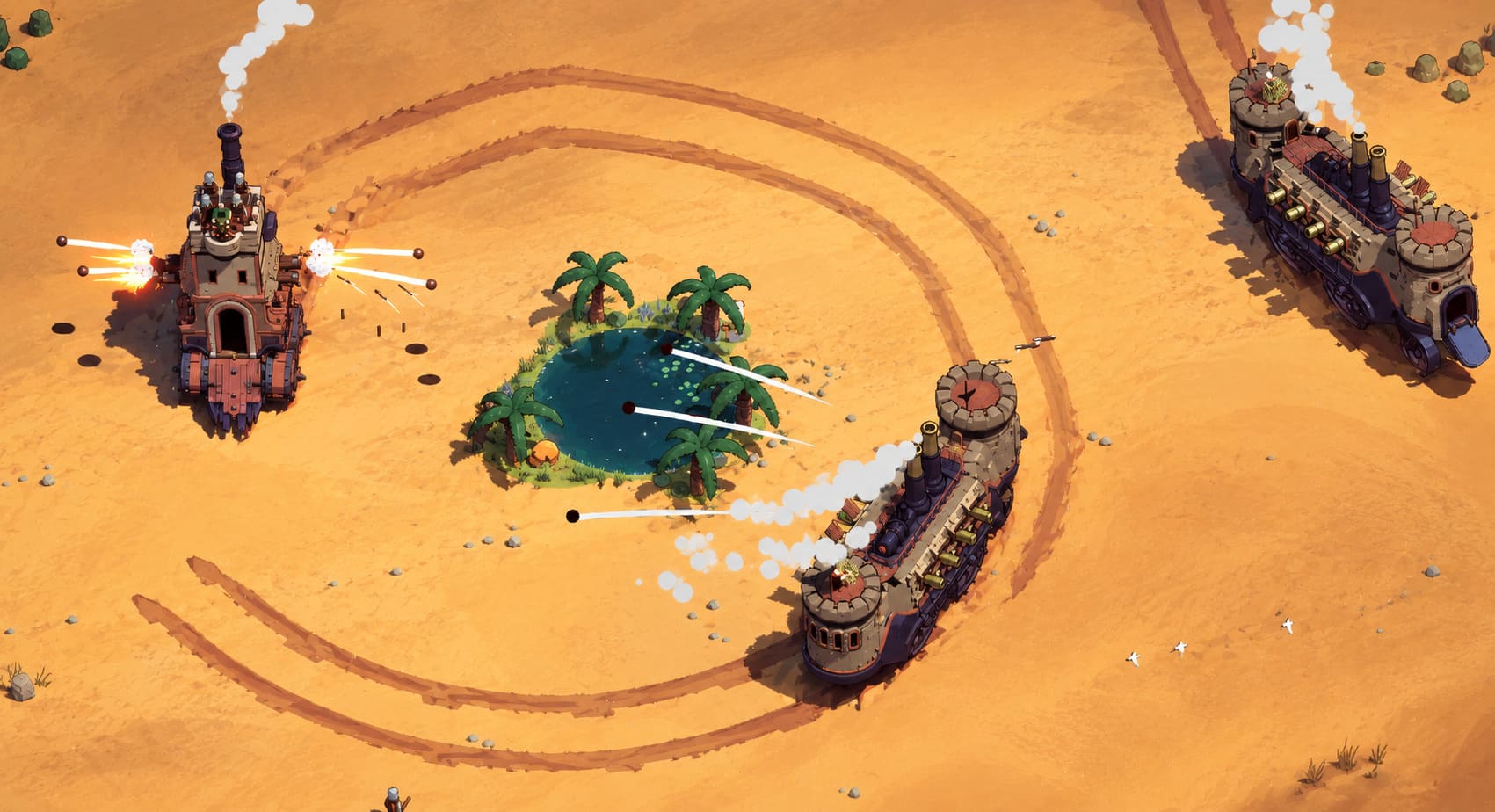
The Desert Biome footage is particularly interesting from a technical perspective.
The game changes its visual and gameplay rules depending on the environment. Instead of simply rolling around on wheels, some fortresses can develop legs, producing bizarre walking castles, mobile hammer towers and enormous moving weapons.
It’s exactly the kind of design that makes Wanderburg look like an indie fever dream.
The environment itself also becomes more active, with sand, terrain deformation and atmospheric effects adding additional visual work.
This is where I expect higher-end PCs to separate themselves from the minimum specification.
A GTX 1660 Ti should provide a solid starting point, but more powerful modern GPUs should have considerably more headroom when everything on screen goes completely insane.
My Recommended PC Target for Wanderburg
If you’re buying or upgrading a PC specifically for Wanderburg, I wouldn’t build around the bare minimum.
I’d aim for something roughly like this:
- Modern 6-core CPU
- 16 GB RAM
- GTX 1660 Ti-class GPU or better
- SSD
- Windows 10/11 64-bit
- DirectX 12 support
You don’t need an expensive enthusiast machine.
That’s one of the things I find most appealing about Wanderburg. The game seems to understand something that many developers forget: stylized visuals can be technically impressive without requiring a ridiculous PC.
How to Fix NBA 2K27 Memory Leak: Stop Stuttering and FPS Drops After Long Rec Sessions
Final Verdict: Wanderburg Looks Like a PC-Friendly Roguelike
Based on the published specifications, Wanderburg should be one of the more accessible PC releases of 2026.
The 2 GB storage requirement is the headline number, but the bigger story is how modest the overall hardware target is. A GTX 1660 Ti, a 10th-generation Core i5-class processor and 8 GB of RAM put the recommended experience within reach of a huge number of PC gamers.
Personally, I’m far more interested in seeing what happens during those chaotic late-game battles than whether an old laptop can technically launch the game.
That’s where Wanderburg could become genuinely demanding.
When several enormous fortresses are fighting, projectiles are everywhere, structures are collapsing and the procedural world is doing its thing, that’s the moment I’ll be watching frame-time graphs rather than average FPS.
Still, the early signs are excellent.
A weird medieval roguelike about castles on wheels, a tiny installation size, approachable hardware requirements and a developer openly targeting potato PCs?
Yeah, I’m absolutely on board with that.
If Randwerk can maintain this level of optimization throughout Early Access, Wanderburg could become one of those rare games that looks deceptively simple, runs on almost anything, and somehow consumes an entire weekend before you realize you’ve been playing for twelve hours.