Mistfall Hunter Steam Deck Compatibility: Performance, Best Settings, and Linux Guide
If you’ve ever lost an entire night to an extraction RPG, you already know how dangerous a game like Mistfall Hunter can be. Bellring Games didn’t just build another dark fantasy PvPvE experiment—they built something that actively eats your time and dares you to survive it.
Now the real battlefield question isn’t just “is it good?” but something more practical: can this thing actually run on a Steam Deck without turning into a stuttering mess in the middle of a fog-soaked extraction run?
Short version: yes, it runs. Long version: you’re going to care a lot about your settings.
GTA Online July Update: The Kortz Center Heist Announced to Bridge the Gap Until GTA 6
Steam Deck Reality – Right on the Edge of Playable
The Steam Deck is still ridiculous hardware in the best way possible. But Mistfall Hunter doesn’t exactly make its life easy. Between dense fog systems, heavy particle effects, and chaotic PvPvE fights, this is the kind of game that normally expects a desktop GPU and a strong cooling fan screaming in the background.
Instead, you’re running it on a handheld APU and hoping for consistency rather than miracles.
Surprisingly, it holds together better than expected:
- Game launches cleanly through Proton
- Multiplayer matchmaking works without hacks
- Controller input is fully native
- No immediate Linux lockout behavior detected
That alone already puts it ahead of a lot of modern multiplayer releases that basically ignore Steam Deck users entirely.
Performance Breakdown – What You Actually Get
This is where things stop being theoretical and start getting real. The Steam Deck is clearly pushing its limits here, especially once fights get chaotic.
Frame Rate Experience
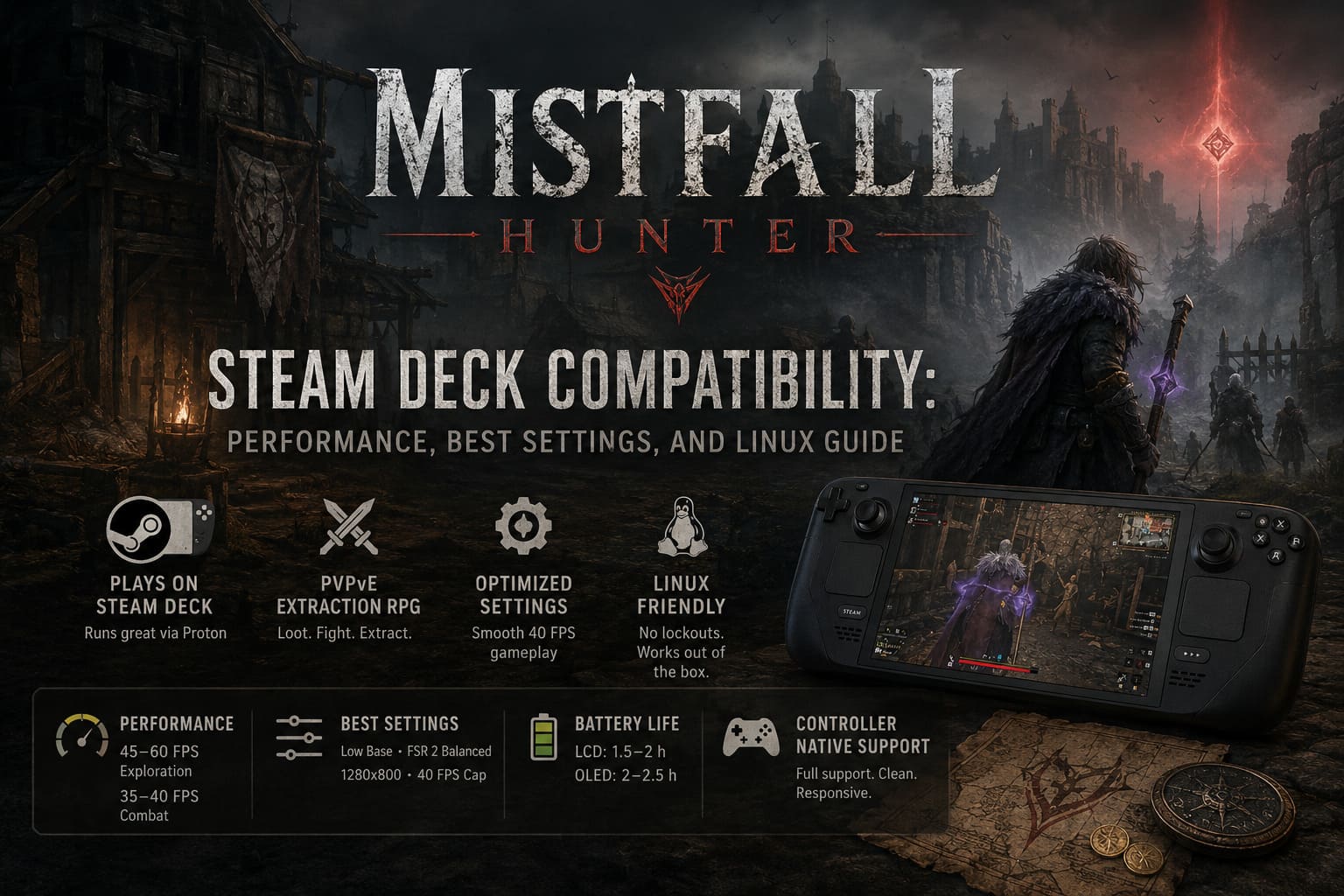
- Low Settings (FSR Balanced, 1280×800) – 45–60 FPS in exploration, dropping to ~35–40 FPS during combat-heavy zones
- Medium Settings – 28–35 FPS with noticeable stutters in large fights
- Heavy PvP + Fog + Effects Stack – occasional drops into the 25–30 FPS range
The biggest issue isn’t raw FPS. It’s inconsistency. When everything explodes visually, the frame pacing becomes unpredictable, and that matters a lot in extraction gameplay where split-second reactions decide whether you extract or lose everything.
Best Steam Deck Settings – The Setup That Actually Works
You can brute-force higher visuals, but honestly, that just makes the game feel worse. This is one of those cases where “uglier but stable” wins every time.
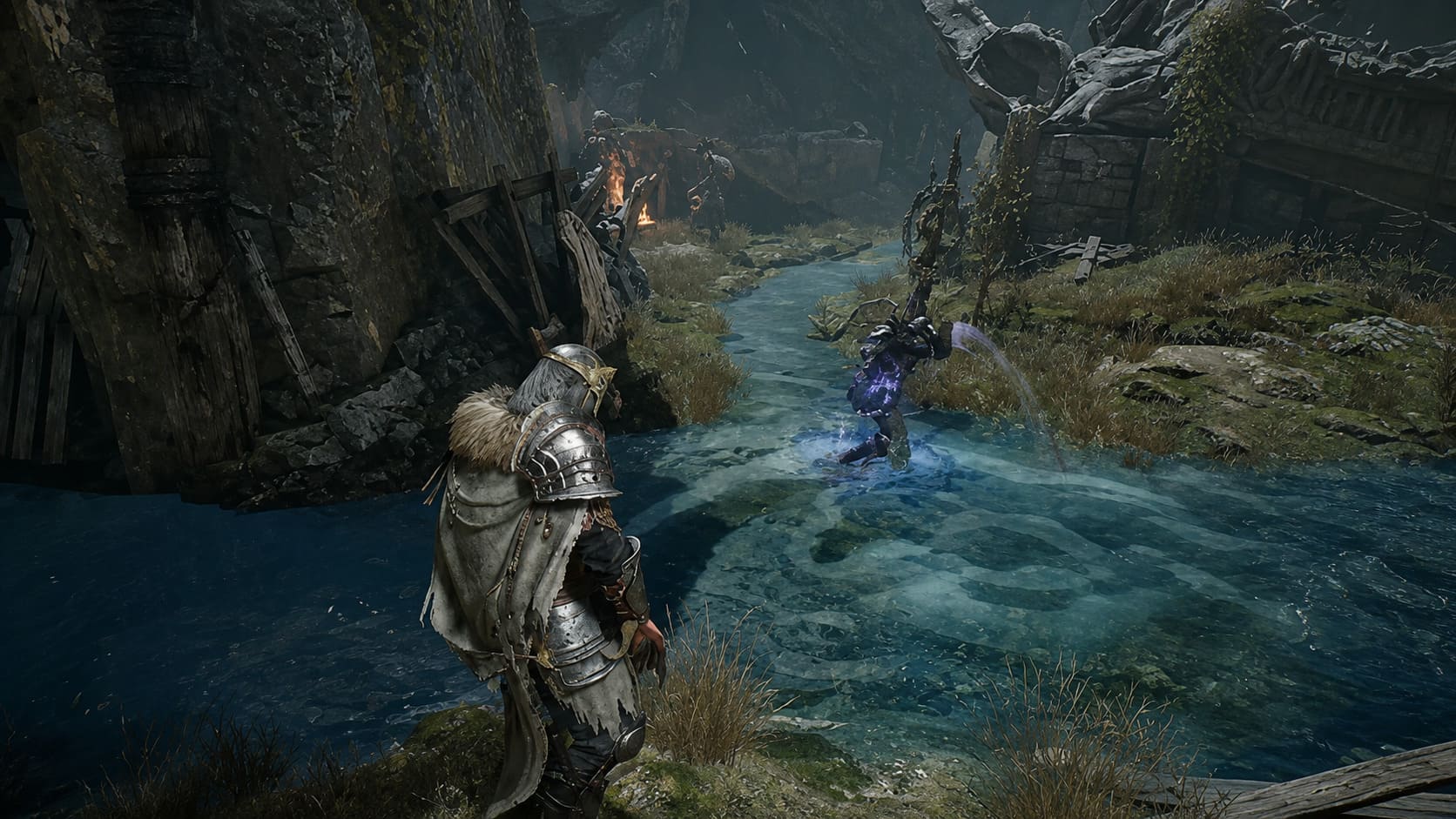
Recommended Configuration
| Setting | Recommended Value |
|---|---|
| Resolution | 1280×800 (Native) |
| Preset | Custom (Low Base) |
| Textures | Medium |
| Shadows | Low |
| Effects | Low |
| View Distance | Medium |
| Upscaling | FSR 2 Balanced |
| Motion Blur | Off |
FSR isn’t optional here. It’s basically the difference between “playable” and “why is this stuttering in every fight?”
Steam Deck Performance Profile
- Frame Cap: 40 FPS (sweet spot)
- Alternative Cap: 30 FPS (ultra stability mode)
- Refresh Rate: match FPS (40Hz or 60Hz)
- TDP Limit: 12–15W depending on heat tolerance
40 FPS is the zone where everything feels acceptable. Not perfect, but controlled enough that fights remain readable instead of chaotic slideshows.
Linux & Anti-Cheat Situation – Surprisingly Open
This is where Mistfall Hunter does something unexpected: it doesn’t immediately punish Linux users.
A lot of extraction shooters fail here because of aggressive kernel-level anti-cheat systems. This game doesn’t go that route, at least in its current build.
Reports from Proton users show:
- No instant Linux blocks
- No forced Windows-only authentication layers
- Stable matchmaking under Proton Experimental
- Functional cross-play sessions in testing environments
That doesn’t guarantee long-term safety, but for now, Steam Deck players are actually welcome instead of silently excluded.
Controls – Honestly One of the Strongest Parts
Not every PC-to-console-style game gets this right, but here it’s clear the developers built with controllers in mind from the start.
- Full native controller support
- No awkward cursor-only menus
- Clean button mapping on Steam Deck
- Combat feels designed for analog movement
Dodging, ability chaining, and weapon swapping all feel natural. Nothing here feels like a compromised PC port duct-taped to a controller.
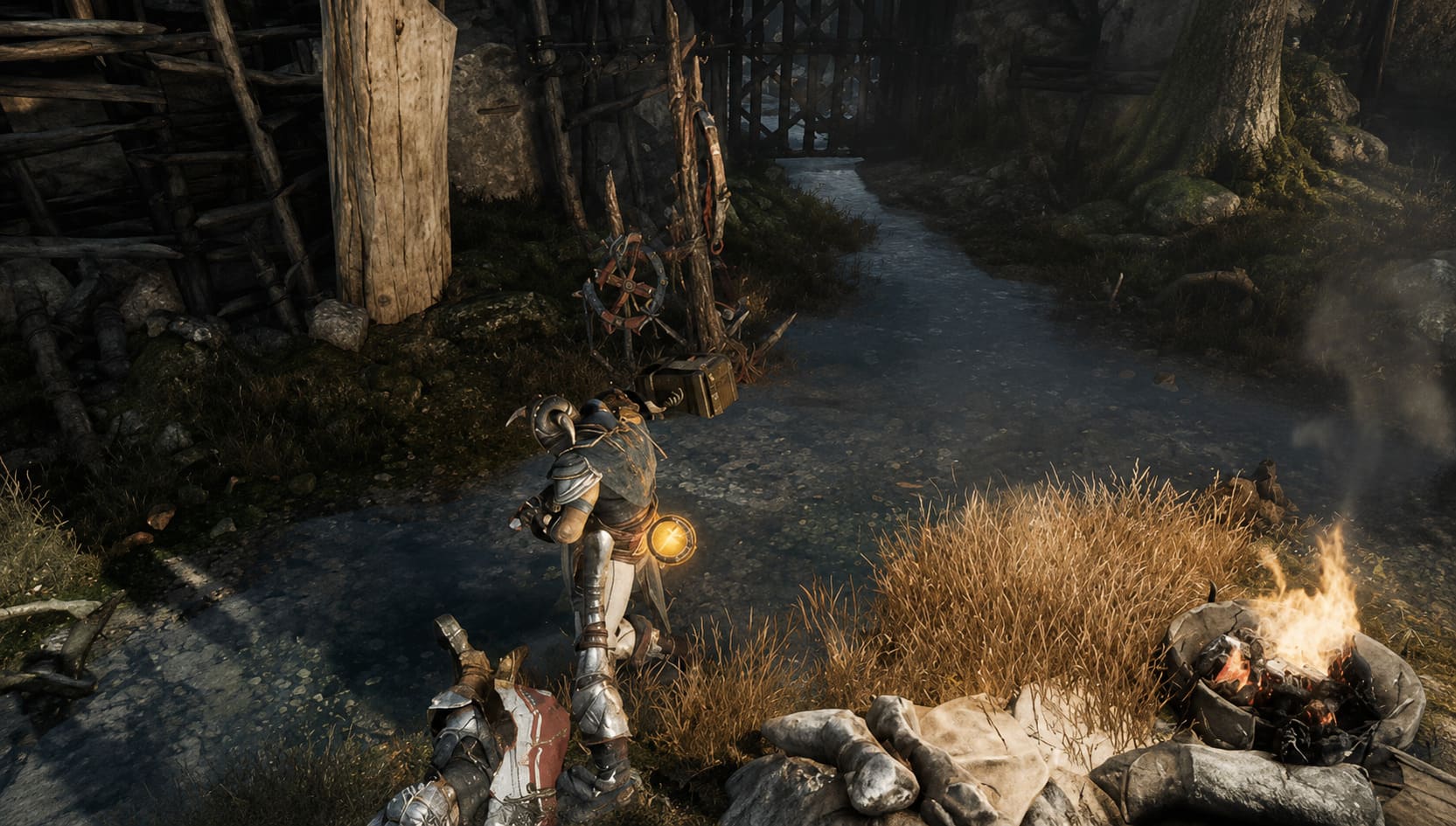
UI & Readability – Mostly Solid, Occasionally Tight
On a small screen, UI design gets exposed fast. Mistfall Hunter does fine in most areas, but inventory screens and item descriptions can feel cramped.
Main HUD elements are readable, combat feedback is clear, and navigation is usable without constant zooming. The only friction shows up in deeper menus where text density spikes.
Fortunately, scaling options help enough to make it manageable without breaking immersion.
Battery Life – The Expected Steam Deck Tradeoff
This game is not kind to battery life. Between rendering fog-heavy environments and handling constant online syncing, power drain is noticeable.
- LCD Steam Deck: ~1.5–2 hours
- OLED Steam Deck: ~2–2.5 hours
If you’re planning long extraction sessions, you’re basically committing to a charger or external power source.
Final Thoughts – Worth Playing on Steam Deck?
Mistfall Hunter on Steam Deck is not a flawless experience, and it doesn’t pretend to be. It’s a “make it work” situation that actually succeeds if you accept its limits.
You won’t get ultra visuals or locked 60 FPS fights. What you get instead is something arguably more important for this genre: portability without losing the core tension of extraction gameplay.
And honestly, once you’re in the loop—looting, panicking, extracting, losing everything anyway—it stops mattering what platform you’re on. You just keep hitting “one more run” until your battery or sanity gives out.