Mistfall Hunter Ping Fix Guide: Server Locations & Lag Solutions for Smooth PvPvE Gameplay
Mistfall Hunter is one of those games that feels absolutely incredible when everything clicks—and completely unfair when your connection decides to betray you mid-fight. After way too many hours in the beta, one thing is obvious: your skill matters, but your ping decides how much of that skill actually reaches the server in time.
This guide breaks down server locations, why latency feels so brutal in this game, and what actually helps reduce lag without falling into generic “restart your router” advice that solves nothing in real matches.
Current Server Locations in Mistfall Hunter
Right now the infrastructure is still in a restricted beta phase, which means the server network is limited and heavily centralized. You are not dealing with a fully global system yet—more like a few overloaded hubs handling everyone at once.
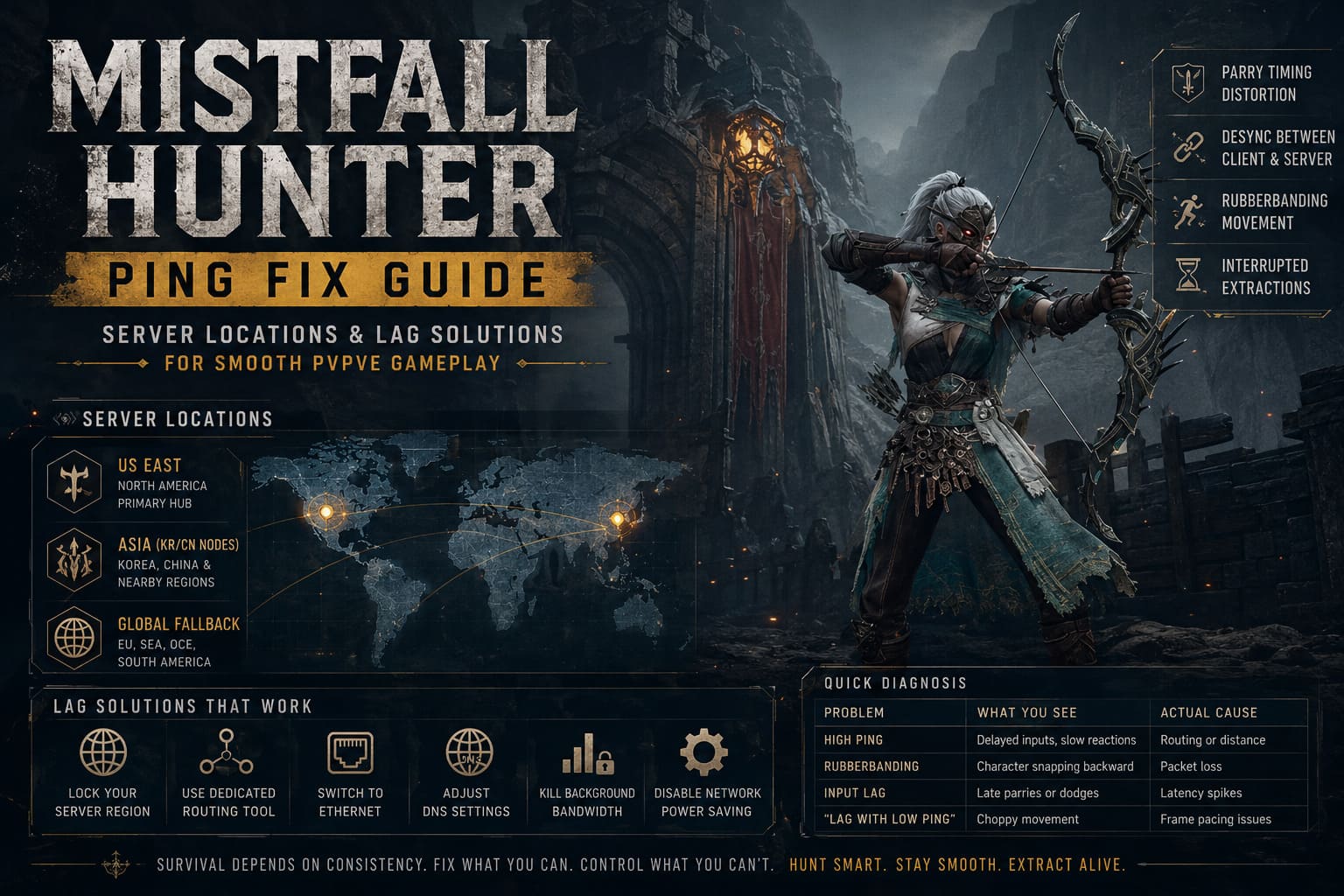
Main Regional Server Hubs
The current known server structure looks roughly like this:
| Region | Coverage | What It Feels Like |
|---|---|---|
| US East | North America primary hub | Stable for East Coast, but West Coast sees spikes during peak hours |
| Asia (KR/CN nodes) | Korea, China, nearby regions | Fast locally, inconsistent routing outside Asia |
| Global fallback routing | EU, SEA, OCE, South America | High ping, occasional rubberbanding, packet loss |
If you’re outside the US East or Asia regions, you’re essentially playing on borrowed infrastructure. That’s not an insult—it’s just early-stage server reality.
Why Mistfall Hunter Feels So Punishing With High Ping
This is not your typical online RPG where a bit of lag just delays a bullet. Mistfall Hunter is built around tight timing windows, directional combat, and reaction-based defense. That combination makes latency feel way worse than the numbers suggest.
What High Ping Actually Breaks
Once your connection becomes unstable, the game stops feeling responsive and starts feeling unpredictable:
- Parry timing distortion: Even small delays push your inputs outside perfect block windows.
- Desync between client and server: You dodge something visually, but the server disagrees.
- Interrupted extraction actions: Micro-stutters can cancel critical interactions mid-channel.
- Rubberbanding movement: Your position constantly gets corrected by the server.
At that point, you’re not really fighting enemies—you’re fighting synchronization itself.
The Real Issue Isn’t Just Distance
A lot of players assume high ping is purely about geography. That’s only part of the story. The bigger problem is routing—how your ISP decides to send your data to the game servers.
Sometimes your connection takes a straight path. Other times it feels like it’s being sent on a detour across half the planet before reaching the destination.
That’s why two players in the same country can have completely different experiences.
How to Actually Fix Lag in Mistfall Hunter
Some fixes genuinely help, others are placebo-tier. Here’s what consistently improves stability based on real gameplay experience, not theory.
1. Manually Lock Your Server Region
Do not rely on auto-select matchmaking. It often dumps players into overloaded or distant regions.
Pick your closest stable hub manually and stick to it for the entire session. Switching mid-play just adds more routing instability.
2. Use a Dedicated Routing Tool
Game boosters like routing optimizers don’t magically reduce physical distance, but they can fix bad ISP paths.
What actually improves is packet consistency—not just the ping number you see on screen.
3. Switch to Ethernet (Seriously)
Wi-Fi introduces micro-spikes that are barely noticeable in casual games but devastating in timing-heavy combat systems.
If you care about consistency, Ethernet is not optional—it’s baseline.
4. Adjust DNS Settings
This won’t transform your ping, but it can reduce connection instability during server lookup phases.
- Cloudflare: 1.1.1.1 / 1.0.0.1
- Google: 8.8.8.8 / 8.8.4.4
5. Kill Background Bandwidth Usage
One of the most overlooked issues is background apps quietly eating bandwidth mid-match.
- Steam updates running silently
- Cloud sync tools
- Browser video streams
- Voice apps with overlays
Even small spikes can ruin extraction timing.
6. Disable Hidden Network Power Saving
Windows power-saving features sometimes throttle network behavior in subtle ways that feel like lag spikes.
Disabling these options can stabilize packet flow and reduce random stutters during fights.
When It’s Not Ping But Feels Like It
One mistake many players make is blaming servers when the issue is actually performance-side.
If your ping looks fine but gameplay feels inconsistent, the culprit is often frame pacing rather than network latency.
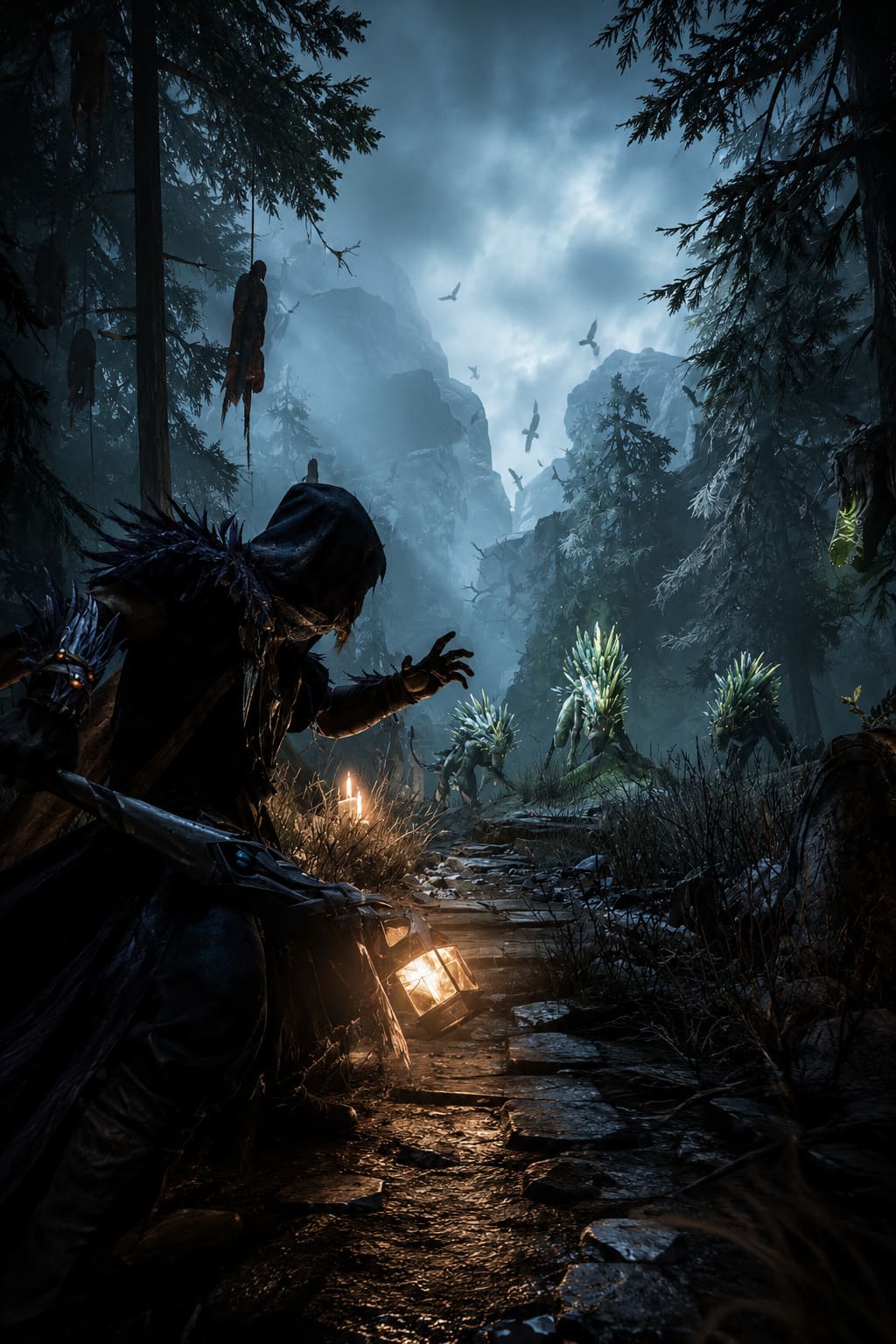
Common Performance Issues That Mimic Lag
- Unstable frame delivery causing input delay
- Borderless window stutter
- V-Sync adding artificial latency
- Shader compilation hitches during combat
This game is extremely sensitive to frame consistency. Even strong hardware can feel “laggy” if frames aren’t stable.
Quick Diagnosis Table
| Problem | What You See | Actual Cause |
|---|---|---|
| High Ping | Delayed inputs, slow reactions | Routing or distance |
| Rubberbanding | Character snapping backward | Packet loss or unstable connection |
| Input Lag | Late parries or dodges | Latency spikes |
| “Lag with low ping” | Choppy movement | Frame pacing issues |
Will More Servers Fix This?
Yes—but not immediately.
The developers have already signaled plans for expanding infrastructure into EU, South America, and Oceania regions. Once that happens, a huge chunk of these problems will disappear overnight.
Until then, everyone outside the main hubs is basically stress-testing the global routing system in real time.
Final Thoughts From the Extraction Battlefield
Mistfall Hunter is one of those games where everything feels incredible when the connection behaves—and completely unfair when it doesn’t.
When your timing lines up, combat feels sharp, brutal, and incredibly satisfying. When your routing breaks, it feels like the game is actively fighting you instead of the enemies.
Fix what you can locally. Lock your region. Stabilize your connection. Remove obvious bandwidth issues. After that, you’re left with the real game—one where survival depends on consistency more than raw mechanical skill.
And in an extraction PvPvE world like this, consistency is already a win condition.