Is How to Fish (Dazed Games) Playable on Steam Deck? 2026 Compatibility & Performance Guide
If you bought How to Fish expecting a relaxing little fishing game to play on the couch, I have some news for you: this is not that kind of fishing simulator.
Dazed Games’ chaotic co-op adventure throws up to four players into a ridiculous survival trip involving wrecked boats, remote islands, oversized fish, hostile sea creatures, shotguns, questionable quests, bosses, and enough physics-based nonsense to turn a peaceful afternoon into absolute mayhem. After its August 20, 2026 launch, the game quickly attracted a huge PC audience, and naturally, Steam Deck owners started asking the question that matters most for handheld gamers:
Can How to Fish actually run well on Steam Deck?
The short answer is yes. And after looking closely at the game’s Steam Deck behavior, controller support, performance targets, and the handful of compromises you’ll encounter, I’d happily recommend it for handheld play.
It isn’t completely flawless, though. There are some small UI issues, and the frame rate can get spicy when four players, physics objects, enemies, weapons, and general stupidity all collide at once. That’s exactly where the right settings make a difference.
Is How to Fish Steam Deck Compatible?
Yes. How to Fish is officially rated Playable on Steam Deck, which is excellent news for anyone who prefers playing their Steam library away from a desktop PC.
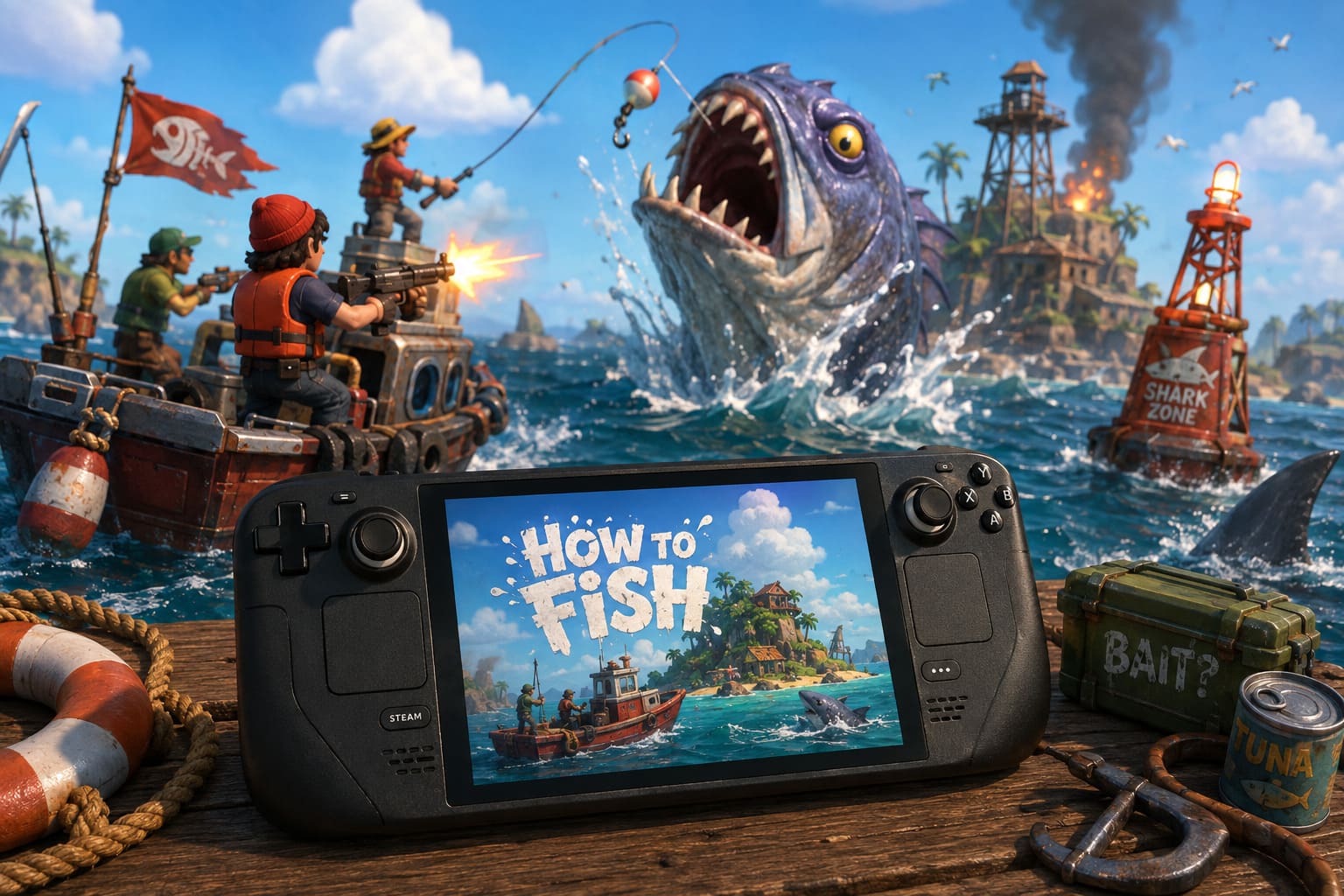
The important distinction here is that the game isn’t classified as Verified. That’s not because the game is broken or difficult to control. The main issue identified for handheld use is small in-game text, particularly in certain menus and interface elements.
In actual gameplay, the situation is much better.
The game works through SteamOS and Proton, recognizes the Steam Deck controls properly, and doesn’t require some weird launch command ritual before you can start fishing. That’s a huge win in my book. Nothing kills the handheld mood faster than spending 30 minutes digging through Proton versions just to get a game to boot.
Steam Deck Compatibility At A Glance
| Feature | Steam Deck Experience |
|---|---|
| Official Rating | Playable |
| SteamOS Support | Yes |
| Controller Support | Excellent |
| Default Controls | Fully Functional |
| Native Display | 1280×800 |
| Recommended Target | 60 FPS |
| Heavy Multiplayer | Occasional FPS Drops |
| Main Handheld Issue | Small UI Text |
The Playable rating should therefore not scare anyone away. For How to Fish, it feels much closer to a “this works great, but the interface could be more handheld-friendly” situation than a genuine compatibility warning.
How Does How to Fish Perform on Steam Deck?
This is where the game surprised me.
The visual style isn’t trying to be photorealistic, but How to Fish can become surprisingly demanding because of what is happening on screen. Physics are a major part of the experience, and once multiple players start throwing objects around, firing weapons, fighting monsters, driving boats, and generally making terrible decisions, the CPU and GPU suddenly have a lot more work to do.
During normal exploration, the Steam Deck handles the game very comfortably.
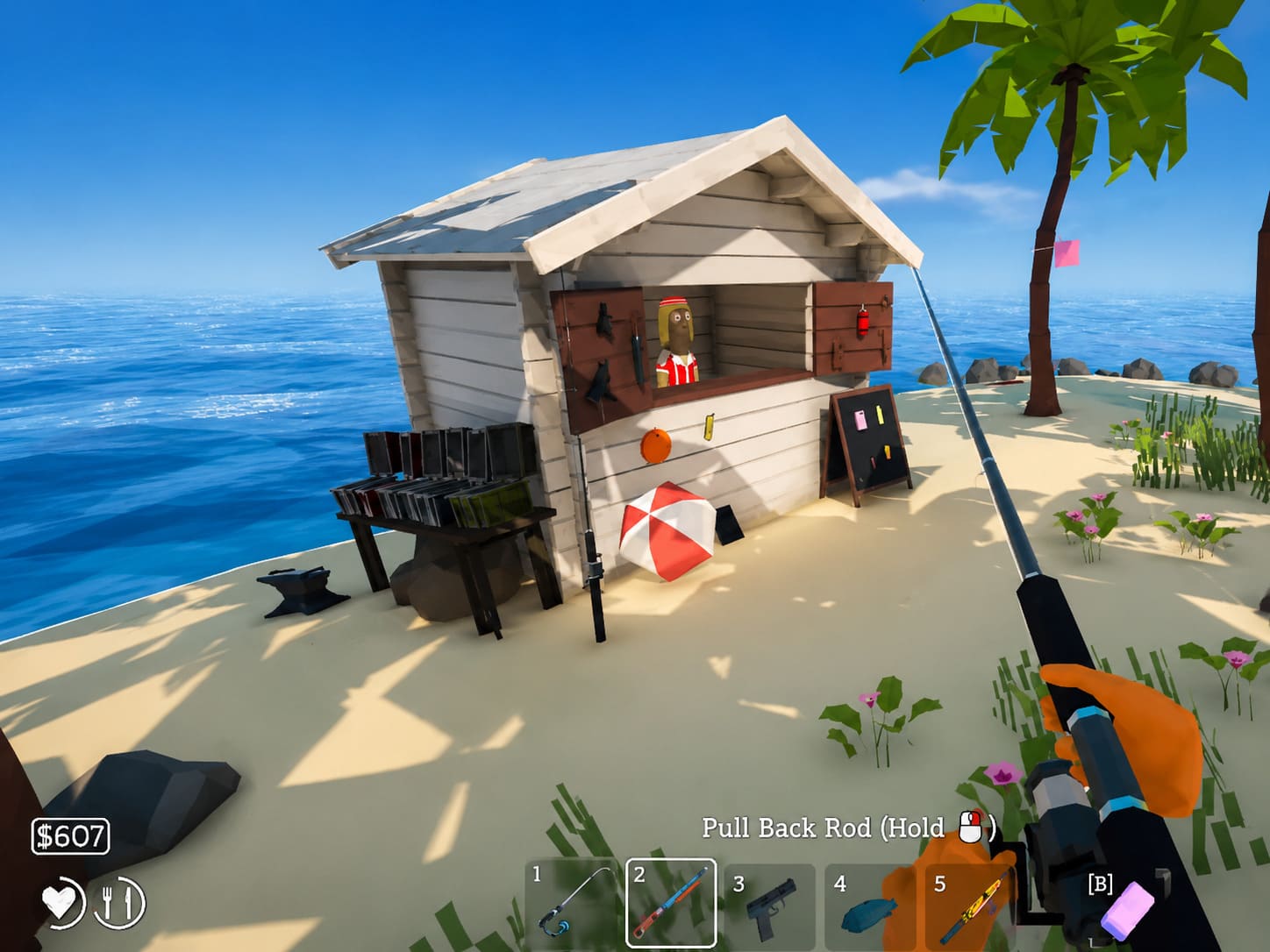
At the default high graphical settings, 60 FPS is achievable during lighter sections, particularly while exploring the starting areas, fishing, traveling around the island, or simply enjoying the game’s absurd scenery. Frame delivery is generally smooth when the action isn’t going completely off the rails.
And let’s be honest: 60 FPS in a chaotic co-op game like this feels fantastic on a handheld.
The LCD and OLED Steam Deck models are both capable of delivering a very enjoyable experience. The OLED model has an additional advantage when you start caring about battery life, but the basic gameplay experience remains strong on both versions.
The situation changes when you reach the game’s more demanding moments.
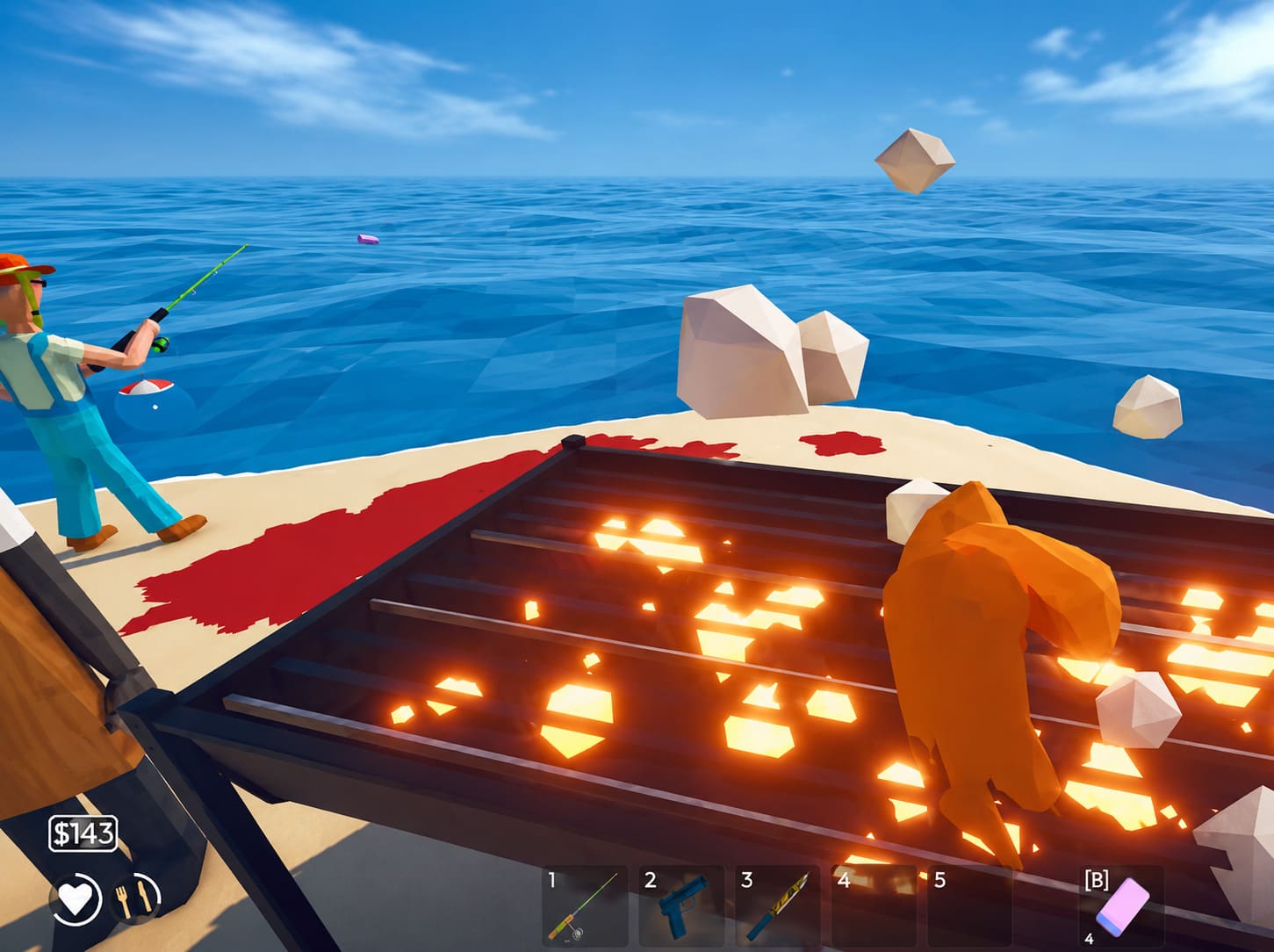
Four-player co-op can produce significantly more physics calculations. Add larger enemy groups, boss encounters, weapons, explosions, floating objects, and several players simultaneously doing completely different things, and you can occasionally see the frame rate fall into the 45–50 FPS range.
That’s not ideal if you’re chasing a perfectly locked 60 FPS, but it isn’t a disaster either.
Personally, I’d take a temporary 45–50 FPS dip during a ridiculous boss fight over sacrificing the visual quality of the entire game just to chase an artificial 60 FPS number. The important thing is that these drops aren’t generally accompanied by the kind of horrible hitching that makes a game feel broken.
Best How to Fish Settings for Steam Deck
The good news is that you don’t need to butcher the game’s visuals to make it run well.
The default settings are already surprisingly competent. Still, I’d make a few adjustments if your goal is stable performance during multiplayer sessions rather than simply getting the highest possible image quality.
Recommended Graphics Settings
- Resolution: 1280×800
- Graphics Preset: Medium
- Physics Sub-Stepping: Normal
- Shadows: Low or Medium
- Frame Rate: 60 FPS
- Refresh Rate: 60Hz
The first setting I’d change is the overall graphics preset.
Moving from High to Medium gives the Steam Deck a little more breathing room without destroying the game’s colorful, exaggerated visual style. How to Fish isn’t the sort of game where dropping every setting to Low suddenly makes you ten times more competitive anyway. You’re still going to be wrestling with a sea monster while your friend shoots you in the back.
Shadows are another easy performance win.
Dynamic shadows can become surprisingly expensive when the game is simultaneously processing several characters, enemies, objects, and physics interactions. Medium is a good compromise, while Low makes sense if you’re experiencing drops during large fights.
I would leave Physics Sub-Stepping on Normal. Physics are one of the reasons How to Fish is fun in the first place, so aggressively reducing anything related to simulation can potentially undermine what makes the game special.
60 FPS or 45 FPS on Steam Deck?
This really comes down to what you want from your handheld.
For the smoothest possible experience, use 60Hz with a 60 FPS cap. This is the setup I’d choose when playing at home or when the Steam Deck is connected to a charger.
The OLED model gives you another attractive option: 45Hz / 45 FPS.
A 45 FPS cap can significantly reduce power consumption while still looking surprisingly smooth on the Steam Deck’s small display. If you’re playing during a long trip, sitting in a café, or simply trying to stretch the battery as far as possible, this is arguably the smarter configuration.
The game doesn’t need esports-level response times, so 45 FPS isn’t nearly as painful here as it would be in a competitive shooter.
My Recommended Profiles
| Scenario | Settings |
|---|---|
| Maximum Smoothness | Medium / 60 FPS |
| Best Battery Balance | Medium / 45 FPS |
| Heavy Co-op | Medium / Low Shadows |
| Maximum Visual Quality | High / 60 FPS |
| Worst-Case Performance | 1024×640 + FSR |
Can You Get Better Battery Life?
Yes, and this is one area where handheld players should experiment.
At 60 FPS with the default high settings, the game can remain reasonably efficient, with system power consumption reported below roughly 16 watts in lighter gameplay. That can translate into several hours of play depending on the Steam Deck model, brightness, networking, system settings, and what you’re doing in-game.
The OLED Steam Deck is particularly attractive for longer sessions.
If battery life matters more than image quality, I’d use the following setup:
45 FPS + Medium graphics + Low/Medium shadows.
That’s the sweet spot.
You retain the game’s colorful presentation while giving the APU considerably less work. For a fishing game that regularly turns into a cartoon firefight, the difference between 45 and 60 FPS is much less noticeable than the difference in battery endurance.
How to Fix Performance Drops in Heavy Areas
If you start seeing drops during boss fights or four-player sessions, don’t immediately assume your Steam Deck is struggling with the entire game.
The most demanding situations are usually caused by lots of simultaneous physics and gameplay activity.
Think about what is happening during one of those chaotic moments: multiple characters, enemies, weapons, projectiles, boats, environmental objects, explosions, and interactive items can all be moving at once.
That’s a very different workload from standing alone on an island and casting a fishing line.
If Medium settings aren’t enough, try lowering shadows first. If you’re still having problems, you can reduce the rendering resolution and use AMD FSR to recover performance.
A practical emergency setup is:
- Resolution: 1024×640
- FSR: Enabled
- FSR Sharpness: Around 4
- Shadows: Low
- Frame Rate: 60 FPS
FSR can help restore performance without making the game’s intentionally cartoonish visuals look like a muddy mess.
I wouldn’t start here, though. Try 1280×800 and Medium first.
How Good Are the Steam Deck Controls?
This is another area where How to Fish gets things right.
The game doesn’t feel like a mouse-and-keyboard title awkwardly squeezed onto a handheld. The controller implementation is designed around standard gamepad inputs, and the Steam Deck’s controls work naturally with the game’s fishing, movement, shooting, and inventory systems.
The basic layout feels familiar:
- R2: Casting and shooting
- Analog sticks: Movement and aiming
- Bumpers / D-pad: Quick access to weapons and tools
- Triggers and buttons: Fishing and interaction controls
That means you can pick the game up and start playing without immediately entering Steam Input configuration hell.
And thank goodness for that.
There are some situations where analog aiming isn’t quite as precise as a mouse. Fast-moving enemies and trick shots can be a little slippery, especially when you’re trying to hit something that absolutely refuses to stay still.
That’s where Steam Deck Gyro aiming can become useful.
Mapping gyro activation to a trigger, such as holding L2, gives you a much finer aiming adjustment without forcing you to abandon the comfortable analog-stick controls.
For casual fishing, you probably won’t care.
For combat-heavy sessions?
Give gyro a shot. It can make a surprisingly big difference.
How to Fish (Dazed Games) Rare Fish Guide: Locations, Baits, and Strategies
The Small Text Problem
If there is one part of the Steam Deck experience that deserves an actual complaint, it’s the small UI text.
This is the main reason How to Fish receives a Playable rather than Verified rating.
Quest descriptions, shop information, item details, fish statistics, and some smaller interface elements can be difficult to read on the Deck’s compact display. It isn’t game-breaking, but it is annoying.
The Steam Deck’s built-in magnifier can help when you absolutely need to inspect something.
Use Steam Button + R1 to zoom in when necessary, especially when reading detailed item descriptions or comparing stats.
It isn’t an elegant permanent solution, but thankfully you won’t need it during normal gameplay. Most of the time you’re going to be too busy trying not to get eaten, shot, launched into the ocean, or dragged away by your own fishing equipment.
Should You Play How to Fish on Steam Deck?
Absolutely.
If you’re looking for a portable co-op game that doesn’t take itself seriously, How to Fish is a surprisingly good Steam Deck candidate.
The official Playable rating is deserved. Controller support is solid, SteamOS compatibility is reliable, and the game can hit 60 FPS during normal gameplay without requiring a ridiculous amount of tweaking.
The biggest limitation is the small text. The other consideration is performance during the game’s most chaotic multiplayer encounters, where 45–50 FPS dips can happen.
Neither issue is enough to ruin the experience.
In fact, I’d argue that How to Fish is almost tailor-made for handheld chaos. The short bursts of exploration, ridiculous physics, cooperative objectives, and unpredictable combat work incredibly well when you’re sitting on the couch or traveling with a Steam Deck in your hands.
How to Fish (2026) Progression Guide: Unlock All Weapons and Gear Fast
Final Verdict
| Category | Rating |
|---|---|
| Steam Deck Compatibility | ⭐⭐⭐⭐⭐ |
| Performance | ⭐⭐⭐⭐½ |
| Controller Support | ⭐⭐⭐⭐⭐ |
| Battery Efficiency | ⭐⭐⭐⭐ |
| UI Readability | ⭐⭐⭐½ |
| Co-op Experience | ⭐⭐⭐⭐⭐ |
My ideal setup: 1280×800, Medium graphics, Normal physics, Low/Medium shadows, and a 60 FPS cap.
If you’re traveling, switch to 45 FPS and enjoy the extra battery life.
How to Fish isn’t technically perfect on Steam Deck, but that’s not really the point. The magic is in the chaos. When four players are running around an island, trying to catch fish while shooting monsters, launching objects into the water, arguing over money, and accidentally sabotaging each other, a tiny dip from 60 to 48 FPS isn’t going to stop the fun.
And honestly, that’s exactly the kind of game I want on a handheld.
How to Fish is Steam Deck-friendly, chaotic, funny, and absolutely worth adding to your portable co-op rotation in 2026.