How to Transfer Old Worlds to Scrap Mechanic 1.0 (Drilling Thunder Update Guide)
After nearly a decade in Steam Early Access, Scrap Mechanic has finally reached its long-awaited 1.0 release, and the community is absolutely buzzing. The massive Drilling Thunder Update completely changes the game with a finished Survival Mode, new story content, voice-acted characters, improved visuals, upgraded physics, and a much deeper progression system.
For longtime players, however, the biggest question is not about new features. It is about the hundreds or even thousands of hours they have already invested into their old worlds.
Veteran builders have created insane factories, massive farming systems, ridiculous flying machines, underground bases, and vehicles that look like they came straight from a sci-fi movie. Losing those creations after the 1.0 update would be devastating.
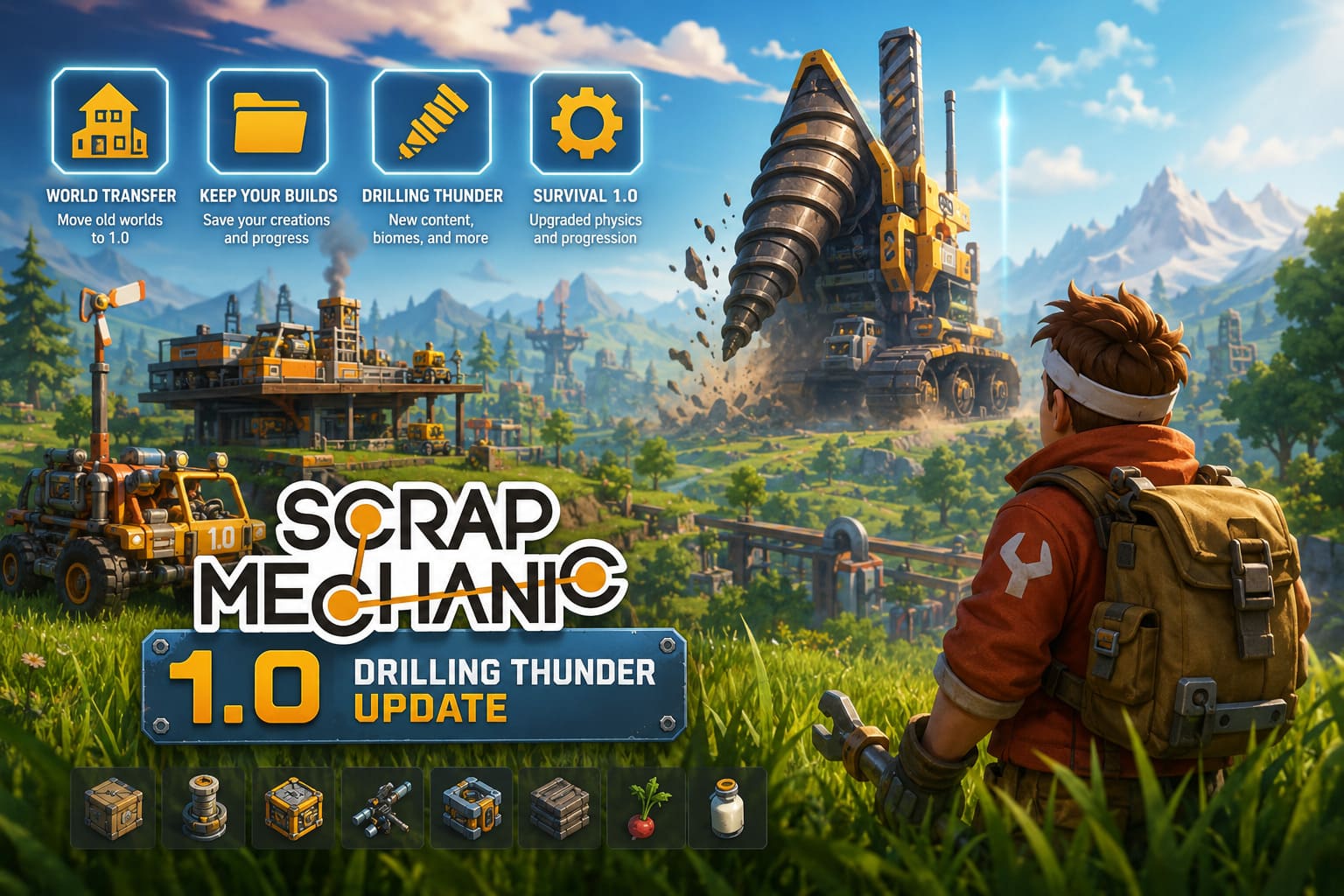
The good news is that you can manually transfer old Scrap Mechanic worlds into version 1.0, but there are some important compatibility issues you need to understand before moving your precious save files.
Scrap Mechanic 1.0 Performance Guide: How to Fix New Lighting Engine Lag and FPS Drops
After spending countless hours building and experimenting in Scrap Mechanic, I would strongly recommend treating old worlds carefully. The new update does not simply add a few blocks — it changes the foundation of the game world.
| Feature | Early Access Worlds | Scrap Mechanic 1.0 Worlds |
|---|---|---|
| Terrain Generation | Old generation system | Updated biome system |
| Underground Areas | Limited structures | New mining locations |
| Story Progression | Incomplete | Full narrative system |
| NPC Events | Limited | Fully integrated |
| Physics System | Older version | Improved 2026 physics |
Are Old Scrap Mechanic Worlds Fully Compatible With 1.0?
The short answer is: technically yes, but with limitations.
The biggest problem is that Scrap Mechanic 1.0 introduces major changes to world generation. The Drilling Thunder update adds new environments, underground areas, structures, and progression elements that were never created in older saves.
When you load an Early Access world into the new version, the game does not completely rebuild the map around your existing save. Areas that were already generated may continue using the old world data.
This creates several possible problems.
Old Maps May Miss New 1.0 Content
A fresh Scrap Mechanic 1.0 world is designed around the new gameplay loop. It includes updated locations, new exploration areas, and important story elements.
Older worlds might not properly generate:
- New underground mining locations
- Updated biome layouts
- Story-related checkpoints
- New NPC encounters
- New environmental events
Your base might still work perfectly, but the world around it may feel incomplete compared to a fresh 1.0 experience.
Physics And Performance Problems Can Appear
One thing many players underestimate is how much Scrap Mechanic depends on physics simulation.
Huge creations from Early Access were already demanding. Combine massive machines with the upgraded 1.0 physics engine, and some old worlds may struggle.
Possible issues include:
- Broken connections between blocks
- Floating objects
- Vehicle instability
- Increased loading times
- FPS drops near large factories
- Random crashes
If your old world contains a gigantic mechanical city with thousands of moving parts, the 1.0 engine might have a rough time handling it.
How To Transfer Old Scrap Mechanic Worlds To Version 1.0
Scrap Mechanic saves are not stored through normal Steam Cloud folders. Your worlds are located inside the hidden Windows AppData directory.
Before doing anything, make a backup. Seriously, do not skip this step. A corrupted save after years of building is the kind of gaming tragedy nobody wants.
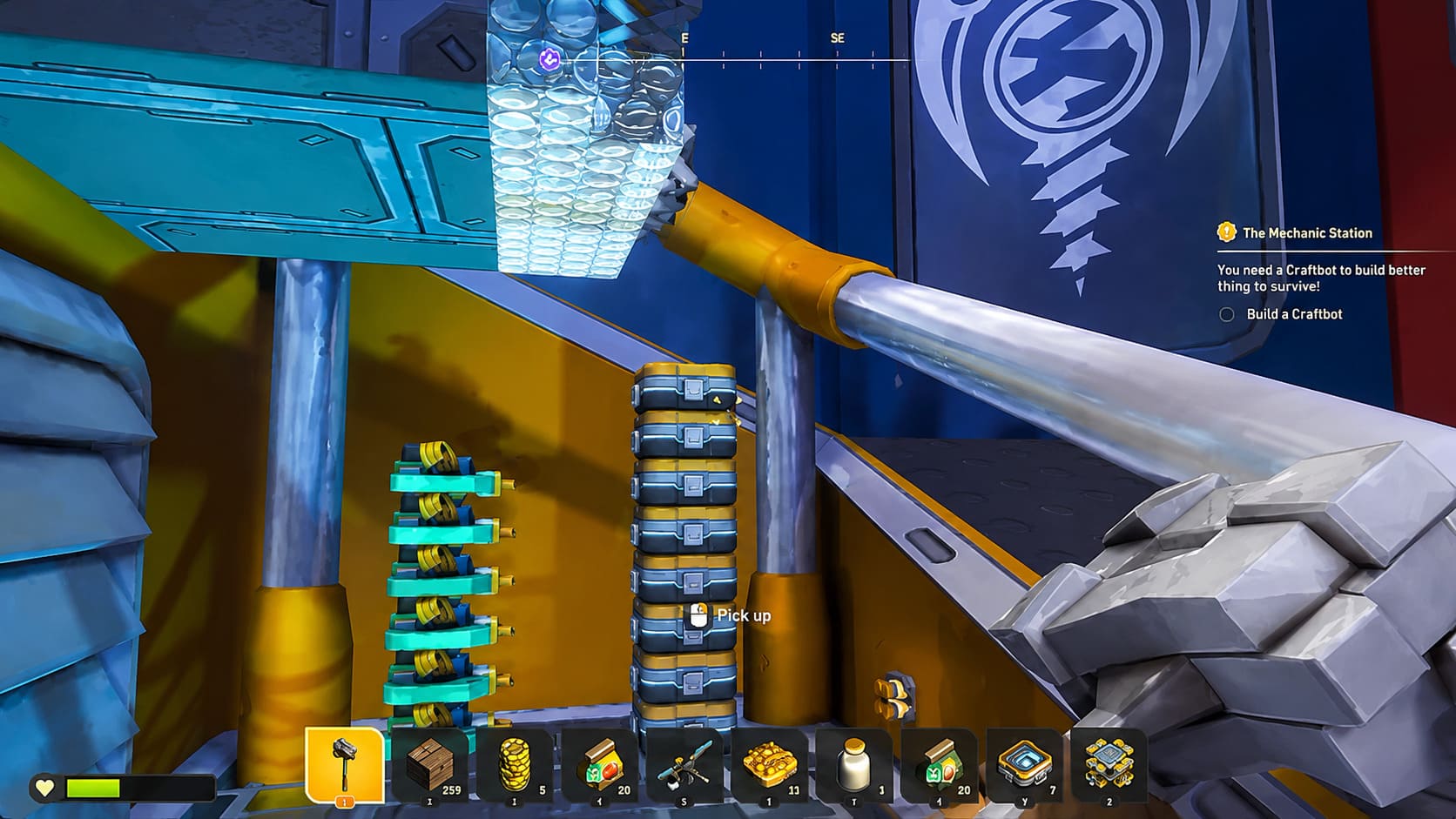
Step 1: Open The Hidden AppData Folder
Press:
Windows Key + R
A small Run window will appear.
Type:
%appdata%
Press Enter.
This opens your Windows Roaming folder where Scrap Mechanic stores personal data.
Step 2: Find The Scrap Mechanic Save Directory
Follow this folder path:
Axolot Games → Scrap Mechanic → User
Inside the User folder, you will see folders with names similar to:
User_765611XXXXXXXXXX
The long number represents your Steam account ID.
If multiple Steam accounts have been used on the computer, several folders may appear. Select the one connected to your Scrap Mechanic profile.
Step 3: Locate Your Old World Files
Open:
Save
Inside this folder you should see different categories depending on what you played:
- Survival
- Creative
- Custom
Open the folder containing your world.
Your save file will usually appear as:
WorldName.db
For example:
MegaFactory.db
Copy the file.
Do not move it directly. Create a separate backup folder somewhere safe first.
Step 4: Move The World Into Scrap Mechanic 1.0
After updating the game:
- Launch Scrap Mechanic 1.0 once.
- Close the game completely.
- Return to the same save directory.
- Place your old .db world file into the correct folder.
Start the game again.
If everything works correctly, your old world should appear in the save selection menu.
The Safer Method: Move Your Creations Instead Of The Entire World
Personally, this is the method I would choose for most players.
Instead of forcing an old world database into the new engine, you can preserve your best creations using Blueprint Export.
This avoids many compatibility problems because you bring only your important machines into a clean 1.0 environment.
Your giant base, favorite truck, aircraft, farming system, or ridiculous experimental machine can survive without dragging old world problems with it.
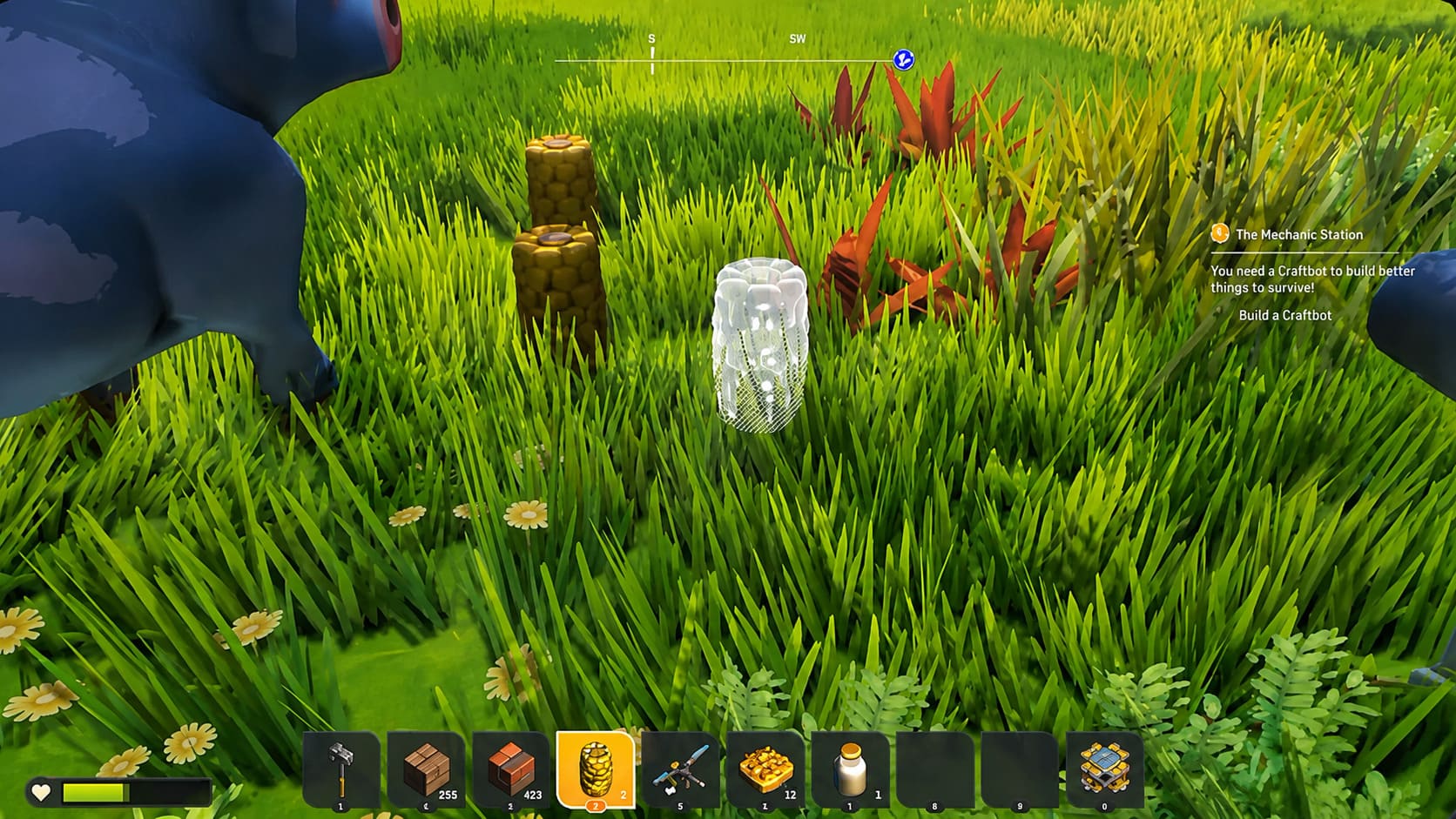
How To Export Old Creations
First, open your old world backup.
You need developer commands enabled.
Go to your Scrap Mechanic installation folder:
Steam\steamapps\common\Scrap Mechanic\Survival\Scripts\game
Open:
SurvivalGame.lua
Find the developer command settings and enable cheats.
After that:
- Enter your old world.
- Look at the creation you want to save.
- Open chat using Enter.
- Type the command:
/export [CreationName]
The game will create a blueprint version of your machine.
Import Your Builds Into A Fresh 1.0 World
Now create a new Scrap Mechanic 1.0 world.
Enable developer commands:
/dev
Choose an open area.
Open chat and type:
/import [CreationName]
Your old creation should appear inside the new world.
This method is honestly the best compromise. You get the amazing new 1.0 world generation while keeping the machines you spent years creating.
Common Scrap Mechanic 1.0 Transfer Problems And Fixes
| Problem | Possible Solution |
|---|---|
| Game crashes when loading save | Remove outdated mods and verify files |
| Missing textures | Update Workshop mods |
| World loads slowly | Reduce massive physics creations |
| Missing objects | Check blueprint compatibility |
| Save does not appear | Confirm correct Steam profile folder |
Fix Mod Problems Before Loading Old Worlds
A lot of Early Access players used Workshop mods. Some of those mods may not exist in the 1.0 environment.
A world containing removed custom blocks can instantly break.
Before loading your old save:
- Update all Workshop mods
- Remove outdated assets
- Test your world copy first
- Keep your original backup untouched
Verify Scrap Mechanic Game Files
If your transfer causes crashes:
Open Steam:
Library → Scrap Mechanic → Properties → Installed Files → Verify Integrity of Game Files
Steam will scan and replace damaged files automatically.
Final Thoughts: Should You Transfer Your Old Scrap Mechanic World?
The arrival of Scrap Mechanic 1.0 is a huge moment for the community, but moving old worlds is not as simple as copying a folder and expecting perfection.
If you have a small survival base, transferring the save might work fine. If you have a massive engineering project with thousands of connected parts, I would seriously consider the blueprint method instead.
For me, the ideal approach is simple: start a fresh 1.0 world, experience everything Drilling Thunder adds, and bring your legendary creations along for the journey.
Your old builds deserve to survive — but the new Scrap Mechanic world deserves a clean start too.