How to Connect Epic Games Account to The Binding of Isaac on Steam (Full Guide)
If you’ve spent any serious time inside the brutal, chaotic, endlessly replayable spiral of The Binding of Isaac: Repentance, you already know this game doesn’t just eat your time—it rewires how you think about runs, builds, and sheer RNG betrayal. I’ve sunk way too many hours into Isaac across Steam, and the moment online co-op finally became a thing, everything got a little more complicated in a good way.
Then Epic Online Services showed up in the mix, and suddenly we’re dealing with account linking, cross-platform identity, and all that backend glue nobody thinks about until multiplayer breaks at 2 AM.
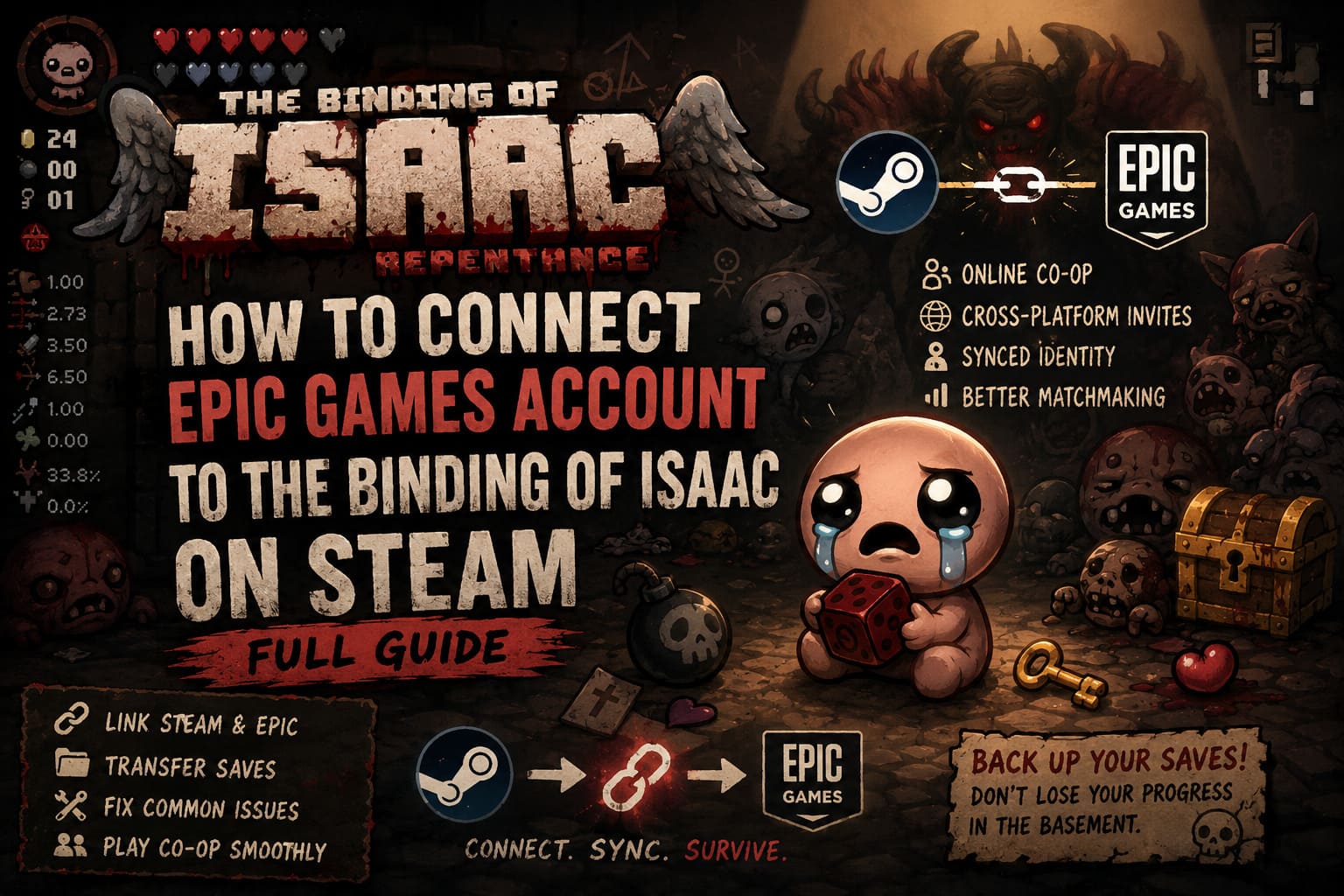
Here’s the reality: if you want smooth online co-op, friend syncing, or just a clean cross-platform setup between Steam and Epic, you’re going to need your accounts properly connected. And yeah—it’s not as scary as it sounds, but it’s also not exactly “one-click done” either.
How to Fix and Recover Corrupted Save Files in The Binding of Isaac: Repentance
Why This Even Matters (And Why Players Keep Getting Confused)
Modern PC gaming isn’t just Steam anymore. Between Epic Games pushing EOS infrastructure and Steam still dominating libraries, games like Isaac end up sitting right in the middle of two ecosystems.
And that’s where the confusion starts. You might own Isaac on Steam, but multiplayer matchmaking, friend invites, or backend identity systems can still route through Epic services. It feels unnecessary at first, but it’s basically how cross-play architecture works now.
So linking accounts isn’t about ownership—it’s about identity syncing across systems that were never originally designed to cooperate.
The Real Benefits (Not Just Marketing Talk)
Once you actually get past the setup drama, there are a few solid advantages that make the whole process worth it.
- Online co-op stability through Epic Online Services
- Cross-platform friend invites
- Shared identity layer for multiplayer sessions
- Less friction in matchmaking systems
Let’s be honest though—Isaac’s online mode still has that slightly chaotic indie energy. It’s not AAA-polished netcode, but linking accounts does noticeably reduce weird connection issues.

Method 1: Proper Account Linking (Recommended)
This is the cleanest and most reliable way to connect everything without relying on in-game prompts that may or may not appear depending on updates.
Step-by-step process
- Open the official Epic Games website and log into your account
- Go to your profile menu in the top-right corner
- Open Account Settings
- Navigate to Apps & Accounts
- Find Steam and click Connect
- Confirm permissions when prompted
- Log into your Steam account when redirected
- Approve the authorization request
Once this is done, your Steam identity is properly tied to your Epic profile. It just works in the background after that, which is exactly how this kind of system should behave.
Method 2: In-Game Linking (If You Get Lucky)
Sometimes The Binding of Isaac: Rebirth with Repentance will handle linking automatically when you launch the game after an update.
If it triggers correctly, you’ll see an Epic Online Services prompt during startup or in the main menu. From there, you simply approve the connection and finish authentication in your browser.
The keyword here is “sometimes.” When it works, it’s smooth. When it doesn’t, you end up using Method 1 anyway.
Save Transfers: The Part Most Players Regret Ignoring
Linking accounts does not magically merge your progress. Steam and Epic still store saves separately, and Isaac’s file system is notoriously sensitive.
Steam save location usually looks like this: Steam userdata folder under AppID 250900. Epic saves typically sit in Documents under The Binding of Isaac Repentance.
Manual transfer process
- Copy save files from Steam directory
- Paste into Epic save directory
- Rename files if required
- Always keep backups before overwriting anything
Messing this up can mean losing hundreds of hours of progress. And in Isaac, that hurts more than it should for a game about crying babies fighting monsters.
Common Problems and Fixes
Account already linked to another Epic account
This usually happens when Epic silently created a secondary account during another game session. The fix involves logging in via Steam authentication, locating the hidden account, unlinking Steam, and reconnecting to your main profile.
It’s messy, but unfortunately common in EOS-based systems.
Overlay crashes or freezes
Isaac can behave unpredictably when Steam Overlay, Epic Overlay, and recording software all try to exist at the same time.
Fix options include disabling Steam Overlay, running the game as administrator, or temporarily turning off conflicting software like capture tools.
Multiplayer lobbies not syncing
This is often a version mismatch issue. If one player is on a beta branch and another is not, the game may look identical but behave like different builds entirely.
Quick Troubleshooting Table
| Issue | Cause | Fix Difficulty | Impact |
|---|---|---|---|
| Account Conflict | Hidden Epic profile | Medium | Blocks linking |
| Save Desync | Incorrect file transfer | High | Progress loss risk |
| Lobby Failure | Version mismatch | Low | Cannot join friends |
| Overlay Crash | Software conflict | Medium | Game instability |
What Actually Happens After It Works
Once everything is properly linked, you stop thinking about it. That’s the best-case scenario for any backend system—you forget it exists because it quietly does its job.
You launch The Binding of Isaac: Rebirth, jump into Repentance content, and start doing what the game does best: turning completely normal runs into absurd chaos in under five minutes.
The linking process fades into the background, and you’re just left with the game again. Which is exactly where it should be.
Final Thoughts
Linking Steam and Epic for Isaac isn’t glamorous, but it reflects where PC gaming is right now—fragmented storefronts stitched together by shared online systems. It’s a bit clunky, sometimes confusing, but ultimately functional.
Once it’s done, you get smoother co-op, better friend connectivity, and fewer weird multiplayer surprises. And in a game as unpredictable as Isaac, removing even a little friction from the system is worth it.
At that point, the only thing left to worry about is whether your next item pickup ruins or saves your entire run.