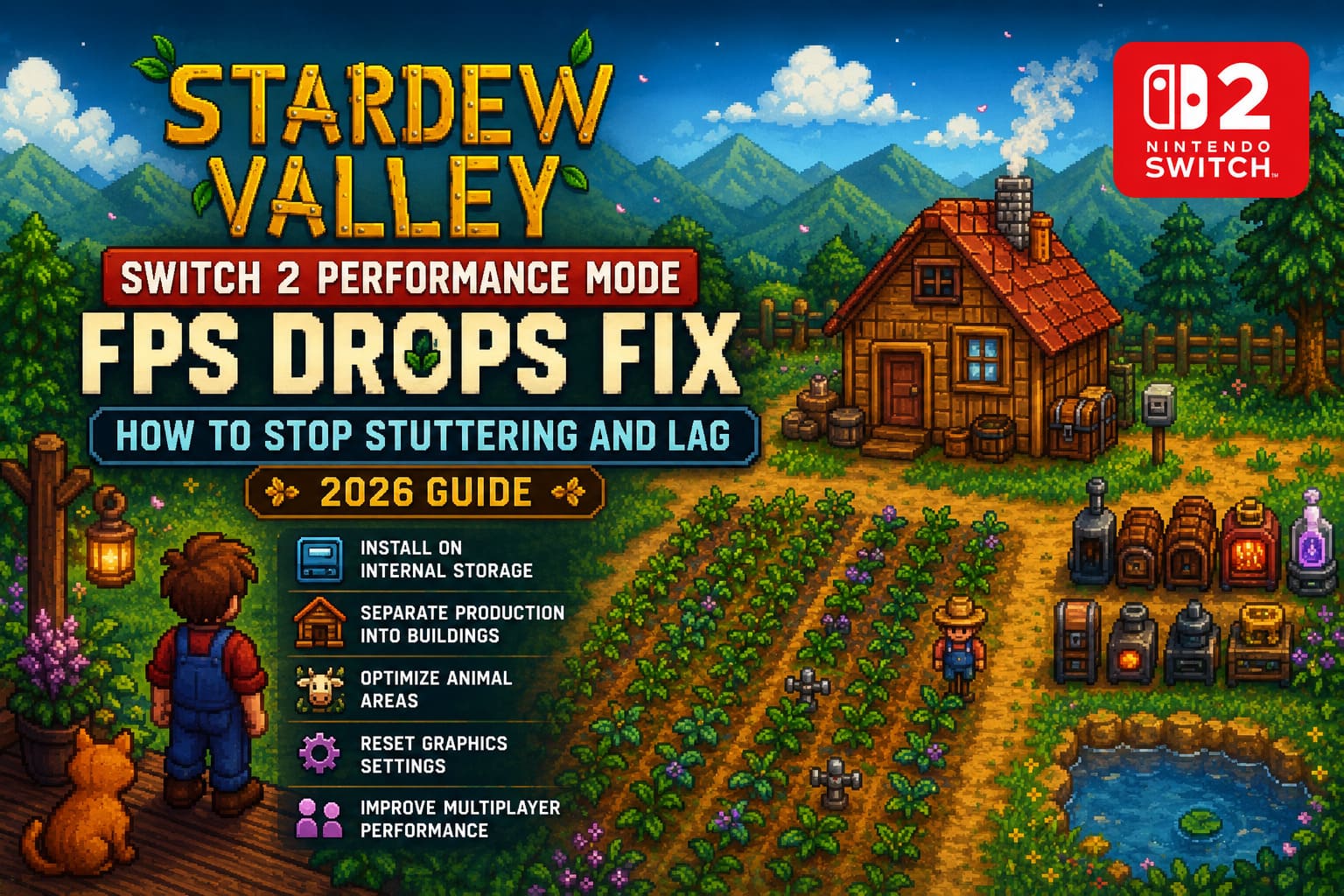
Stardew Valley Switch 2 Performance Mode FPS Drops Fix: How to Stop Stuttering and Lag (2026 Guide)
There are very few games that I can return to year after year without getting bored, and Stardew Valley is one of them. Every new farm somehow becomes another hundred-hour adventure, and when the game arrived on Nintendo Switch 2, I was genuinely excited to experience Pelican Town with smoother performance and improved visuals.
Unfortunately, the honeymoon didn’t last forever.
After spending dozens of hours building an industrial-scale farm, I started noticing something that completely ruined the relaxing atmosphere. The game would randomly stutter while walking across the farm, freeze for a split second during busy days, and occasionally lose frames inside areas that had always been smooth earlier in the playthrough.
The interesting part? It wasn’t just happening to me. The same complaints quickly appeared across community discussions, where players with both digital and physical copies described nearly identical problems.
After testing countless settings, rebuilding parts of my own farm, and comparing results with other players, I found several changes that consistently improved performance. None of them are complicated, but together they can make Stardew Valley feel dramatically smoother on Nintendo Switch 2.
Why Stardew Valley Starts Slowing Down
Early-game performance is usually excellent.
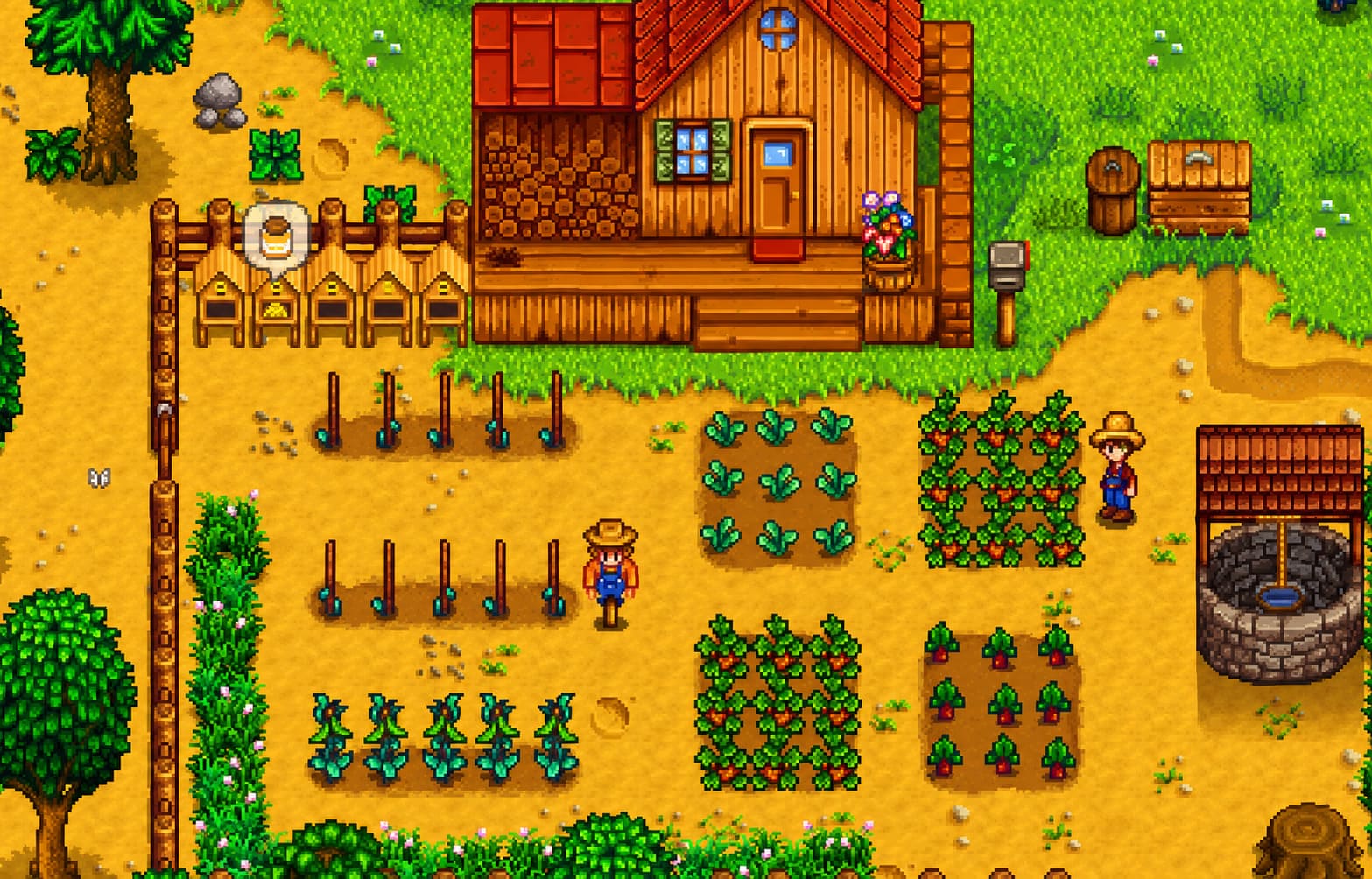
The problems tend to appear once your save file becomes massive.
As your farm grows, the game has to simulate far more than simple crop growth. Hundreds of machines process items simultaneously, animals calculate movement paths, weather effects become more complex, and every in-game minute updates an enormous amount of data behind the scenes.
When everything happens together, even stronger hardware can experience occasional frame pacing issues.
The biggest slowdowns usually appear while:
- Crossing a highly automated farm.
- Harvesting huge crop fields.
- Entering or leaving buildings.
- Exploring deep Skull Cavern floors.
- Playing multiplayer sessions with several active players.
In my experience, the issue isn’t usually one single object. It’s the combination of hundreds of active systems running at the same time.
Install the Game on Internal Storage First
If there’s one change I’d recommend before touching anything else, it’s this one.
Running Stardew Valley directly from the console’s internal storage noticeably reduced the tiny pauses I experienced every time the game loaded a new section of the map.
Moving the installation only takes a couple of minutes through the console’s data management menu, but the improvement can be surprisingly noticeable.
Even if you’re using a premium MicroSD card, internal storage generally delivers more consistent loading behavior, especially during heavy farm simulation.
For me, this was the first step that made the game feel more responsive.

Reset the Graphics Configuration
One trick that sounds almost too simple actually helped more than expected.
Open the game’s graphics settings and temporarily change your frame rate option or performance profile.
After changing it:
- Save your settings.
- Close the game completely.
- Restart Stardew Valley.
- Switch back to your preferred graphics option.
It seems to refresh the game’s rendering behavior after recent updates.
I wouldn’t call it a miracle fix, but it noticeably reduced inconsistent frame pacing on my farm.
If you’re playing docked, it’s also worth making sure your console outputs the native resolution supported by your television instead of relying entirely on automatic display detection.
Large Farms Can Become Their Own Worst Enemy
One thing I’ve learned after several long-term saves is that optimization matters just as much as decoration.
It’s tempting to build gigantic production zones packed with Kegs, Crystalariums, Furnaces, and Preserve Jars all in one place.
The problem?
Every animated machine requires processing.
Multiply that by hundreds of objects, and performance naturally begins to suffer.
Instead of creating one enormous outdoor factory, I now spread production across several buildings.
Moving large processing setups into Sheds immediately reduced slowdowns while walking around the main farm.
It also makes organizing resources much easier.
Don’t Ignore Animal Pathfinding
Animals are adorable.
They’re also surprisingly expensive when it comes to performance.
If you’ve filled your farm with cows, pigs, goats, chickens, ducks, rabbits, ostriches, and every other creature available, the game constantly calculates movement for all of them.
Large unrestricted pastures create extra work for the simulation.
Using fences isn’t only good for organization—it also limits unnecessary movement calculations.
Since rebuilding my livestock areas into smaller sections, my outdoor farm has remained noticeably smoother during busy mornings.
Cosmetic Items Can Sometimes Cause Unexpected Problems
This one surprised me the most.
Several players reported that decorative accessories on pets or mounts appeared to trigger unusual stuttering after recent updates.
I was skeptical.
After removing cosmetic hats from my animals and testing several in-game days, I actually noticed fewer random hitching moments.
Whether it’s a genuine engine issue or simply coincidence, it’s an easy thing to test yourself.
If you’re troubleshooting performance, removing cosmetics for a few minutes costs nothing.
Multiplayer Is Naturally More Demanding
Playing with friends is one of Stardew Valley’s greatest strengths, but multiplayer places much heavier demands on the game.
Each player loads different areas, triggers separate events, and constantly synchronizes data across the world.
If your farm only stutters during co-op sessions, consider these habits:
- Avoid entering loading zones simultaneously.
- Let one player finish transitions before another enters.
- Use a wired LAN connection if you’re hosting while docked.
- Disable unnecessary background recording features if available.
These won’t eliminate every slowdown, but they reduce the chances of multiple heavy operations happening at exactly the same moment.
Keep Your Save File Healthy
One habit I’ve developed is checking for updates before every long weekend gaming session.
Performance improvements often arrive quietly inside stability patches.
Likewise, if the game suddenly begins behaving strangely after an update, running the built-in file verification process is worth the few minutes it takes.
Corrupted or incomplete game files are rare, but they’re much easier to fix early than after dozens more hours of gameplay.
Performance Tips That Made the Biggest Difference
After trying nearly everything, these are the optimizations that consistently delivered the best results:
- Move the game to internal storage.
- Separate massive production areas into multiple buildings.
- Reduce overcrowded outdoor machine setups.
- Limit extremely large animal roaming areas.
- Restart the game after changing graphics settings.
- Stay current with official game updates.
None of these alone transformed performance overnight.
Together, however, they created a noticeably smoother experience.
Stardew Valley 1.7 Update Guide: Release Date, New Marriage Candidates
Common Performance Issues and Practical Solutions
| Problem | Likely Cause | Recommended Fix |
|---|---|---|
| Small freezes while exploring | Storage access delays | Install on internal storage |
| Outdoor farm FPS drops | Too many active machines | Spread production into multiple Sheds |
| Slow mornings | Large numbers of free-roaming animals | Use smaller fenced areas |
| Multiplayer lag | Simultaneous loading and network delays | Stagger area transitions and use wired hosting |
| Random micro-stutters | Graphics configuration conflicts | Toggle performance settings and restart the game |
Stardew Valley 1.7 Update Confirmed Features List and Release Date News
My Final Thoughts
One thing I genuinely appreciate about Stardew Valley is that even when technical issues appear, they rarely ruin the magic completely.
The relaxing gameplay loop, satisfying progression, and incredible amount of content still make every return to Pelican Town worthwhile.
That said, performance matters more than many people realize. A cozy farming game depends on smooth movement and uninterrupted gameplay. Tiny freezes every few seconds may sound insignificant on paper, but after a two-hour farming session they become impossible to ignore.
After experimenting with different layouts, testing storage options, rebuilding parts of my farm, and comparing notes with other longtime players, I found that most slowdowns weren’t caused by the hardware alone. They were usually the result of several small factors stacking together—dense production lines, overloaded outdoor areas, multiplayer synchronization, and less-than-ideal installation locations.
If you’re dealing with frustrating FPS drops, don’t assume your save file is broken. Start with the simplest changes first. Move the game to internal storage, reorganize oversized machine clusters, keep animal movement under control, and refresh your graphics settings after major updates.
From my own experience, these adjustments won’t necessarily turn every frame into a perfect locked performance benchmark, but they absolutely make the game feel smoother and far more enjoyable during long play sessions.
For a game built around relaxing at your own pace, that’s exactly the kind of improvement that makes you forget about technical problems and get back to what really matters—growing the perfect farm, exploring the mines, and somehow telling yourself “just one more day” until it’s suddenly two o’clock in the morning again.