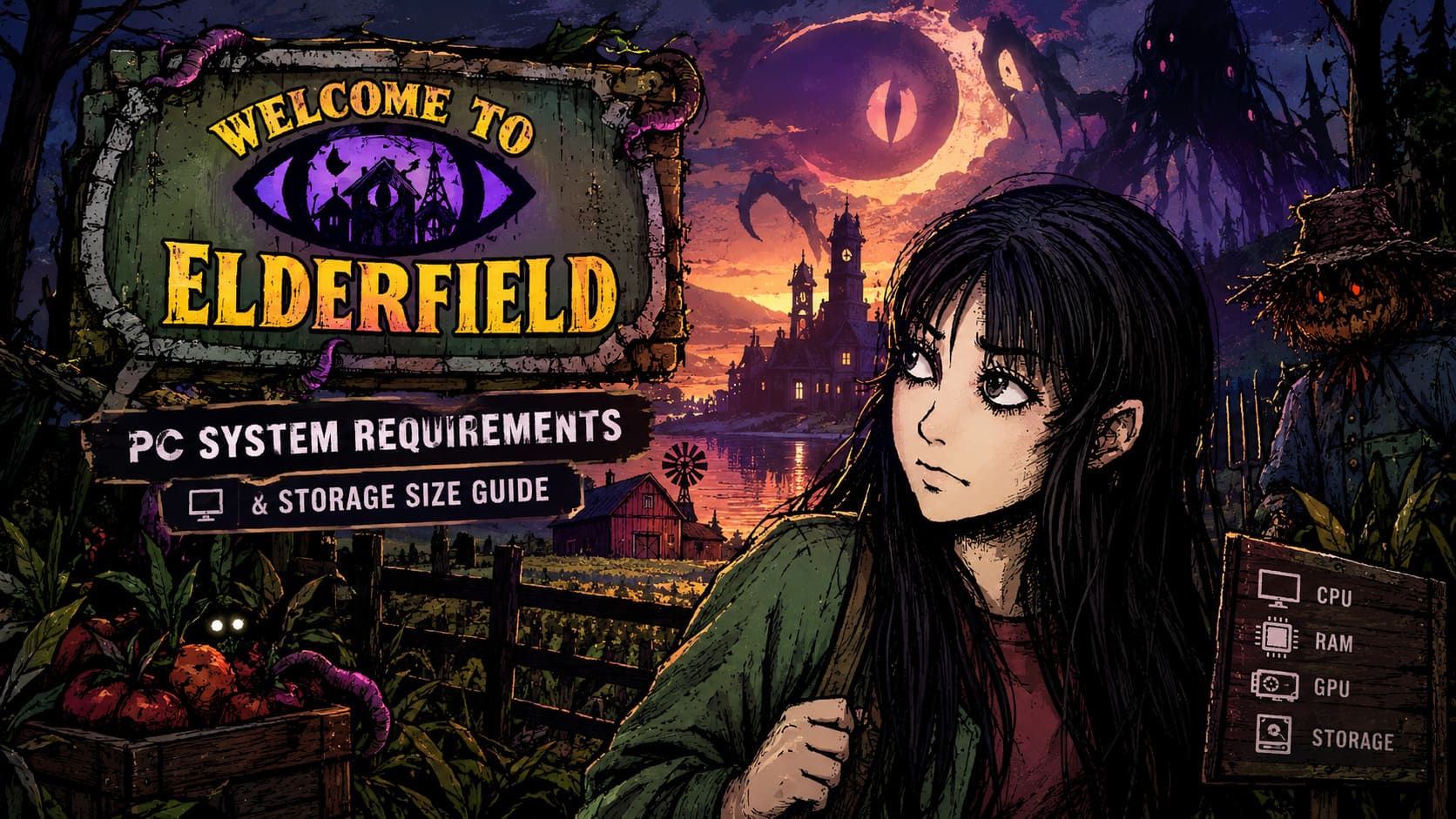
Welcome to Elderfield PC System Requirements and GB Storage Size Guide
I’ve played my fair share of farming games, cozy simulators, indie RPGs, and horror titles, but Welcome to Elderfield is one of those games that makes you stop and ask, “What exactly am I playing right now?”
At first glance, it looks almost harmless. You have a farm, crops to grow, townspeople to meet, gifts to hand out, and a world that seems to borrow some familiar ideas from classic farming simulators. Then you notice that some of your crops can grow legs and run away.
And then things get much stranger.
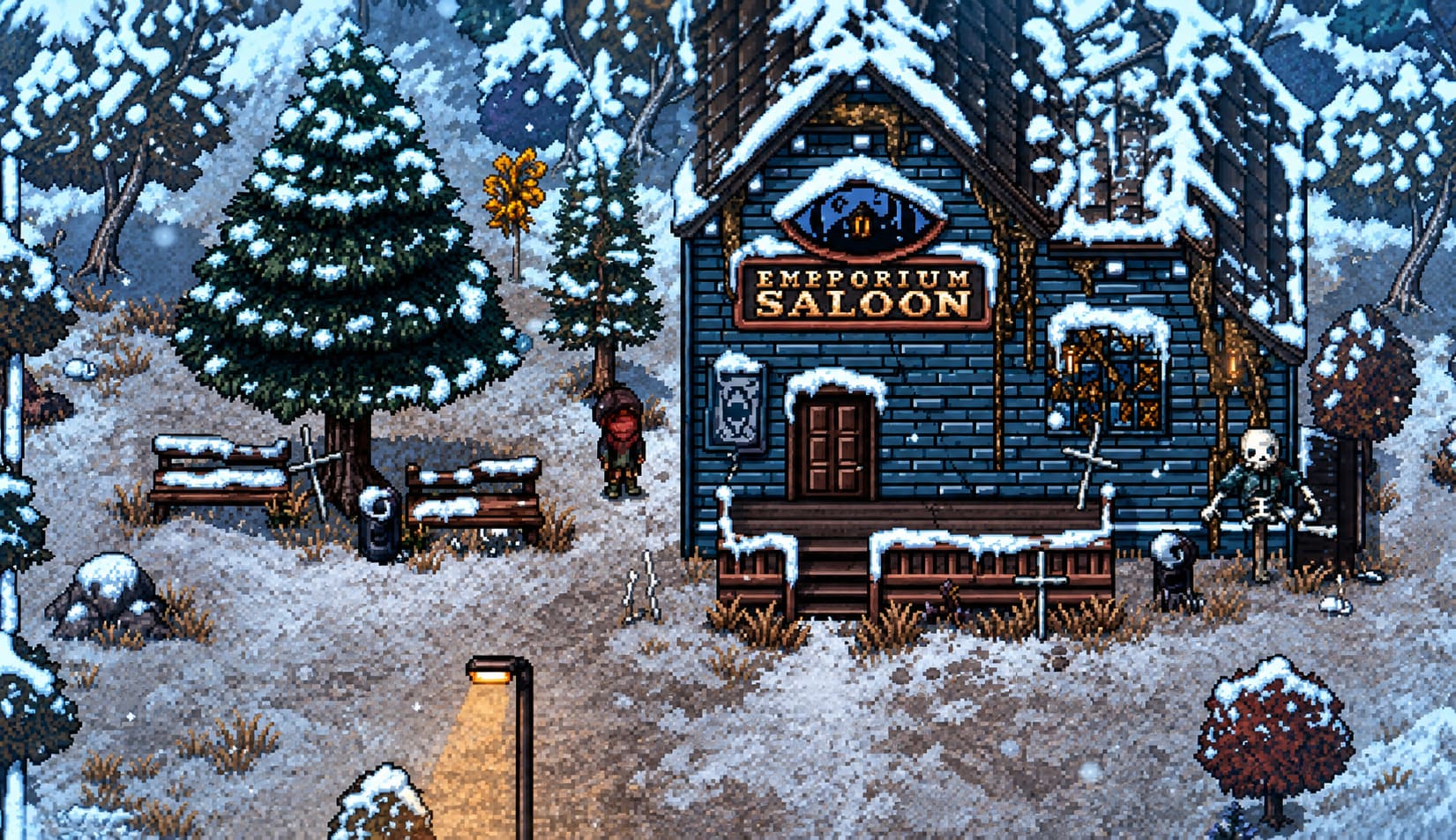
Welcome to Elderfield mixes farming simulation, psychological horror, JRPG-style turn-based combat, dark humor, and Lovecraftian themes into one very unusual package. The hand-drawn visuals might make you think your old laptop will have absolutely no trouble running it, but there is more happening behind those deceptively simple visuals than you might expect.
So, if you’re thinking about jumping into this bizarre cosmic farming adventure, here’s my breakdown of the Welcome to Elderfield PC system requirements, storage size, performance expectations, and optimization tips.
Quick Welcome to Elderfield PC Requirements
Before getting into the details, here’s the hardware information in an easy-to-check format.
| Component | Minimum | Recommended |
|---|---|---|
| OS | Windows 10 64-bit | Windows 10/11 64-bit |
| CPU | Intel Core i3-4340 / AMD FX-4300 | Intel Core i5-11600K / Ryzen 5 5600X |
| RAM | 4-8 GB | 16 GB |
| GPU | GTX 1050 Ti / RX 570 | GTX 1650 / RX 570 4GB / RX 5500 / RX 5300 |
| DirectX | Version 11 | Version 11 |
| Storage | 2 GB | 2 GB, SSD Recommended |
| Resolution | 1280×768 minimum | 1080p+ at 60 FPS |
On paper, these requirements look pretty friendly. And honestly, that’s one of the things I like about Elderfield. You don’t need an expensive modern gaming rig just to experience the game properly.
What Is Welcome to Elderfield?
If you’re completely new to the game, the easiest way to describe Welcome to Elderfield is this: imagine a cozy farming RPG taking a very wrong turn into a psychological horror story.
You inherit a farm from Farmer Hans and begin doing all the usual farming-game activities. Plant crops, water them, harvest them, explore the town, meet residents, give gifts, and slowly build relationships.
Except Elderfield isn’t exactly a normal town.
The television warns you about disturbing events. Blood trails appear in places they absolutely shouldn’t. Strange entities lurk around the lake. Phone booths can be haunted. The residents themselves look like they’ve barely slept in several years.
It’s basically the kind of place where you probably shouldn’t accept an invitation to dinner, but naturally, the game encourages you to become friends with everyone.
There is even romance and marriage, which makes the whole situation considerably funnier. You can spend one moment farming and trying to impress a potential partner and the next moment dealing with something that looks like it escaped from a nightmare.
And yes, apparently hot dogs from trash bins can be useful gifts.
That tells you pretty much everything you need to know about Elderfield’s sense of humor.
The Horror Starts When the Sun Goes Down
The day/night structure is one of the game’s strongest ideas.
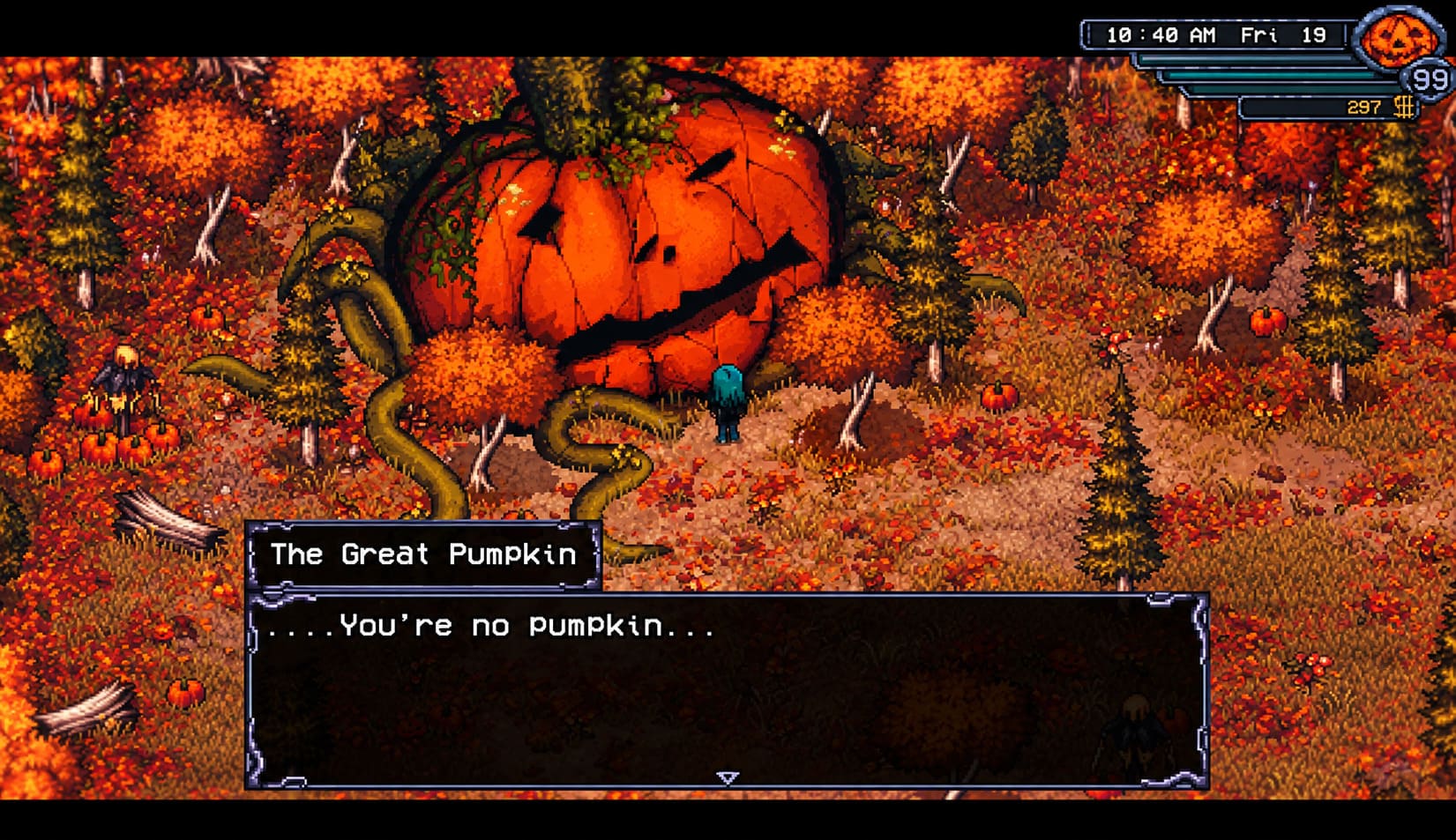
During the daytime, Elderfield can feel surprisingly relaxing. You’re managing your farm, exploring the town, completing activities, and getting familiar with its strange residents.
Then darkness arrives.
That’s when the atmosphere starts changing.
The soundtrack, visual presentation, unsettling characters, and mysterious events make the same locations feel completely different at night. Eventually, you’ll encounter creatures and dangerous areas that trigger the game’s turn-based combat.
Combat can happen around forbidden locations, the deep woods, mines, and the abandoned mall dungeon.
The combat itself isn’t just something thrown in to make the game more difficult. You need to pay attention to health, sanity, difficulty settings, and your available abilities, which gives Elderfield more RPG depth than its farming-game appearance initially suggests.
There are five difficulty options, ranging from Cozy to Nightmare, so players can decide how aggressively they want the game to punish them.
Personally, I think that’s a great approach. I enjoy games that allow me to relax when I want to and then suddenly remind me that I probably shouldn’t trust anything I see.
Welcome to Elderfield Minimum System Requirements
The minimum requirements are quite forgiving by modern PC gaming standards.
You’ll need Windows 10 64-bit, an Intel Core i3-4340 or AMD FX-4300-class processor, and between 4 GB and 8 GB of RAM. The graphics requirement is around the level of a GTX 1050 Ti or Radeon RX 570, with at least 1 GB of dedicated VRAM listed for compatible hardware.
The game requires DirectX 11 and around 2 GB of free storage.
There is also support for a minimum display resolution of 1280×768.
Interestingly, lower-end hardware can potentially run the game with additional performance optimization. Even hardware such as an Intel Celeron N4100 can be usable with the right settings and expectations.
Of course, I wouldn’t recommend buying a machine specifically around those minimum specifications. Minimum requirements are exactly that: the point where the game should be able to function, not necessarily where you’re going to have the smoothest experience.
Still, for an indie title with this much going on, the accessibility is impressive.
Recommended PC Specs for 1080p and 60 FPS
If you want the experience I would personally aim for, the recommended specifications are much more comfortable.
The developer recommends 16 GB of RAM, an Intel Core i5-11600K or AMD Ryzen 5 5600X, and a graphics card such as the GTX 1650, RX 570 4GB, RX 5500, or RX 5300.
That’s more than enough to comfortably target 1080p and 60 FPS.
The CPU recommendation might initially look excessive for a game with 2D visuals, but remember that graphics aren’t the only thing a game has to process.
Elderfield has farming systems, calendar events, NPC behavior, town simulation, combat calculations, environmental systems, procedural mine areas, and transitions between different locations.
That’s a lot of background activity for something that visually looks like it could run on a calculator.
My Recommended Target
If I were building a PC specifically for this game, I wouldn’t obsess over having a monster GPU.
I’d prioritize:
- 16 GB RAM
- A modern six-core CPU
- An SSD
- A dedicated GPU around the GTX 1650/RX 570 level or better
That combination gives you plenty of breathing room without wasting money on hardware the game simply doesn’t need.
How Much Storage Does Welcome to Elderfield Need?
This is probably the easiest part of the guide.
Welcome to Elderfield requires approximately 2 GB of available storage space.
That’s tiny compared with modern AAA games.
When some new releases are asking players to clear 100 GB, 150 GB, or even more from their SSDs, installing a game that takes only around 2 GB feels almost nostalgic.
The small footprint makes sense because Elderfield isn’t relying on huge 4K textures, massive cinematic video files, or enormous 3D environments. Its visual identity comes from hand-drawn artwork, layered 2D assets, stylized lighting, and atmospheric presentation.
However, I wouldn’t leave exactly 2 GB free on your drive.
Game updates, temporary files, patches, and save-related data can require additional space. I’d personally keep at least 5 GB of free space available if you’re installing Elderfield on a drive that’s already getting crowded.
SSD vs HDD: Does It Matter?
Technically, you can store the game on a traditional hard drive.
But if you have an SSD available, use it.
The game itself is tiny enough that the storage capacity isn’t the issue. The benefit is really about loading and general responsiveness when moving between locations.
You’re going to be traveling between your farm, town, mines, dungeons, and other areas regularly. An SSD is simply the better choice for modern gaming, and there’s little reason not to use one when Elderfield takes up so little space.
The Annoying 20 FPS Problem
Now for one of the issues that actually matters if you’re experiencing strangely poor performance.
Some players have reported situations where Welcome to Elderfield becomes locked around 20 FPS, even on hardware that should be capable of running the game much faster.
That’s particularly frustrating because looking at your hardware and seeing 16 GB of RAM plus a dedicated GPU makes a 20 FPS lock seem completely ridiculous.
One potential solution is checking your NVIDIA Control Panel settings.
Make sure the game is actually using your dedicated graphics processor instead of an integrated GPU. You can also change the power management option for the game’s executable to Prefer Maximum Performance.
This is especially worth checking on gaming laptops, where Windows can sometimes make questionable decisions about which GPU an application should use.
It’s a simple thing, but I’ve seen plenty of lightweight indie games behave strangely when Windows decides they’re not important enough to deserve full GPU performance.
Steam Deck and Handheld Performance
This is where I think Elderfield gets especially interesting.
The game’s resolution and control design make it a natural fit for handheld PCs.
The Steam Deck, ASUS ROG Ally, and Lenovo Legion Go are all well suited to this type of experience. The 1280×800-class display resolution on handheld hardware is particularly comfortable for the game’s presentation.
Community reports suggest that Steam Deck players can achieve around 60 FPS while also getting relatively good battery efficiency.
For a game that mixes farming with horror and turn-based combat, that’s practically an ideal handheld combination.
Personally, this is exactly the kind of game I’d rather play on a couch or in bed than at a massive desktop setup. There’s something amusing about casually tending your crops on a handheld before walking into a haunted mall ten minutes later.
One Audio Setting You Should Check
There is another small issue that is easy to overlook.
The game’s master volume can start at 100 percent, and Elderfield’s dark lo-fi soundtrack isn’t exactly designed to be gentle.
If you’re wearing headphones, I’d strongly recommend checking your system volume before launching for the first time.
The heavy bass and atmospheric audio are an important part of the horror presentation, but having everything suddenly blast at full volume isn’t the kind of psychological terror I’m looking for.
I’d rather be scared by the game than by my headphones.
Welcome to Elderfield Release Date, Gameplay Reviews, and Eldritch Farming Guide (2026)
Final Verdict: Can Your PC Run Welcome to Elderfield?
If your PC isn’t ancient, there’s a very good chance that Welcome to Elderfield will run without major problems.
The minimum requirements are approachable, the storage footprint is only about 2 GB, and the game’s 2D visual style means it doesn’t demand the kind of GPU horsepower associated with modern AAA releases.
For the best experience, I’d target 16 GB of RAM, a modern mid-range CPU, a GTX 1650/RX 570-class GPU or better, and an SSD.
But here’s my personal take: don’t let the system requirements be the most interesting thing about Elderfield.
The real reason to play it is the bizarre combination of cozy farming and cosmic horror. Very few games can make planting vegetables, talking to villagers, exploring a mine, and worshipping an ancient god feel like parts of the same natural gameplay loop.
That’s what makes Welcome to Elderfield memorable.
It looks like a relaxing farming game.
It plays like an RPG.
It sounds like a lo-fi horror album.
And occasionally, it feels like the entire town is trying to tell you that you’ve made a terrible mistake.
For me, that’s exactly the kind of weird indie experiment worth checking out. If you’re looking for a game that feels different from the usual yearly releases, Elderfield has plenty going for it—and thankfully, you don’t need a high-end gaming PC to experience the madness.