The Mound Omen of Cthulhu PC System Requirements: Can Your Rig Survive the Madness?
Psychological horror games rarely make me nervous before I even launch them, but The Mound: Omen of Cthulhu is shaping up to be one of those exceptions. After watching gameplay footage, technical showcases, and developer presentations, it’s obvious this isn’t another jump-scare simulator. ACE Team is mixing cooperative survival, Lovecraftian horror, and a reality-warping sanity mechanic that constantly questions everything happening on your screen.
That sounds incredible for horror fans, but it also raises one important question: can your PC actually keep up with everything happening behind the scenes?
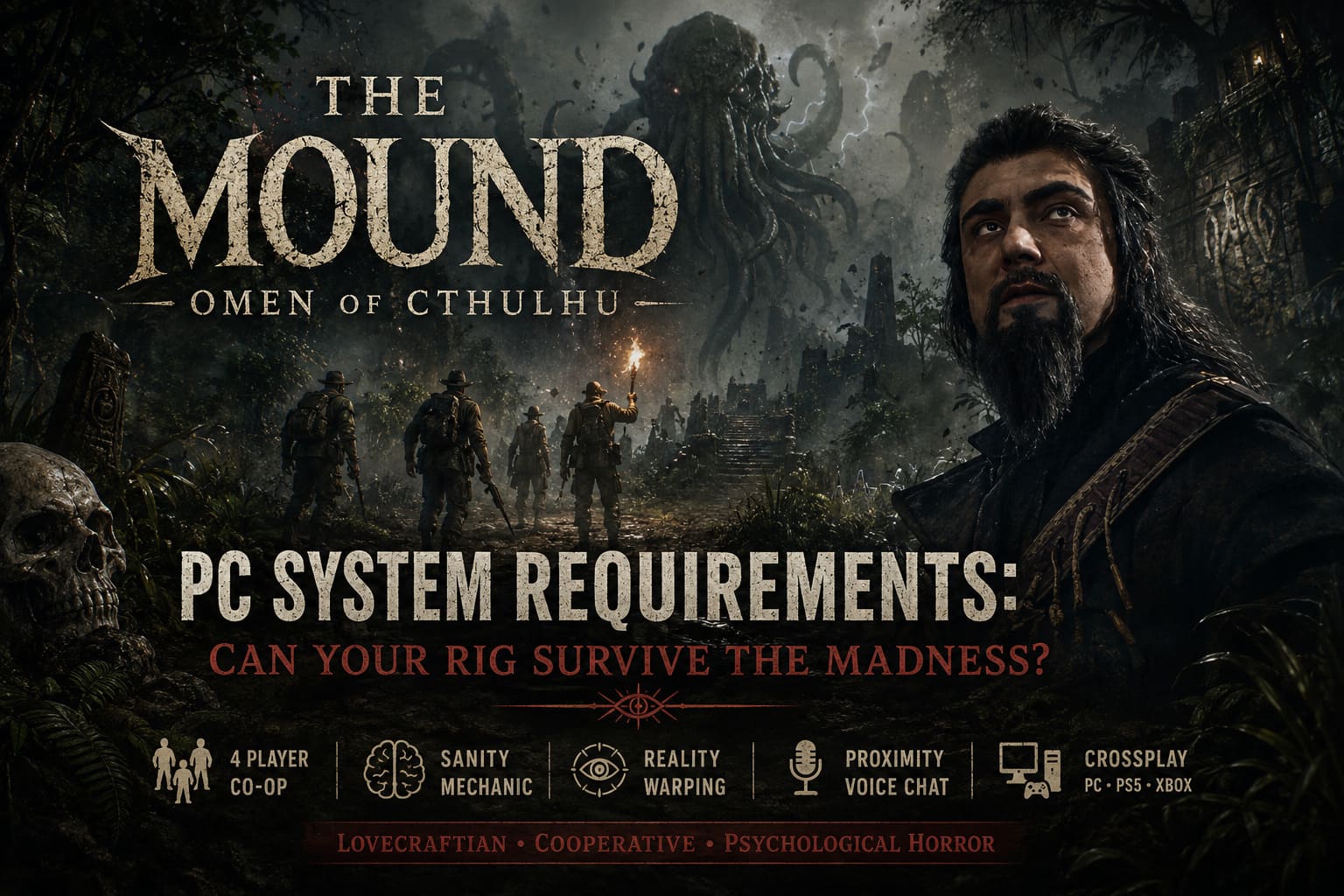
The game’s visuals aren’t just pretty. They’re constantly changing, environments morph in real time, hallucinations appear without warning, and every player may experience completely different events during the same mission. Those effects require far more than flashy graphics—they demand stable hardware capable of processing multiple complex systems simultaneously.
If you’re planning to explore the cursed jungle on launch day, here’s everything you should know before downloading the game.
Best Co-Op Lovecraftian Horror Games 2026: Face Cosmic Madness with Friends
Official PC System Requirements
The developers have released both minimum and recommended specifications, giving players a good idea of what kind of machine is expected.
| Component | Minimum | Recommended |
|---|---|---|
| Operating System | Windows 10/11 64-bit | Windows 10/11 64-bit |
| Processor | Intel Core i7-8700K / AMD Ryzen 5 1600X | Intel Core i7-11700K / AMD Ryzen 5 5500 |
| Memory | 16 GB RAM | 16 GB RAM |
| Graphics Card | GTX 1660 SUPER 6GB / RX 5600 XT 6GB / Intel Arc A770 | RTX 3070 8GB / RX 6750 XT 12GB |
| DirectX | Version 12 | Version 12 |
| Storage | 23 GB | 23 GB |
At first glance, these requirements don’t look outrageous. The storage footprint is surprisingly small compared to many modern releases, but don’t let that fool you. The hardware recommendations tell a different story.
Why This Horror Game Needs More Power Than You Might Expect
The Mound isn’t relying solely on high-resolution textures or cinematic lighting. The real performance challenge comes from its gameplay systems.
The sanity mechanic constantly manipulates the environment around players. Hallucinations can replace enemies, reshape familiar locations, alter visual effects, and even make teammates appear as terrifying monsters. Every illusion has to load instantly without obvious pop-in, otherwise the entire psychological effect falls apart.
As someone who spends far too much time benchmarking new releases, this immediately caught my attention. These kinds of systems usually place pressure on both the CPU and GPU simultaneously instead of favoring one component.
That’s why the official requirements lean toward relatively modern processors instead of older budget chips.
Minimum Specifications: What Kind of Experience Should You Expect?
Meeting the minimum requirements should allow most players to enjoy the game, but compromises will definitely be necessary.
Expect something close to:
- 1080p resolution
- Medium or Low graphical settings
- Around 30–45 FPS
- Reduced shadow quality
- Lower volumetric fog
- Less demanding post-processing
For slower-paced horror games, that frame rate may sound acceptable.
Personally, I wouldn’t want to experience intense cooperative encounters at 35 FPS. When panic sets in and teammates start screaming over voice chat because they swear you’re turning into some impossible creature, every dropped frame becomes painfully noticeable.
If you’re using a GTX 1660 SUPER or RX 5600 XT, you’ll probably spend a few minutes tweaking graphics settings before finding the sweet spot.
Recommended Hardware Is Where The Experience Really Comes Alive
This is where things start looking far more interesting.
An RTX 3070 or Radeon RX 6750 XT provides enough horsepower to enjoy what ACE Team appears to have envisioned.
With recommended hardware, players should realistically expect:
- 1080p Ultra settings
- 1440p High settings
- Stable 60 FPS
- Better lighting quality
- Sharper shadows
- Higher-quality particle effects
- Improved environmental detail
- Smoother hallucination transitions
Those reality-breaking visual tricks are probably the biggest selling point of the game, so sacrificing them feels like missing part of the experience.
If there’s ever a horror title worth increasing graphics settings for, this looks like one of them.
CPU Performance May Matter More Than Most Players Realize
Most gamers immediately focus on graphics cards whenever system requirements appear. I think the processor deserves equal attention here.
The game isn’t simply rendering monsters and environments. It also has to manage:
- Four-player co-op synchronization
- Dynamic AI behavior
- Environmental events
- Spatial voice communication
- Sanity calculations
- Multiple illusion states
That’s a surprisingly demanding workload.
Modern CPUs with strong multi-core performance will likely produce smoother gameplay, especially during chaotic encounters where several players are experiencing different psychological effects simultaneously.
If you’re still running an older quad-core processor, this may finally be the release that convinces you it’s time for an upgrade.
Don’t Ignore Your SSD
One number surprised me more than anything else. Only 23 GB of storage. That’s tiny by today’s standards. The catch is where you install it. This absolutely feels like a game that belongs on an SSD.
Mechanical hard drives simply aren’t designed for rapid asset streaming, and The Mound appears to rely heavily on loading environmental changes without noticeable delays.
Running the game from an HDD could potentially lead to:
- Longer loading screens
- Texture pop-in
- Audio desynchronization
- Sudden frame drops
- Delayed hallucination effects
Nothing destroys horror faster than waiting for terrifying monsters to finish loading.
Why 16 GB RAM Is Non-Negotiable
Some recent games still allow players to scrape by with 8 GB of RAM. Not this one. The developers require 16 GB regardless of whether you’re targeting minimum or recommended settings. That tells me memory usage isn’t driven purely by graphics. Instead, RAM is likely handling multiple active gameplay systems simultaneously.
Players with only 8 GB available may experience:
- Stuttering
- Heavy paging
- Longer loading times
- Background application instability
- Possible crashes during extended sessions
Fortunately, memory upgrades remain one of the easiest and most affordable PC improvements available today.

Crossplay Is Great—But Stable Networking Matters Too
One feature I’m genuinely excited about is full cross-platform multiplayer. Whether your friends play on PC, PlayStation 5, or Xbox Series X|S, everyone can explore the jungle together. That convenience comes with another consideration. This game heavily emphasizes proximity voice chat and synchronized cooperative gameplay.
A stable wired internet connection will likely provide a noticeably smoother experience than Wi-Fi, especially when every second matters and your teammates are trying to determine whether you’re actually being chased—or simply losing your sanity.
My Performance Recommendations
If a friend asked me today what hardware they’d ideally want before launch, I’d suggest aiming somewhere around this level:
| Hardware | Sweet Spot |
|---|---|
| CPU | Intel Core i7-11700K or Ryzen 5 5600-class processor |
| GPU | RTX 3070 or better |
| Memory | 16 GB RAM minimum |
| Storage | NVMe SSD preferred |
| Resolution | 1440p High |
| API | DirectX 12 |
Should You Upgrade Before Release?
That depends entirely on your current system.
If your PC was built within the last three or four years, you’re probably in good shape. Mid-range gaming hardware has advanced enough that many players will comfortably meet the recommended specifications.
Older systems are another story.
A GTX 1060 paired with 8 GB of RAM might technically launch the game if future optimization improves things, but I wouldn’t expect an enjoyable experience. Considering how much The Mound depends on visual immersion and seamless environmental transitions, unstable performance would undermine exactly what makes the game unique.
Personally, I’d prioritize upgrades in this order:
- Install the game on an SSD.
- Upgrade to 16 GB of RAM if necessary.
- Update to a modern DirectX 12-compatible GPU.
- Consider a stronger CPU if you’re using older hardware.
Final Verdict
After digging through the official specifications and studying the gameplay demonstrations, I don’t think The Mound: Omen of Cthulhu is trying to become another benchmark-crushing blockbuster. Instead, it appears to invest its hardware budget into systems that actively manipulate perception, making every expedition feel unpredictable and deeply unsettling.
That’s exactly the kind of design choice I love seeing. Instead of chasing photorealism alone, ACE Team seems determined to make players question what they’re seeing every few minutes. If the sanity mechanics deliver on that promise, this could become one of the most memorable cooperative horror experiences in recent years.
Before launch, update your graphics drivers, free up space on your fastest SSD, double-check that your system meets the recommended specifications, and gather three friends who don’t mind accusing each other of becoming monsters. Judging by everything revealed so far, surviving the jungle won’t just depend on your aim—it’ll depend on whether your PC can keep your grip on reality intact.