The Division Resurgence Twitch Drops Guide 2026: How to Claim Rewards & Fix Issues
Ubisoft knows exactly how to keep its community engaged, and if you’ve been around The Division franchise for years like I have, you probably saw this coming. Every major launch eventually gets paired with Twitch Drops, and honestly, it’s one of the easiest ways to grab free loot without firing a single bullet.
With The Division Resurgence finally expanding beyond mobile and making its official PC debut on Steam in August 2026, thousands of new agents are jumping into Manhattan every hour. That also means Twitch is flooded with streams, giveaways, and launch celebrations.
I’ve claimed Twitch Drops for Ubisoft games for years—from Rainbow Six Siege to The Division 2—and one thing never changes: a surprising number of players somehow miss free rewards because they skip one tiny step during setup.
If you’re planning to invest dozens—or hundreds—of hours into The Division Resurgence, spending two hours watching Twitch is probably the highest-value investment you can make during launch week.
This guide covers everything that actually matters, including every reward tier, how to claim your loot correctly, and several problems I’ve personally seen happen during previous Ubisoft Twitch campaigns.
Why These Twitch Drops Are Actually Worth Your Time
Not every Twitch campaign deserves attention.
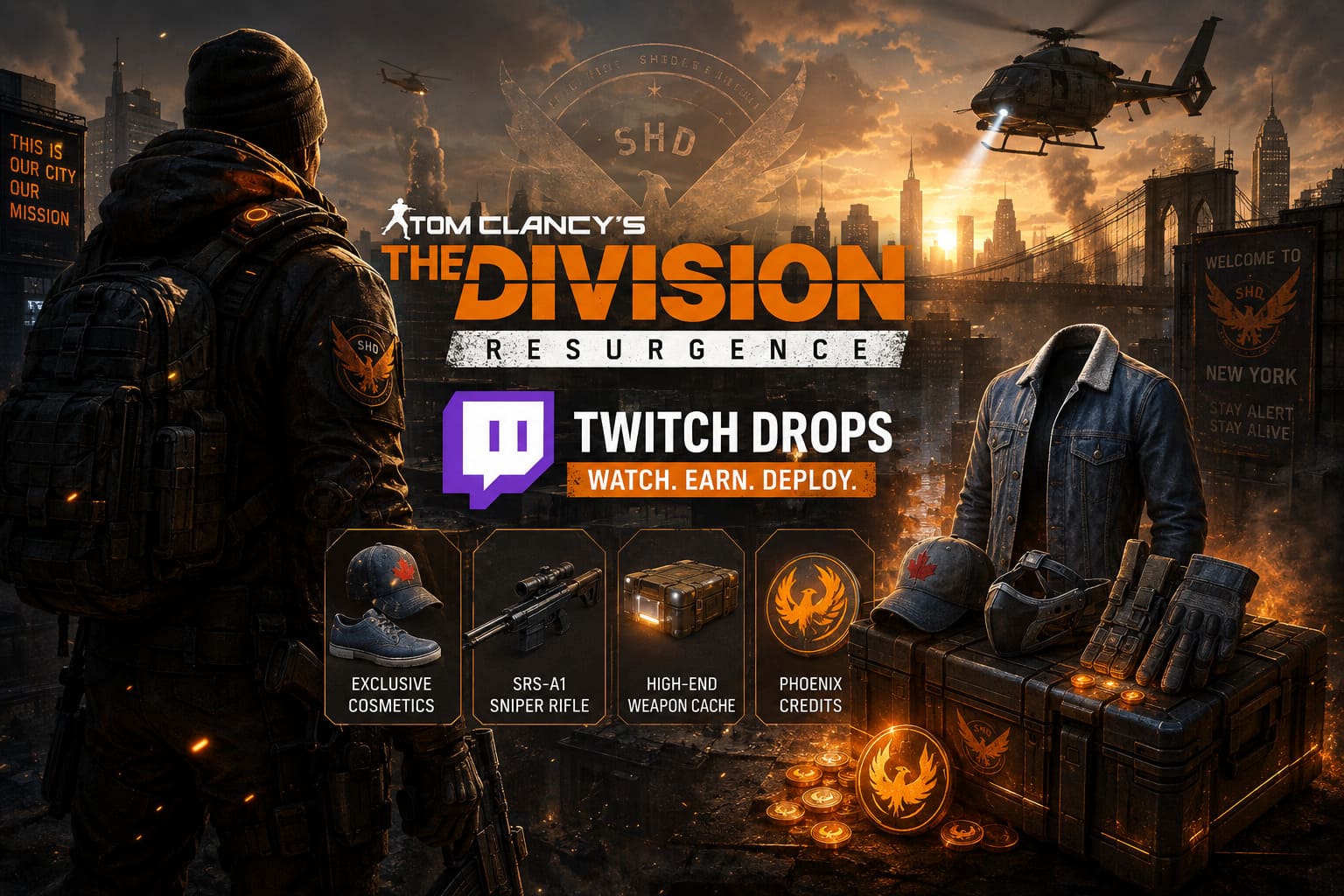
Some publishers hand out profile icons or banners you’ll never use. Ubisoft went in a different direction here by mixing cosmetics with progression items.
That combination matters.
Early weapons, premium currencies, and equipment caches can noticeably speed up your first several hours, especially if you’re starting fresh on PC after mobile players already had months to build their inventories.
The cosmetic outfit is simply a nice bonus.
What really caught my attention was the inclusion of weapon rewards and High-End caches. Those provide tangible value instead of simply making your character look different.
2026 Twitch Drops Reward Schedule
The event progresses through cumulative watch time, meaning you don’t have to stay with one creator. As long as the stream supports Twitch Drops, your progress continues.
| Watch Time | Rewards | Why It Matters |
|---|---|---|
| 30 Minutes | Canadian Tuxedo Shoes & Hat, Guardrail V Face Rig, Phoenix Credits | Great starter cosmetics plus premium currency. |
| 60 Minutes | Canadian Tuxedo Pants, Blood Fangs Gloves, Dionysus Padding, Phoenix Credits | Adds useful gear resources while completing more of the outfit. |
| 90 Minutes | Canadian Tuxedo Top, Lock and Load Holster, SRS-A1 Sniper Rifle, Phoenix Credits | Easily the strongest reward tier thanks to the sniper rifle. |
| 120 Minutes | Canadian Tuxedo Jacket, High-End Weapon Cache, Ranger Vest, Phoenix Credits | Finishes the outfit while giving players valuable end-game loot opportunities. |
Personally, I’d recommend staying until the full 120-minute milestone.
Stopping after an hour means leaving the best rewards behind, especially the High-End cache.
How to Claim Your Twitch Drops
Fortunately, Ubisoft has made the process fairly straightforward.
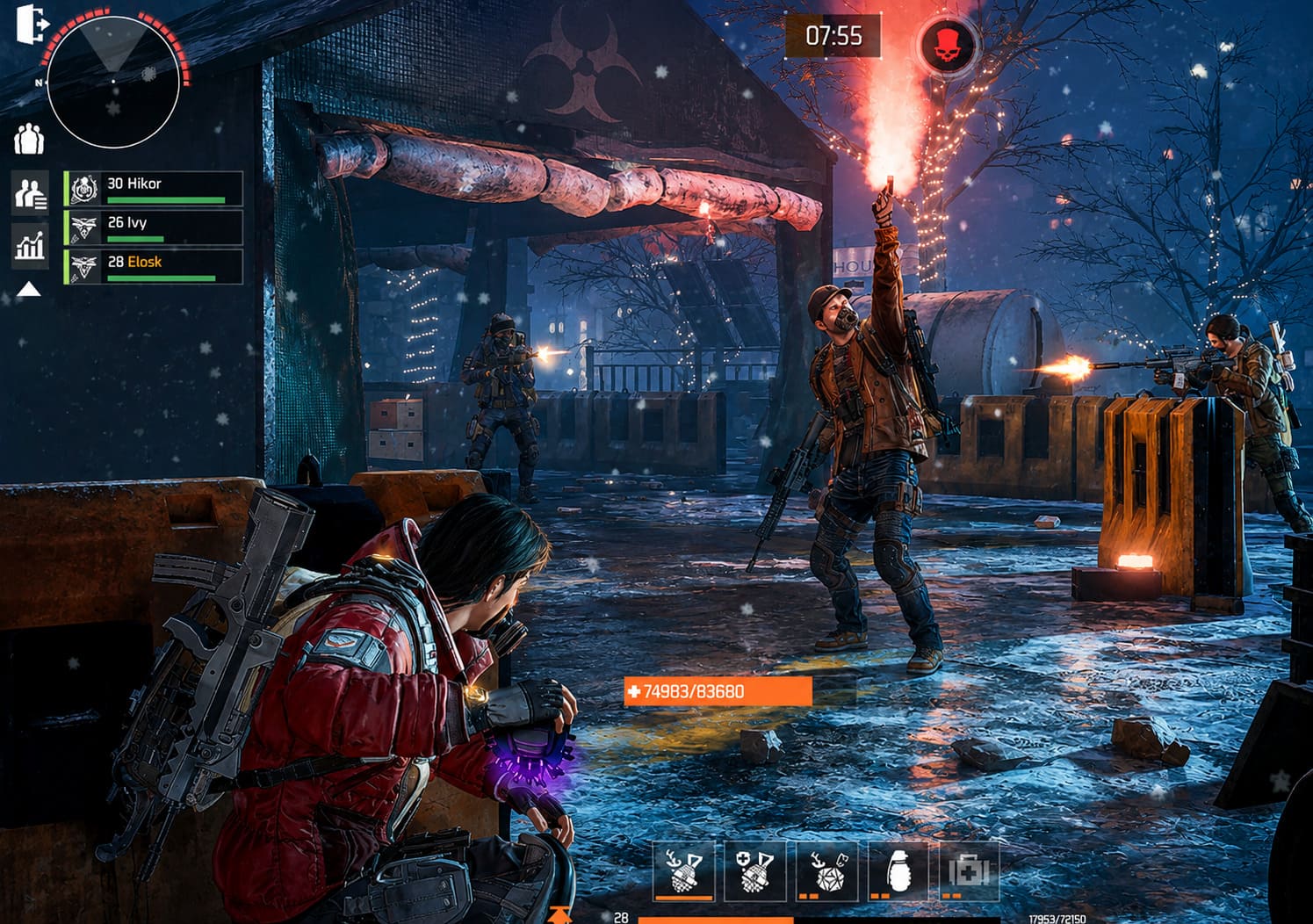
There are only a few steps, but skipping any of them can prevent your rewards from arriving.
1. Connect Ubisoft Connect and Twitch
Visit Ubisoft’s official Twitch Drops page and sign in using your Ubisoft Connect account.
Be careful here.
Use the exact Ubisoft account linked to your current game progress. Many longtime Ubisoft players accidentally connect an older account they haven’t used in years.
After logging in, authorize Twitch to complete the connection.
2. Double-Check Platform Connections
Open your Ubisoft Connect account settings.
Make sure your gaming platform is connected correctly.
Depending on where you play, this could include:
- Steam
- Google Play
- Apple Game Center
Everything should point toward the same Ubisoft account.
Cross-progression only works properly when every platform shares one profile.
3. Watch Eligible Streams
Search for The Division Resurgence on Twitch.
Only streams displaying the Drops Enabled label count toward progression.
One nice feature is that Twitch tracks cumulative viewing time across multiple participating creators, so you’re free to switch streams whenever you want.
4. Claim Rewards on Twitch
This is where many players make a costly mistake.
Watching the stream isn’t enough.
When each milestone unlocks, visit your Drops & Rewards inventory and manually press Claim.
If you forget to do this before the campaign expires, those rewards disappear permanently.
5. Collect Everything In Game
Launch The Division Resurgence after claiming your rewards.
Most items appear inside your:
- Mailbox
- Event section
- Promotional rewards menu
Sometimes simply restarting the game refreshes your inventory.
Common Twitch Drops Problems (And How I Usually Fix Them)
Every Ubisoft launch seems to generate the same questions.
Fortunately, most issues are surprisingly easy to solve.
Progress Stops Increasing
If your watch timer freezes:
- Refresh Twitch.
- Restart the application.
- Make sure the stream remains active.
- Avoid muting the player directly.
Here’s a little trick veteran Twitch users know.
Instead of muting the stream itself, mute the browser tab or lower your system volume. Twitch occasionally interprets muted players as inactive viewers.
Rewards Show as Claimed But Never Arrive
Nine times out of ten, this comes down to account confusion.
Players often discover they’ve linked Twitch to an old Ubisoft profile.
Verify:
- Ubisoft email
- Ubisoft username
- Connected platform accounts
Everything needs to match your active save.
Cross-Progression Takes Time
Since Resurgence now supports multiple platforms, synchronization isn’t always instant.
I’ve seen rewards appear on one device long before another.
Usually I recommend:
- Launch the mobile version.
- Exit completely.
- Start the PC version afterward.
That often forces cloud synchronization.
Server Delays During Big Events
Launch week always pushes Ubisoft’s infrastructure.
If rewards don’t appear immediately, don’t panic.
Delivery can sometimes take several hours.
Personally, I’d wait at least 24 hours before unlinking accounts or making major account changes.
Disconnecting profiles while rewards are still processing can create much bigger headaches.
The Division Resurgence Steam Release Time US: How to Download the Free-to-Play PC Version in 2026
How to Get Even More Value From Your Rewards
The Twitch campaign is only the beginning.
If you’re trying to build an efficient early-game character, combine these freebies with regular progression systems.
Some of the best habits include:
- Complete daily objectives for consistent experience gains.
- Open High-End caches after reaching a stronger level bracket whenever possible.
- Use Phoenix Credits carefully instead of spending everything immediately.
- Join Dark Zone groups before attempting extractions alone.
One thing I’ve learned across every Division game is that patience usually beats impulsive spending.
The first shiny weapon isn’t always the best long-term investment.
My Thoughts After Watching the Campaign Roll Out
I’ve covered enough Ubisoft launches to recognize when a Twitch campaign feels worthwhile.
This one actually does.
The cosmetic outfit is fun, but it isn’t the reason I’d recommend participating.
The real value comes from the progression resources.
Getting a quality sniper rifle, extra premium currency, and a High-End cache during your first few days gives new players a noticeable advantage without making the game feel pay-to-win.
That’s exactly how Twitch Drops should work.
They’re a reward for community participation rather than an exclusive gate that locks gameplay behind livestreams.
Whether you’re returning after years with The Division 2 or stepping into the franchise for the first time through Resurgence, there’s very little reason not to spend a couple of hours with a Twitch stream running in the background.
Free gear is still free gear.
And in a loot shooter where every upgrade matters, I’ll happily take every advantage Ubisoft is willing to hand out.