Shift At Midnight Shop Upgrades Priority List: Survival Strategy Guide
When I first launched Shift At Midnight, I assumed it would be another indie horror game where jump scares did most of the work. After finishing all thirteen nights several times—both alone and with friends—I realized the real enemy isn’t the monsters. It’s your own decisions.
The game constantly forces you to choose between making money, staying alive, and keeping the store under control. Spend your cash on the wrong upgrade, and you’ll feel the consequences just a few nights later when the store becomes significantly more dangerous. Every unnecessary trip into the stockroom, every missed customer detail, and every wasted second can snowball into disaster.
I’ve played countless survival horror games over the years, from classic resource-management titles to modern cooperative horror experiences, and one thing always stays true: information is more valuable than firepower. Shift At Midnight follows that philosophy perfectly.
This guide isn’t simply a list of every upgrade available. It’s the order I personally recommend after dozens of successful runs, along with the reasoning behind every purchase. If your goal is surviving Night 13 consistently instead of relying on luck, this is the upgrade path I’d follow every single time.
Why Upgrade Order Matters More Than You Think
One mistake many new players make is buying whatever becomes available first.
That approach works during the opening nights because enemies remain fairly forgiving. Later, however, the game introduces multiple simultaneous threats, forcing you to split your attention between checking customer IDs, refilling shelves, monitoring the back rooms, and reacting to paranormal activity.
Every upgrade should accomplish at least one of three goals:
- Improve awareness
- Save valuable time
- Increase your margin for mistakes
Anything that doesn’t accomplish one of those objectives can safely wait until much later.
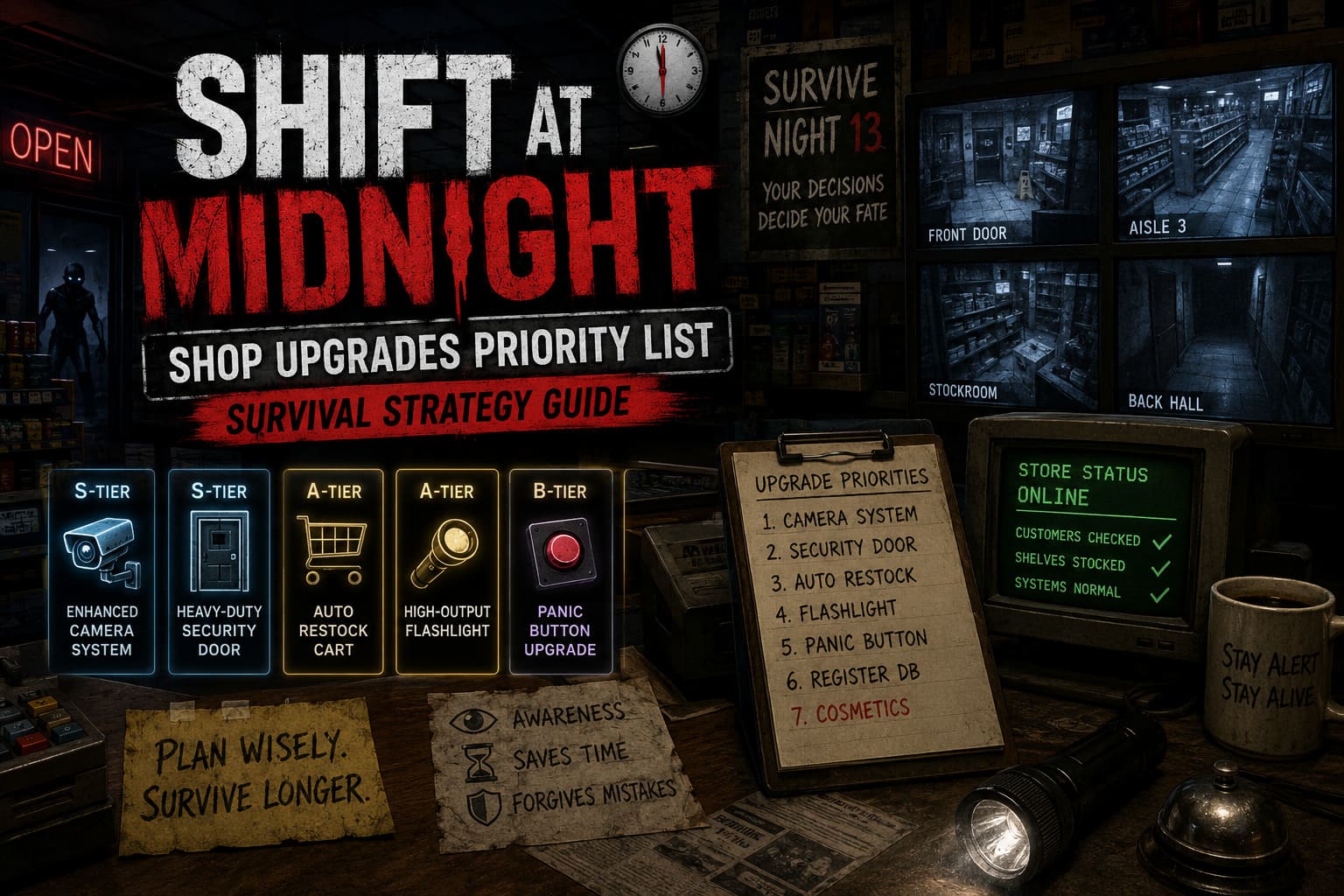
My Personal Upgrade Priority
| Upgrade | Priority | Why I Recommend It |
|---|---|---|
| Enhanced Camera System | S-Tier | Gives complete awareness of dangerous areas. |
| Heavy-Duty Security Door | S-Tier | Forgives mistakes during emergency situations. |
| Auto Restock Cart | A-Tier | Reduces risky trips into the stockroom. |
| High-Output Flashlight | A-Tier | Makes exploration much safer. |
| Panic Button Upgrade | B-Tier | More valuable in co-op than solo. |
| Register Database Upgrade | B-Tier | Helpful but rarely essential. |
| Cosmetic Decorations | C-Tier | Looks nice but offers almost no survival value. |
1. Enhanced Camera System (Buy This First)
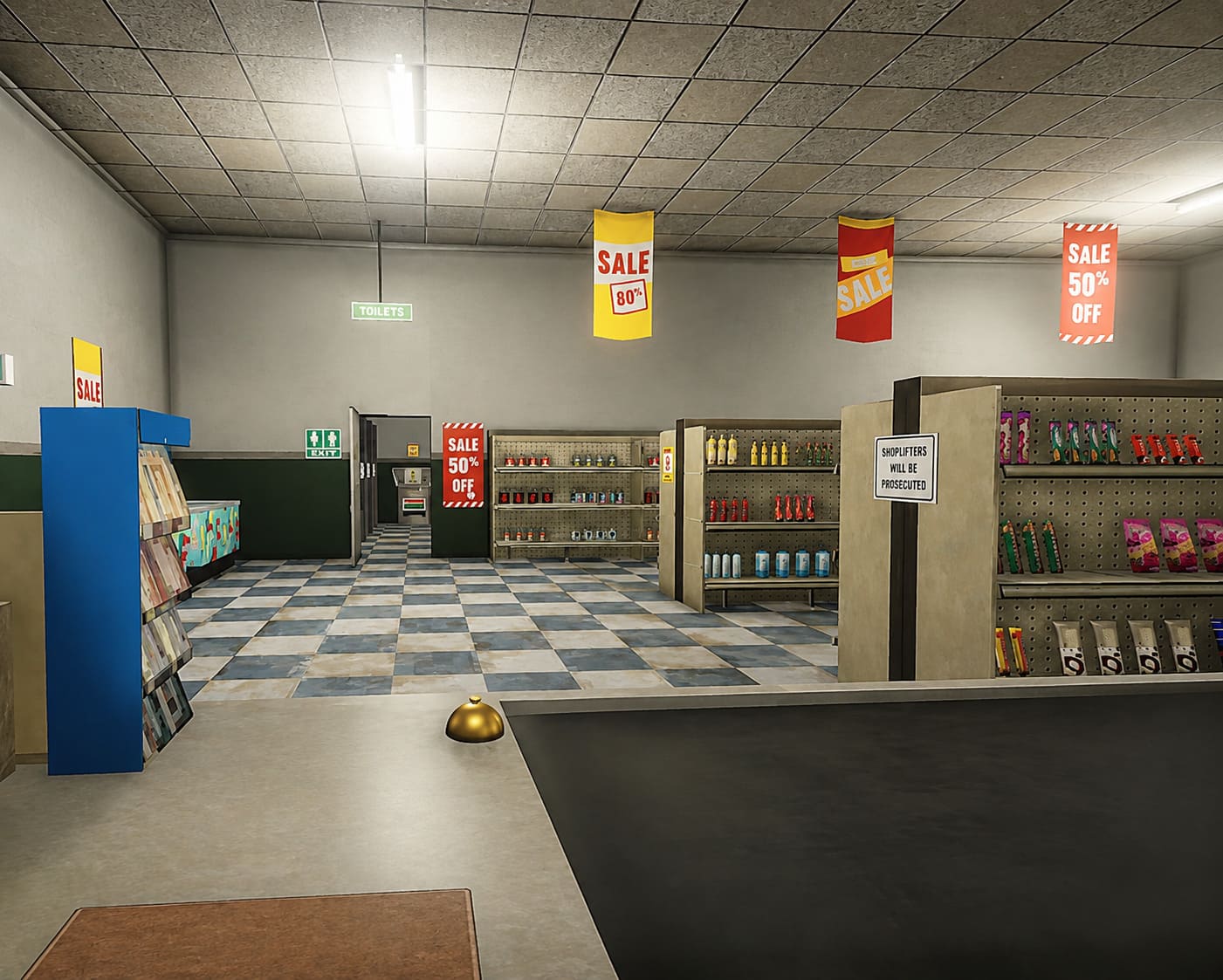
If I could purchase only one upgrade during an entire playthrough, this would be it.
Without cameras you’re constantly forced to leave the register just to check whether something is happening in the back of the store. That wastes time and creates opportunities for enemies to surprise you.
Once the upgraded camera system is installed, the entire pace of the game changes.
Instead of reacting blindly, you’re making informed decisions. You know whether it’s actually safe to restock shelves, whether something is moving near the stockroom, or whether it’s better to remain behind the counter for another minute.
Knowledge keeps you alive far more often than equipment does.
2. Heavy-Duty Security Door
Nobody enjoys admitting mistakes, but everyone makes them.
You’ll eventually approve the wrong customer, overlook a suspicious detail, or become distracted while multitasking.
That’s exactly why the reinforced security door deserves second place.
The extra durability doesn’t simply delay an attack—it gives you enough breathing room to recover from a bad situation. During late-game nights, those additional seconds often determine whether you recover or restart the shift.
I consider this upgrade less about defense and more about buying time, and in Shift At Midnight, time is your most valuable resource.
3. Auto Restock Cart
This upgrade surprised me more than any other.
Initially I ignored it because carrying boxes didn’t seem particularly difficult.
After several runs I completely changed my opinion.
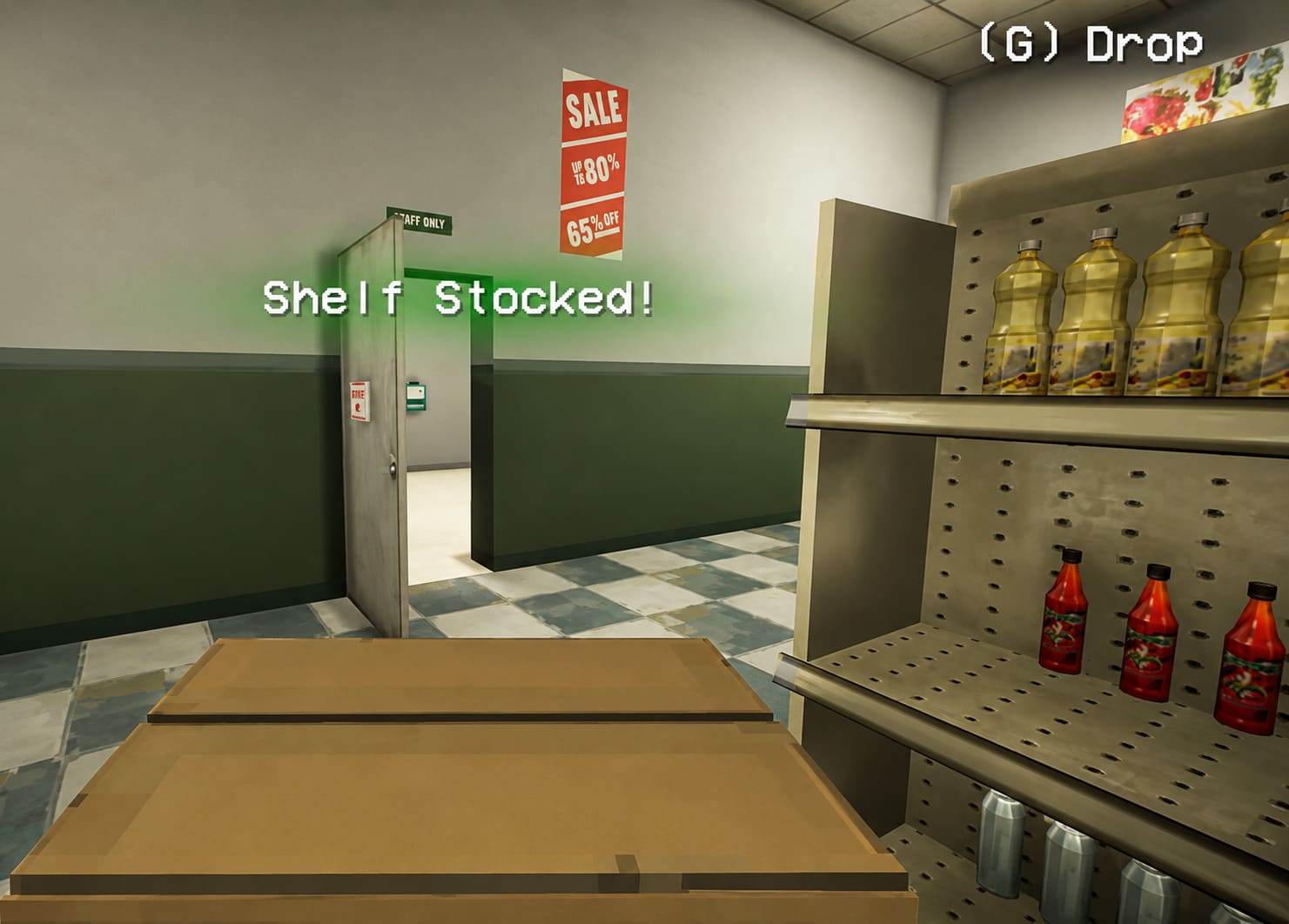
Most dangerous encounters happen while you’re wandering through aisles or searching the stockroom. Every extra trip increases the chance of running into something you’d rather avoid.
Being able to carry multiple boxes at once dramatically reduces exposure.
Instead of constantly moving between storage and shelves, you complete the job in one efficient route before returning to the safety of the register.
That may not sound exciting, but it consistently reduces unnecessary risks.
4. High-Output Flashlight
Lighting plays a much bigger role than many players expect.
The default flashlight technically works, but once electrical disturbances begin appearing, it quickly starts feeling inadequate.
A stronger flashlight helps in several ways:
- Better visibility around corners.
- Easier identification of environmental changes.
- Faster reactions when moving through darker sections.
- More confidence while completing objectives away from the front counter.
After upgrading, I found myself spending noticeably less time hesitating before entering dangerous areas.
5. Panic Button Upgrade
This one depends heavily on how you play.
If you’re running solo and staying organized, you probably won’t press the emergency lockdown very often.
In cooperative games, however, everything changes.
Friends accidentally trigger events.
Someone stays in the wrong room.
Communication breaks down.
The reduced cooldown becomes surprisingly valuable during chaotic multiplayer sessions.
For solo players it’s a luxury.
For co-op teams it becomes a reliable safety net.
6. Register Database Upgrade
Many guides recommend buying this relatively early.
Personally, I disagree.
The upgraded database certainly speeds up customer verification, but after enough practice you’ll naturally begin spotting suspicious details yourself.
I eventually stopped relying on the computer almost entirely.
Things I always check manually include:
- Expiration dates.
- Facial structure.
- Eye movement.
- Obvious inconsistencies.
- Suspicious behavior.
Learning these habits not only saves upgrade money but also improves your overall gameplay.
7. Cosmetic Upgrades
I’ll be honest.
These were among the last things I purchased.
Decorations make the store look better, but they don’t help you survive.
During early and mid-game progression every dollar should contribute directly toward safety or efficiency.
Once you’ve unlocked every important upgrade and have extra money sitting around, then it’s perfectly fine to personalize the station.
Until then, survival comes first.
Money Management Tips That Actually Help
Buying the right upgrades only works if you’re earning enough money to afford them.
These habits consistently helped me stay ahead financially.
Prioritize Easy Income
Whenever reliable money-making opportunities appear, complete them quickly instead of putting them off.
A steady flow of income means you’ll reach the expensive upgrades several nights earlier.
Earlier upgrades usually translate into easier late-game survival.
Don’t Rush Every Task
One lesson I learned after playing many survival games is that rushing creates mistakes.
Incorrect customer checks.
Forgotten shelves.
Missed warning signs.
Working efficiently is important, but working carefully usually earns more money in the long run.
Memorize Store Routes
Every unnecessary step adds risk.
Eventually you’ll develop natural movement patterns that minimize travel between objectives.
It sounds minor, but shaving even thirty seconds off every shift adds up over thirteen nights.
Learn Enemy Behavior
Many paranormal encounters become predictable once you’ve seen them enough times.
Instead of panicking every time something strange happens, pay attention to patterns.
Recognizing danger early often prevents emergency situations entirely.
Shift At Midnight Coin Farming Guide: How to Get Shift Coins Fast (2026 Strategy)
Solo vs Co-op Upgrade Priorities
Interestingly, my recommendations change slightly depending on game mode.
| Solo Play | Co-op Play |
|---|---|
| Cameras First | Cameras First |
| Security Door | Security Door |
| Restock Cart | Panic Button |
| Flashlight | Restock Cart |
| Database Upgrade | Flashlight |
Shift At Midnight Guide: How to Spot and Report Skinwalkers (2026 Walkthrough)
My Final Thoughts
After spending dozens of hours inside Shift At Midnight, I’ve come to appreciate how cleverly the progression system is designed. The game never forces a single upgrade path, but it absolutely rewards smart planning.
If someone asked me for the shortest advice possible, I’d say this:
Buy information first. Buy protection second. Buy convenience third. Ignore cosmetics until the end.
That simple philosophy carried me through multiple successful runs far more consistently than experimenting with random purchases.
Shift At Midnight isn’t just about surviving monsters—it’s about managing pressure. Every decision matters, every minute counts, and every upgrade shapes how comfortably you’ll handle the increasingly terrifying nights ahead.
Follow this upgrade order, stay patient behind the register, learn to recognize suspicious customers without depending entirely on the computer, and you’ll dramatically improve your chances of reaching the final morning alive.
For me, that’s what makes Shift At Midnight such a memorable horror experience. It rewards observation, preparation, and smart resource management far more than quick reflexes—and that’s exactly the kind of survival game I always enjoy coming back to.