How to Fix Island Beekeeper Online Multiplayer Lobby Lag, Rubberbanding, and High Ping (2026 Guide)
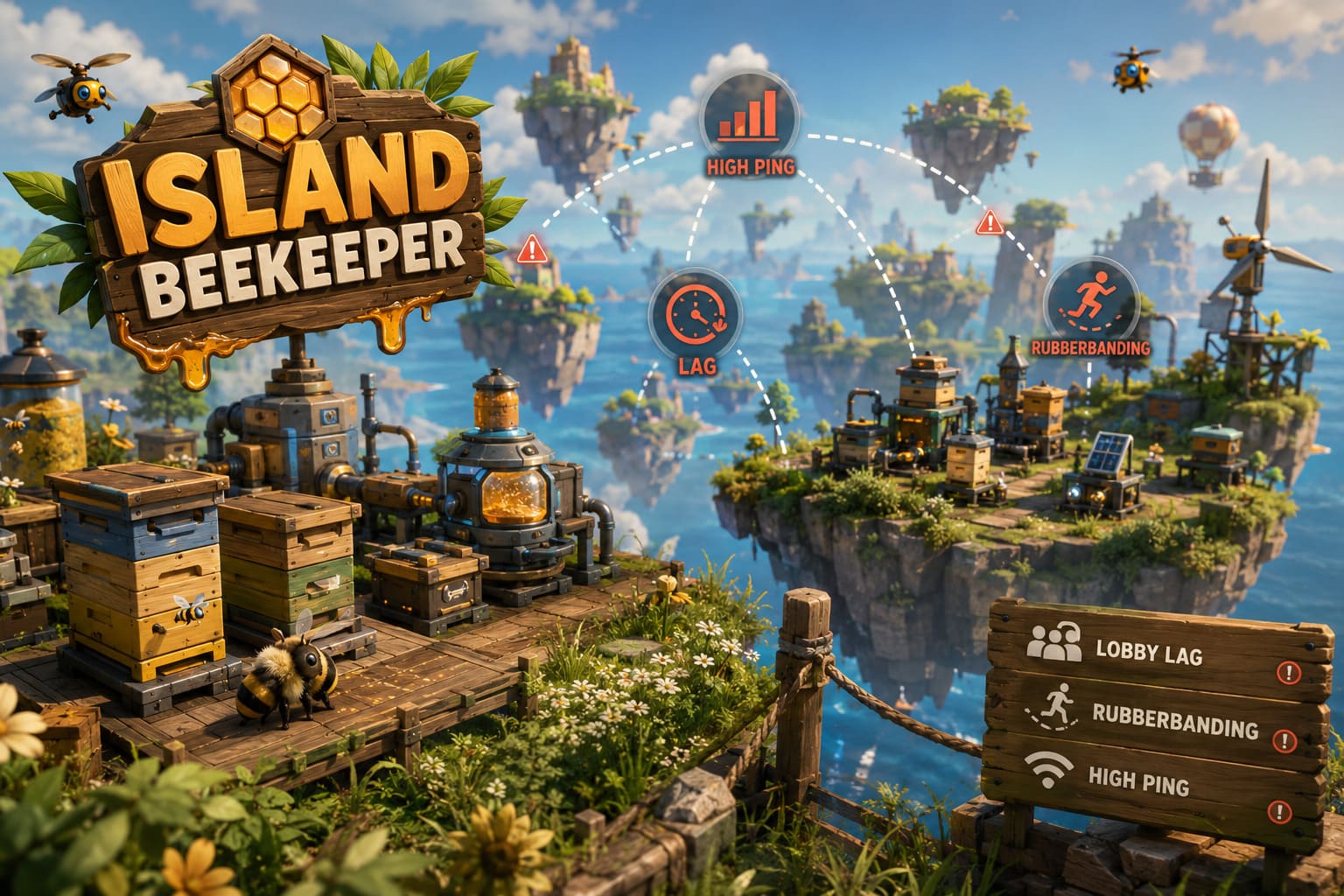
Island Beekeeper has quickly become one of those relaxing games that somehow manages to steal an entire weekend without you noticing. You start with a tiny floating apiary, collect a few bees, automate some production, invite a friend… and suddenly you’ve spent ten hours optimizing honey production instead of sleeping.
Unfortunately, my first multiplayer experience wasn’t nearly as cozy as I expected.
The moment my friends joined the world, everything started falling apart. Players teleported backwards, bees froze in mid-air, harvesting actions were delayed by several seconds, and every trip between floating islands felt like the server was fighting itself. At first I assumed it was my internet connection, but after testing different hosts, reading dozens of community discussions, and experimenting with the game’s configuration files, I realized the problem was much more complicated.
After spending quite a bit of time testing different solutions, I finally managed to get our multiplayer world running smoothly. If you’re dealing with lobby lag, high ping, rubberbanding, or random desync in Island Beekeeper, these are the fixes that made the biggest difference for me.
Why Multiplayer Feels Laggy in Island Beekeeper
Simulation games have always been more demanding online than shooters or action games.
Instead of synchronizing only player movement, Island Beekeeper constantly updates hundreds—or eventually thousands—of different objects. Every hive, bee, automation machine, crop, dropped item, and moving drone has to stay synchronized for every player connected to the world.
As your base grows, the amount of information the host has to process increases dramatically.
In my experience, the game itself isn’t necessarily suffering from poor optimization. Rather, it’s trying to synchronize far more simulation data than many players realize.
That means even a powerful PC can begin struggling if the network settings aren’t configured well.
Switch to Steam Networking Immediately
This was easily the biggest improvement during my testing.
By default, the game may use broader matchmaking settings that introduce unnecessary routing before players actually connect.
Changing the connection mode to Steam Only noticeably reduced connection delays for everyone in our group.
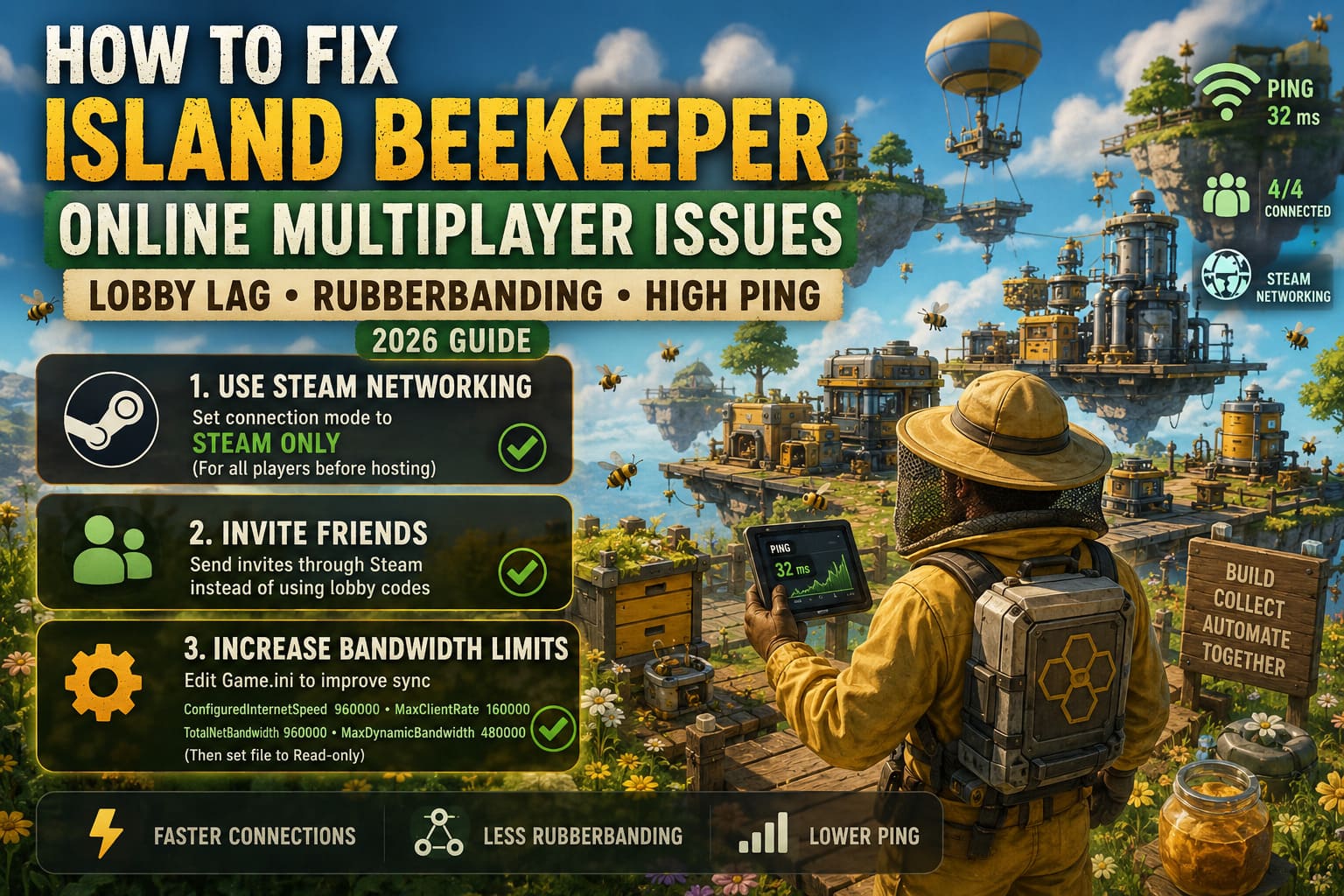
Here’s what I recommend:
- Return to the main menu.
- Open Gameplay Settings.
- Change the network option to Steam Only.
- Make sure every player in the lobby uses the same setting before connecting.
The important part is doing this before creating the multiplayer session. Once the world is running, these settings usually cannot be changed.
After switching everyone over, loading times became shorter and initial synchronization was much smoother.
Invite Friends Through Steam Instead of Using Lobby Codes
This sounds like a tiny change, but surprisingly it made multiplayer more reliable.
Originally, we were joining each other using room codes every single time.
Later we switched to simple Steam Friend invitations.
Since then we experienced fewer failed connections and almost completely eliminated those strange moments where someone would load into the world several minutes after everyone else.
If possible:
- Host the world first.
- Open the Steam Overlay.
- Send a direct invite through your Friends List.
- Let players join directly from Steam instead of manually entering codes.
It’s a small adjustment that seems to reduce unnecessary connection overhead.
Increase the Game’s Network Bandwidth Limits
This is probably the most technical fix on this list, but it also had one of the biggest impacts once our world became larger.
Like many Unreal Engine games, Island Beekeeper appears to rely on fairly conservative default networking values.
Once your floating islands become packed with automation, those defaults may become a bottleneck.
Editing the Game.ini file allows the host to increase available bandwidth for multiplayer synchronization.
The values many players are using include:
| Setting | Value |
|---|---|
| ConfiguredInternetSpeed | 960000 |
| ConfiguredLanSpeed | 960000 |
| MaxClientRate | 160000 |
| MaxInternetClientRate | 160000 |
| TotalNetBandwidth | 960000 |
| MaxDynamicBandwidth | 480000 |
After saving the file, many players also mark it as Read-only so future launches don’t overwrite the custom configuration.
Obviously, editing configuration files always carries some risk if you make mistakes, so double-check everything before saving.
For our group, though, this significantly reduced rubberbanding once our apiary became heavily automated.
Cap Your Frame Rate
Normally I dislike limiting FPS.
If my PC can run something at 144 FPS, I usually let it.
Island Beekeeper turned out to be one of those games where consistency matters more than raw frame rate.
During testing, our host was running well above 140 FPS while another friend struggled around 45 FPS.
The result?
Movement became inconsistent, object synchronization drifted, and interactions often appeared delayed.
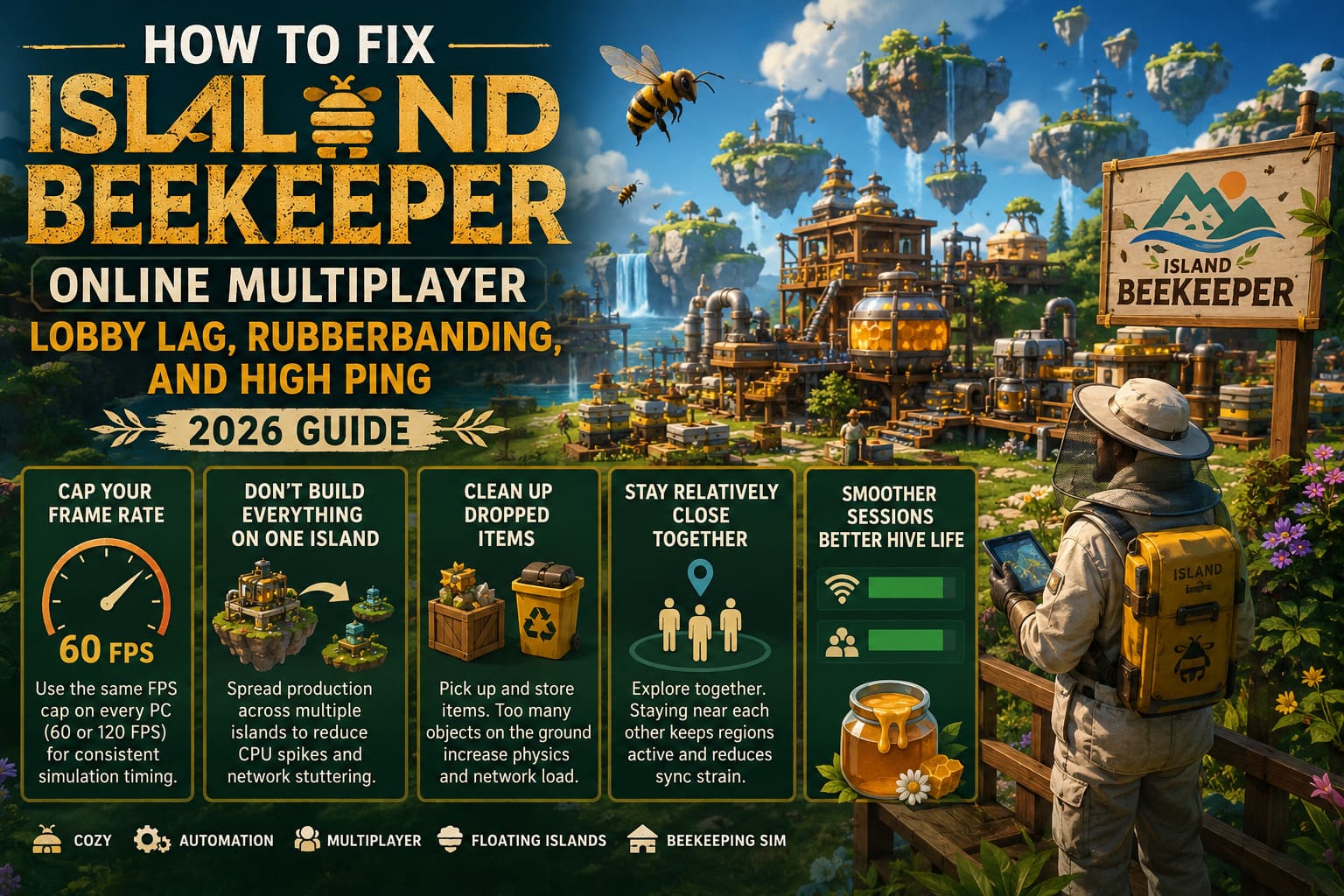
After everyone switched to a shared frame-rate cap of 60 FPS, multiplayer became noticeably smoother.
If your group has more powerful hardware, using 120 FPS across every PC should also work—as long as everyone uses the same cap.
The goal isn’t maximizing performance.
It’s keeping simulation timing consistent.
Don’t Build Everything on One Island
This one surprised me the most because it isn’t really a networking fix.
It’s a world-design fix.
Like many automation games, Island Beekeeper eventually reaches a point where every additional machine increases CPU workload.
Packing hundreds of automated hives into one tiny area creates enormous processing spikes for whoever is hosting.
Once we spread production across multiple floating islands, frame pacing improved and network stuttering became less frequent.
Sometimes optimization isn’t about changing settings.
Sometimes it’s simply about building smarter.
Clean Up Dropped Items
I learned this lesson years ago playing survival games.
Players tend to throw items on the ground because it’s faster than organizing storage.
Unfortunately, every dropped object usually remains an active physics entity.
Those objects don’t disappear from the simulation just because nobody is looking at them.
If your multiplayer world has been running for dozens of hours, spend a few minutes cleaning everything up.
Store materials inside containers instead of leaving them scattered across the map.
It won’t magically double your FPS, but every little optimization helps once your world becomes enormous.
Stay Relatively Close Together
One thing I noticed during longer sessions was that performance often dropped whenever players explored opposite sides of the world.
When one player remained at the central apiary while another traveled deep into unexplored islands, the host had to keep multiple distant regions active simultaneously.
That increased both memory usage and synchronization work.
Whenever possible, explore together.
The game simply feels happier when everyone stays within roughly the same area.
Basic Network Tweaks Still Matter
Even though Island Beekeeper has its own networking quirks, traditional troubleshooting shouldn’t be ignored.
Before blaming the game, I always check these basics:
- Use Ethernet instead of Wi-Fi whenever possible.
- Restart your router before long multiplayer sessions.
- Flush your DNS cache if matchmaking starts behaving strangely.
- Allow Steam traffic through Windows Firewall if you haven’t already.
- Forward Steam P2P UDP ports (27015–27030) if your router configuration causes hosting problems.
None of these fixes are unique to Island Beekeeper, but together they help create a much more stable online experience.
Island Beekeeper Guide: How to Build the Perfect Apiary and Upgrade Hives 2026
Which Fix Helped the Most?
| Priority | Fix | Impact |
|---|---|---|
| ⭐⭐⭐⭐⭐ | Switch to Steam Only networking | Huge |
| ⭐⭐⭐⭐⭐ | Increase Game.ini bandwidth | Huge |
| ⭐⭐⭐⭐☆ | Use Steam Friend invites | High |
| ⭐⭐⭐⭐☆ | Match everyone’s FPS cap | High |
| ⭐⭐⭐☆☆ | Spread automation across islands | Medium |
| ⭐⭐⭐☆☆ | Clean dropped items | Medium |
| ⭐⭐☆☆☆ | General network optimization | Situational |
Trying these in order solved nearly every multiplayer issue my group encountered.
Island Beekeeper Co-Op Guide: How to Play with Friends and Optimize 4-Player Task Distribution
Final Thoughts
After many evenings of experimenting, I don’t think Island Beekeeper has fundamentally broken multiplayer. Instead, it feels like a simulation game that’s still going through the usual launch-period growing pains.
The good news is that most of the worst problems can be reduced—or even eliminated—with a few smart adjustments. Switching to Steam-only networking, increasing the game’s bandwidth limits, keeping frame rates consistent, and avoiding overly dense automation setups made our multiplayer sessions feel dramatically more stable.
If you’ve invested dozens of hours into your floating apiary, it’s worth spending ten minutes optimizing your settings. In my case, those small tweaks transformed a frustrating, rubberbanding co-op experience into the relaxing multiplayer adventure I was hoping for from the start.