How to Download and Install Echoes of Aincrad DLSS Mod: Fix Performance & FPS Drops Now
When I first jumped into Echoes of Aincrad, I expected the kind of anime-inspired adventure that Sword Art Online fans have been waiting for years to experience. The idea of returning to the legendary floating fortress of Aincrad, fighting through dangerous floors, and living inside a fast-paced action RPG sounded like a dream project for fans of the franchise.
The game absolutely nails some important things. The atmosphere feels familiar, the combat has that flashy anime energy, and exploring Aincrad is genuinely exciting. However, the PC version quickly showed one major weakness that has become painfully common in modern releases: poor optimization.
A lot of players have been reporting frustrating performance problems, including random FPS drops, inconsistent frame times, stuttering during combat, and a lack of advanced graphics options. The biggest complaint from PC gamers is the missing support for technologies like Nvidia DLSS, AMD FSR, and Intel XeSS, features that have become almost standard in demanding games.
Thankfully, the PC modding community once again stepped in where official support was missing. A community-created Echoes of Aincrad DLSS Mod offers a way to improve performance, reduce GPU stress, and make the game feel much smoother, especially for players using RTX graphics cards.
Best Echoes of Aincrad RTX 3060 Ti Quality Mode Settings for 60+ FPS
This guide explains why the mod is useful, how to install it correctly, and what extra settings you can change to squeeze out better FPS.
Why Echoes of Aincrad Performance Problems Are Frustrating PC Players
The biggest issue with Echoes of Aincrad is not the visuals themselves. The game actually looks impressive, with detailed anime environments, flashy skill effects, and large areas filled with enemies and interactive elements.
The problem is that the PC version does not give players enough control over performance. The graphics menu feels limited compared to what many PC gamers expect in 2026. Instead of offering detailed options and modern upscaling solutions, players are left with basic presets that do not provide enough flexibility.
Many users noticed that the game includes a generic resolution scaling option with settings like Performance, Balanced, and Quality, but there is no clear Nvidia DLSS toggle or frame generation option.
For a normal action RPG this is already disappointing, but it becomes a much bigger problem for players experimenting with VR solutions like UEVR. Running Echoes of Aincrad in virtual reality requires significantly more horsepower, and every lost frame matters.
In a fast combat system where timing attacks, dodges, and counters is important, unstable performance can completely destroy the experience. A beautiful anime world means very little if the game constantly freezes during an important boss fight.
The DLSS mod works by adding Nvidia’s image reconstruction technology manually into the game, allowing compatible GPUs to render at lower internal resolutions while producing a sharper final image.
What You Need Before Installing the Echoes of Aincrad DLSS Mod
Before installing any performance modification, make sure your system is ready.
The mod is mainly designed for players using Nvidia RTX graphics cards, because DLSS relies on Nvidia Tensor Core hardware. Older GTX cards will not receive the same benefits and may not support the technology properly.
Before starting, check the following:
- Update your Nvidia graphics drivers through Nvidia App or GeForce Experience.
- Create a backup of your game folder before replacing any files.
- Close the game completely before modifying installation files.
- Download files only from trusted modding communities.
A few minutes of preparation can save you from unnecessary troubleshooting later.
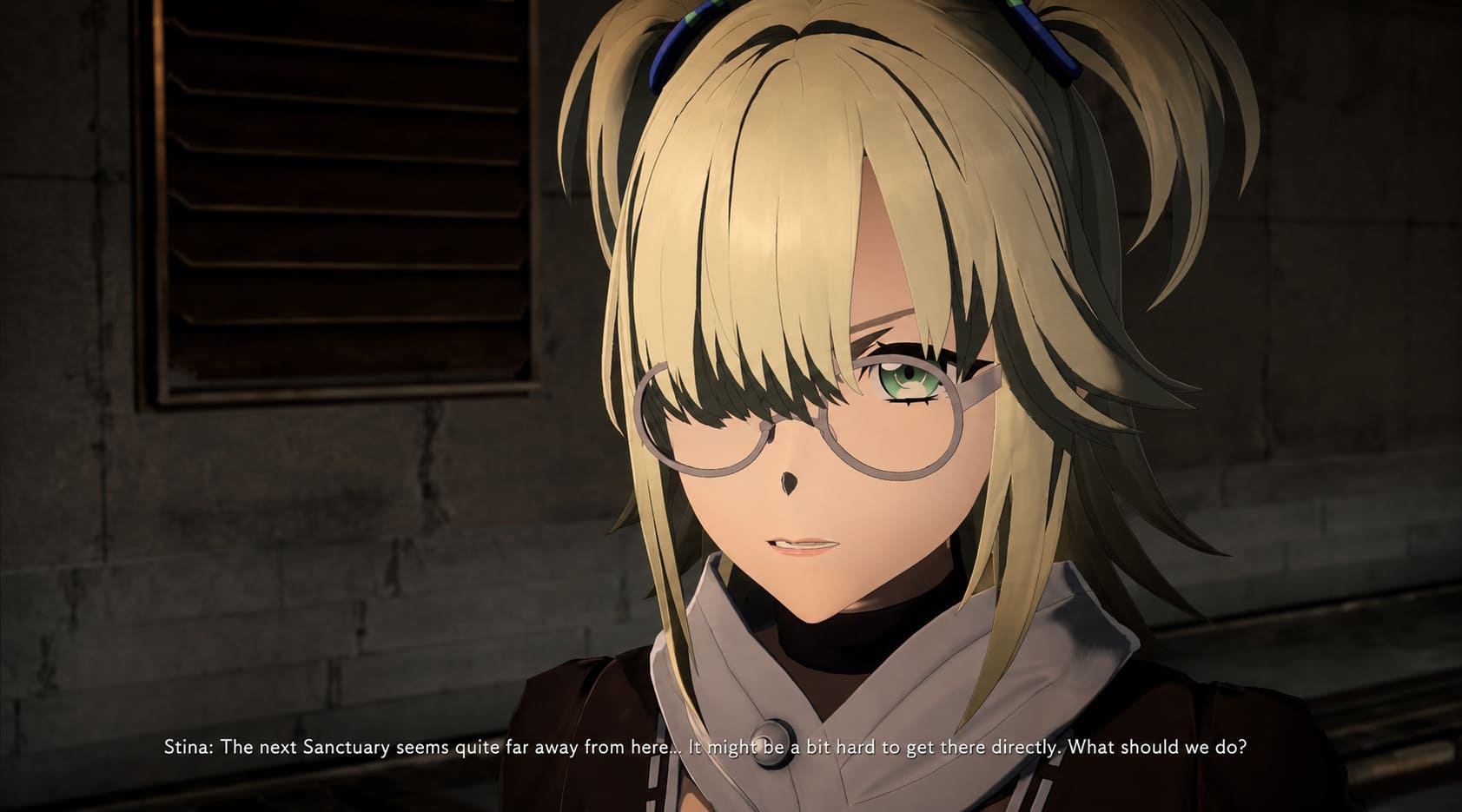
How to Download and Install Echoes of Aincrad DLSS Mod
Installing the DLSS modification is not complicated, but following each step carefully is important.
Step 1: Find the Correct DLSS Mod Files
The first step is downloading the required files. Community DLSS injectors are usually shared through trusted modding platforms or developer repositories.
The archive normally contains important files such as:
| File | Purpose |
|---|---|
| nvngx_dlss.dll | Main Nvidia DLSS library used by the game |
| dxgi.dll | Injection framework that loads DLSS into the game |
| .ini Configuration Files | Optional settings for sharpening and presets |
Always check recent comments and update notes before installing. Game patches can sometimes break older versions of performance mods.
Step 2: Open the Echoes of Aincrad Installation Folder
Finding the correct folder through Steam is simple.
Follow these steps:
- Open Steam.
- Go to your Library.
- Right-click Echoes of Aincrad.
- Select Manage.
- Choose Browse Local Files.
A Windows folder will open containing the game’s executable files.
This is the main location where the DLSS mod needs to be installed.
Step 3: Copy the DLSS Mod Files Into the Game Folder
Extract the downloaded archive using programs like WinRAR or 7-Zip.
Copy all included files and paste them into the folder containing the main Echoes of Aincrad executable.
Some Unreal Engine games require files to be placed inside a specific directory, such as:
- Binaries
- Win64
- Engine folders
Follow the instructions included with the specific mod version you downloaded.
If Windows asks whether you want to replace existing files, confirm the action only if the mod documentation recommends it.
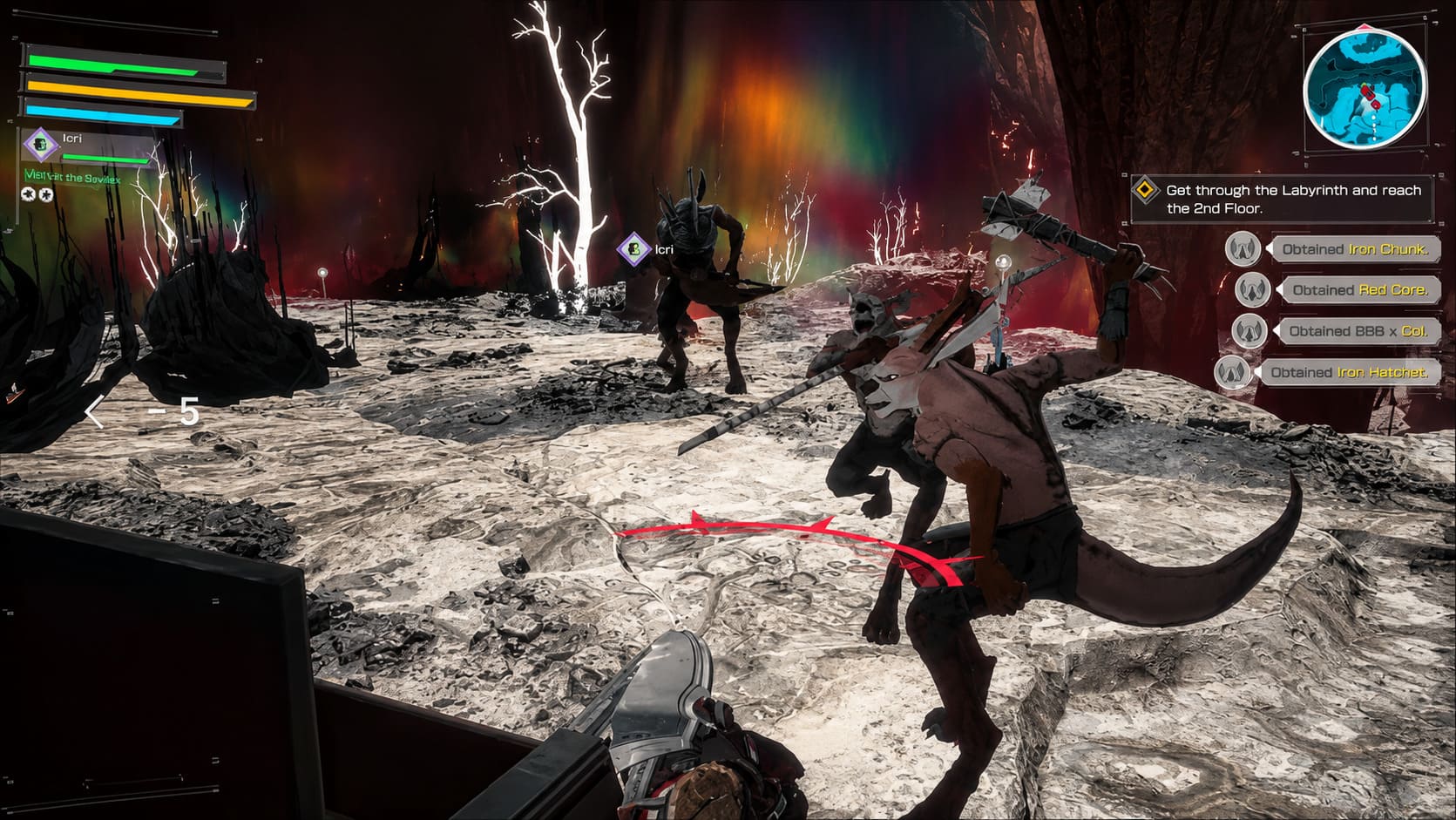
Step 4: Configure DLSS Settings and Launch the Game
After installation, start Echoes of Aincrad through Steam.
Many DLSS injectors include an overlay menu that can usually be opened with keys like Insert or Home.
From there, you can select different DLSS profiles:
| Mode | Best For |
|---|---|
| Quality | Players who want sharper visuals with moderate FPS improvement |
| Balanced | The best option for most gaming PCs |
| Performance | Lower-end RTX systems needing maximum FPS |
For a game like Echoes of Aincrad, I personally recommend starting with Balanced mode. It usually gives the best mix between image quality and smoother combat.
Additional PC Optimization Tips for Better FPS
The DLSS mod can make a noticeable difference, but it is not the only performance improvement available.
Enable Hardware-Accelerated GPU Scheduling
Windows includes a feature called Hardware-Accelerated GPU Scheduling (HAGS).
To enable it:
- Open Windows Settings.
- Search for Graphics Settings.
- Enable Hardware-Accelerated GPU Scheduling.
- Restart your PC.
This can help reduce latency and improve GPU workload management.
Adjust Heavy Graphics Settings
Not every setting affects performance equally.
In Echoes of Aincrad, the biggest FPS killers are usually:
- Shadows – Lowering them from Ultra to High can provide a noticeable improvement.
- View Distance – Large environments can heavily impact CPU usage.
- Effects Quality – Reducing combat effects can help during intense battles.
The good thing is that lowering shadows or effects slightly usually does not ruin the anime-style visuals.
Make Sure the Game Uses Your Dedicated GPU
Laptop users especially should verify that Echoes of Aincrad is running on the correct graphics card.
Open Nvidia Control Panel:
- Go to Manage 3D Settings.
- Select Program Settings.
- Add Echoes of Aincrad.
- Choose High-Performance Nvidia Processor.
This prevents the game from accidentally running on integrated graphics.
Final Thoughts: Is the Echoes of Aincrad DLSS Mod Worth Installing?
It is frustrating when a major anime gaming release arrives on PC without essential features that players have come to expect. DLSS, FSR, and proper graphics customization are no longer luxury additions for demanding games.
Luckily, the modding community continues proving why PC gaming remains such a powerful platform. A simple community-made fix can completely change the experience, turning an unstable adventure into a smooth action RPG.
If you are struggling with FPS drops, stuttering, or inconsistent performance in Echoes of Aincrad, the DLSS mod is one of the easiest improvements you can make. Combined with a few smart graphics adjustments, it can help you finally enjoy the world of Aincrad without fighting your own hardware.
Keep checking community pages after official updates, because future patches from Bandai Namco may require updated versions of the mod. For now, this is one of the best ways to make the PC version perform closer to what fans expected from launch.