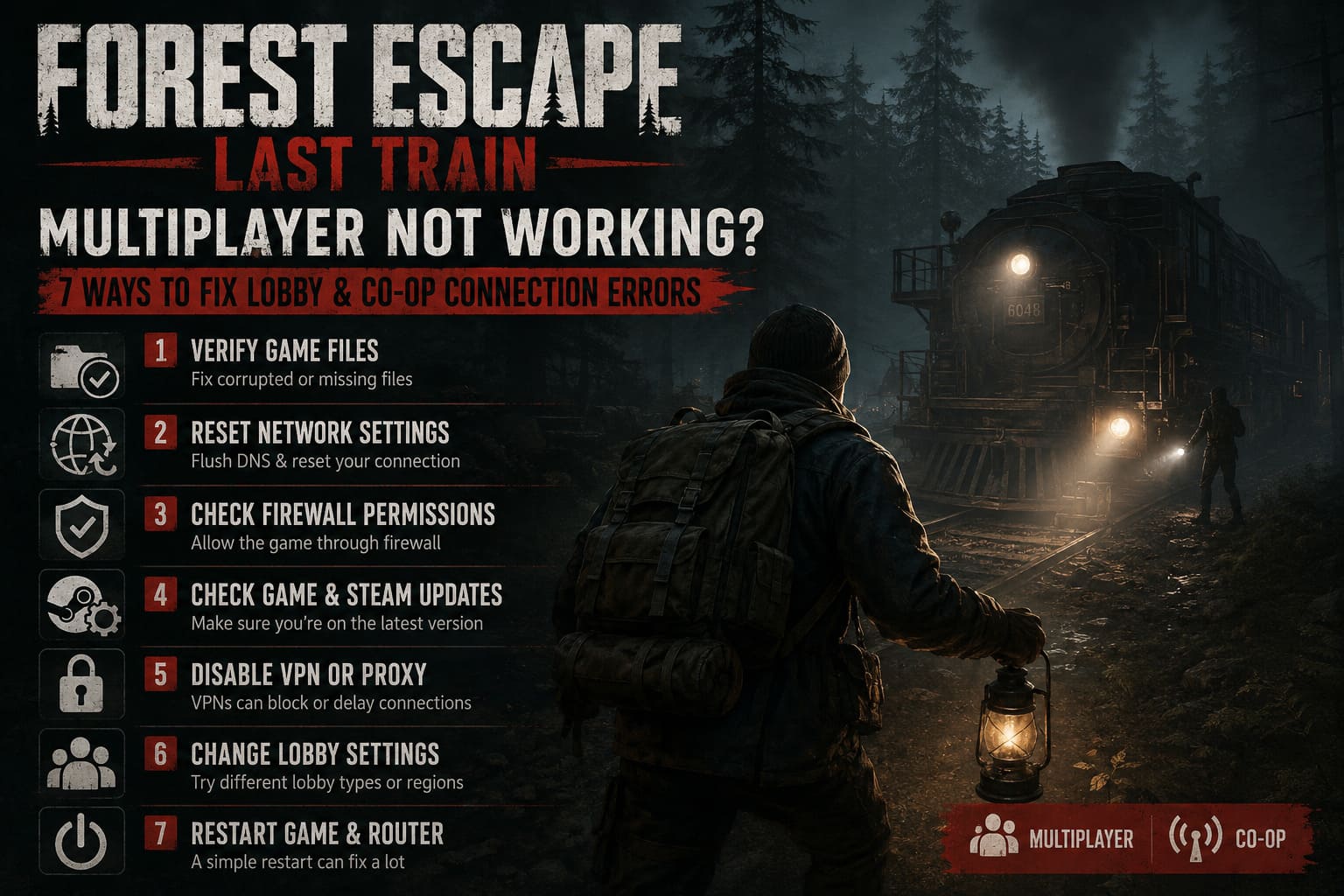
Forest Escape Last Train Multiplayer Not Working? 7 Ways to Fix Lobby and Co-Op Connection Errors
I have played enough co-op horror games over the years to know one thing: launch week is almost never smooth. From indie survival titles to big-budget multiplayer releases, there is always that one problem that prevents friends from actually playing together. Unfortunately, Forest Escape: Last Train has joined that club.
Developed by Frag Lab and published by Two Cakes Studio, the game delivers a genuinely creepy atmosphere. Exploring a nightmare forest, collecting resources, solving strange puzzles, and trying to repair a broken train while something hunts you in the dark is exactly the kind of experience horror fans enjoy. The problem is that many players are getting stopped before the real horror even begins.
I’ve spent several hours testing the game with friends, browsing community discussions, and trying different network tweaks myself. If your lobby won’t load, invitations don’t work, or you keep disconnecting from matches, these are the solutions that actually made a difference.
Why Is Forest Escape: Last Train Multiplayer Broken?
Most multiplayer issues in newly released games come down to three things:
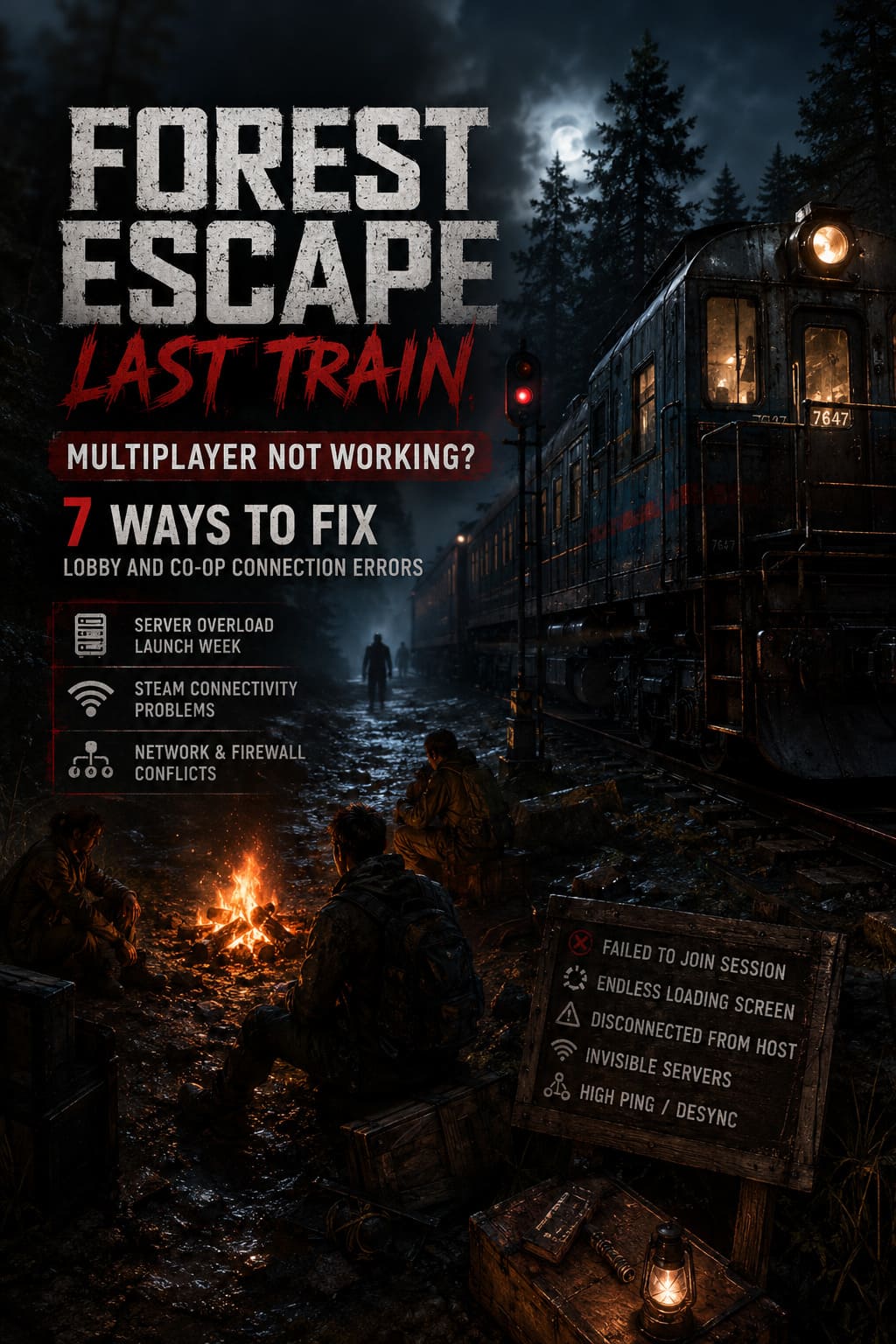
- Server overload during launch week
- Steam connectivity problems
- Local network configuration errors
Because Forest Escape: Last Train relies heavily on Steam’s online services and peer-to-peer connections, even a minor issue on your PC can stop you from joining a friend’s session.
Common Multiplayer Problems
| Issue | What Happens |
|---|---|
| Failed to Join Session | The invite appears but the connection immediately fails. |
| Endless Loading Screen | The lobby never finishes loading. |
| Disconnected from Host | You enter the game and get kicked moments later. |
| Invisible Servers | No active lobbies appear. |
| High Ping | Players teleport or become desynchronized. |
The good news is that most of these problems can be fixed without reinstalling Windows or performing complicated network modifications.
1. Verify Your Game Files First
This is always my first recommendation, and honestly, it fixes more problems than people think.
During launch week, developers push small updates and hotfixes quickly. Sometimes Steam downloads them incorrectly, leaving you with files that don’t match the latest version.
How to Verify Files
- Open Steam.
- Go to Library.
- Right-click Forest Escape: Last Train.
- Select Properties.
- Open Installed Files.
- Click Verify Integrity of Game Files.
The process only takes a few minutes and can solve lobby errors, missing servers, session mismatches, and random crashes during matchmaking.
I had one friend who couldn’t join our game for almost an hour. Steam found two corrupted files, redownloaded them, and he connected immediately afterward.
2. Reset Your Network Settings
This is an old trick, but it still works surprisingly well.
Windows occasionally stores outdated DNS information or network configurations that interfere with online games.
Open Command Prompt as Administrator and run these commands one at a time:
ipconfig /flushdns
ipconfig /release
ipconfig /renew
netsh winsock reset
netsh int ip reset
Restart your PC afterward.
I’ve fixed multiplayer issues in games like Phasmophobia, Sons of the Forest, and Lethal Company using this exact method, so it’s worth trying here too.
3. Check Your Firewall Permissions
Security software loves blocking new indie games.
Windows Defender sometimes decides that a game’s executable suddenly looks suspicious and quietly blocks its incoming traffic.
To fix this:
- Open Control Panel.
- Go to Windows Defender Firewall.
- Click Allow an app through Firewall.
- Find Forest Escape: Last Train.
- Enable both Private Network and Public Network.
If the game isn’t listed, add the executable manually.
This issue is especially common if you installed the game on a secondary drive.
4. Restart Your Router
It sounds ridiculously simple, but a router reboot can solve networking problems that no amount of troubleshooting inside Windows can fix.
Power off your modem and router completely, then wait around 45 seconds before turning everything back on.
I’ve seen this fix strange packet loss issues that affected only one specific game while every other online title worked perfectly.
If your lobby disconnects every few minutes, definitely try this before moving on.
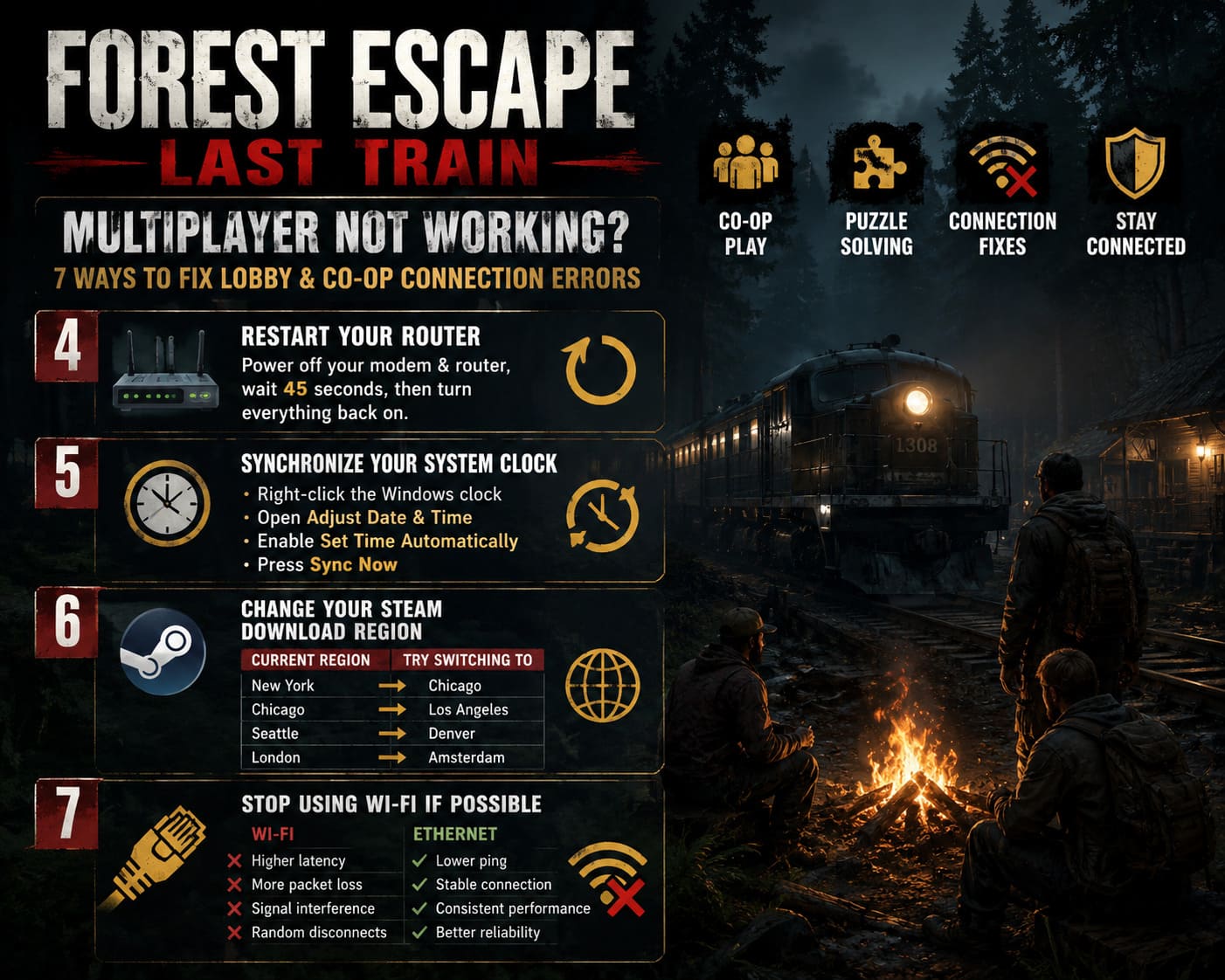
5. Synchronize Your System Clock
This one surprised me the first time I encountered it years ago.
Modern online games rely on security certificates and authentication systems. If your PC clock is even slightly incorrect, those security checks can fail.
Synchronize Your Clock
- Right-click the Windows clock.
- Open Adjust Date and Time.
- Enable Set Time Automatically.
- Press Sync Now.
This won’t fix every issue, but if invitations instantly fail or Steam behaves strangely, it can help.
6. Change Your Steam Download Region
I honestly didn’t expect this to work, but several players reported success after changing regions.
During launch week, certain Steam servers become overloaded.
Recommended Regions to Test
| Current Region | Try Switching To |
|---|---|
| New York | Chicago |
| Chicago | Los Angeles |
| Seattle | Denver |
| London | Amsterdam |
You can change your region by opening Steam → Settings → Downloads → Download Region and restarting the client afterward.
Sometimes this completely refreshes how matchmaking communicates with nearby servers.
7. Stop Using Wi-Fi If Possible
As someone who plays a lot of survival and horror games, I can confidently say that Wi-Fi causes more online problems than people realize.
Co-op games with physics systems and synchronized puzzle mechanics need stable connections.
Ethernet Benefits
| Wi-Fi | Ethernet |
|---|---|
| Higher latency | Lower ping |
| More packet loss | Stable connection |
| Signal interference | Consistent performance |
| Random disconnects | Better reliability |
If you can run an Ethernet cable to your PC, do it.
If you can’t, move closer to the router, stop downloads, pause streaming services, and close bandwidth-heavy applications. Every little bit helps.
Are the Servers Actually Down?
Sometimes the answer is simply yes.
The game launched with a surprisingly large number of players for an indie horror title, and server issues are almost expected during the first few days.
Signs of Server Problems
- Nobody can join any lobby.
- Friends all experience the same issue.
- Matchmaking suddenly stops working.
- Community forums explode with complaints.
If all of these happen at the same time, the developers are probably already aware of the issue.
My Personal Experience With Forest Escape: Last Train
Despite the multiplayer frustrations, I genuinely enjoy this game.
The atmosphere is excellent, and there is something incredibly tense about trying to repair a train while your entire team panics because somebody wandered into the woods alone.
That said, the online infrastructure clearly needs work.
- One lobby crash.
- Two failed invitations.
- One disconnect during loading.
- Several moments of lag.
But after verifying files and switching to a wired connection, the game became much more stable.
This feels like one of those indie games that could build a strong community once the technical issues settle down.
Final Thoughts
If Forest Escape: Last Train multiplayer isn’t working, don’t assume the game is permanently broken.
Start with these fixes:
- Verify game files.
- Reset your network.
- Check firewall permissions.
- Restart your router.
- Synchronize Windows time.
- Change Steam region.
- Use Ethernet whenever possible.
If none of these solutions work, the issue is probably server-side, and unfortunately the only real fix is waiting for the developers to release additional patches.
Launch-week problems are frustrating, but I’ve played enough co-op games to know that many of them eventually recover and become fantastic experiences. Forest Escape: Last Train has the atmosphere and gameplay to become one of those hidden horror gems, assuming its multiplayer can stay on the rails.