Best Assassin’s Creed Black Flag Resynced Ray Tracing Settings for Water Reflections
When I first launched Assassin’s Creed Black Flag Resynced, I knew Ubisoft had done something special with the Caribbean. I’ve spent countless hours with the original game over the years, and sailing across those familiar waters again felt nostalgic. The difference this time is impossible to ignore. The sea is no longer just a background element—it has become one of the biggest stars of the entire experience.
The first sunset I witnessed from the deck of the Jackdaw genuinely made me stop sailing for a few minutes. Waves reflected the sky naturally, storms looked intimidating, and every splash of water reacted to changing light in ways that simply weren’t possible in the original release.
Unfortunately, that beauty comes at a cost.
After experimenting with dozens of graphics combinations, monitoring frame times, and comparing different settings during naval battles, I found that many players are sacrificing far too much performance for visual improvements they barely notice during gameplay. Here’s my personal guide to getting the best-looking water while keeping the game running smoothly.
The Water Is the Biggest Upgrade
The original Black Flag already had impressive ocean technology for its time, but Resynced takes things much further.
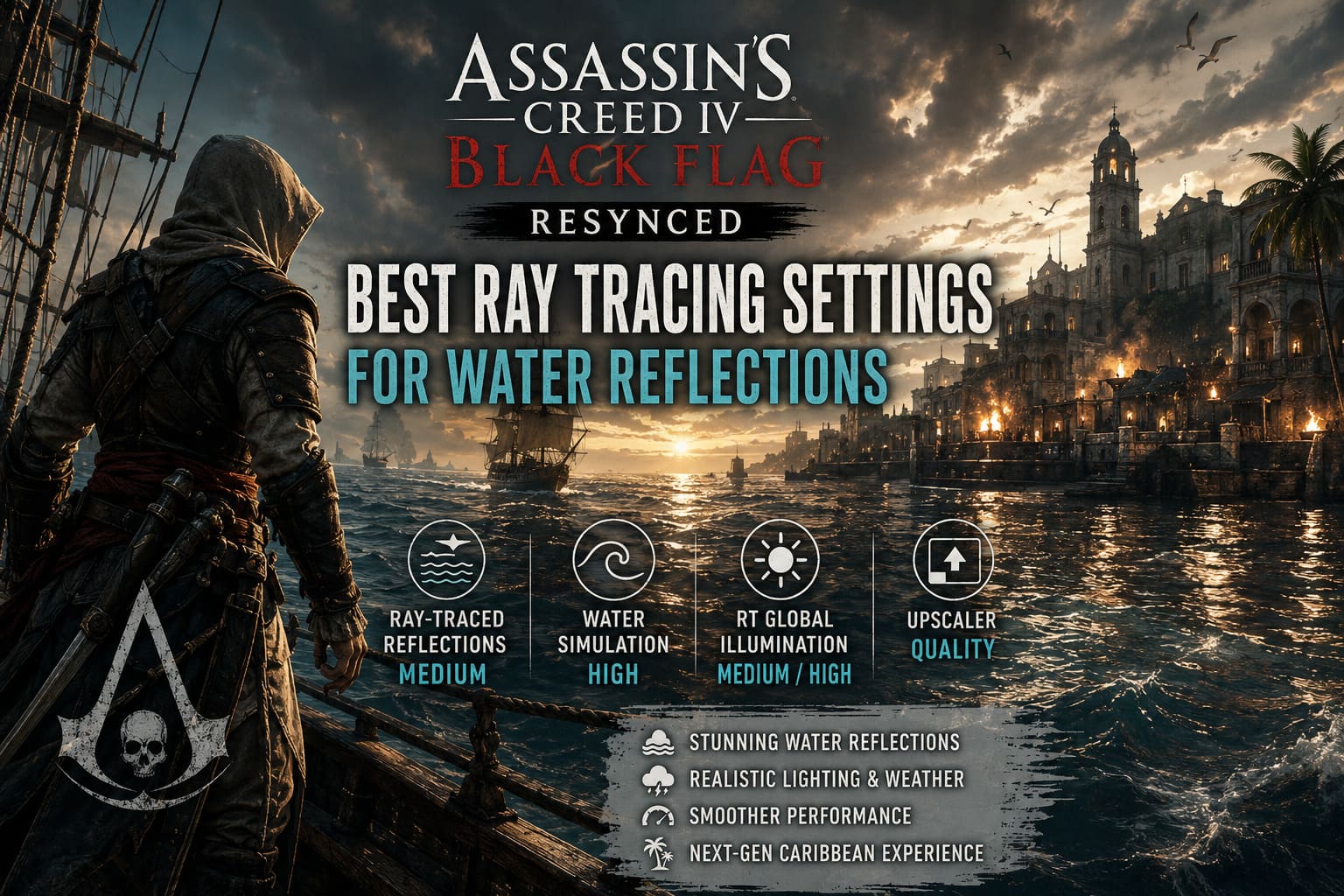
Instead of relying mostly on older reflection techniques, the remake introduces a much more advanced lighting system that allows the ocean to react naturally to the environment. Sunlight, moonlight, fires, explosions, rain, and even nearby buildings influence how the water looks.
As someone who spends more time exploring than rushing through missions, this completely changes the atmosphere.
During calm evenings, the sea becomes almost mirror-like. During storms, reflections break apart realistically as enormous waves crash against the Jackdaw. Small details like foam, ripples, and moving reflections make every voyage feel alive.
It’s easily one of the most impressive graphical improvements in the remake.
Don’t Assume Ultra Settings Are the Best
Like many PC players, my first instinct was simple:
Everything on Ultra.
That lasted about fifteen minutes.
Frame rates dropped significantly whenever I entered larger ports or encountered heavy weather. Even powerful GPUs can struggle once every advanced lighting option is enabled simultaneously.
After several hours of testing, I realized something interesting.
The visual difference between Medium and High ray-traced reflections is surprisingly small while actually sailing. Unless you’re constantly stopping to examine individual waves, it’s extremely difficult to notice.
The performance difference, however, is much easier to feel.
That single discovery became the foundation of my preferred settings.
Graphics Options That Matter Most
Not every graphics slider has the same impact.
These are the settings that deserve the most attention.
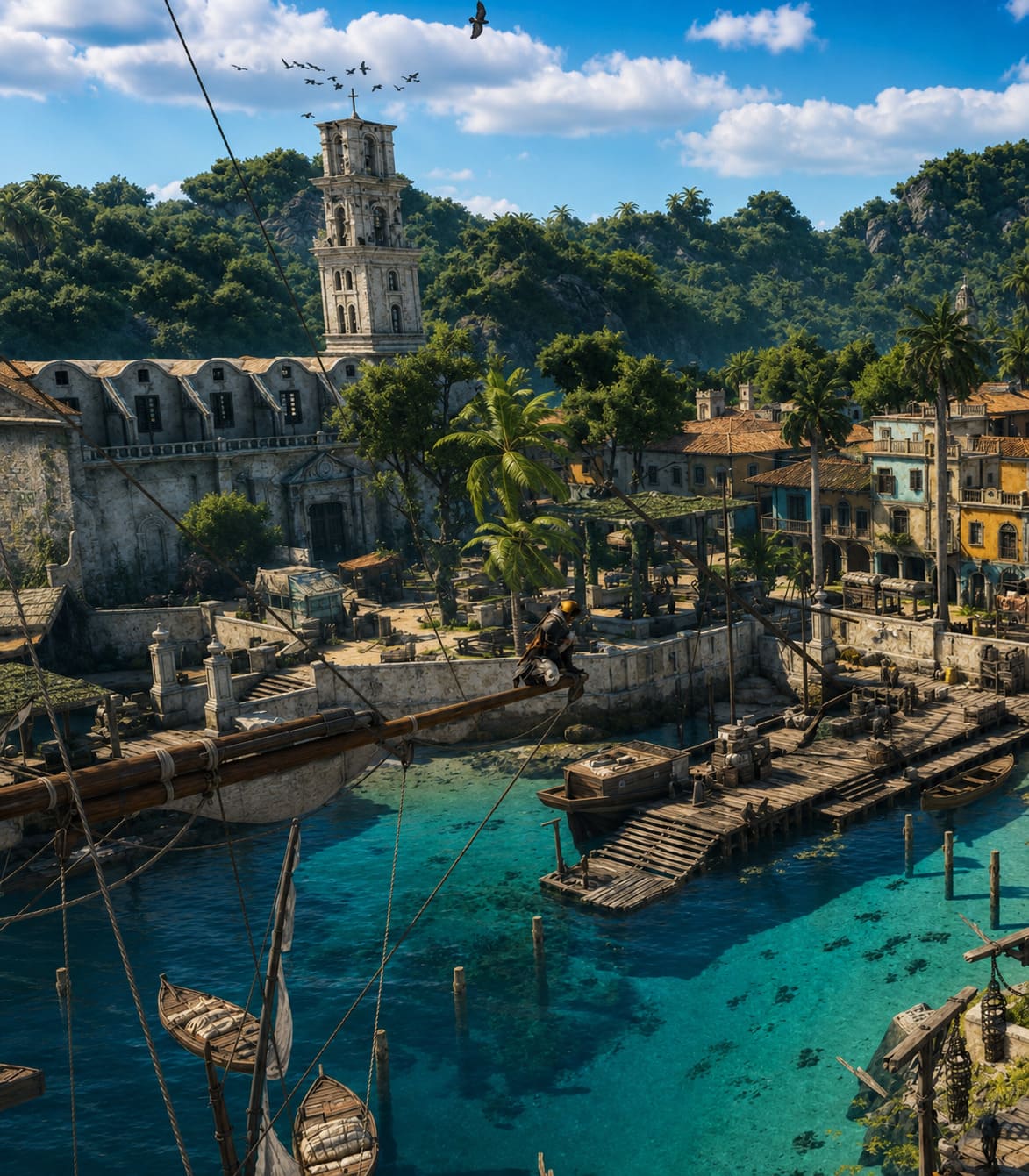
| Setting | My Recommendation | Performance Impact | Visual Difference |
|---|---|---|---|
| Ray-Traced Reflections | Medium | High | Excellent balance |
| Water Simulation | High | Medium | Very noticeable |
| RT Global Illumination | Medium or High | Moderate | Improves lighting naturally |
| Upscaler | Quality | Low performance cost | Major FPS improvement |
If I could only recommend changing one option, it would be Ray-Traced Reflections.
Medium delivers nearly everything I actually notice while playing without the massive GPU hit that comes with High or Ultra.
Water Simulation Is Worth Keeping High
Some settings can safely be reduced.
This isn’t one of them.
Water Simulation affects how the sea behaves rather than how it reflects light. Waves become more detailed, ships carve through the ocean more realistically, and naval battles gain extra visual weight.
Lowering it too much makes the Caribbean feel strangely flat.
Fortunately, modern multi-core processors handle this workload fairly well, meaning many players can leave it on High without losing many frames.
Only players using older CPUs should consider reducing it.
My Personal Settings for Different Hardware
Everyone’s PC is different, but these presets gave me consistently smooth gameplay.
High-End PCs
Ideal for newer graphics cards.
- Resolution: Native
- Upscaler: Quality
- RT Global Illumination: High
- RT Reflections: High
- Water Simulation: Ultra
- Texture Quality: Ultra
- Shadows: High
- Volumetric Fog: High
- Ambient Occlusion: High
This setup keeps the game looking spectacular while maintaining stable performance during most situations.
Mid-Range Gaming PCs
This is where I think the game shines.
If you’re using hardware similar to an RTX 3060 or RX 6600 XT, there’s no reason to chase Ultra settings everywhere.
Instead:
- Resolution: Native
- Upscaler: Quality
- RT Global Illumination: Medium
- RT Reflections: Medium
- Water Simulation: High
- Texture Quality: High
- Shadows: Medium
- Volumetric Fog: Medium
- Ambient Occlusion: Medium
In my opinion, this delivers the best balance between image quality and responsiveness.
The Caribbean still looks incredible.
Older Hardware
Players using older GPUs shouldn’t panic.
The game still looks surprisingly good even with several reductions.
My suggestions are:
- Use an upscaler on Balanced or Performance.
- Keep reflections on Low.
- Leave Water Simulation on Medium.
- Reduce shadows.
- Lower fog before touching texture quality.
The overall presentation remains attractive while frame rates become much more stable.
Upscaling Makes a Bigger Difference Than You Think
Normally, I’m cautious about relying on image reconstruction technologies.
In Black Flag Resynced, however, they’re incredibly useful.
Whether you’re using DLSS, FSR, or XeSS, Quality mode provides a meaningful performance boost while preserving excellent image clarity.
The extra performance is especially valuable because ray tracing affects such a large portion of the game’s rendering pipeline.
Rather than sacrificing reflections entirely, I’d much rather enable Quality upscaling and enjoy smoother gameplay.
For 4K players, Balanced mode is also a reasonable compromise.
The Biggest FPS Killer Isn’t Actually Reflections
This surprised me during testing.
Most people immediately blame ray tracing whenever frame rates fall.
In reality, Volumetric Fog often becomes the hidden performance drain.
Heavy storms combine fog, rain, reflections, and dynamic lighting simultaneously, creating one of the most demanding scenarios in the entire game.
Reducing Volumetric Fog from High to Medium produced one of the largest frame rate improvements I observed while barely changing the overall atmosphere.
If you need extra FPS, that’s the first setting I’d reduce.
Ambient Occlusion can also be lowered with only a minor impact on image quality.
Stuttering Around Cities Can Usually Be Improved
Several players have noticed sudden frame spikes when sailing into busy locations.
I experienced the same thing near larger settlements.
After some experimentation, these adjustments noticeably improved consistency:
- Disable VSync inside the game.
- Enable VSync through your GPU control software instead.
- Use Triple Buffering if your driver supports it.
- Install the game on an SSD instead of a traditional hard drive.
None of these changes magically eliminate every hitch, but together they create much smoother frame pacing.
Assassin’s Creed Black Flag Resynced Ending Changes: What Happens to Mary Read and Anne Bonny?
My Recommended Priority Order
If you’re trying to gain performance while keeping the game looking next-generation, reduce settings in this order:
- Volumetric Fog
- Ambient Occlusion
- Shadow Quality
- Ray-Traced Reflections
- Water Simulation
Notice that reflections aren’t at the top of the list.
They’re one of the defining visual features of the remake, and I’d rather preserve them whenever possible.
Jackdaw Hull Upgrades vs Ram Damage Index: Assassin’s Creed Black Flag Resynced (2026 Remake Guide)
Final Thoughts
After spending dozens of hours sailing across the remade Caribbean, I genuinely believe Assassin’s Creed Black Flag Resynced features some of the best-looking water ever created in an open-world game.
The temptation to enable every graphics option at Ultra is understandable, but it’s rarely the smartest decision.
Medium ray-traced reflections combined with High water simulation create an image that’s incredibly close to the highest preset while demanding far less from your hardware. Pair those settings with a modern upscaler and slightly reduced volumetric effects, and you’ll enjoy smoother gameplay without sacrificing the visual magic that makes this remake so memorable.
For me, that’s the sweet spot.
After all, I’d rather spend my time hunting legendary ships and exploring hidden islands than staring at an FPS counter while the Caribbean struggles to stay above 40 frames per second.