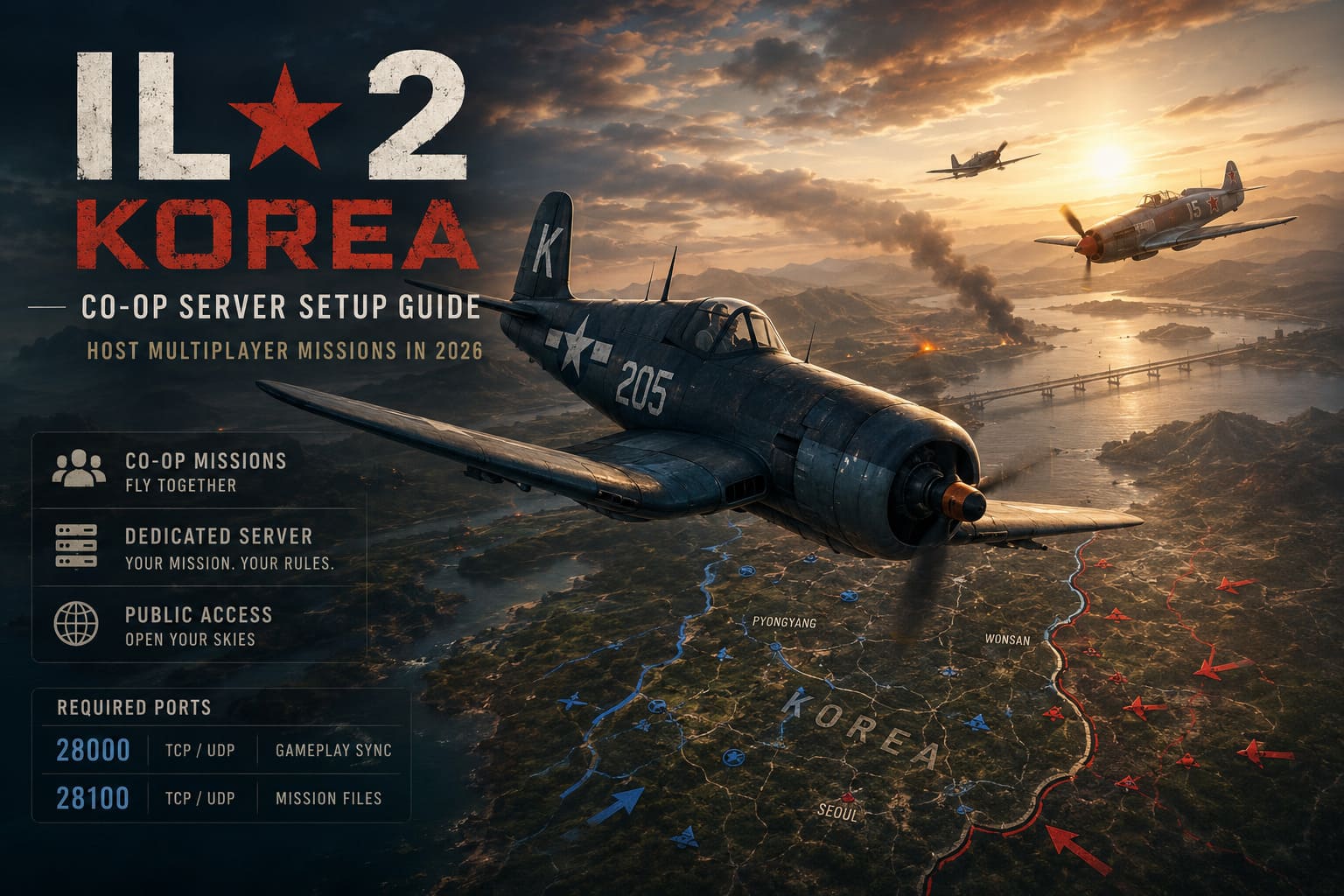
IL-2 Series Korea Co-Op Server Setup Guide: Host Multiplayer Missions in 2026
There are few things better in a combat flight simulator than flying a coordinated mission with friends. Public PvP servers are entertaining, but nothing beats planning your own operation, assigning aircraft, and watching everyone take off together without random players interrupting the experience.
When IL-2 Korea launched, setting up a private co-op server became one of the first things my squad wanted to do. I expected it to be as simple as clicking “Create Server” and inviting everyone through Steam.
It wasn’t.
Instead, we spent an entire evening chasing connection errors, loading screen crashes, invisible servers, and the infamous situation where someone could see the lobby but immediately got kicked after selecting an aircraft.
The good news is that once you understand how IL-2 handles networking, everything starts making sense. After hosting dozens of missions, experimenting with DServer, and helping friends solve their networking problems, I’ve found the setup that consistently works.
This guide focuses on the practical side rather than complicated networking theory.
Why Hosting a Co-Op Server Feels Different
Unlike many modern multiplayer games, IL-2 doesn’t hide networking behind cloud infrastructure.
The host computer is responsible for almost everything:
- Synchronizing aircraft positions
- Processing AI units
- Delivering mission files
- Keeping every client connected throughout the mission
That also means your own internet connection becomes part of the server.
If one part of that connection isn’t configured correctly, players may experience problems such as:
| Problem | Most Likely Cause | Recommended Fix |
|---|---|---|
| Server doesn’t appear online | Internet visibility disabled | Enable public server option |
| Friends disconnect during loading | Mission transfer port blocked | Open port 28100 |
| Players cannot join at all | Port forwarding missing | Forward required ports |
| Server works only on LAN | CGNAT or firewall | Check public IP and firewall |
One thing I learned quickly is that different errors usually point to different networking problems. That makes troubleshooting much easier.
Start With Your Own PC
Before touching the router, make sure Windows isn’t changing your network information every time the computer restarts.
I strongly recommend assigning a static local IPv4 address.
Without it, router forwarding rules eventually point to the wrong device after DHCP assigns a different address.
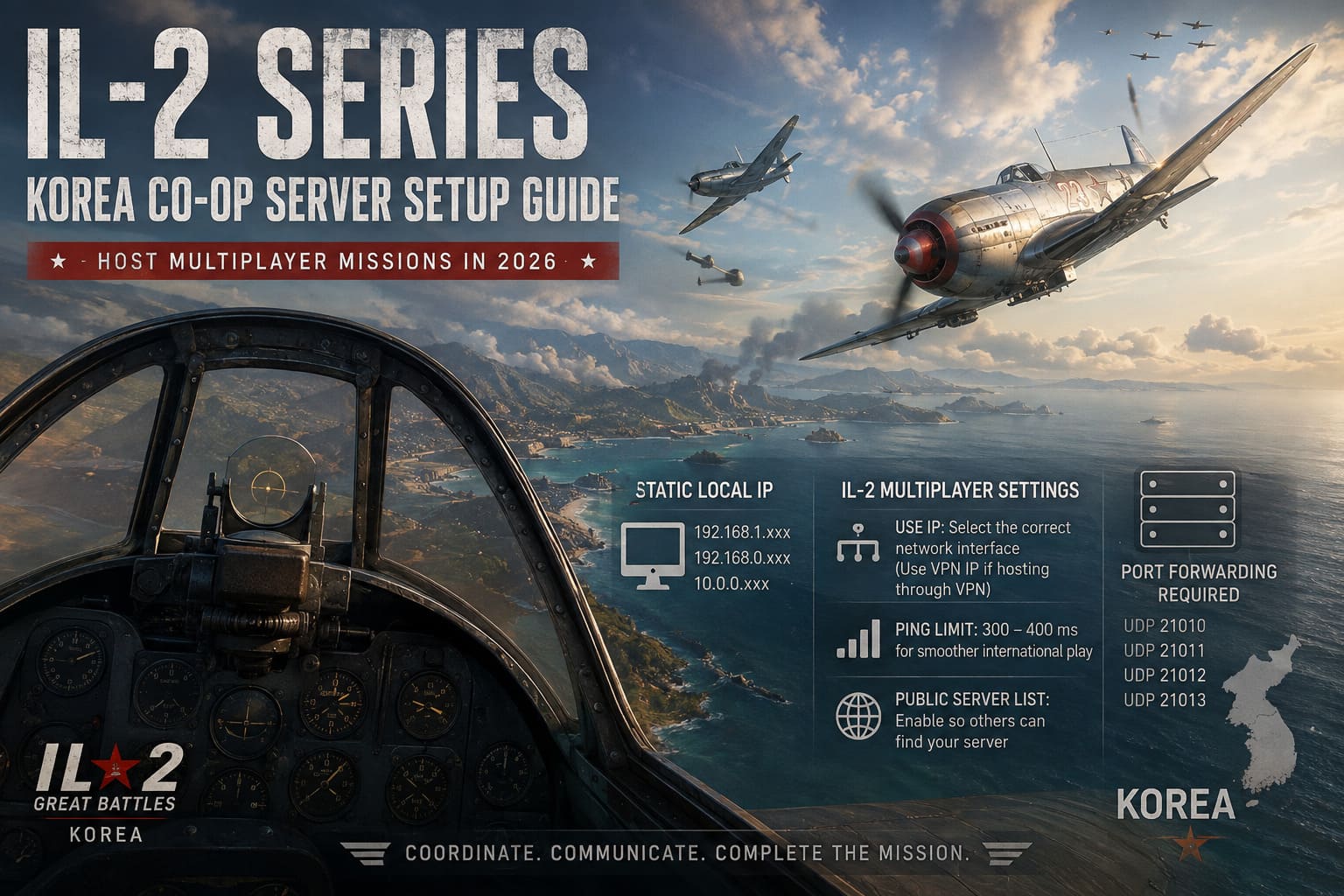
Typical private addresses look similar to:
- 192.168.1.xxx
- 192.168.0.xxx
- 10.0.0.xxx
Once the address remains fixed, everything else becomes far easier to manage.
I also like using Google’s public DNS servers during setup since they eliminate another variable while troubleshooting.
Check the Multiplayer Settings Inside IL-2
One mistake I made during my first attempts was assuming the game automatically selects the correct interface.
It doesn’t always.
Inside Multiplayer settings, verify that the Use IP field matches the network interface you’re actually hosting from.
If you’re running through a VPN that supports port forwarding, this should be the VPN address instead of your regular LAN adapter.
Another small change that helped our international sessions was increasing the ping limit.
Instead of using aggressive limits, allowing around 300–400 ms prevented players from getting removed because of temporary latency spikes.
Also make sure the server is allowed to appear on the public server list.
It’s surprisingly easy to forget this option.
The Two Ports That Matter Most
After helping several people with hosting issues, I noticed nearly every successful setup had one thing in common.
The required ports were properly forwarded.
Required ports
| Port | Protocol | Purpose |
|---|---|---|
| 28000 | TCP + UDP | Server communication and gameplay synchronization |
| 28100 | TCP + UDP | Mission file downloads |
Port 28000 keeps everyone connected during gameplay.
Port 28100 transfers the mission itself.
If players reach the lobby but fail while loading into the aircraft, I almost immediately suspect the second port.
Router Configuration Isn’t as Scary as It Sounds
Every router interface looks slightly different, but the process is almost always the same.
You’ll usually find one of these menus:
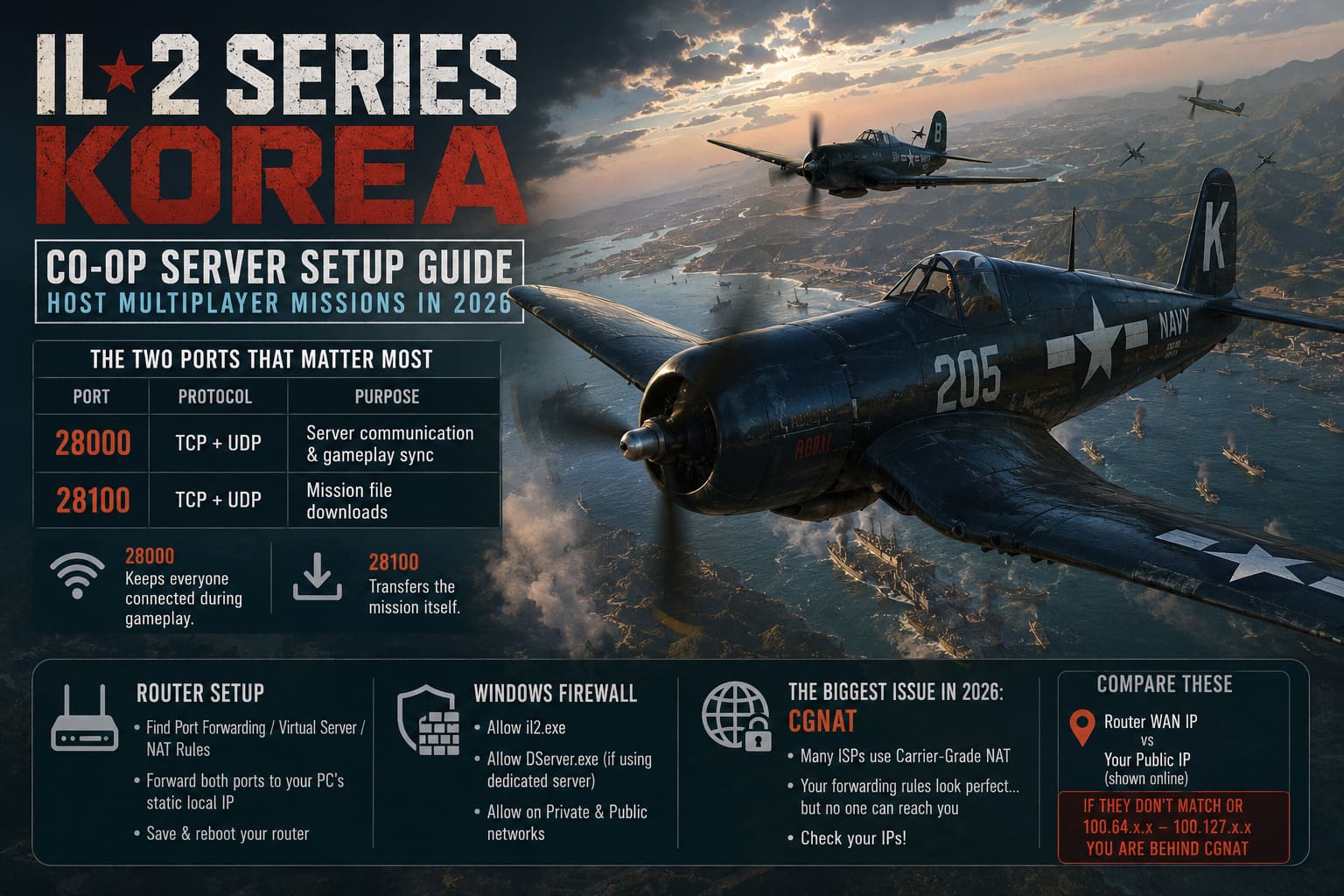
- Port Forwarding
- Virtual Server
- NAT Rules
Create forwarding rules that point both required ports directly toward your gaming PC’s static local address.
After saving the settings, reboot the router.
I’ve seen routers report successful forwarding while silently keeping the old configuration until a restart.
Don’t Forget Windows Firewall
Even with perfect router settings, Windows can still block incoming traffic.
Allow both:
- il2.exe
- DServer.exe (if using the dedicated server)
For each executable, allow connections on both Private and Public networks.
If you’re using third-party antivirus software, double-check that it isn’t applying an additional firewall behind the scenes.
More than once I spent half an hour looking at router settings before realizing security software was the real culprit.
The Biggest Problem in 2026: CGNAT
This is probably the issue I encounter most often when helping friends.
Many internet providers no longer give every household a true public IPv4 address.
Instead, they place customers behind Carrier-Grade NAT (CGNAT).
The result?
Your port forwarding rules look perfect…
…but nobody can actually reach your router.
The quickest way to check is simple.
Compare:
- Your router’s WAN IP
- Your public IP shown online
If they don’t match—or your WAN address falls within the 100.64.x.x to 100.127.x.x range—you are almost certainly behind CGNAT.
What Actually Solved It For Me
There are really only two reliable solutions.
Option 1
Request a real public IPv4 address from your ISP.
Many providers charge a small monthly fee, but hosting becomes dramatically easier.
Option 2
Use a VPN service that supports actual port forwarding.
Not every VPN offers this feature, so check before subscribing.
Once configured correctly, IL-2 can use the VPN interface exactly like a normal internet connection.
For many players, this ends up being the simplest workaround.
Hosting Your First Mission
Once networking is working correctly, creating a session is straightforward.
I usually follow this routine:
- Create a cooperative server.
- Set a password.
- Load the mission rotation.
- Adjust realism options.
- Shorten the lobby countdown.
- Wait until everyone selects an aircraft.
- Launch.
Reducing the countdown timer keeps everyone focused instead of waiting several minutes before each sortie.
DServer Is Worth Learning
For casual sessions, hosting directly through the game works perfectly well.
However, once our group started running longer campaigns, DServer became the better choice.
The biggest advantages I noticed were:
- More stable long sessions
- Lower resource usage
- Easier campaign management
- Better separation between flying and hosting
If one computer can remain dedicated to hosting, DServer is definitely worth the extra setup.
Korea IL-2 Series Beginners Guide: Best Tips & Tricks to Master the Skies
Campaign Generators Make Co-Op Much Better
After flying handcrafted missions for a while, our group wanted something less predictable.
Two utilities completely changed the experience.
Pat Wilson Campaign Generator (PWCG)
PWCG creates evolving campaigns where frontline positions, squadrons, and missions continue developing over time.
Every sortie feels connected to a larger conflict rather than being an isolated mission.
Only the host needs to generate missions before everyone joins.
Easy Mission Generator (EMG)
When we don’t have several hours available, EMG is my favorite choice.
It’s fast, simple, and excellent for creating large battles without spending an evening inside a mission editor.
Being able to control AI density, aircraft numbers, and mission length makes it perfect for casual squad nights.
IL-2 Korea Commander Career Mode Guide: Strategy and Logistics Manual
My Personal Troubleshooting Routine
Whenever something goes wrong, I avoid changing ten different settings at once.
Instead, I check these items in order.
- Verify ports 28000 and 28100 are reachable.
- Confirm the static IPv4 address hasn’t changed.
- Check the “Use IP” field inside IL-2.
- Verify Windows Firewall exceptions.
- Determine whether the ISP uses CGNAT.
- Restart both the router and the server after changes.
This method has solved nearly every hosting issue I’ve encountered.
Final Thoughts
I’ve hosted multiplayer sessions in plenty of games over the years, and IL-2 Korea definitely expects a little more technical involvement than most modern titles.
At first, that can feel frustrating.
Once everything is configured correctly, though, the experience is outstanding. Flying a carefully planned mission with friends, coordinating attacks over voice chat, and successfully bringing everyone home creates the kind of memorable moments that keep people returning to flight simulators year after year.
Spend a little time setting up your network properly, keep your ports open, and don’t overlook CGNAT if nothing else seems to work. After that, hosting becomes almost routine, letting you focus on what really matters—getting your squad airborne and enjoying some of the most rewarding cooperative flying available today.