Valheim Skill Console Commands: Guide to Max Character Stats (2026)
There are two things I absolutely love about Valheim: the atmosphere and the feeling that every little improvement matters. You start out fighting basic creatures with primitive gear, and several hours later you’re sailing across dangerous waters, mining ridiculous amounts of metal, fighting bosses, and wondering why you ever thought building a giant castle was a good idea.
The other thing Valheim does extremely well is punishing mistakes.
Death hurts. Losing progress after a bad expedition can be incredibly frustrating, especially when you’ve spent hours improving weapon skills, running across the map, sneaking through dangerous areas, or leveling magic. Sometimes I enjoy that grind. Sometimes, honestly, I just don’t have the patience for it.
That’s where Valheim console commands become useful.
I don’t consider developer commands a replacement for actually playing the game. For me, they’re more like a sandbox tool. If I want to test a weapon, create a ridiculous character build for a stream, recover from a frustrating death, or simply experiment with late-game mechanics, the console saves me a huge amount of time.
In this guide, I’ll go through the Valheim skill commands I actually find useful, explain how to enable the developer console, show the important skill IDs, and share a few of my favorite character builds.
How to Enable the Valheim Developer Console
Before you can start throwing console commands around, you need to make sure the developer console is enabled.
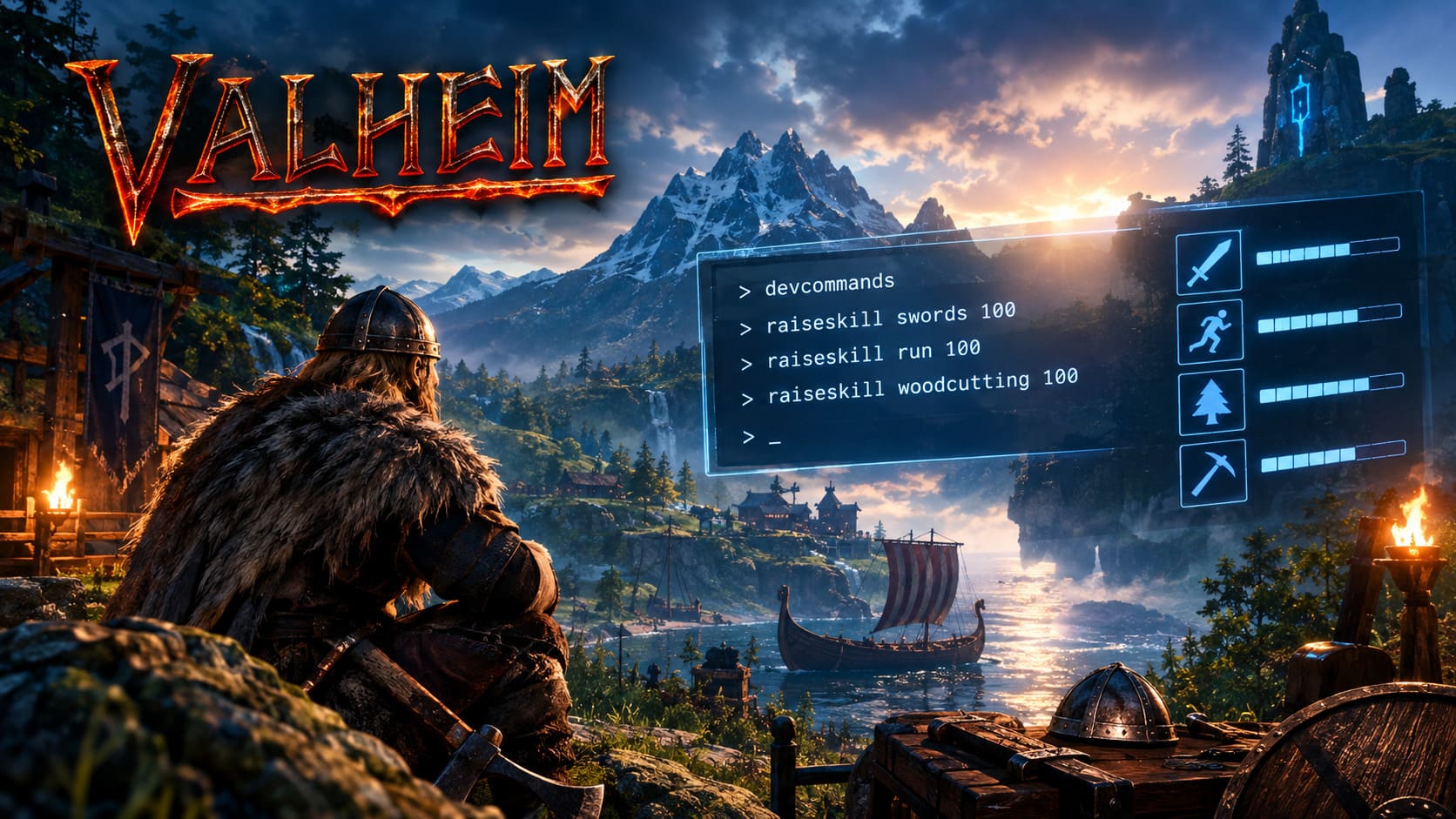
If you’re playing through Steam, the usual method is straightforward:
- Open your Steam Library.
- Right-click Valheim and choose Properties.
- Find the Launch Options section.
- Enter
-console. - Close the window and launch the game.
Once you’re inside your world, press F5 to open the console.
The command you’ll normally want first is:
devcommandsPress Enter and you should see confirmation that developer commands have been enabled.
That’s the important part. Without developer mode active, most of the commands in this guide won’t do anything.
Personally, I recommend creating a separate test world before experimenting heavily. It’s much easier to mess around with absurd character builds when your main survival save isn’t at risk.
The Most Useful Valheim Skill Commands
The basic command you’ll use for increasing skills is:
raiseskill [skill] [amount]For example:
raiseskill swords 50This increases your sword skill by the specified amount.
You can also reduce a skill by using a negative value:
raiseskill swords -15And if you want to completely wipe a skill, you can use:
resetskill swordsThis is particularly useful if you’re testing different builds and want to start from a clean baseline.
Quick Command Reference
| Goal | Command Example |
|---|---|
| Increase a skill | raiseskill swords 50 |
| Decrease a skill | raiseskill swords -15 |
| Reset a skill | resetskill swords |
| Enable developer commands | devcommands |
One piece of advice from someone who has spent far too much time experimenting with these commands: don’t blindly paste huge command lists into your main save. Test one or two commands first and make sure the result is what you expect.
Valheim Skill IDs You Should Know
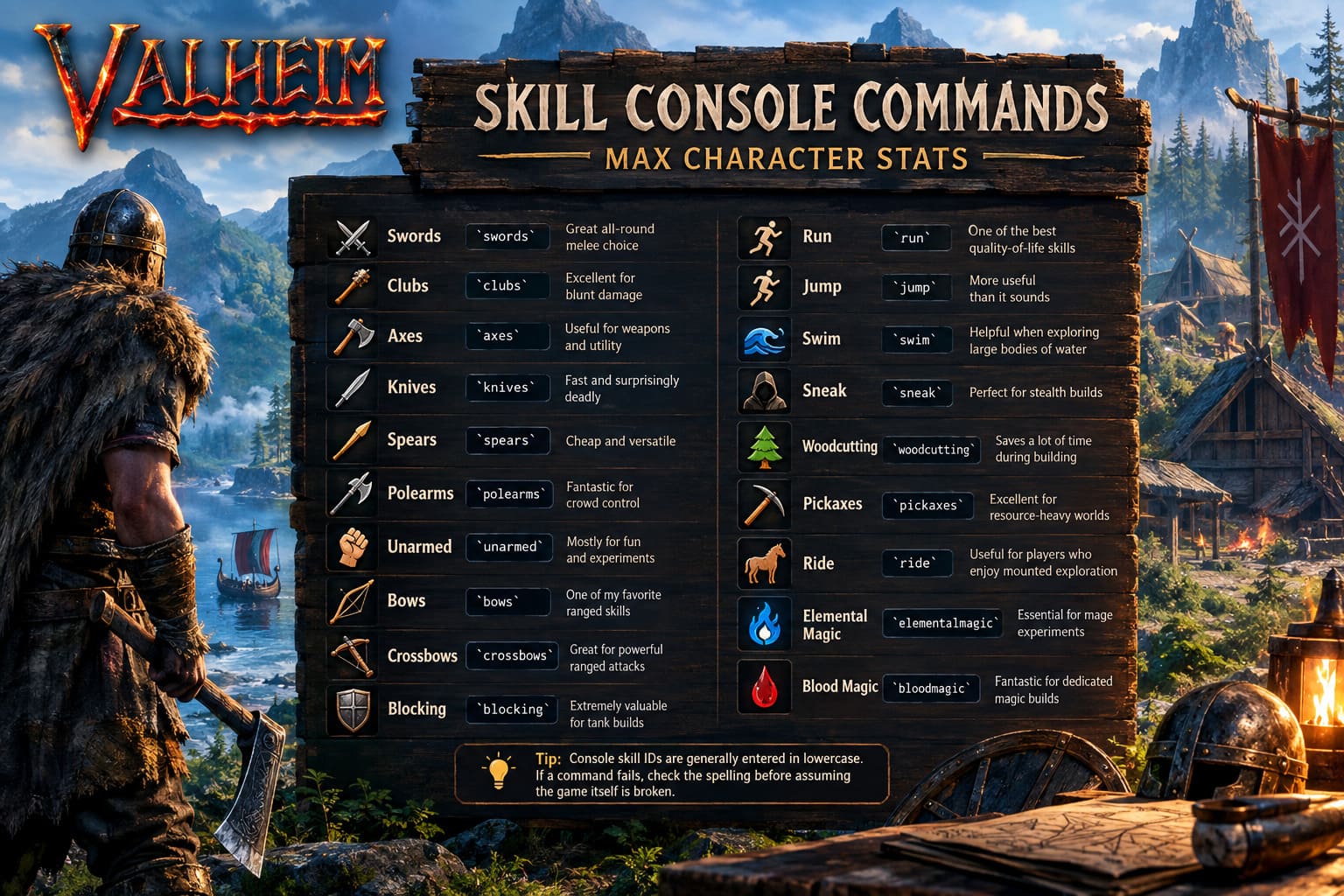
The console doesn’t use the friendly names you see in every part of the game’s interface. Instead, commands rely on specific skill identifiers.
Here are the most useful ones to keep nearby:
| Skill | Console ID | My Take |
|---|---|---|
| Swords | swords | Great all-round melee choice |
| Clubs | clubs | Excellent for blunt damage |
| Axes | axes | Useful for weapons and utility |
| Knives | knives | Fast and surprisingly deadly |
| Spears | spears | Cheap and versatile |
| Polearms | polearms | Fantastic for crowd control |
| Unarmed | unarmed | Mostly for fun and experiments |
| Bows | bows | One of my favorite ranged skills |
| Crossbows | crossbows | Great for powerful ranged attacks |
| Blocking | blocking | Extremely valuable for tank builds |
| Run | run | One of the best quality-of-life skills |
| Jump | jump | More useful than it sounds |
| Swim | swim | Helpful when exploring large bodies of water |
| Sneak | sneak | Perfect for stealth builds |
| Woodcutting | woodcutting | Saves a lot of time during building |
| Pickaxes | pickaxes | Excellent for resource-heavy worlds |
| Ride | ride | Useful for players who enjoy mounted exploration |
| Elemental Magic | elementalmagic | Essential for mage experiments |
| Blood Magic | bloodmagic | Fantastic for dedicated magic builds |
Tip: Console skill IDs are generally entered in lowercase. If a command fails, check the spelling before assuming the game itself is broken.
My Favorite Valheim Skill Builds
This is where console commands become genuinely fun.
I don’t always want to make the strongest possible character. Sometimes I want a build that completely changes the way I approach Valheim. After playing a lot of survival games, I’ve found that experimenting with unusual builds can make a familiar world feel surprisingly fresh.
1. The Melee Juggernaut
If I’m preparing for a brutal boss fight, this is usually the first build I test.
I’d start with:
raiseskill swords 100
raiseskill blocking 100
raiseskill run 100
You can swap swords for another weapon skill if you prefer clubs, axes, polearms, or knives.
The idea is simple: hit hard, block efficiently, and stay mobile.
High weapon skills make combat feel significantly smoother, while a strong blocking skill can completely change how confident you feel when standing in front of dangerous enemies.
The running skill is my personal favorite part of this setup. Valheim has a huge world, and running everywhere is part of the experience. But once you’ve played hundreds of hours, spending a large portion of your session simply traveling between locations starts to feel less exciting.
A high run skill makes exploration much more enjoyable.
2. The Archer / Stealth Build
If you prefer watching enemies die before they even reach you, try this:
raiseskill bows 100
raiseskill sneak 100
raiseskill run 100
This is one of my favorite builds for creating a completely different combat experience.
Bows + Sneak is especially satisfying because Valheim rewards positioning. Instead of charging directly into a group of enemies, you can approach carefully, find the right angle, and start the fight on your own terms.
It also makes certain biome explorations feel more like a stealth game.
And yes, sneaking around in Valheim while fully geared and acting like some kind of Viking assassin is every bit as entertaining as it sounds.
3. The End-Game Mage
Magic is one of the areas where Valheim becomes especially interesting in the later stages.
For a dedicated magic character, I’d use:
raiseskill elementalmagic 100
raiseskill bloodmagic 100
Elemental Magic is ideal for offensive spell testing, while Blood Magic becomes extremely interesting when experimenting with defensive abilities and summoned creatures.
The important thing to remember is that skill level isn’t the same thing as simply giving yourself better equipment. Skills influence how efficiently your character uses certain abilities, so a properly developed mage can feel very different from a character who simply picked up a staff for the first time.
For streams, screenshots, and testing, this is probably one of the most entertaining builds to play around with.
4. The Ultimate Resource Farmer
Sometimes I don’t want to fight anything.
I just want to build.
And if you’ve ever constructed a massive Viking settlement, you’ll understand why I like this setup:
raiseskill woodcutting 100
raiseskill pickaxes 100
raiseskill run 100
Wood and stone are never enough when you’re working on a ridiculous construction project.
You cut down trees.
Then you need more trees.
Then somehow you need even more trees.
And suddenly your entire afternoon has disappeared.
Increasing gathering-related skills is therefore one of the most practical uses of console commands for builders. It doesn’t necessarily make the game more interesting, but it removes one of the biggest time sinks when I’m working on a large creative project.
Can You Max Every Skill?
You may see guides and community posts mentioning commands intended to raise all skills at once.
The important thing here is to be careful with older command guides and outdated information. Valheim has changed considerably over its development, and commands, skill systems, and available abilities can change between versions.
Rather than assuming that every command found on an old forum post still behaves exactly the same way, I recommend testing commands individually in a disposable world.
For a single skill, the basic approach remains much easier to understand:
raiseskill [skill] [amount]For example:
raiseskill bows 100If you’re trying to create a specific build, I honestly prefer this approach anyway. It gives you much more control over your character instead of instantly turning everything to maximum.
What Happens When You Die?
One reason skill commands are so tempting is Valheim’s death penalty.
Dying isn’t just about losing your equipment and making a dangerous corpse run. Your character can also lose skill progress, which means a particularly unlucky expedition can undo a considerable amount of time you’ve invested in progression.
And that’s where I think console commands have a legitimate place.
If I’ve spent an entire evening leveling a weapon and then lose a huge chunk of that progress because of one stupid mistake, I’m not necessarily interested in repeating the same grind for another few hours.
I’ll often restore the approximate skill level and continue playing.
For me, that’s the difference between using console commands as a tool and using them to remove the entire game.
Valheim Sword Leveling Guide: The Best Weapon to Max Sword Skill Fast (2026 Update)
Common Valheim Console Command Problems
If a command isn’t working, don’t immediately assume you’ve typed everything correctly.
Here are the first things I’d check:
1. Developer Commands Aren’t Enabled
Open the console with F5 and make sure you’ve successfully enabled developer commands.
If the console doesn’t accept the command, check that -console was correctly added to the game’s launch options.
2. The Skill ID Is Wrong
The command needs the correct internal skill name.
For example:
raiseskill ride 100is different from typing a more obvious-looking word such as riding.
Always use the actual console identifier.
3. You’re Testing on a Restricted Server
Console and administrator functionality can depend on the environment you’re playing in. A command that works perfectly in a local single-player test world may not behave the same way on a dedicated multiplayer server.
If you’re unsure, test the command in a local world first.
4. Your Game Version Is Different
This is probably the most overlooked issue.
Valheim is an evolving game, and old command guides can become inaccurate. If something listed in an older article doesn’t work, check the current game version before assuming the command is broken.
Valheim Save File Location Guide 2026: Windows 11 Local and Cloud Paths
Should You Actually Use Skill Commands?
Honestly?
That’s completely up to you.
For a first playthrough, I wouldn’t recommend immediately maxing everything. A huge part of Valheim’s appeal comes from gradually becoming stronger, learning the biomes, improving your equipment, and earning those victories.
But after hundreds of hours?
That’s different.
If I’ve already experienced the progression loop and I want to build an enormous base, test a new weapon, create content for a stream, or experiment with a ridiculous mage build, I’m perfectly happy to use developer commands.
Valheim is at its best when it gives you reasons to experiment.
Console commands simply give you another way to do that.
My personal recommendation is to keep two worlds: one where you play normally and respect the progression, and another where you can go completely wild with developer tools. That way you get the best of both worlds.
You can enjoy the satisfaction of earning your gear legitimately while still having a sandbox where you can create a level-100 warrior, test every weapon, build absurd structures, and turn a peaceful evening into complete Viking chaos.
And honestly, after playing enough survival games, sometimes that’s exactly what I want from Valheim.