1666 Amsterdam Full Controller Support Review: Is It Better on PC with a Gamepad?
There are some games where I genuinely prefer a mouse and keyboard. Strategy games, shooters, management sims — that is usually an easy choice. Then there are games that seem to fight you every time you try to play them with a traditional PC setup.
1666: Amsterdam feels very much like the second kind of game.
After spending time with Panache Digital Games’ ambitious historical dark-fantasy adventure, my biggest takeaway is surprisingly simple: this is a PC game that feels much better with a controller in your hands. Not because the keyboard and mouse are completely unusable, but because the game’s movement, combat, exploration, and companion mechanics all make far more sense when mapped onto two analog sticks and a handful of physical buttons.
That is an interesting result considering the history behind the project. Patrice Désilets has been associated with some of the most influential third-person action games ever made, and 1666: Amsterdam has spent years sitting in that strange category of projects that players talked about long before they could actually play them.
Now that the game has finally arrived in PC Early Access, the question isn’t simply whether it works with a controller. It does. The more interesting question is whether controller support actually improves the experience.
In my opinion, it absolutely does.
A Very Different Kind of Historical Adventure
1666: Amsterdam takes players into a grim version of 17th-century Amsterdam, where crowded streets, canals, religious tension, disease, superstition, and occult forces all exist alongside one another.

You play as Noa Brooklyn, known as the Collector, a young woman trained by the mysterious Zaindaris. Her job is not exactly what you would expect from a historical adventure. She hunts supernatural beings known as the Originals, creatures capable of hiding among ordinary people.
The game is split between two very different rhythms.
During the day, Amsterdam is primarily about investigation, movement, observation, and social stealth. At night, everything becomes considerably more dangerous. The supernatural side of the game takes over, and exploration gives way to combat, spells, dodging, and more aggressive encounters.
Then there is Aaron.
Aaron is a black cat with a human mind, and his inclusion isn’t some simple novelty. He fundamentally changes how you approach the environment. He can reach places Noa cannot, squeeze through narrow spaces, climb buildings, and provide another perspective on the world.
That combination is exactly why controller support matters so much.
Why the Analog Stick Makes Such a Difference
I’ve played enough third-person action games to know when a character’s movement has been designed around analog input.
1666: Amsterdam is one of those games.
With WASD, movement is essentially binary. You’re moving or you’re not. You can compensate with animation systems and different movement states, but you never quite get the same physical control as pushing an analog stick halfway forward and watching your character naturally walk instead of sprint.
That difference becomes particularly noticeable during daytime exploration.
Amsterdam isn’t just a collection of combat arenas. You are constantly moving through populated areas, watching NPCs, avoiding unwanted attention, examining potential targets, and positioning yourself carefully.
With a controller, I can gently push the left stick and have Noa move through a crowd without feeling like I’m constantly fighting the controls.
That sounds like a tiny improvement.
It isn’t.
In games built around stealth and environmental observation, movement precision becomes part of the gameplay itself.
| Gameplay Area | Controller Experience | Keyboard & Mouse |
|---|---|---|
| Exploration | Smooth and natural | More abrupt |
| Social Stealth | Excellent analog control | Less precise movement |
| Combat | Comfortable access to actions | More demanding key management |
| Aaron Sections | Very intuitive | More mechanically awkward |
| Camera Control | Consistent | Potential sensitivity issues |
Aaron the Cat Is Even Better With a Gamepad
The Aaron sections are probably where I noticed the controller advantage the most.
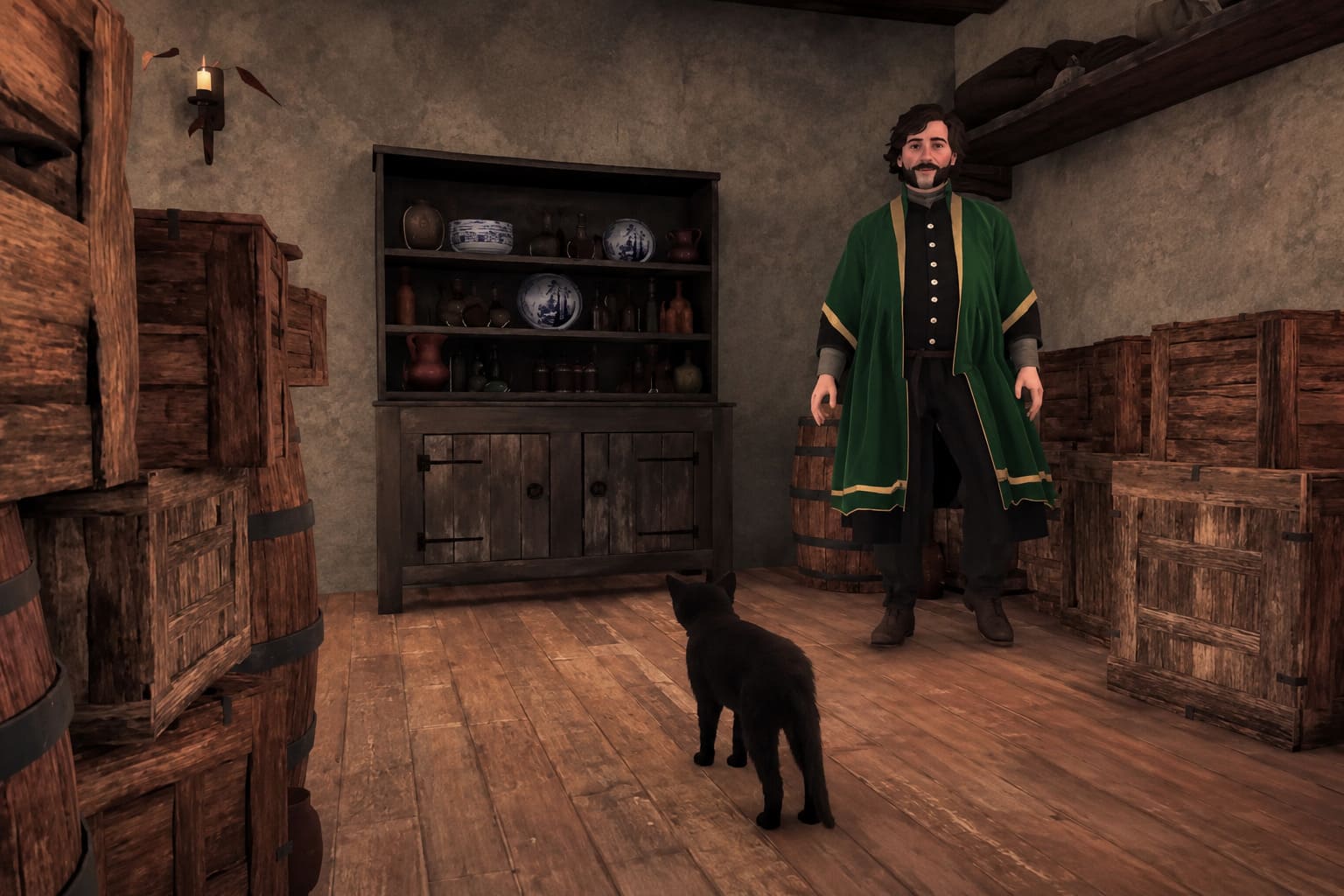
Controlling a small animal through an enormous historical city has a completely different physical feel from controlling Noa. Aaron can climb, jump, squeeze through openings, cross narrow surfaces, and explore areas that simply aren’t designed for a human character.
The right analog stick becomes particularly useful here.
I can smoothly scan rooftops, rotate the camera toward windows, check ledges, and make small directional corrections without having to constantly adjust mouse sensitivity.
The face buttons also make contextual actions feel more immediate. Jumping, climbing, and interacting become part of a rhythm rather than a sequence of keyboard commands that I have to consciously remember.
It reminded me of older third-person adventure games where the controller wasn’t treated as an optional peripheral. It was the language the game was designed to speak.
And honestly, that works here.
Combat Is Where Controller Support Really Earns Its Keep
The peaceful parts of 1666: Amsterdam can be surprisingly methodical. Combat is another story.
When an Original drops its disguise, things can become chaotic very quickly. You have attacks to avoid, defensive actions to perform, spells to manage, and movement to control at the same time.
This is where I would choose a controller even if the keyboard and mouse implementation were significantly better.
The advantage isn’t raw speed. A mouse is obviously capable of extremely fast camera movement. The advantage is physical organization.
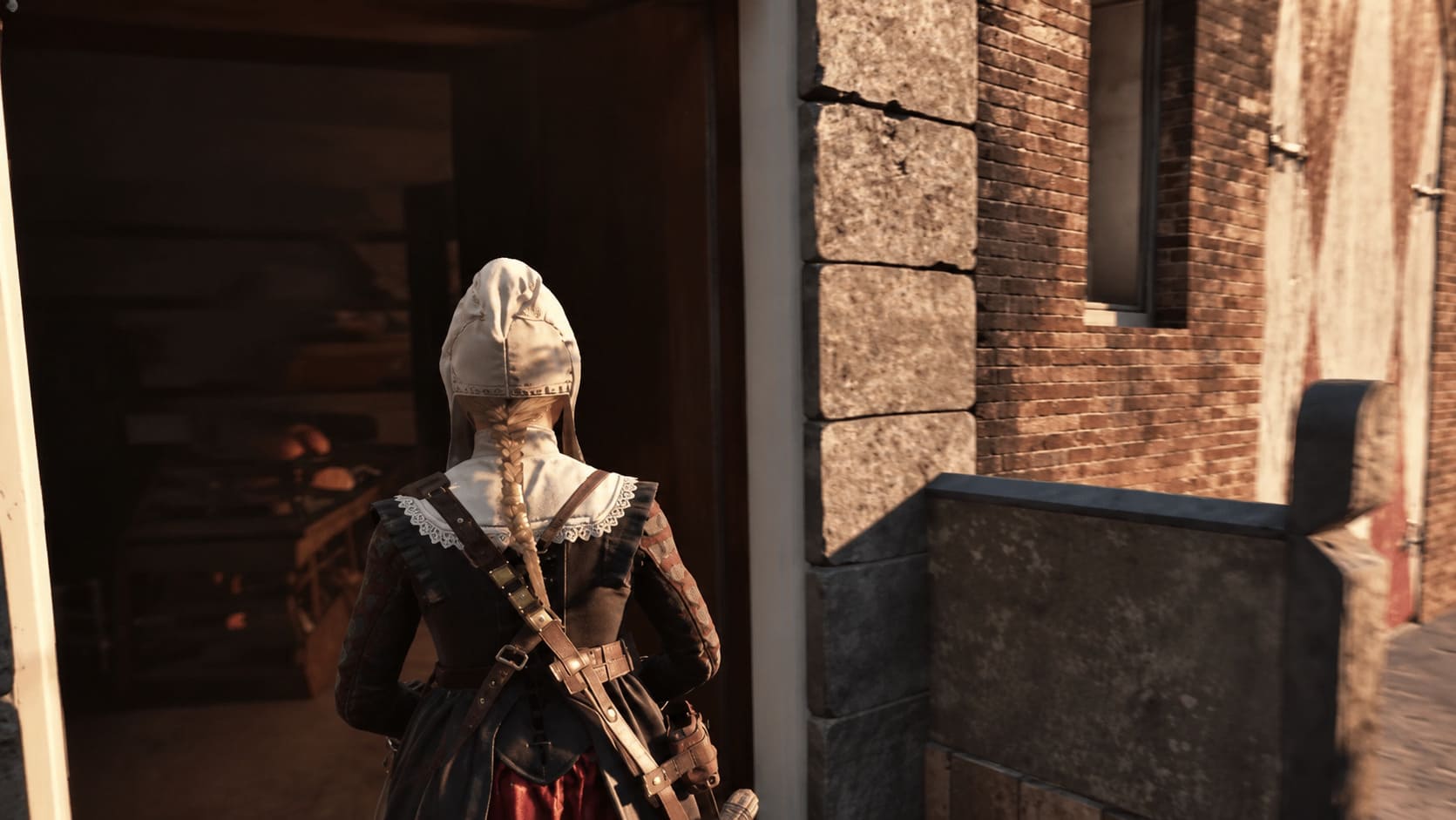
Your left thumb handles movement.
Your right thumb handles the camera.
Your fingers remain around the shoulder buttons and triggers for combat actions.
That leaves the face buttons and D-pad available for contextual actions, spells, and other abilities.
It creates a very predictable physical layout.
The game also introduces a roguelike element where supernatural abilities can be acquired from mysterious boxes. Instead of simply giving Noa a fixed arsenal, the game can offer different abilities during progression.
That could easily become annoying if the controls were cluttered.
Thankfully, the controller layout makes switching between these options relatively painless.
The Mouse and Keyboard Experience Isn’t as Convincing
I don’t want to pretend that keyboard and mouse controls are impossible. They’re not.
But after playing both ways, I wouldn’t choose them for a full playthrough.
The problem is less about individual buttons and more about the overall control philosophy.
1666: Amsterdam asks you to manage movement, camera positioning, combat, supernatural abilities, investigation, and Aaron-related actions. When all of those systems are spread across a keyboard, it can feel like there are simply too many things competing for your fingers.
Camera sensitivity can also make a difference. During slower exploration, excessive mouse sensitivity can feel twitchy, while lower sensitivity can become frustrating when combat suddenly demands a fast turn.
A controller doesn’t magically solve every issue, but it gives the whole experience a much more consistent physical rhythm.
For me, that’s the deciding factor.
Steam Deck: Great Controls, Questionable Performance
The Steam Deck is an especially interesting case because its entire control philosophy is based around a gamepad.
The good news is that 1666: Amsterdam’s native controller support translates naturally to the handheld. The buttons, sticks, triggers, and interface make sense without requiring a complicated custom Steam Input profile.
The less exciting news is performance.
The game is doing a lot visually. Detailed environments, crowds, lighting effects, atmospheric effects, and supernatural combat can put significant pressure on handheld hardware.
So while the controls feel right on Steam Deck, the performance side is much harder to praise.
This is an important distinction.
Controller support is not the same thing as optimization.
A game can recognize every button perfectly and still struggle to maintain a stable frame rate. In my experience, 1666: Amsterdam’s control scheme is considerably more mature than its overall technical performance.
That is something I hope improves as Early Access continues.
Early Access Problems You Should Know About
The controller experience isn’t perfect either.
The biggest issues I’ve encountered are not game-breaking, but they are exactly the sort of rough edges you expect from an Early Access release.
A few things stand out:
- Character animations can look stiff, especially during transitions between movement states.
- Environmental collision can occasionally behave strangely, producing awkward climbing or movement moments.
- Controller prompts can become inconsistent, particularly when changing between menus and gameplay.
- PlayStation controllers may sometimes display Xbox-style prompts.
- Advanced DualSense features are limited, meaning you don’t get the kind of adaptive trigger and detailed haptic feedback that would make supernatural abilities feel considerably more physical.
The last one is disappointing.
Imagine casting a powerful spell and feeling the trigger resistance change. Imagine Aaron landing on different surfaces with more nuanced vibration feedback.
There is clearly potential here for something much more immersive.
Hopefully Panache takes advantage of it later.
1666: Amsterdam Spellcasting Guide – Witchcraft Spells, Combat & Suspicion Tips
Is 1666: Amsterdam Better With a Controller?
For me, this isn’t really a difficult decision.
Yes.
If you are buying 1666: Amsterdam specifically to experience its third-person exploration, social stealth, supernatural combat, and unusual Noa-and-Aaron mechanics, I would strongly recommend using a controller.
The biggest advantage isn’t one specific feature. It’s how everything fits together.
Analog movement makes exploration more natural. The right stick makes Aaron’s vertical sections easier to manage. Shoulder buttons and triggers keep combat actions close to your fingers. The D-pad and face buttons give the supernatural abilities a sensible home.
It simply feels less like I’m operating a complicated PC interface and more like I’m controlling an action-adventure game.
And that’s probably the biggest compliment I can give it.
Is 1666 Amsterdam Coming to PS5 in 2026? Release Date and Platform Realities
Final Verdict
1666: Amsterdam is rough around the edges, but its controller support is one of the stronger aspects of the current Early Access build.
The game still needs work. Animations need refinement. Performance needs optimization. Interface bugs need attention. DualSense functionality could be considerably more ambitious.
But underneath those problems is a fascinating game with a genuinely unusual identity.
After playing countless third-person adventures over the years, I’m always happy when a game finds a control scheme that simply gets out of the way. 1666: Amsterdam does that with a gamepad.
The controller lets me concentrate on what I actually enjoy: exploring the city, watching suspicious characters, climbing rooftops as Aaron, experimenting with supernatural abilities, and trying not to get destroyed when an investigation suddenly turns into a nightmare.
So, is 1666: Amsterdam better on PC with a controller?
Absolutely.
If you’re planning to explore its dark version of Amsterdam, I’d leave the keyboard on the desk and pick up a gamepad instead. The game isn’t technically perfect yet, but the foundation is there — and the controller-focused design makes the experience feel considerably more polished than some of its Early Access rough edges would suggest.
Verdict: Recommended — especially with a controller.