SAND: Raiders of Sophie Server Fix Guide – How to Solve Connection, Lag, and Matchmaking Issues on Steam Early Access
The launch of SAND: Raiders of Sophie hits that familiar Early Access chaos zone where excitement and frustration walk side by side. On paper, it’s exactly the kind of PvPvE survival extraction shooter that pulls you in for “just one more run,” but in reality the first days on Steam have been rough for a lot of players. Massive mechanical walkers, desert raids, loot tension — all of it gets interrupted the moment the connection drops or matchmaking freezes for no clear reason.
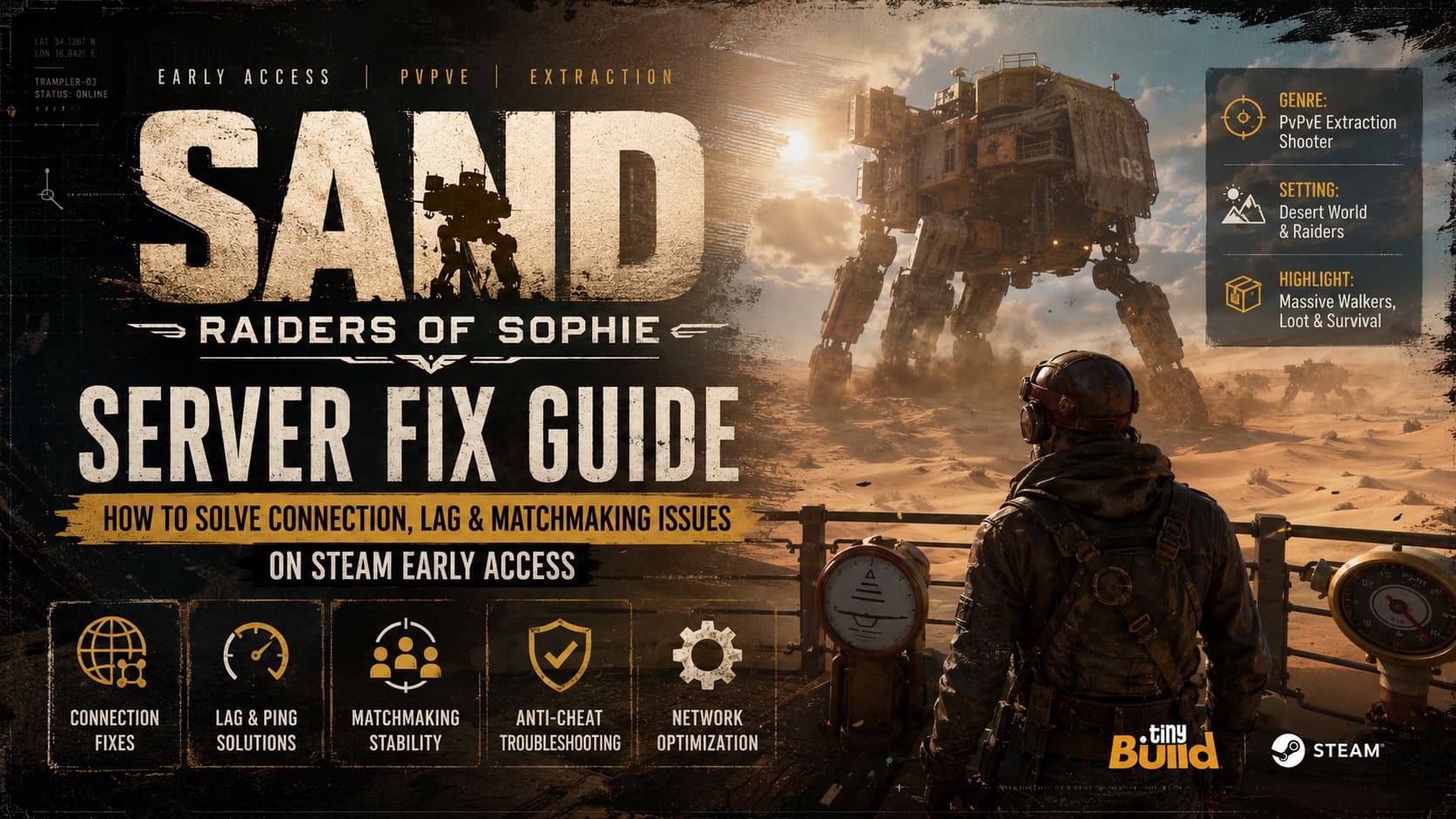
What makes it especially annoying is how inconsistent the issues feel. One minute everything is smooth, the next you’re staring at an infinite loading screen or getting kicked right after deployment. It doesn’t always feel like a broken game, more like a stressed system trying to hold back a flood of players. And honestly, that’s pretty normal for a big Early Access launch published by tinyBuild, especially one built around always-online PvPvE systems.
How to Fix SAND: Raiders of Sophie Crashing on Launch and Startup Issues on PC
What’s Actually Happening With SAND Server Issues
The most common complaints are easy to recognize if you’ve spent any time in multiplayer survival games. Players report sudden disconnects during matchmaking, rubberbanding when entering combat zones, and occasional authentication failures that kick them straight back to the main menu. Some even get stuck in infinite loading loops after selecting their Trampler loadout, which feels like the game is teasing you before the match even begins.
From a technical perspective, these problems usually come from three overlapping issues. First, there’s raw server overload during peak hours. Second, there are early optimization gaps in how the game handles session persistence and physics-heavy interactions. Third, there’s the classic launch-week problem of regional routing conflicts between players, ISPs, and backend servers. Put all of that together and you get a very unstable cocktail of connectivity failures.
What matters most is understanding this isn’t always your fault. Still, that doesn’t mean you’re powerless — there are several real fixes that consistently help stabilize the experience.
Check If the Servers Are Actually Down Before Anything Else
Before changing any local settings, it’s important to confirm whether the issue is global. If servers are overloaded or under maintenance, nothing on your side will fix the connection.
The developers at tinyBuild usually announce downtime or instability through official channels. If you’re unsure, check Steam announcements for SAND updates, especially maintenance posts or hotfix notes. Social updates can also clarify whether issues are regional or global.
If your friends are playing without issues while you cannot connect at all, the problem is likely on your side, not the servers.
Verify Game Files Inside Steam
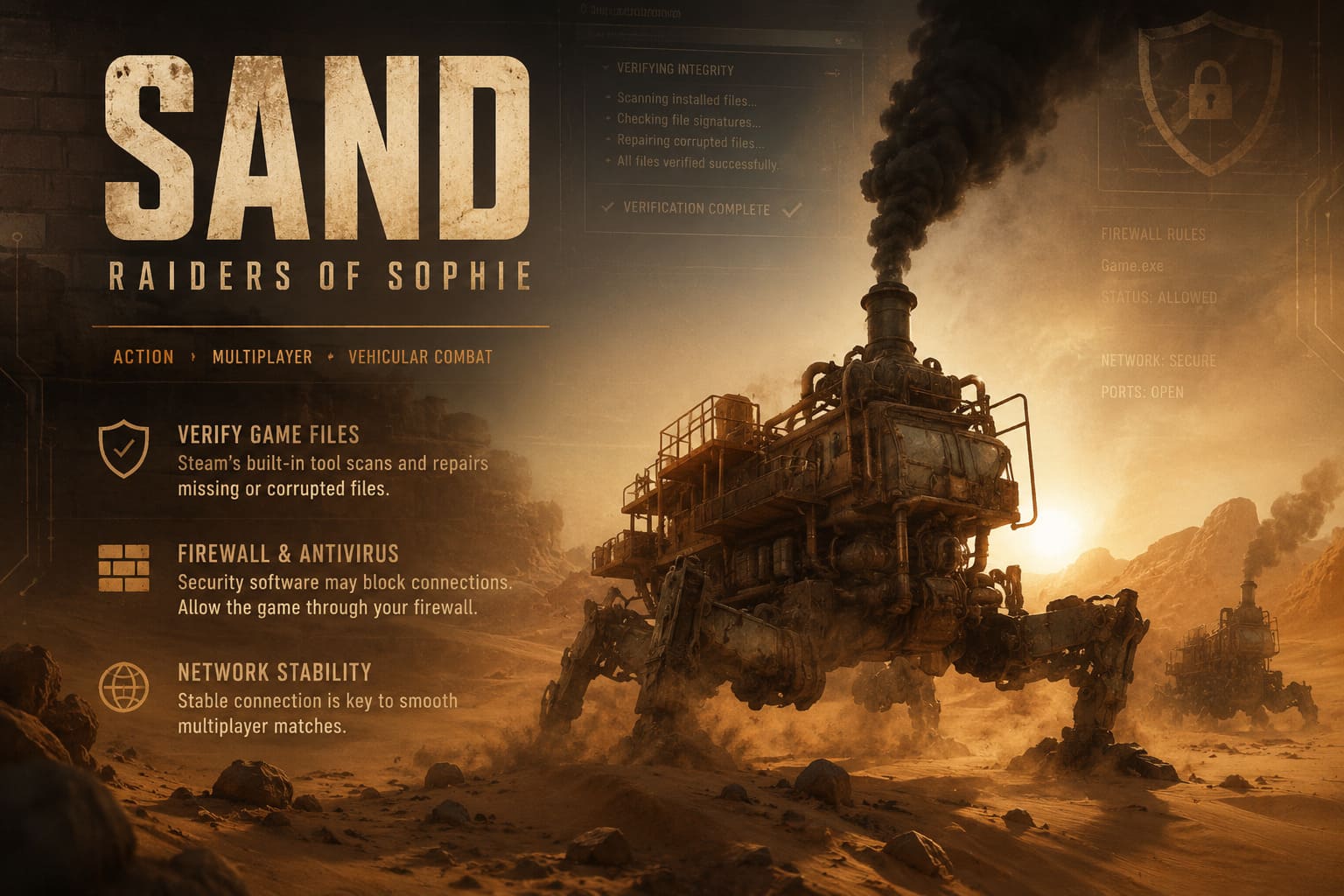
Corrupted installation files are one of the most underestimated causes of multiplayer instability. A broken or incomplete patch can easily desync your client from matchmaking services, leading to crashes or infinite loading screens.
Steam includes a built-in verification tool that checks your installation against the official build and replaces missing or corrupted files automatically. This step is simple, but it solves a surprisingly large number of launch-week issues.
Firewall and Antivirus Configuration
Security software can sometimes interfere with new multiplayer games. Windows Defender or third-party antivirus tools may mistakenly block network communication required for matchmaking or anti-cheat validation.
If this happens, the game may fail to connect properly or disconnect mid-session. Ensuring full firewall permissions for both private and public networks is essential. If the game is not listed, you can manually add the executable from your Steam directory.
VPNs and Network Boosters
VPNs are often used to improve privacy or routing, but in competitive online games they can cause serious instability. Sudden IP changes or congested routes can break authentication or trigger anti-cheat responses.
Since SAND relies on BattlEye anti-cheat systems, inconsistent routing may lead to connection drops or matchmaking failures. Unless you are using a gaming-optimized network tool, it is usually better to disable VPNs while playing.
BattlEye Anti-Cheat Issues and Random Kicks
One of the most frustrating problems players face is being kicked shortly after entering a match. This is often caused by anti-cheat initialization failing to sync properly during startup.
SAND uses BattlEye, which must run correctly in the background for stable matchmaking. If the service fails to initialize, the game may disconnect you even if everything else is working fine. This is especially common on Linux systems using Proton compatibility layers.
Reinstalling the anti-cheat service or adjusting Proton runtime settings often resolves this issue, restoring stable access to servers.
Network Optimization Tips
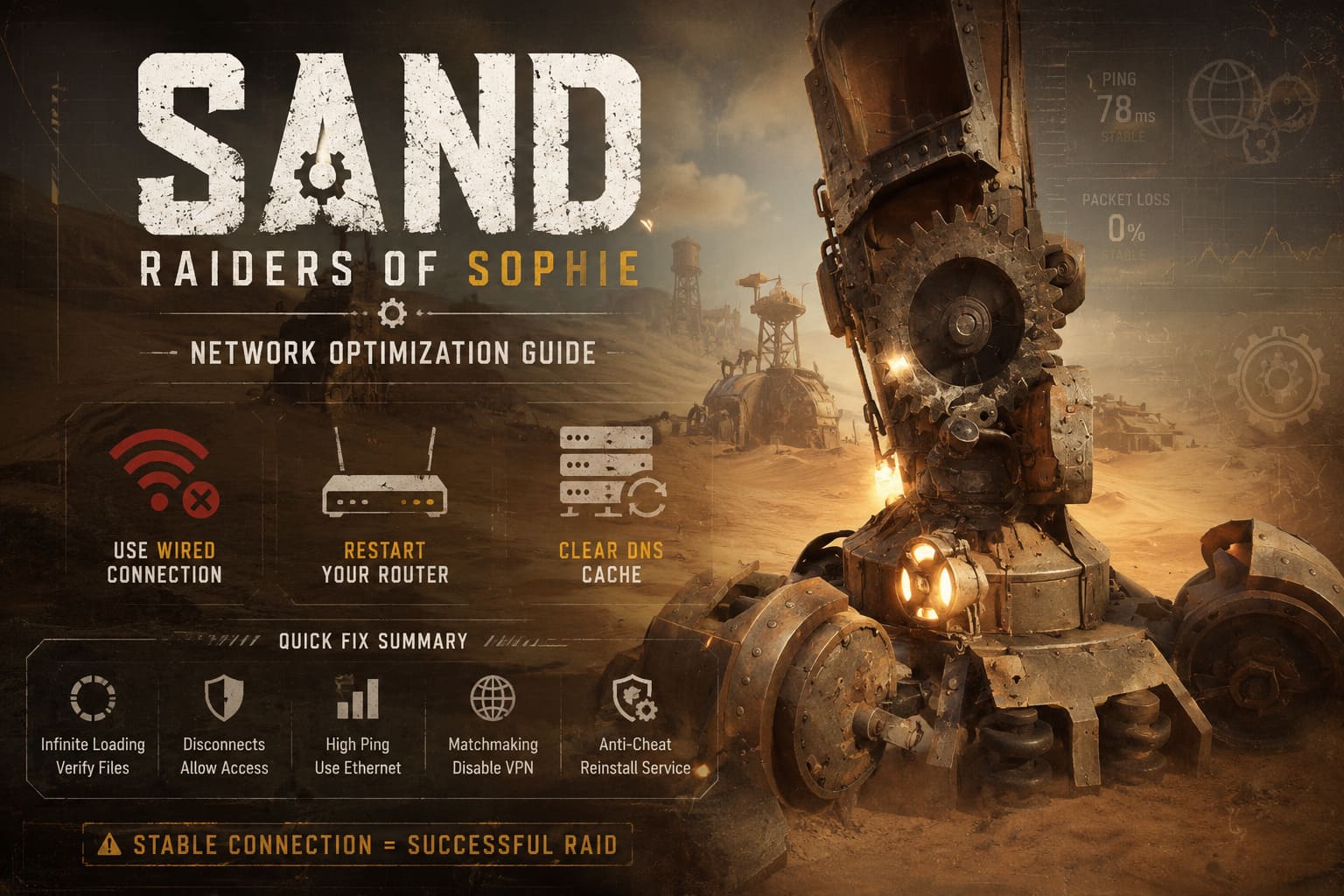
If your issue is lag rather than full disconnections, your local network setup is likely the cause. Extraction shooters are extremely sensitive to packet loss and latency spikes because timing directly affects combat and extraction success.
A wired Ethernet connection is strongly recommended over Wi-Fi. Wireless interference can easily disrupt packet stability, especially in fast-paced PvPvE environments like SAND.
Restarting your router can also help by refreshing your ISP connection and clearing cached routing data. In some cases, flushing DNS improves matchmaking speed by removing outdated network paths.
Quick Fix Summary
| Problem | Likely Cause | Fix |
|---|---|---|
| Infinite loading screen | Corrupted files | Verify Steam files |
| Sudden disconnects | Firewall blocking | Allow game access |
| High ping / lag | Wi-Fi instability | Use Ethernet |
| Matchmaking failure | VPN routing conflict | Disable VPN |
| Anti-cheat kicks | BattlEye desync | Reinstall service |
When Nothing Works: Reporting Bugs
If none of the fixes work, the issue may be caused by deeper backend instability or a rare bug affecting specific configurations. At this point, reporting becomes important for both players and developers.
Crash logs and system dumps provide much more useful information than general error reports. Developers can identify whether the issue is related to network infrastructure, client instability, or server-side bugs.
In Early Access games like SAND, community feedback plays a direct role in shaping stability updates, so detailed reports actually make a difference.
Final Thoughts
SAND: Raiders of Sophie is clearly aiming for something ambitious, combining massive walkers, extraction gameplay, and open-world PvPvE chaos. That ambition naturally comes with instability during Early Access, especially at launch when servers are under heavy pressure.
Most of the issues players are seeing are temporary and tied to scaling rather than fundamental design flaws. Once server load stabilizes and backend systems are optimized, the experience has strong potential to become significantly more consistent and enjoyable.
For now, the best approach is a mix of patience and practical troubleshooting. When everything aligns, SAND delivers a unique kind of survival tension that very few games actually manage to achieve.