
How to Fix Subnautica 2 Connection Timed Out and Co-Op Lobby Errors (2026 Guide)
When I jumped into Subnautica 2 for the first time, I expected exactly what every longtime survival-game fan wanted: terrifying deep-sea exploration, panic during night dives, and chaotic co-op moments with friends screaming in Discord while some giant leviathan destroys the base we spent three hours building.
And honestly? The game delivers on that atmosphere better than almost any survival title I’ve played in years.
But there’s one massive problem right now — multiplayer stability.
After spending dozens of hours testing the game with friends across Steam and Xbox, I can say this confidently: the biggest enemy in Subnautica 2 isn’t the ocean. It’s the lobby system.
The infamous “Connection Timed Out”, “Disconnected From Session”, and “Crossplay Disabled” errors are everywhere. Reddit threads are exploding, Steam forums are full of frustrated players, and YouTube is already packed with “fix” videos that barely help. The good news? A few solutions actually work consistently.
This guide is not just another copy-paste troubleshooting article. These are the fixes that genuinely solved the issue for me and my group after several painful nights trying to get co-op running properly.
Why Subnautica 2 Multiplayer Keeps Failing
The main reason multiplayer feels unstable right now comes down to one thing: Epic Online Services (EOS).
Like many modern cross-platform games, Subnautica 2 uses EOS to connect Steam players, Xbox users, and Game Pass users together. In theory, it’s great. In practice, during Early Access, it’s extremely fragile.
A tiny mismatch between your system settings, launcher permissions, or network configuration can completely break the connection handshake.
From what I’ve seen personally, the most common causes are:
- Incorrect Windows clock synchronization
- Firewall restrictions
- Strict NAT type
- Different game versions
- Broken platform invites
- Windows network cache corruption
- Launcher permission issues
The weirdest part? Some of the fixes sound ridiculous until they suddenly work instantly.

1. Sync Your Windows Clock First (Seriously)
I know this sounds fake.
I laughed when someone told me the system clock was causing multiplayer failures. Then I tried it — and it fixed the issue immediately.
Apparently, EOS is extremely sensitive to time synchronization. Even being off by one minute can break authentication between players.
Here’s how to fix it:
- Open Settings
- Go to Time & Language
- Select Date & Time
- Turn Set Time Automatically OFF
- Turn it back ON
- Press Sync Now
- Restart the game completely
This single fix solved lobby timeouts for two people in my squad.
If you dual-boot Linux and Windows, this problem becomes even more common.
2. Run Steam or Xbox App as Administrator
This one feels old-school, but it still matters in 2026.
Windows security systems love interfering with multiplayer games that rely on external services like EOS. Running your launcher with elevated permissions can bypass a lot of silent connection failures.
For Steam:
- Fully close Steam
- Right-click Steam
- Select Run as Administrator
- Launch the game again
For Xbox App:
- Close Xbox App entirely
- Right-click it
- Run as Administrator
- Restart Subnautica 2
After doing this, one of my friends finally stopped getting the “Crossplay Disabled” error every time we invited him.
3. Stop Using Platform Invites
This is probably the biggest multiplayer mistake players are making right now.
Steam invites are unreliable. Xbox invites are worse.
The in-game Friend Code system is dramatically more stable because it bypasses some of the broken platform-layer communication.
The better method:
| Step | What To Do |
|---|---|
| Host | Load into the world first |
| Host | Open Friends Menu |
| Host | Generate Friend Code |
| Players | Paste code manually |
| Everyone | Join through EOS lobby |
It’s annoying, but honestly, this method worked almost every single time compared to normal invites.
4. Firewall Problems Are Extremely Common
I’ve seen this issue in almost every online survival game over the years, from ARK: Survival Evolved to Valheim and Rust.
Windows Defender randomly decides certain multiplayer traffic “looks suspicious” and silently blocks packets in the background.
Subnautica 2 seems especially vulnerable to this right now.
What you should check:
- Allow the game through Windows Firewall
- Enable both Private and Public network permissions
- Add the EXE manually if needed
- Disable aggressive antivirus protection temporarily
Programs like Avast, Bitdefender, and Kaspersky can absolutely destroy EOS connectivity.
Personally, I had to whitelist the game executable before my disconnects finally stopped.
5. Reset Your Network Stack

This is one of those fixes most casual players skip because it looks “too technical,” but it can genuinely help.
After several patches and failed connection attempts, Windows networking can become messy.
Open Command Prompt as Administrator and run these commands:
netsh winhttp reset proxy
ipconfig /release
ipconfig /renew
ipconfig /flushdns
netsh winsock reset
Then reboot your PC.
I’ve used this exact process for years across dozens of multiplayer launches. It fixed issues in games long before Subnautica 2 existed.
6. Make Sure Everyone Has the Same Game Version
This sounds obvious, but Early Access games update constantly.
Sometimes Steam downloads hotfixes instantly while Xbox Game Pass delays them slightly. That mismatch alone can trigger endless loading screens and timeout errors.
On Steam:
- Right-click the game
- Open Properties
- Verify Integrity of Game Files
On Xbox App:
- Open Microsoft Store
- Go to Library
- Press Get Updates
A lot of “random” connection issues are actually hidden version mismatches.
How to Fix Subnautica 2 Low FPS Inside Bases: Complete Optimization Guide (2026)
7. Disable Analytics and Crash Uploads
This one surprised me the most.
Several long-session disconnects disappeared after disabling telemetry options inside the game settings.
I was skeptical at first, but after testing it over multiple sessions, there was definitely a noticeable improvement.
Turn OFF:
- Upload Crash Reports
- Gameplay Analytics
- Background Diagnostic Data
This won’t magically fix matchmaking, but it reduced lag spikes and weird desync issues during long co-op sessions.
8. Your NAT Type Might Be the Real Problem
Here’s the ugly truth many players don’t realize:
Some internet providers basically break peer-to-peer gaming entirely.
If your ISP uses CGNAT (Carrier-Grade NAT), multiplayer games can become a nightmare because multiple users share the same public IP structure.
This causes:
- Failed lobby joins
- Random disconnects
- Voice chat instability
- Infinite loading screens
What helped me:
- Switching from Wi-Fi to Ethernet
- Enabling UPnP in router settings
- Restarting router completely
- Avoiding bandwidth-heavy downloads during hosting
If your NAT remains “Strict,” you may need to contact your ISP directly.
Some players even reported success using gaming-focused VPN services to bypass routing issues.
My Honest Experience With Subnautica 2 Multiplayer
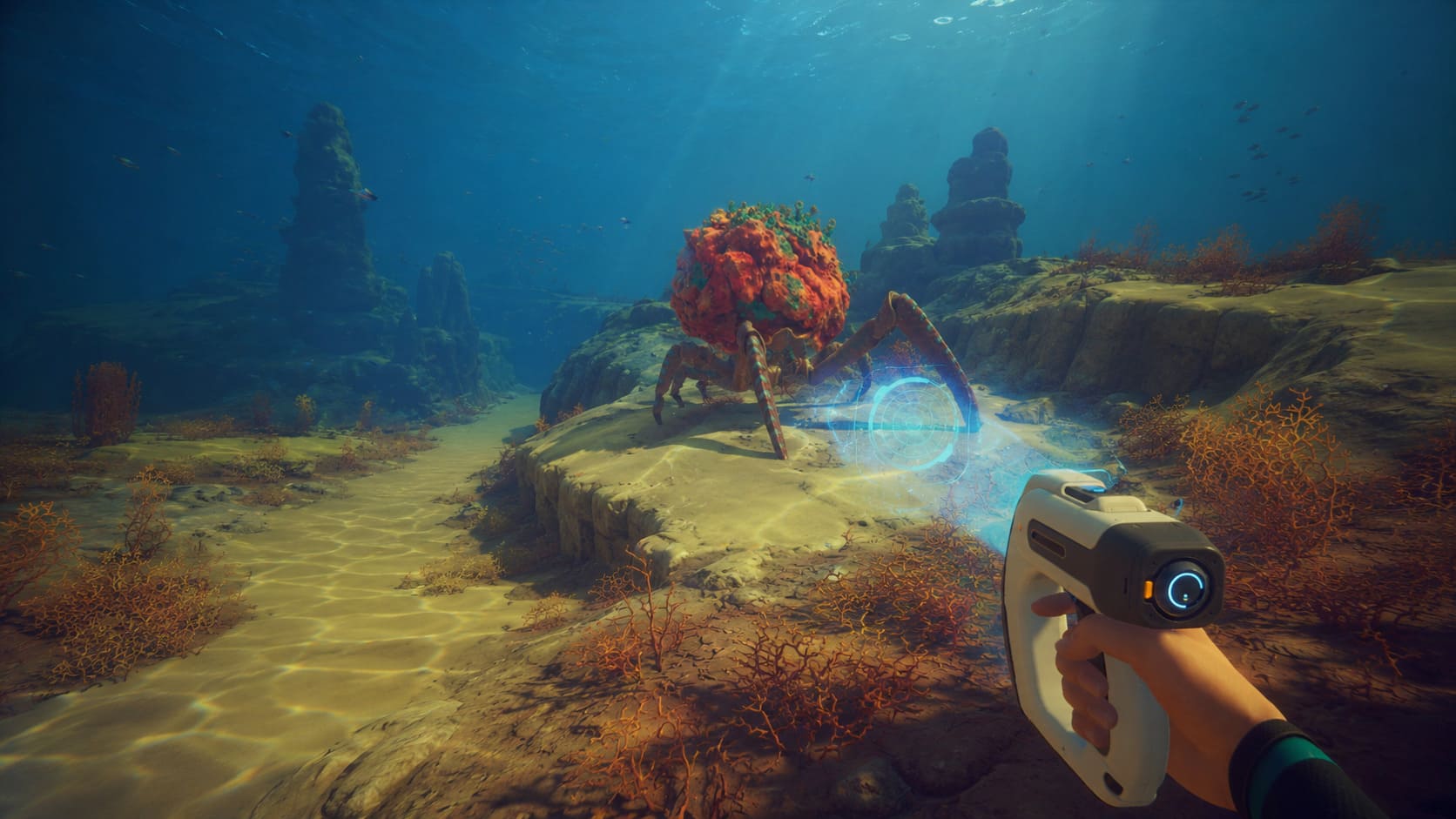
Despite all these problems, I still think Subnautica 2 has incredible potential.
The atmosphere is phenomenal. Exploring deep trenches with friends genuinely creates some unforgettable moments. Few games capture tension the way Subnautica does when your oxygen drops to 5% and something massive starts moving in the darkness below.
But the multiplayer infrastructure clearly needed more testing before launch.
Right now, joining friends sometimes feels harder than surviving the ocean itself.
The silver lining is that most connection issues are fixable without reinstalling Windows or replacing your internet provider. In my experience, the system clock synchronization fix and EOS Friend Codes solved the majority of problems almost instantly.
Final Thoughts
If you’re dealing with the Subnautica 2 Connection Timed Out error, don’t panic. The game’s co-op systems are unstable, but they are not completely broken.
Start with these three fixes first:
- Sync your Windows clock
- Run your launcher as Administrator
- Use EOS Friend Codes instead of normal invites
Those alone solved multiplayer for most people I know.
As the developers continue pushing patches throughout Early Access, multiplayer stability will almost certainly improve. Until then, expect occasional headaches — that’s just part of modern survival-game launches now.
Still, once the lobby finally works and your crew descends together into the alien depths for the first time, you’ll remember exactly why you kept trying to fix it in the first place.


